주요 콘텐츠로 건너뛰기

How to Replace a Logitech M325c Scroll Wheel

필요한 것

  1. How to Replace a Logitech M325c Scroll Wheel, Scroll Wheel: 1 단계, 이미지 1개 중 1개
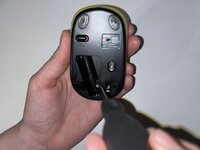
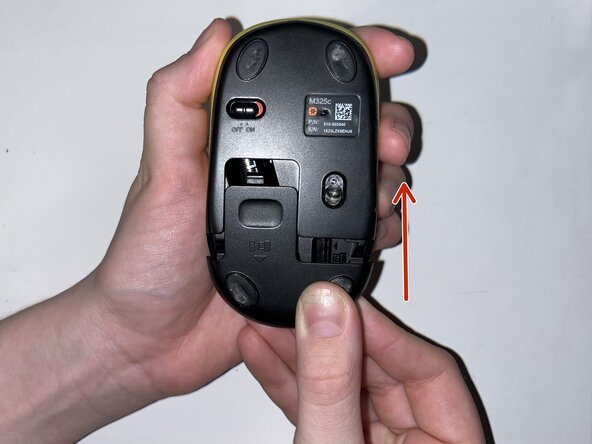
    • Slide the mouse’s case open to reveal the battery compartment.

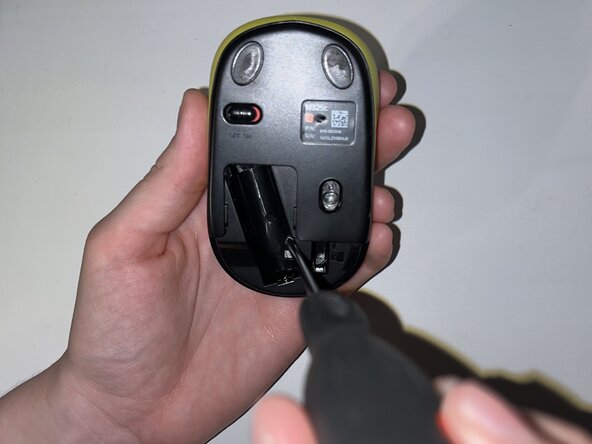
  2. How to Replace a Logitech M325c Scroll Wheel: 2 단계, 이미지 3개 중 1개 How to Replace a Logitech M325c Scroll Wheel: 2 단계, 이미지 3개 중 2개 How to Replace a Logitech M325c Scroll Wheel: 2 단계, 이미지 3개 중 3개
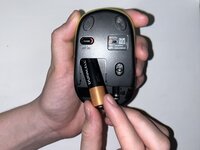
    • Remove the AA battery.

    • Peel off the sticker at the bottom of the compartment.

    • Remove the single Phillips screw.

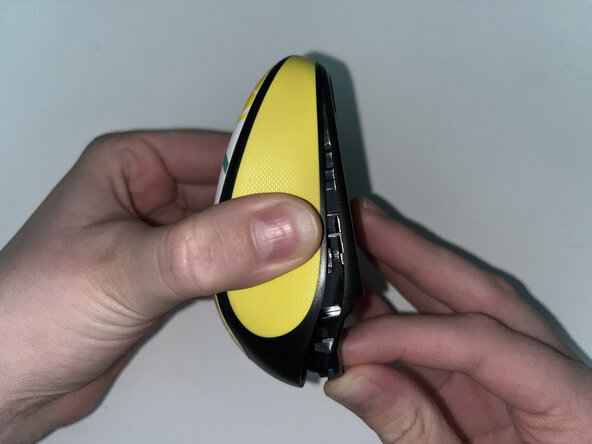
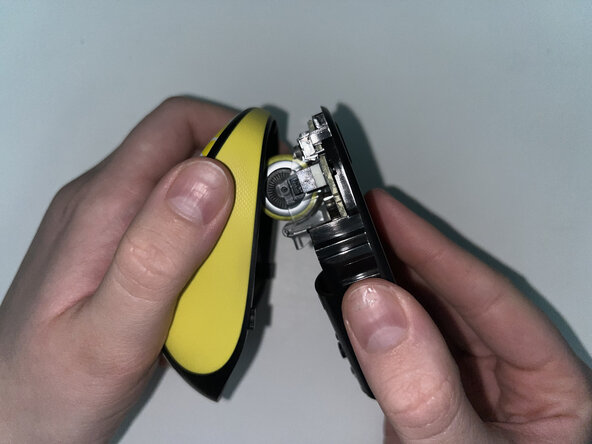
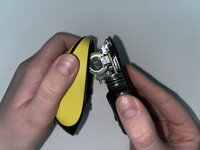
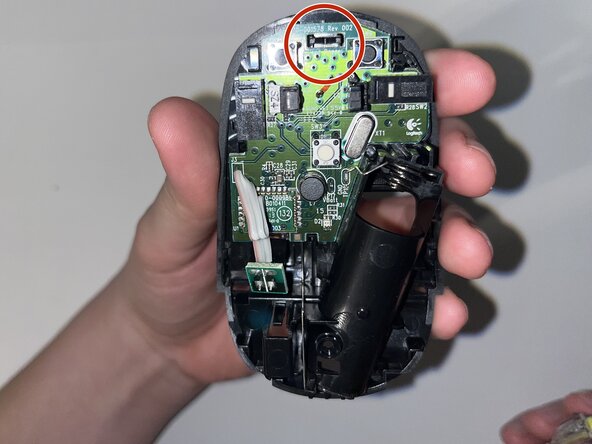
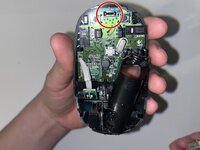
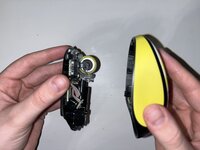
  3. How to Replace a Logitech M325c Scroll Wheel: 3 단계, 이미지 3개 중 1개 How to Replace a Logitech M325c Scroll Wheel: 3 단계, 이미지 3개 중 2개 How to Replace a Logitech M325c Scroll Wheel: 3 단계, 이미지 3개 중 3개
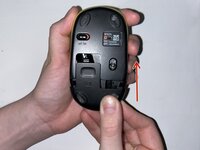
    • Pinch the lower case and carefully pull it to reveal the internal parts and scroll wheel.

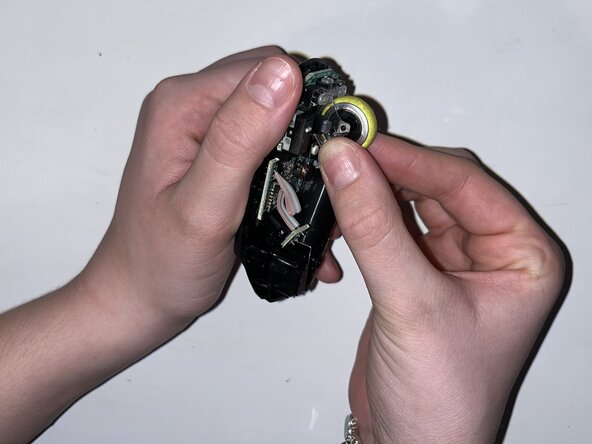
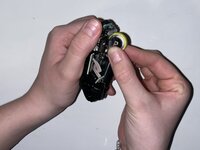
  4. How to Replace a Logitech M325c Scroll Wheel: 4 단계, 이미지 3개 중 1개 How to Replace a Logitech M325c Scroll Wheel: 4 단계, 이미지 3개 중 2개 How to Replace a Logitech M325c Scroll Wheel: 4 단계, 이미지 3개 중 3개
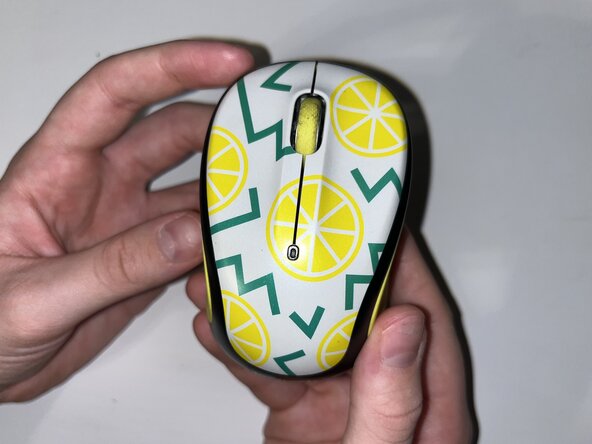
    • Carefully pop the scroll wheel out and replace it with the new wheel.

  5. How to Replace a Logitech M325c Scroll Wheel: 5 단계, 이미지 2개 중 1개 How to Replace a Logitech M325c Scroll Wheel: 5 단계, 이미지 2개 중 2개
    • Reattach the bottom of the mouse and fasten the single Phillips screw in the battery compartment.

  6. How to Replace a Logitech M325c Scroll Wheel: 6 단계, 이미지 3개 중 1개 How to Replace a Logitech M325c Scroll Wheel: 6 단계, 이미지 3개 중 2개 How to Replace a Logitech M325c Scroll Wheel: 6 단계, 이미지 3개 중 3개
    • Replace the AA battery and reinstall the battery compartment cover.

결승점

작성자

1다른 기여자 명과 함께

nicolec9

회원 가입일: 02/12/25

133 평판

안내서 1개를 작성함

0가이드 댓글

댓글 쓰기

조회 통계:

지난 24시간: 0

지난 7일: 3

지난 30일: 11

전체 시간: 126