주요 콘텐츠로 건너뛰기

How to Reset the Mainboard in your Framework Desktop

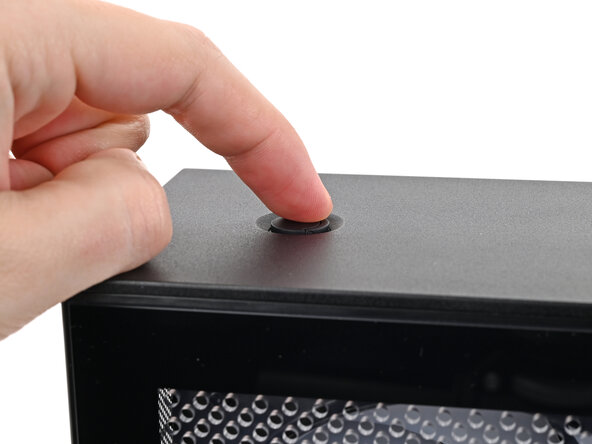
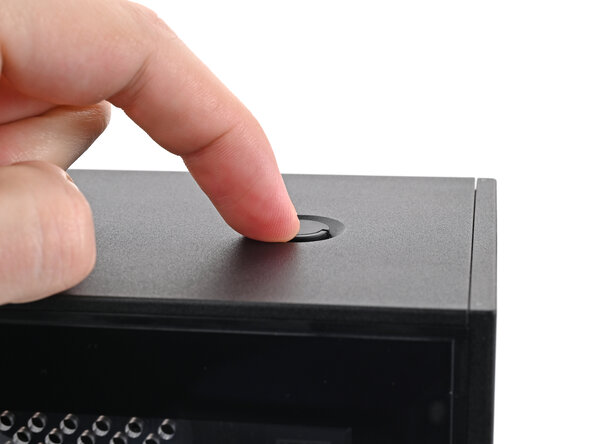
  1. How to Reset the Mainboard in your Framework Desktop, Power down your Desktop: 1 단계, 이미지 2개 중 1개 How to Reset the Mainboard in your Framework Desktop, Power down your Desktop: 1 단계, 이미지 2개 중 2개
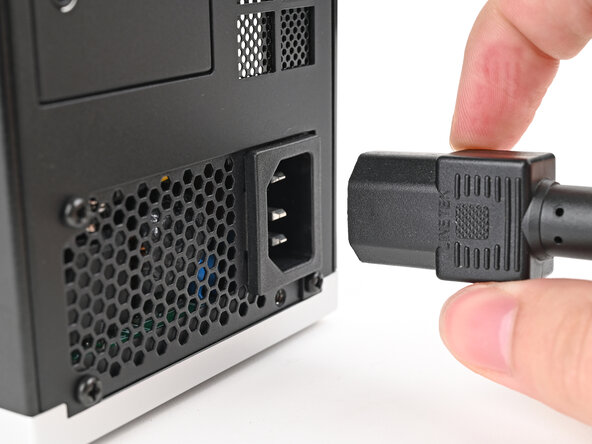
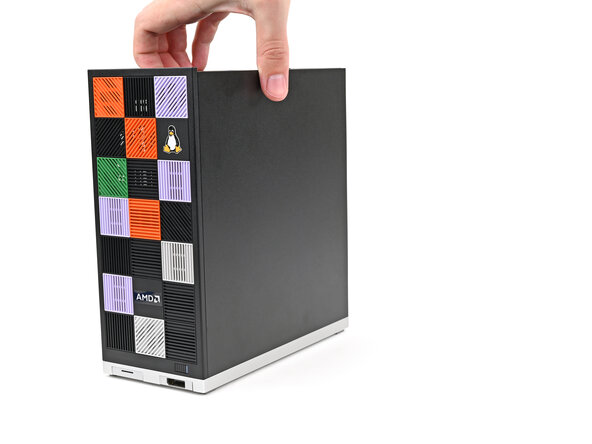
    • Before you begin repairs, shut down your Desktop from the operating system and unplug it.

    • Wait one minute before continuing to allow your Desktop to fully power down.

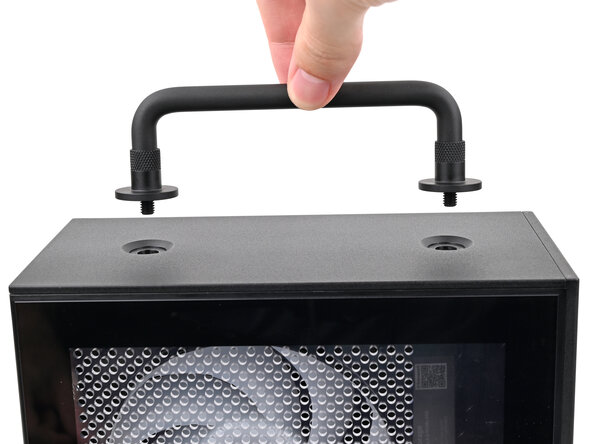
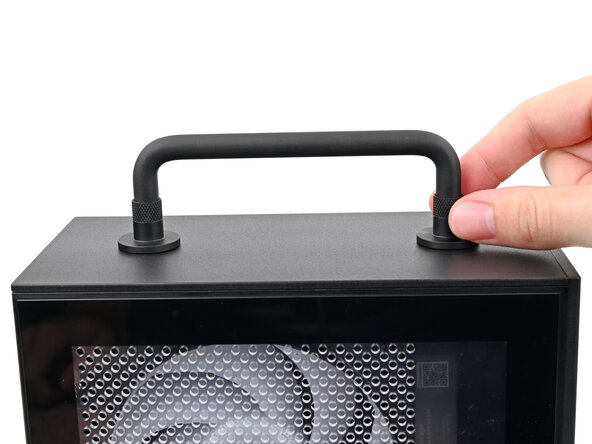
  2. How to Reset the Mainboard in your Framework Desktop, Remove the Handle: 2 단계, 이미지 3개 중 1개 How to Reset the Mainboard in your Framework Desktop, Remove the Handle: 2 단계, 이미지 3개 중 2개 How to Reset the Mainboard in your Framework Desktop, Remove the Handle: 2 단계, 이미지 3개 중 3개
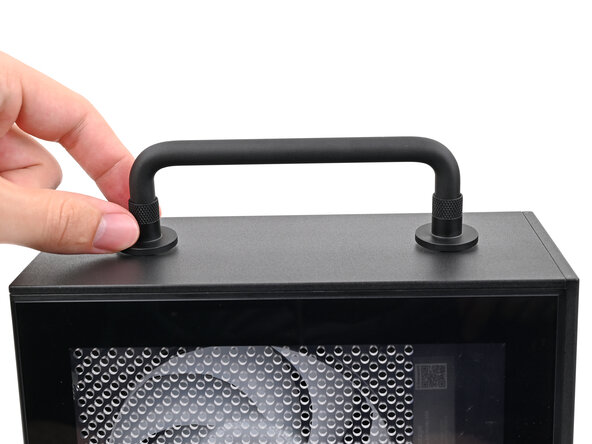
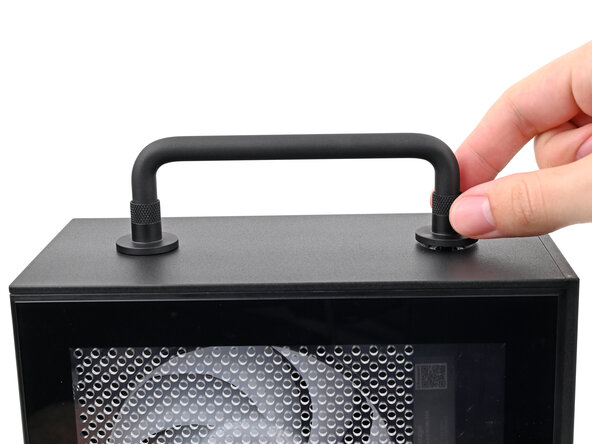
    • If you installed the Handle on your Desktop, follow this step. Otherwise, skip it.

    • Rotate the Handle's screw threads counterclockwise on both sides until it comes free.

    • Remove the Handle.

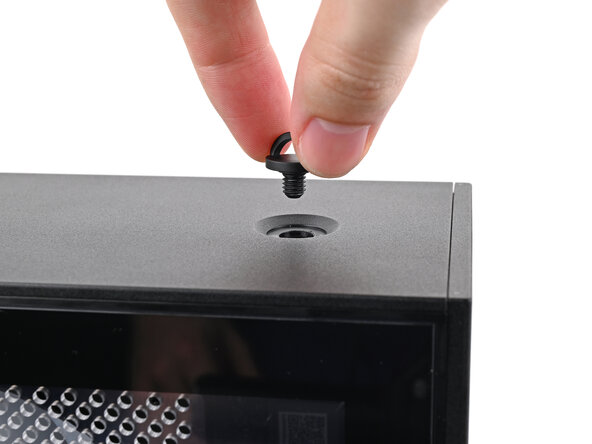
  3. How to Reset the Mainboard in your Framework Desktop, Remove the Top Panel screws: 3 단계, 이미지 3개 중 1개 How to Reset the Mainboard in your Framework Desktop, Remove the Top Panel screws: 3 단계, 이미지 3개 중 2개 How to Reset the Mainboard in your Framework Desktop, Remove the Top Panel screws: 3 단계, 이미지 3개 중 3개
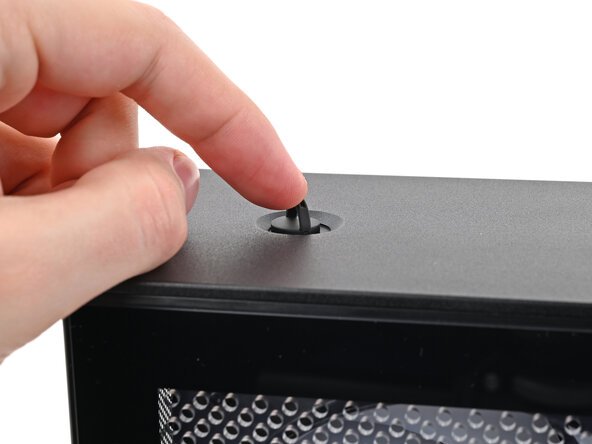
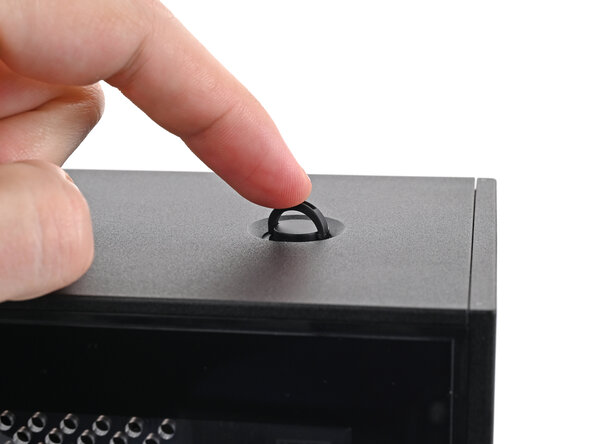
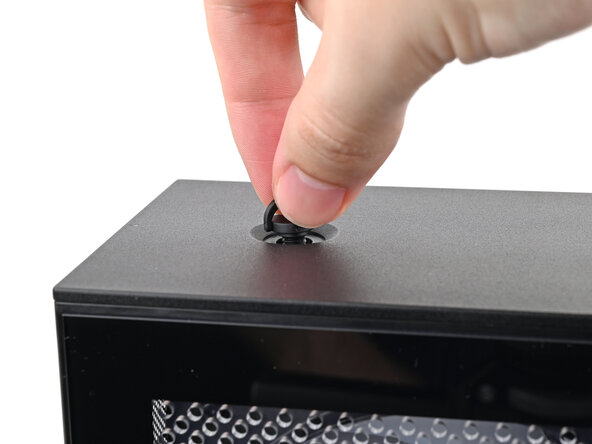
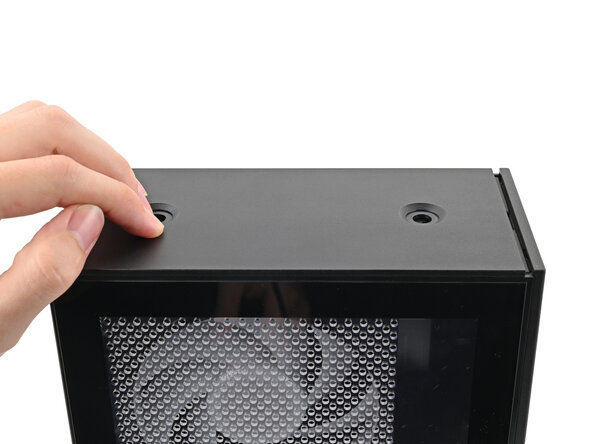
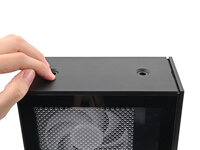
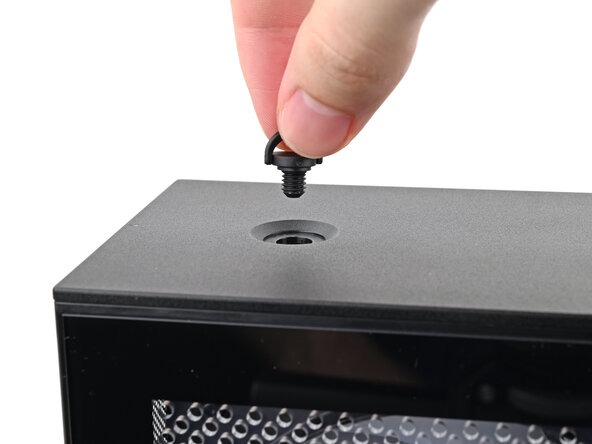
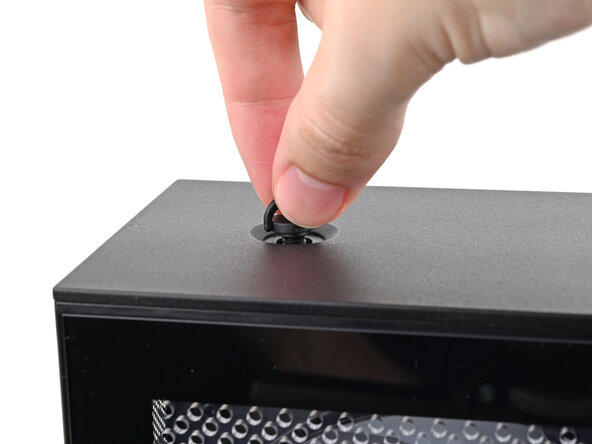
    • Use your finger to lift up the two D-rings on the Top Panel screws.

  4. How to Reset the Mainboard in your Framework Desktop: 4 단계, 이미지 3개 중 1개 How to Reset the Mainboard in your Framework Desktop: 4 단계, 이미지 3개 중 2개 How to Reset the Mainboard in your Framework Desktop: 4 단계, 이미지 3개 중 3개
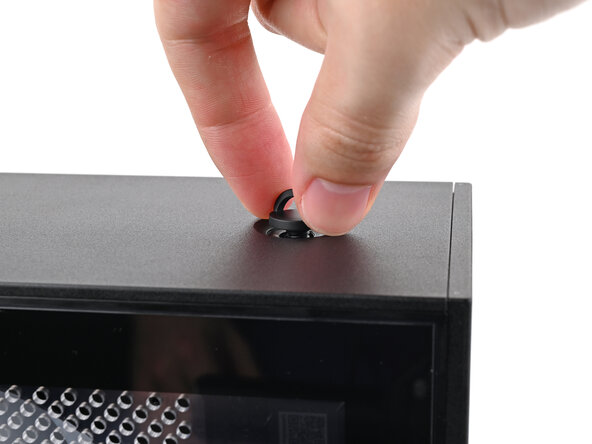
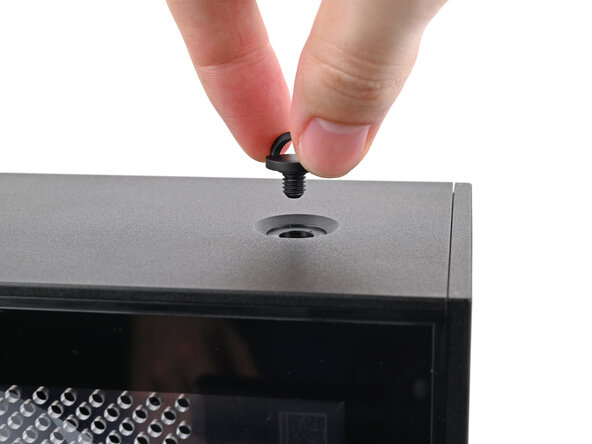
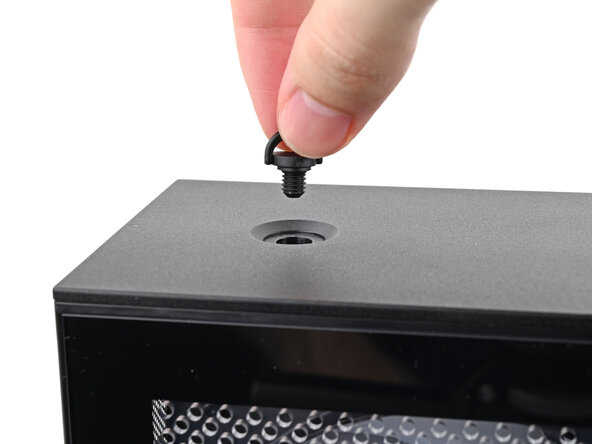
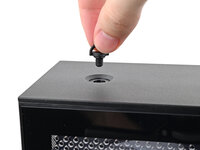
    • Use your fingers to twist the screw counter-clockwise and loosen it.

    • Remove the Top Panel screw.

  5. How to Reset the Mainboard in your Framework Desktop: 5 단계, 이미지 3개 중 1개 How to Reset the Mainboard in your Framework Desktop: 5 단계, 이미지 3개 중 2개 How to Reset the Mainboard in your Framework Desktop: 5 단계, 이미지 3개 중 3개
    • Repeat the same procedure for the other Top Panel screw.

  6. How to Reset the Mainboard in your Framework Desktop, Remove the Top Panel: 6 단계, 이미지 3개 중 1개 How to Reset the Mainboard in your Framework Desktop, Remove the Top Panel: 6 단계, 이미지 3개 중 2개 How to Reset the Mainboard in your Framework Desktop, Remove the Top Panel: 6 단계, 이미지 3개 중 3개
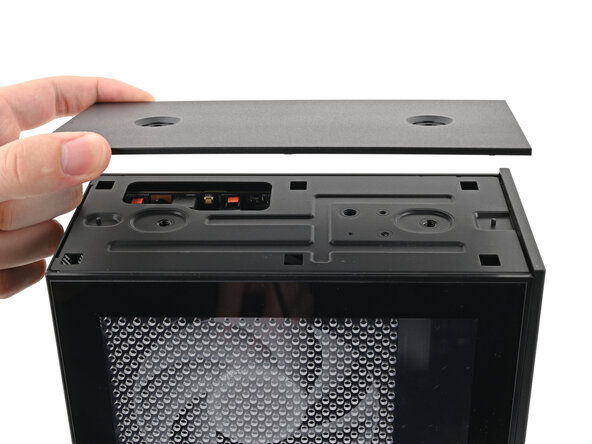
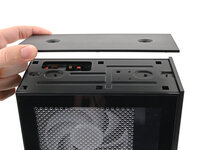
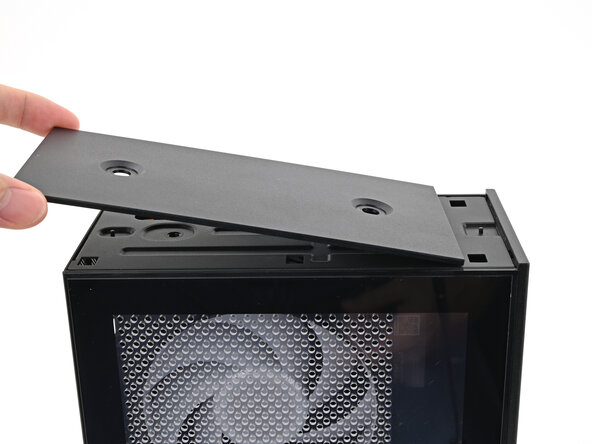
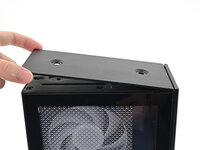
    • Slide the Top Panel towards the rear of the computer to release the clips securing it to the chassis.

    • If you're having a hard time gripping the Top Panel, use the screw holes to get a better handhold.

    • Lift the Top Panel off the chassis and remove it.

  7. How to Reset the Mainboard in your Framework Desktop, Lay down the Desktop: 7 단계, 이미지 2개 중 1개 How to Reset the Mainboard in your Framework Desktop, Lay down the Desktop: 7 단계, 이미지 2개 중 2개
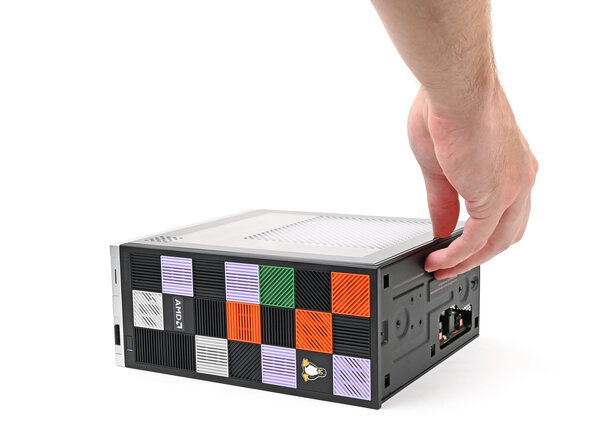
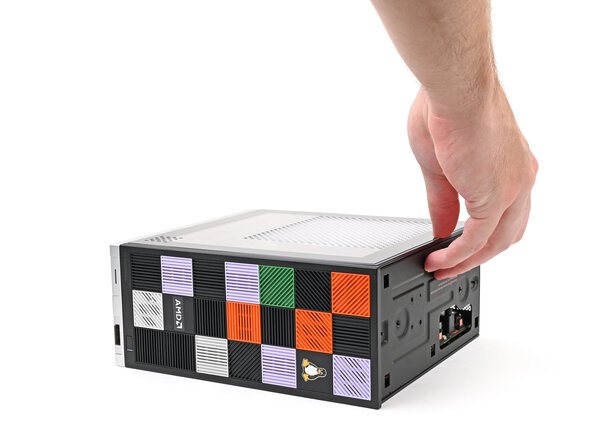
    • Lay down the Desktop on its right side.

  8. How to Reset the Mainboard in your Framework Desktop, Reset the Mainboard: 8 단계, 이미지 2개 중 1개 How to Reset the Mainboard in your Framework Desktop, Reset the Mainboard: 8 단계, 이미지 2개 중 2개
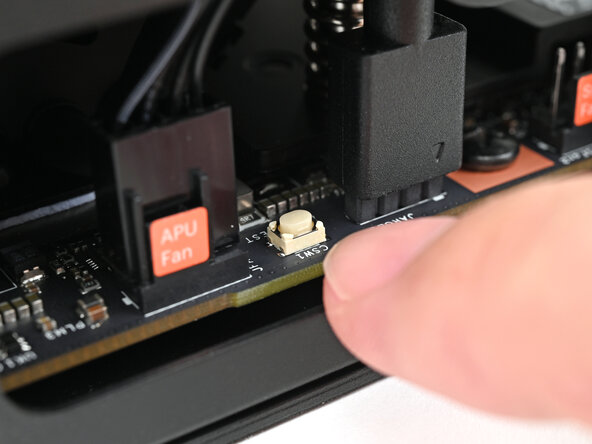
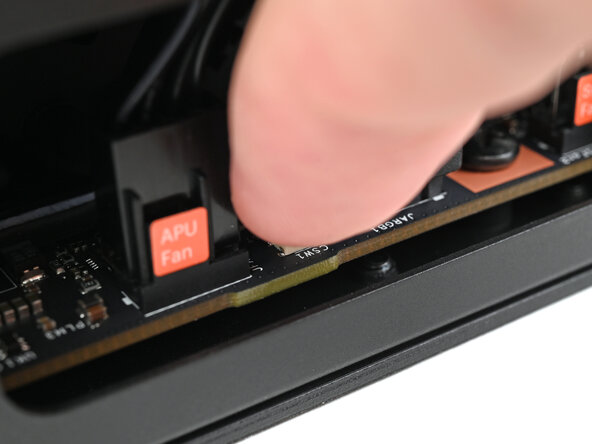
    • Press the white button labeled "CMOS RESET" next to the APU Fan connector and hold for 10 seconds.

  9. How to Reset the Mainboard in your Framework Desktop, Reposition the Desktop: 9 단계, 이미지 2개 중 1개 How to Reset the Mainboard in your Framework Desktop, Reposition the Desktop: 9 단계, 이미지 2개 중 2개
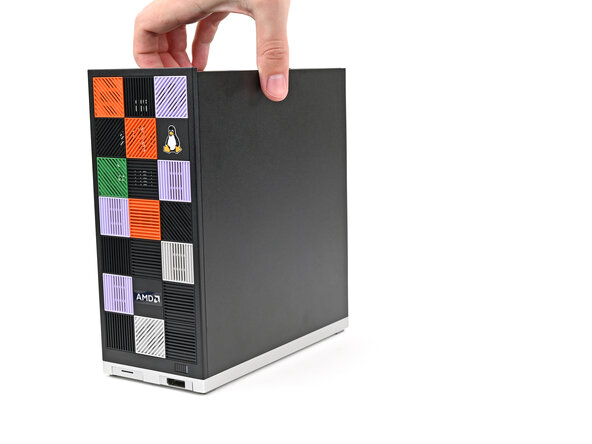
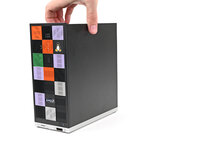
    • Lift the Desktop so it stands upright on your work surface.

  10. How to Reset the Mainboard in your Framework Desktop, Install the Top Panel: 10 단계, 이미지 3개 중 1개 How to Reset the Mainboard in your Framework Desktop, Install the Top Panel: 10 단계, 이미지 3개 중 2개 How to Reset the Mainboard in your Framework Desktop, Install the Top Panel: 10 단계, 이미지 3개 중 3개
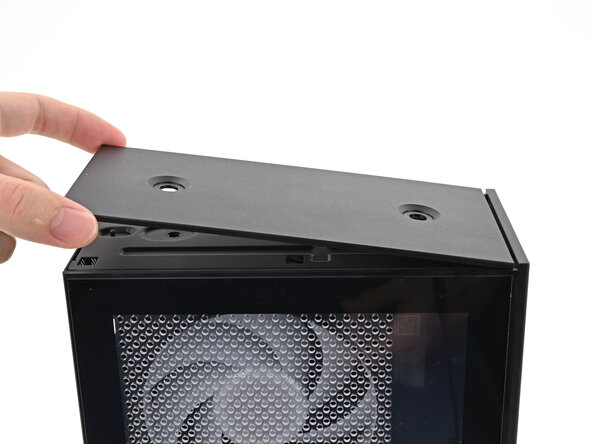
    • Orient the Top Panel so its arrow is pointing towards the rear of the computer.

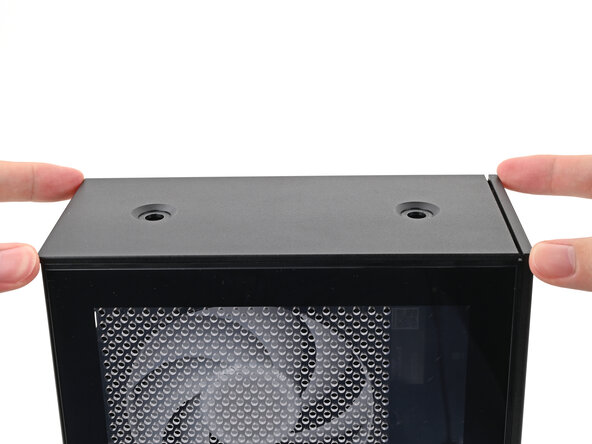
    • While holding the Top Panel at a slight downward angle, slide it across the top of the chassis (from rear to front) until you feel its clips catch.

    • There should be a small gap between the Top Panel and the front of the Desktop.

    • Lay the Top Panel flat on the chassis to align the remaining clips.

  11. How to Reset the Mainboard in your Framework Desktop: 11 단계, 이미지 2개 중 1개 How to Reset the Mainboard in your Framework Desktop: 11 단계, 이미지 2개 중 2개
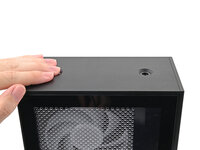
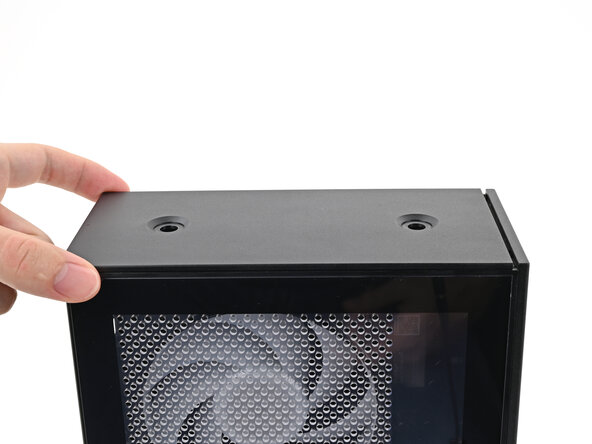
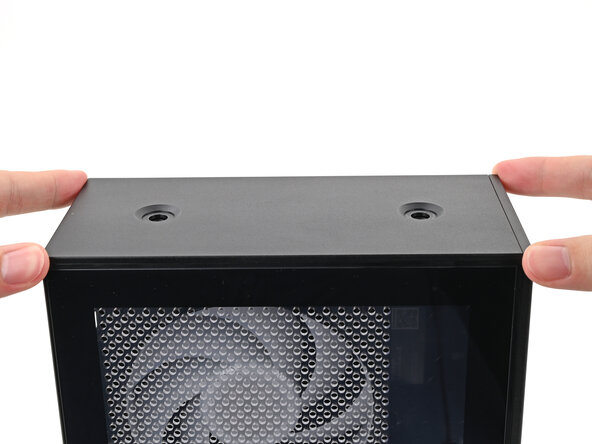
    • While securing the computer with one hand, use the other hand to slide the Top Panel towards the front of the computer to close the gap and engage the clips.

  12. How to Reset the Mainboard in your Framework Desktop, Install the Handle: 12 단계, 이미지 2개 중 1개 How to Reset the Mainboard in your Framework Desktop, Install the Handle: 12 단계, 이미지 2개 중 2개
    • If you're installing the Handle on your Desktop, follow this step. Otherwise, skip it.

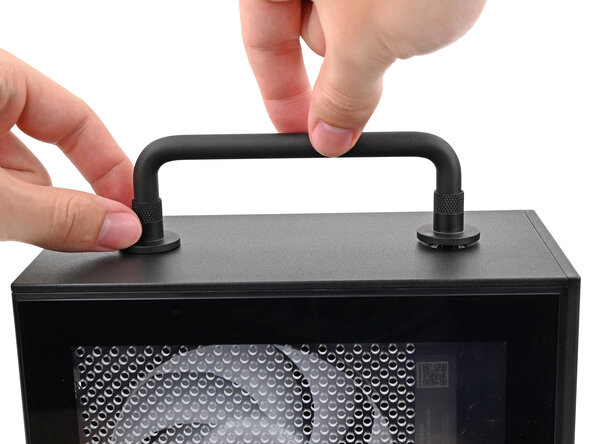
    • Place the Handle over the Top Panel screw holes.

    • While holding the Handle in place, twist the screw threads on both sides clockwise until they're snug on the Top Panel.

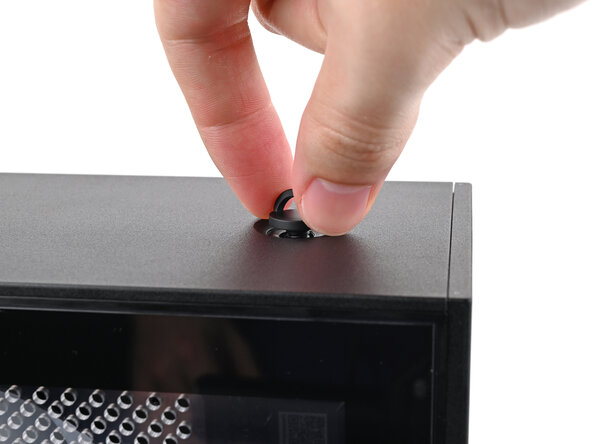
  13. How to Reset the Mainboard in your Framework Desktop, Install the top panel screws: 13 단계, 이미지 3개 중 1개 How to Reset the Mainboard in your Framework Desktop, Install the top panel screws: 13 단계, 이미지 3개 중 2개 How to Reset the Mainboard in your Framework Desktop, Install the top panel screws: 13 단계, 이미지 3개 중 3개
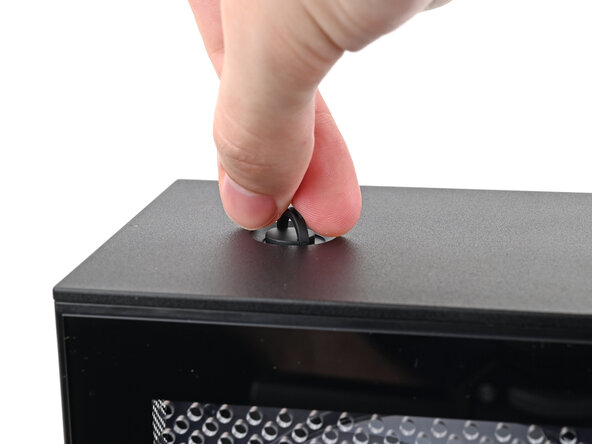
    • Insert the top panel screw into its hole and twist clockwise until it feels snug.

  14. How to Reset the Mainboard in your Framework Desktop: 14 단계, 이미지 3개 중 1개 How to Reset the Mainboard in your Framework Desktop: 14 단계, 이미지 3개 중 2개 How to Reset the Mainboard in your Framework Desktop: 14 단계, 이미지 3개 중 3개
    • Repeat the same procedure for the other top panel screw.

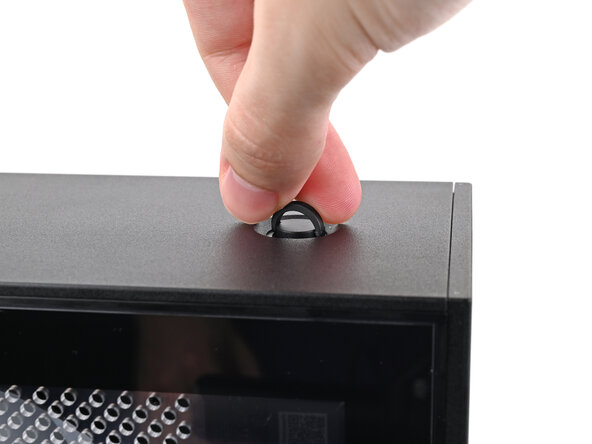
  15. How to Reset the Mainboard in your Framework Desktop: 15 단계, 이미지 3개 중 1개 How to Reset the Mainboard in your Framework Desktop: 15 단계, 이미지 3개 중 2개 How to Reset the Mainboard in your Framework Desktop: 15 단계, 이미지 3개 중 3개
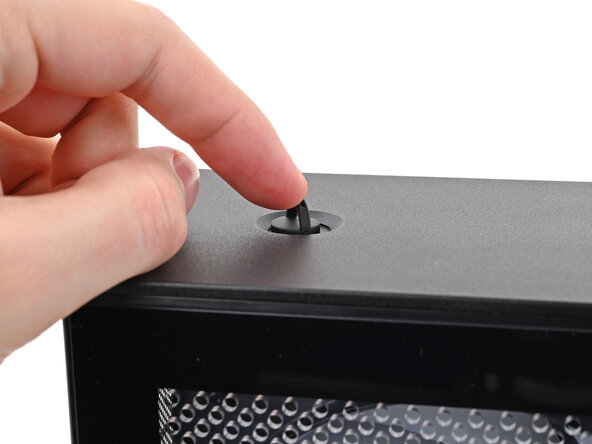
    • Use your finger to close the two D-rings on the top panel screws.

  16. How to Reset the Mainboard in your Framework Desktop, Plug in the Desktop: 16 단계, 이미지 2개 중 1개 How to Reset the Mainboard in your Framework Desktop, Plug in the Desktop: 16 단계, 이미지 2개 중 2개
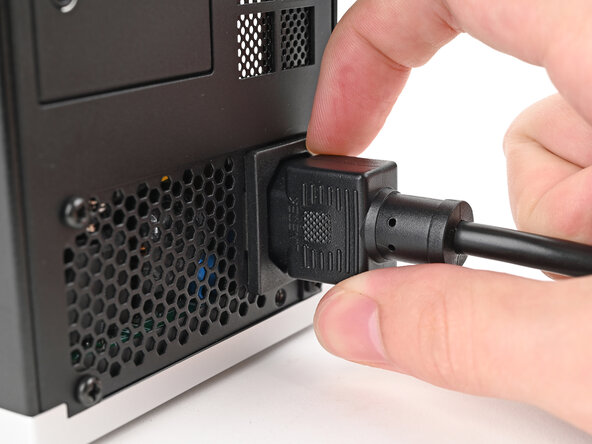
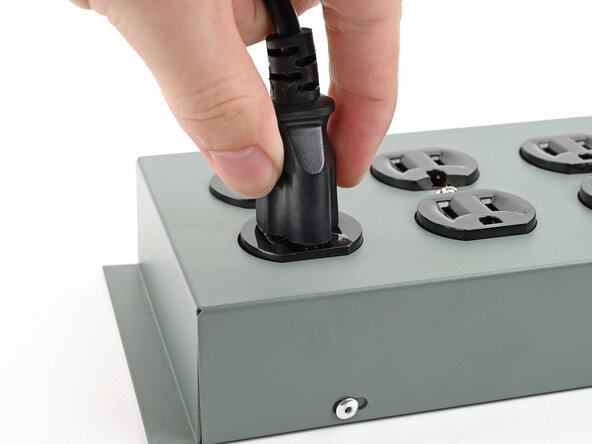
    • Plug the Desktop back in.

    • Turn on your Desktop—it should boot up normally. If your BIOS settings haven't changed, or if you're still experiencing issues, repeat the Mainboard reset procedure.

결론

If you need help, contact Framework support.

다른 한 분이 해당 안내서를 완성하였습니다.

Alex Diaz-Kokaisl

회원 가입일: 01/16/22

213,465 평판

안내서 1,040개를 작성함

0가이드 댓글

댓글 쓰기

조회 통계:

지난 24시간: 3

지난 7일: 32

지난 30일: 115

전체 시간: 365