주요 콘텐츠로 건너뛰기

How to Test Your Samsung Device After a Repair

  1. How to Test Your Samsung Device After a Repair, Download the app: 1 단계, 이미지 2개 중 1개 How to Test Your Samsung Device After a Repair, Download the app: 1 단계, 이미지 2개 중 2개
    • Download the Samsung Members app on the Play Store or the Galaxy Store

    • Select the Samsung Members app.

  2. How to Test Your Samsung Device After a Repair, Agree to the terms and conditions: 2 단계, 이미지 2개 중 1개 How to Test Your Samsung Device After a Repair, Agree to the terms and conditions: 2 단계, 이미지 2개 중 2개
    • Select "Agree to all" to fill in the agreement checkmarks.

    • Select "Continue"

  3. How to Test Your Samsung Device After a Repair, Navigate to the test screen: 3 단계, 이미지 2개 중 1개 How to Test Your Samsung Device After a Repair, Navigate to the test screen: 3 단계, 이미지 2개 중 2개
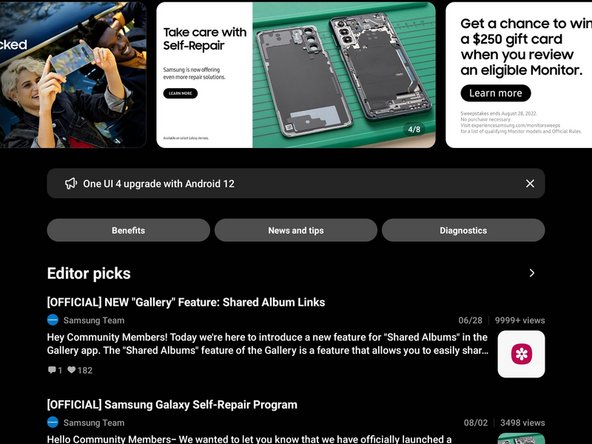
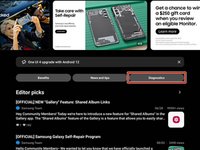
    • Select the "Diagnostics" tab near the top right of the screen.

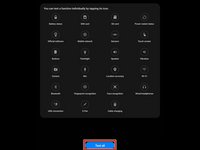
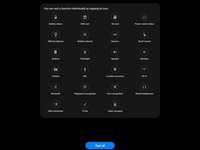
  4. How to Test Your Samsung Device After a Repair, Select the test: 4 단계, 이미지 2개 중 1개 How to Test Your Samsung Device After a Repair, Select the test: 4 단계, 이미지 2개 중 2개
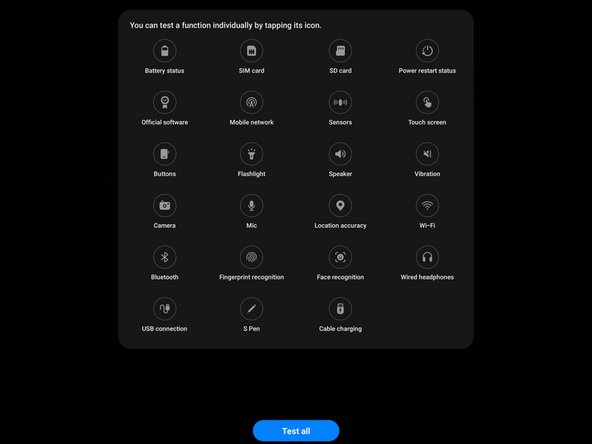
    • Depending on your device, you may have different tests available.

    • Select the test you would like to perform.

    • If you want to perform all of the tests, select "Test all"

결승점

다른 21명이 해당 안내서를 완성하였습니다.

작성자

1다른 기여자 명과 함께

Alex Diaz-Kokaisl

회원 가입일: 01/16/22

212,521 평판

안내서 1,037개를 작성함

iFixit iFixit 회원

Staff

123 회원들

안내서 23,589개를 작성함

2가이드 댓글

Alternatively if the app is not supported or you don't want to sign in with a Samsung account, you can dial *#0*#

JoshAtticus - 답글

댓글 쓰기

조회 통계:

지난 24시간: 3

지난 7일: 40

지난 30일: 182

전체 시간: 9,193