주요 콘텐츠로 건너뛰기

How to Unjam a Uni Jetstream 4-in-1 Mechanical Pencil

  1. How to Unjam a Uni Jetstream 4-in-1 Mechanical Pencil, How to Unjam a Uni Jetstream 4-in-1 Mechanical Pencil: 1 단계, 이미지 3개 중 1개 How to Unjam a Uni Jetstream 4-in-1 Mechanical Pencil, How to Unjam a Uni Jetstream 4-in-1 Mechanical Pencil: 1 단계, 이미지 3개 중 2개 How to Unjam a Uni Jetstream 4-in-1 Mechanical Pencil, How to Unjam a Uni Jetstream 4-in-1 Mechanical Pencil: 1 단계, 이미지 3개 중 3개
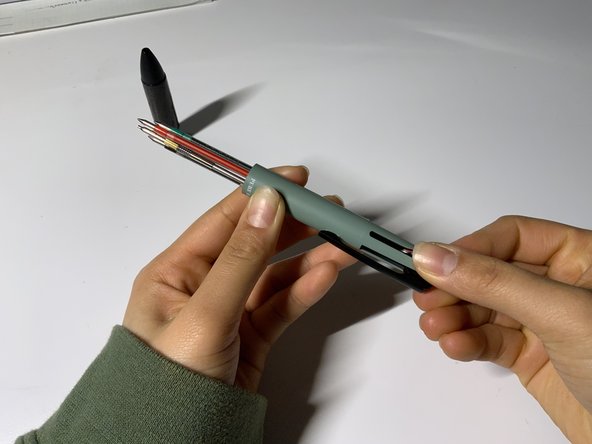
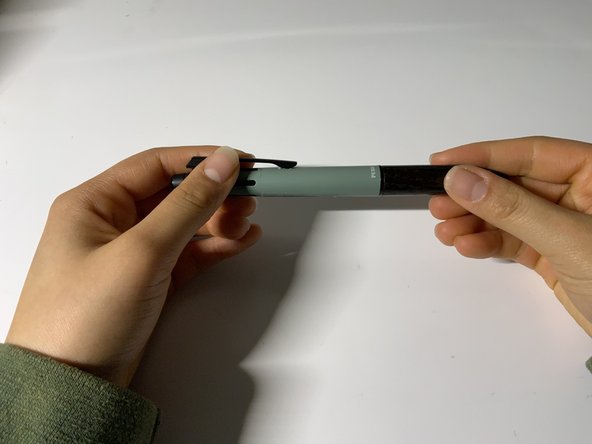
    • Unscrew the cover of the pencil by holding one end and twisting the other end counter clockwise.

  2. How to Unjam a Uni Jetstream 4-in-1 Mechanical Pencil: 2 단계, 이미지 3개 중 1개 How to Unjam a Uni Jetstream 4-in-1 Mechanical Pencil: 2 단계, 이미지 3개 중 2개 How to Unjam a Uni Jetstream 4-in-1 Mechanical Pencil: 2 단계, 이미지 3개 중 3개
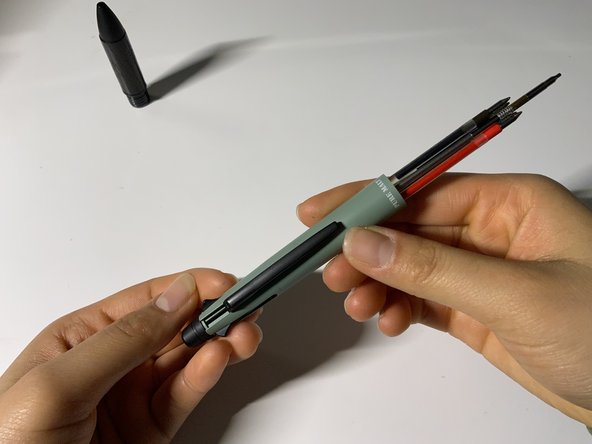
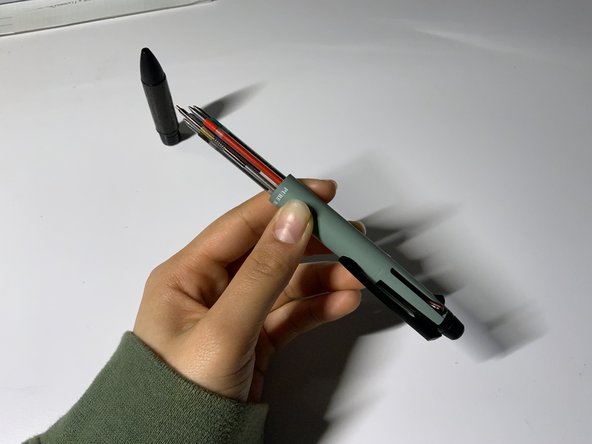
    • Place the cover upright and out of the way to avoid it rolling away. Placing your finger on the pencil clip, push it until the pencil portion of the writing tool sticks out.

  3. How to Unjam a Uni Jetstream 4-in-1 Mechanical Pencil: 3 단계, 이미지 3개 중 1개 How to Unjam a Uni Jetstream 4-in-1 Mechanical Pencil: 3 단계, 이미지 3개 중 2개 How to Unjam a Uni Jetstream 4-in-1 Mechanical Pencil: 3 단계, 이미지 3개 중 3개
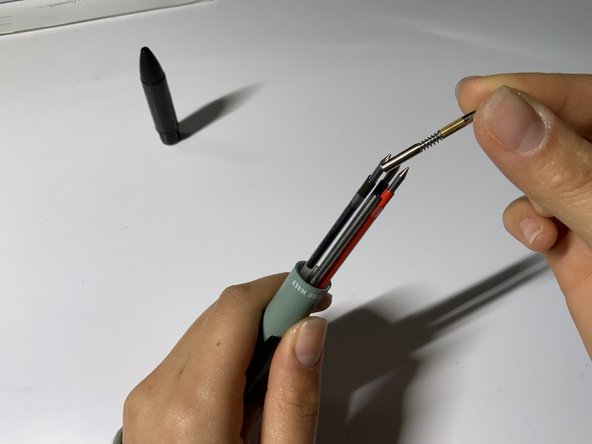
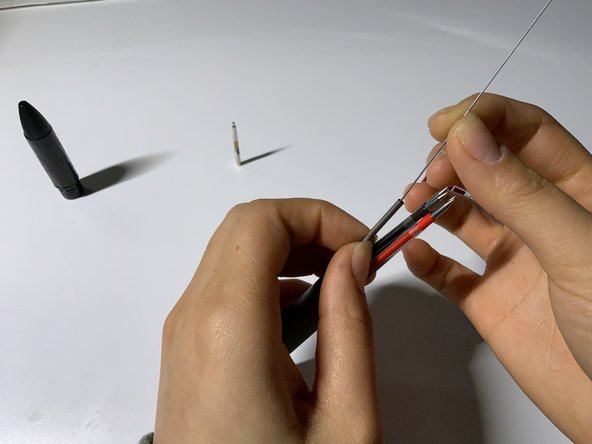
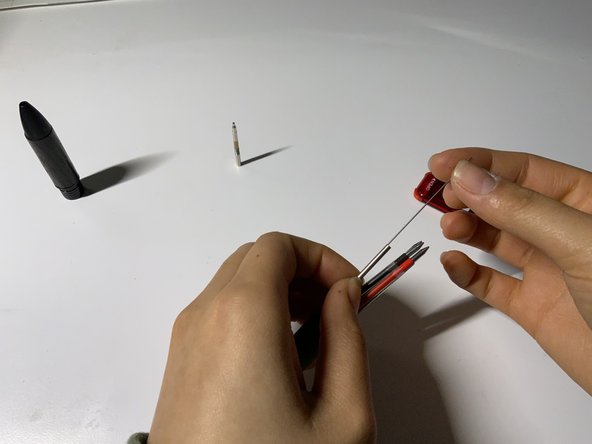
    • While holding the base of the silver cylinder, remove the top of the pencil portion.

  4. How to Unjam a Uni Jetstream 4-in-1 Mechanical Pencil: 4 단계, 이미지 3개 중 1개 How to Unjam a Uni Jetstream 4-in-1 Mechanical Pencil: 4 단계, 이미지 3개 중 2개 How to Unjam a Uni Jetstream 4-in-1 Mechanical Pencil: 4 단계, 이미지 3개 중 3개
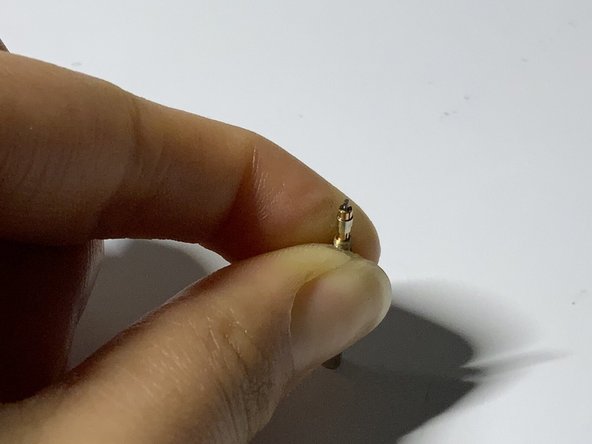
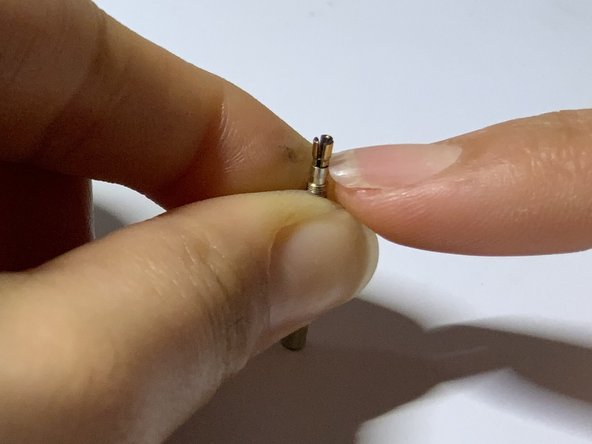
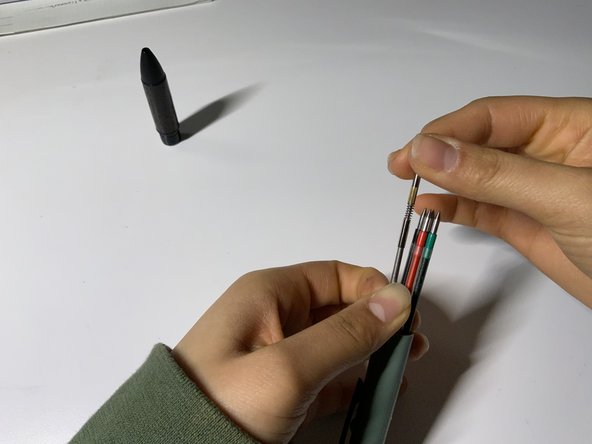
    • By holding firmly on the golden ridges for grip, unscrew the top.

  5. How to Unjam a Uni Jetstream 4-in-1 Mechanical Pencil: 5 단계, 이미지 3개 중 1개 How to Unjam a Uni Jetstream 4-in-1 Mechanical Pencil: 5 단계, 이미지 3개 중 2개 How to Unjam a Uni Jetstream 4-in-1 Mechanical Pencil: 5 단계, 이미지 3개 중 3개
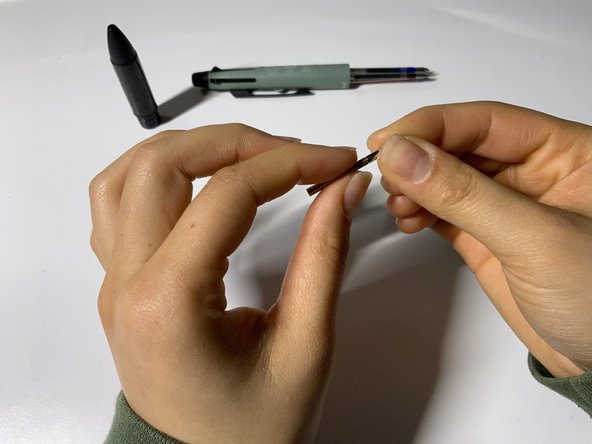
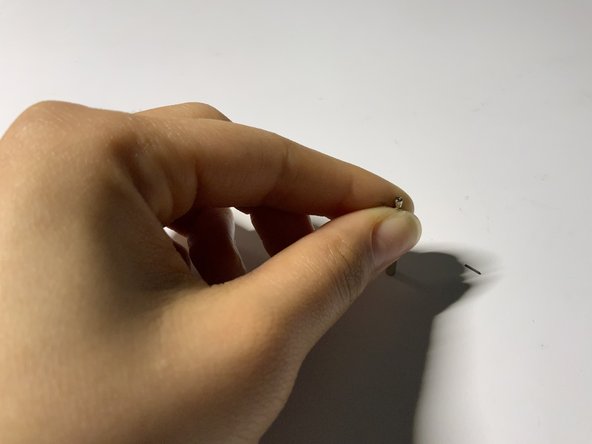
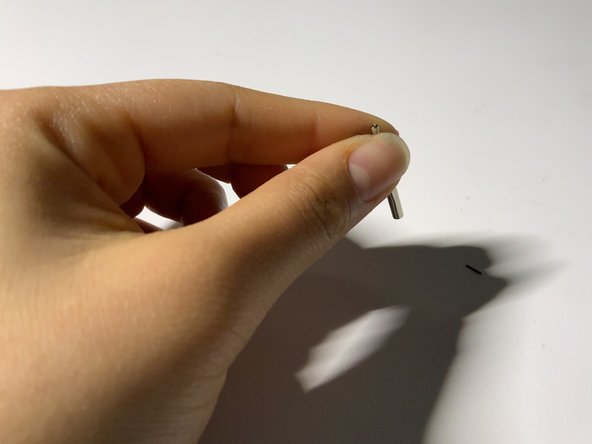
    • On a flat surface, place the rod upright and use the ridges as a grip. Tightly pinching the rod, push down on the table and push down the barrel.

    • The jammed lead would fall right through.

  6. How to Unjam a Uni Jetstream 4-in-1 Mechanical Pencil: 6 단계, 이미지 3개 중 1개 How to Unjam a Uni Jetstream 4-in-1 Mechanical Pencil: 6 단계, 이미지 3개 중 2개 How to Unjam a Uni Jetstream 4-in-1 Mechanical Pencil: 6 단계, 이미지 3개 중 3개
    • Lightly tap the rod on the table so that any remaining led fragments are removed.

  7. How to Unjam a Uni Jetstream 4-in-1 Mechanical Pencil: 7 단계, 이미지 3개 중 1개 How to Unjam a Uni Jetstream 4-in-1 Mechanical Pencil: 7 단계, 이미지 3개 중 2개 How to Unjam a Uni Jetstream 4-in-1 Mechanical Pencil: 7 단계, 이미지 3개 중 3개
    • In order to avoid the rod rolling away, place the rod upright and out of the way. In the same silver cylinder, add your replacement led in the opening.

  8. How to Unjam a Uni Jetstream 4-in-1 Mechanical Pencil: 8 단계, 이미지 3개 중 1개 How to Unjam a Uni Jetstream 4-in-1 Mechanical Pencil: 8 단계, 이미지 3개 중 2개 How to Unjam a Uni Jetstream 4-in-1 Mechanical Pencil: 8 단계, 이미지 3개 중 3개
    • Screw back the rod by firmly pressing the rod into the barrel.

  9. How to Unjam a Uni Jetstream 4-in-1 Mechanical Pencil: 9 단계, 이미지 3개 중 1개 How to Unjam a Uni Jetstream 4-in-1 Mechanical Pencil: 9 단계, 이미지 3개 중 2개 How to Unjam a Uni Jetstream 4-in-1 Mechanical Pencil: 9 단계, 이미지 3개 중 3개
    • Reset the pen by pushing on any of the pen colors.

  10. How to Unjam a Uni Jetstream 4-in-1 Mechanical Pencil: 10 단계, 이미지 3개 중 1개 How to Unjam a Uni Jetstream 4-in-1 Mechanical Pencil: 10 단계, 이미지 3개 중 2개 How to Unjam a Uni Jetstream 4-in-1 Mechanical Pencil: 10 단계, 이미지 3개 중 3개
    • Screw the cover back onto the body by holding one end and turning the other clockwise until you feel resistance.

결승점

다른 한 분이 해당 안내서를 완성하였습니다.

작성자

2다른 기여자 명과 함께

Lianne R. de Leon

회원 가입일: 01/21/25

181 평판

안내서 1개를 작성함

UC Davis, Team 1-5, Morris Winter 2025 UC Davis, Team 1-5, Morris Winter 2025 회원

UCD-MORRIS-W25S1G5

3 회원들

안내서 1개 작성

0가이드 댓글

댓글 쓰기

조회 통계:

지난 24시간: 0

지난 7일: 8

지난 30일: 51

전체 시간: 300