주요 콘텐츠로 건너뛰기

How to identify your iPhone

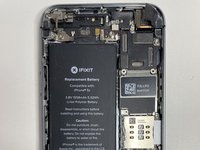
  1. How to identify your iPhone, iPhone 5: 1 단계, 이미지 3개 중 1개 How to identify your iPhone, iPhone 5: 1 단계, 이미지 3개 중 2개 How to identify your iPhone, iPhone 5: 1 단계, 이미지 3개 중 3개
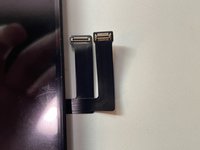
    • iPhone 5 has two parallel, horizontal screen connectors in the top right.. The larger, top one is the Digitizer connector, and the bottom, smaller one is the LCD connector. The vertical connection is used for camera and speaker functionality.

  2. How to identify your iPhone, iPhone 5c: 2 단계, 이미지 3개 중 1개 How to identify your iPhone, iPhone 5c: 2 단계, 이미지 3개 중 2개 How to identify your iPhone, iPhone 5c: 2 단계, 이미지 3개 중 3개
    • iPhone 5c has it's LCD and digitizer connectors in the top right. It has a horizontal digitizer connecter and a vertical LCD connecter to it's top left.

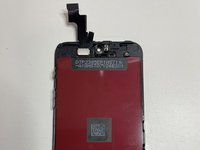
  3. How to identify your iPhone, Difference between 5 and 5c: 3 단계, 이미지 1개 중 1개
    • The main difference between the 5s and 5c is the 5s (left) is a thinner display than the 5c (right). The other smaller difference is that the digitizer connection is slightly larger.

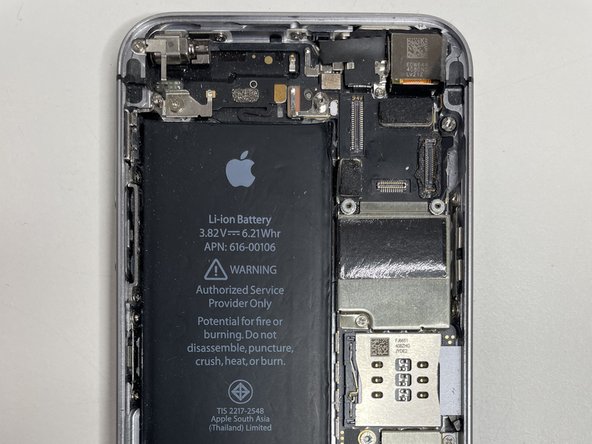
  4. How to identify your iPhone, iPhone 5s: 4 단계, 이미지 3개 중 1개 How to identify your iPhone, iPhone 5s: 4 단계, 이미지 3개 중 2개 How to identify your iPhone, iPhone 5s: 4 단계, 이미지 3개 중 3개
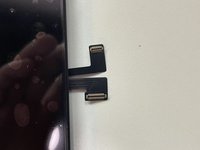
    • The iPhone 5s has connectors that are similar to 5c where there is a horizontal LCD and a vertical digitizer.

  5. How to identify your iPhone, Difference between the 5 and 5s: 5 단계, 이미지 1개 중 1개
    • The iPhone 5 has two vertical connectors and the iPhone 5s has a horizontal and a vertical connector.

  6. How to identify your iPhone, iPhone SE: 6 단계, 이미지 2개 중 1개 How to identify your iPhone, iPhone SE: 6 단계, 이미지 2개 중 2개
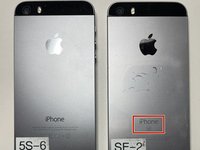
    • iPhone SE is very similar to iPhone 5s.

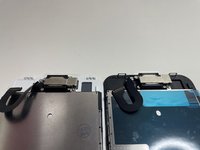
    • You can tell between the iPhone SE and iPhone 5s by checking the back of the phone.

  7. How to identify your iPhone, iPhone 6: 7 단계, 이미지 3개 중 1개 How to identify your iPhone, iPhone 6: 7 단계, 이미지 3개 중 2개 How to identify your iPhone, iPhone 6: 7 단계, 이미지 3개 중 3개
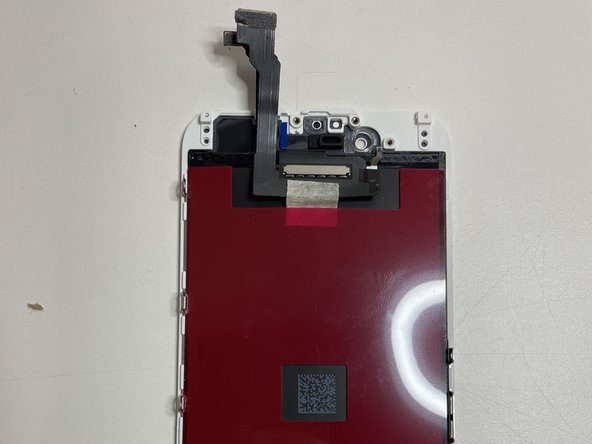
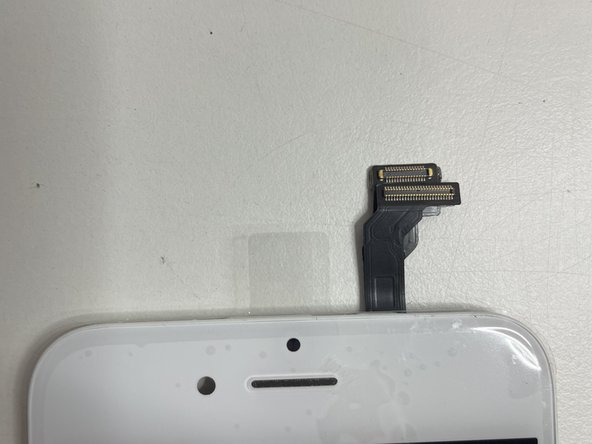
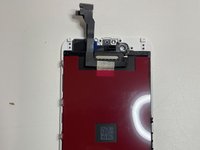
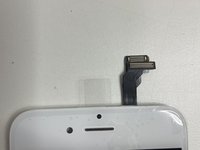
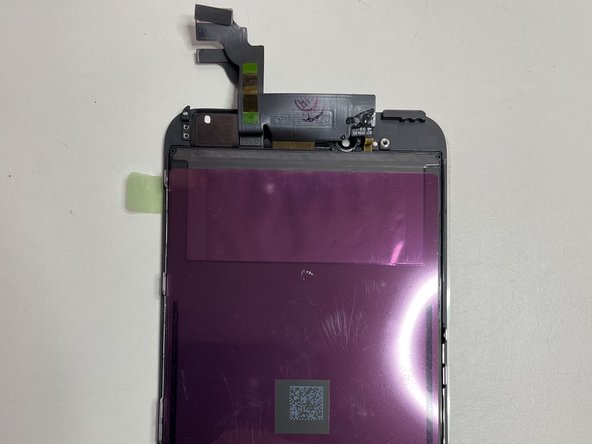
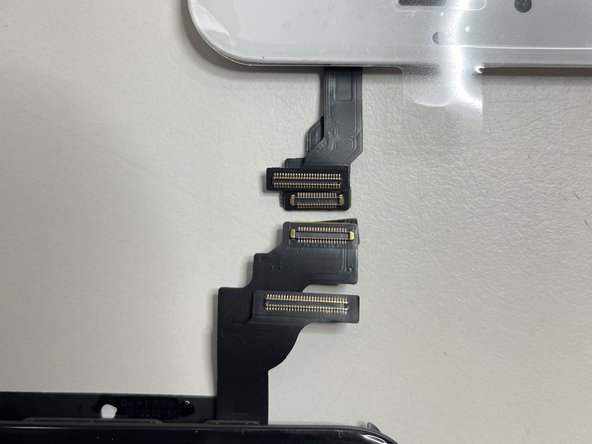
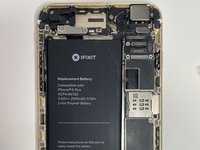
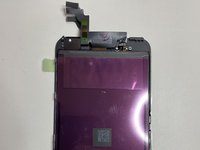
    • iPhone 6 has two parallel horizontal connectors in the top right. Following the same convention as the 5 series.

  8. How to identify your iPhone, iPhone 6 Plus: 8 단계, 이미지 3개 중 1개 How to identify your iPhone, iPhone 6 Plus: 8 단계, 이미지 3개 중 2개 How to identify your iPhone, iPhone 6 Plus: 8 단계, 이미지 3개 중 3개
    • The iPhone 6 Plus is very similar to the iPhone 6 except it's larger, and the connectors are longer.

  9. How to identify your iPhone, iPhone 6s: 9 단계, 이미지 3개 중 1개 How to identify your iPhone, iPhone 6s: 9 단계, 이미지 3개 중 2개 How to identify your iPhone, iPhone 6s: 9 단계, 이미지 3개 중 3개
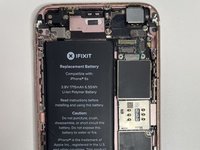
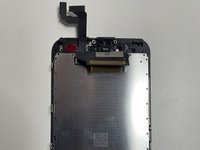
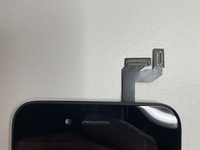
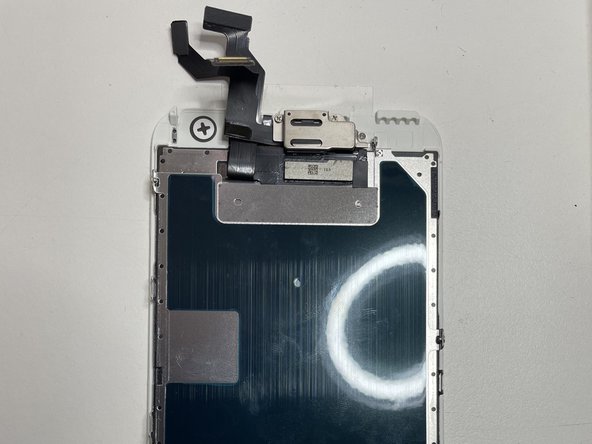
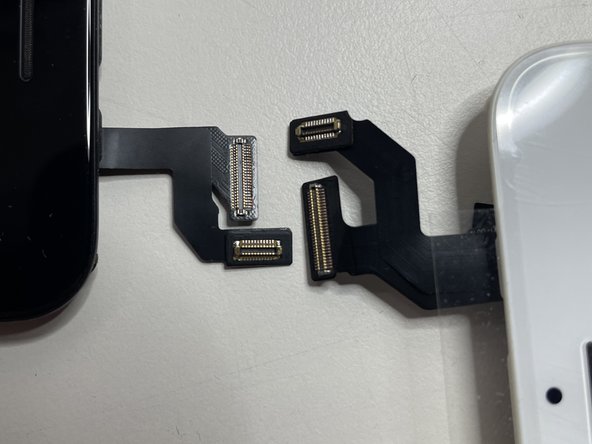
    • The iPhone 6s has vertical and horizontal connectors as well as an identifying mark on the back of the phone designating it as an s

  10. How to identify your iPhone, Difference between 6 and 6s: 10 단계, 이미지 1개 중 1개
    • The main way to tell between the 6 and 6s is to check the back of the phone. If you don't already have it open.

  11. How to identify your iPhone, iPhone 6s Plus: 11 단계, 이미지 3개 중 1개 How to identify your iPhone, iPhone 6s Plus: 11 단계, 이미지 3개 중 2개 How to identify your iPhone, iPhone 6s Plus: 11 단계, 이미지 3개 중 3개
    • The iPhone 6s Plus is very similar to the 6s, except that the connectors are longer, and the screen is much larger.

  12. How to identify your iPhone, iPhone 7: 12 단계, 이미지 3개 중 1개 How to identify your iPhone, iPhone 7: 12 단계, 이미지 3개 중 2개 How to identify your iPhone, iPhone 7: 12 단계, 이미지 3개 중 3개
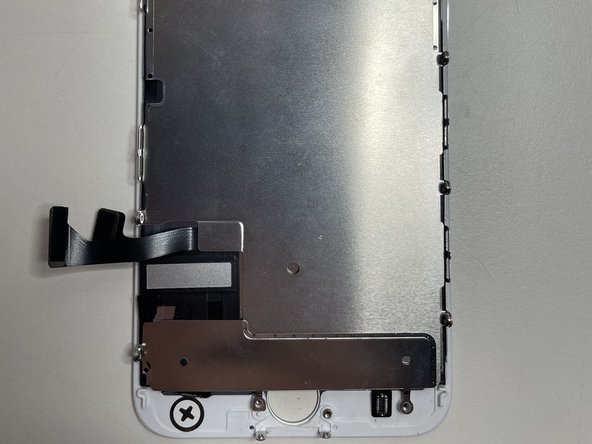
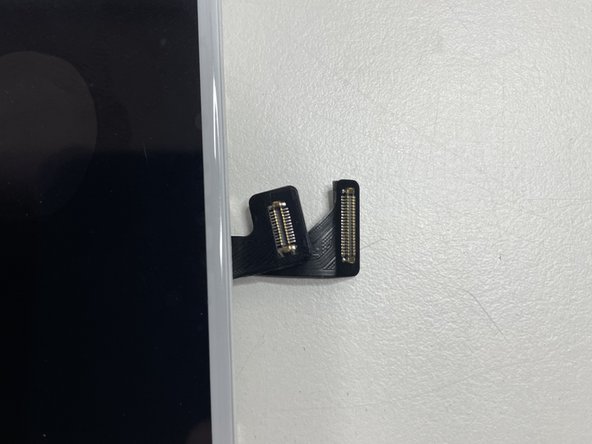
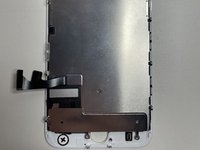
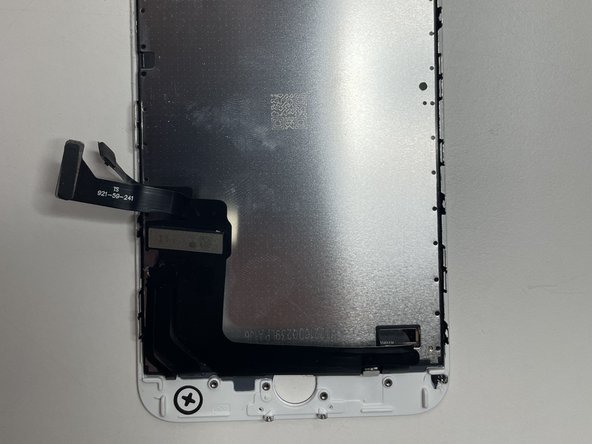
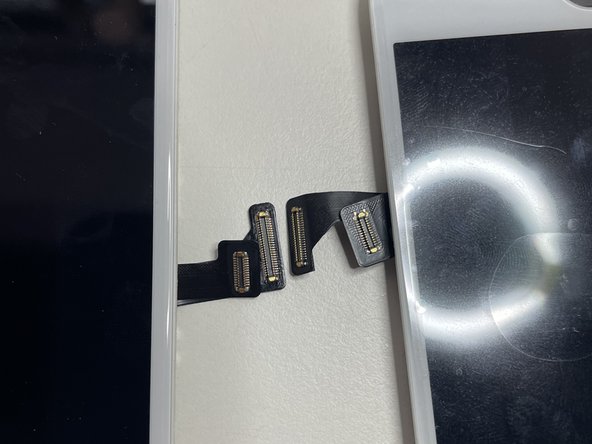
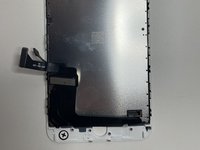
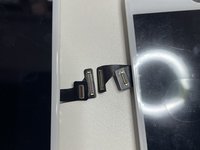
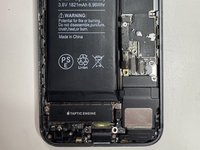
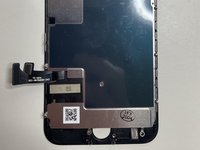
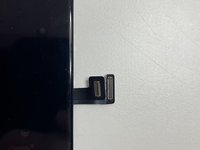
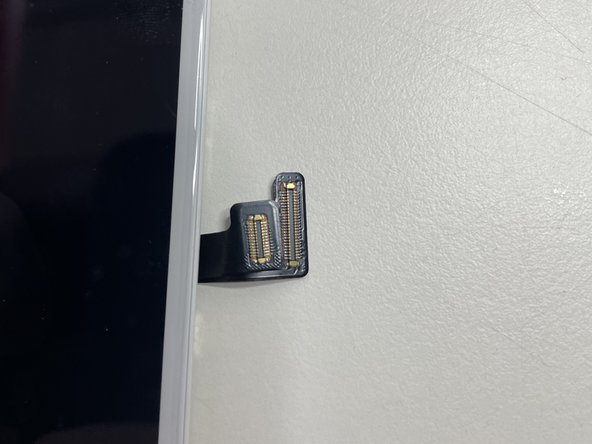
    • iPhone 7 has its connectors near the bottom right.

  13. How to identify your iPhone, iPhone 7 Plus: 13 단계, 이미지 3개 중 1개 How to identify your iPhone, iPhone 7 Plus: 13 단계, 이미지 3개 중 2개 How to identify your iPhone, iPhone 7 Plus: 13 단계, 이미지 3개 중 3개
    • iPhone 7 Plus is the same as the iPhone 7, except the screen and connectors are larger.

  14. How to identify your iPhone, iPhone 8: 14 단계, 이미지 3개 중 1개 How to identify your iPhone, iPhone 8: 14 단계, 이미지 3개 중 2개 How to identify your iPhone, iPhone 8: 14 단계, 이미지 3개 중 3개
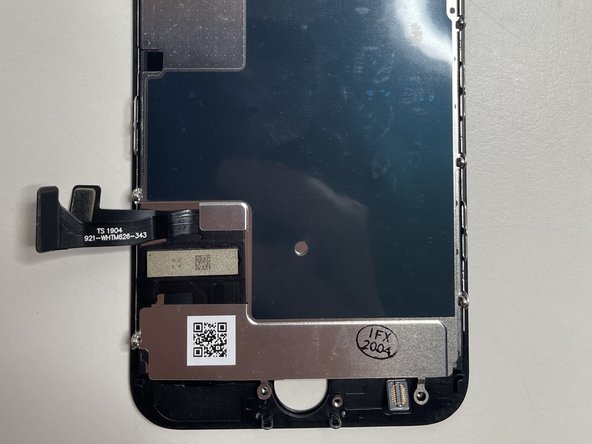
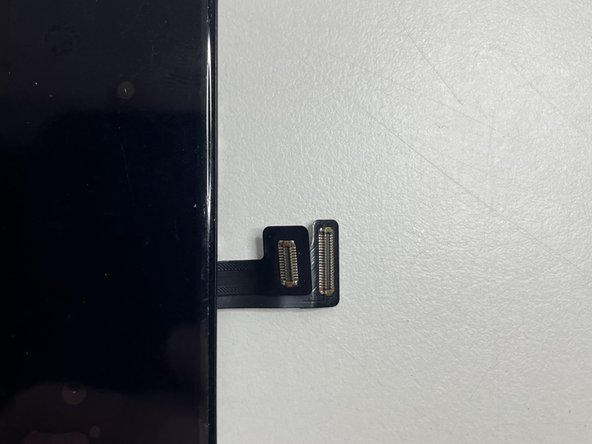
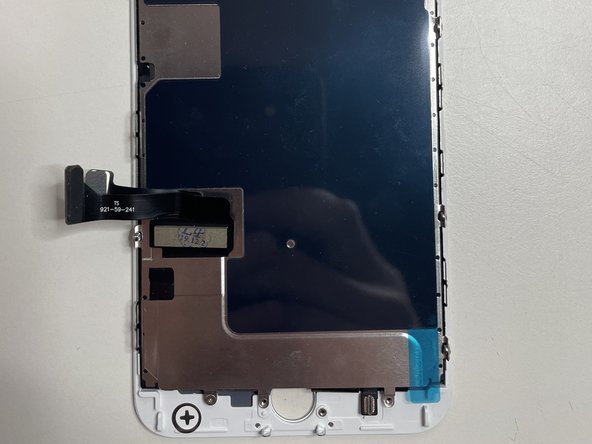
    • iPhone 8 has its connectors in the same orientation as the iPhone 7 and are the same size.

  15. How to identify your iPhone, iPhone 8 Plus: 15 단계, 이미지 3개 중 1개 How to identify your iPhone, iPhone 8 Plus: 15 단계, 이미지 3개 중 2개 How to identify your iPhone, iPhone 8 Plus: 15 단계, 이미지 3개 중 3개
    • The iPhone 8 Plus is the same as the iPhone 8, except the screen and connectors are larger.

  16. How to identify your iPhone, Main differences between iPhone 7 and iPhone 8: 16 단계, 이미지 2개 중 1개 How to identify your iPhone, Main differences between iPhone 7 and iPhone 8: 16 단계, 이미지 2개 중 2개
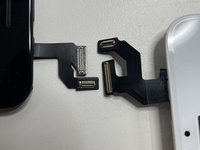
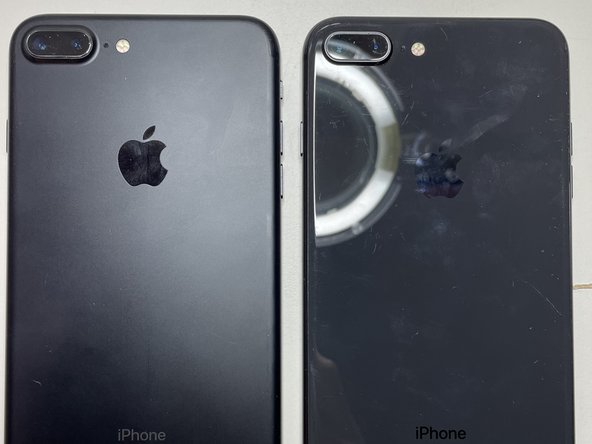
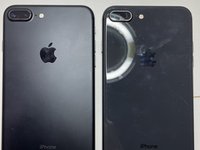
    • iPhone 7 and 8 are very similar except for the following differences:

    • The top brackets of the iPhone 7 are plastic and are metal for the iPhone 8. This makes changing screens considerably easier.

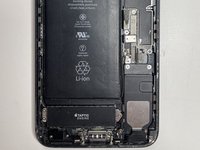
    • The back of the iPhone 7 is Aluminum whereas the back of the iPhone 8 is glass to facilitate wireless charging.

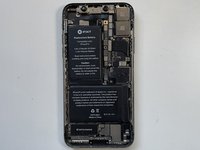
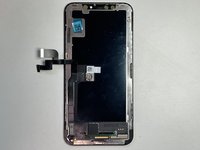
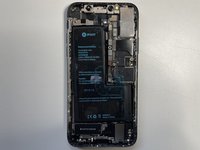
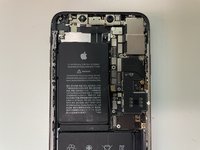
  17. How to identify your iPhone, iPhone X: 17 단계, 이미지 3개 중 1개 How to identify your iPhone, iPhone X: 17 단계, 이미지 3개 중 2개 How to identify your iPhone, iPhone X: 17 단계, 이미지 3개 중 3개
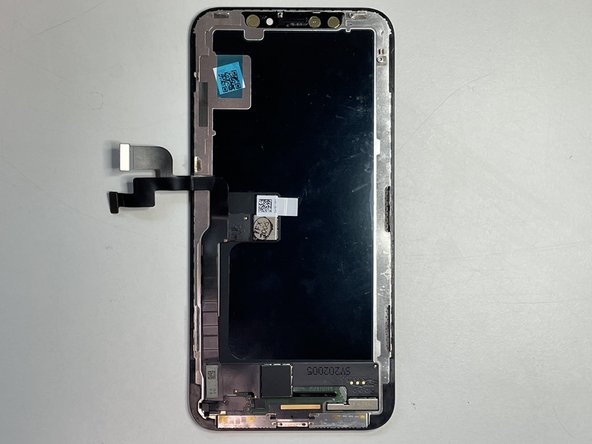
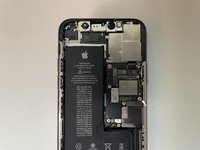
    • The iPhone X has two battery cells perpendicular to each other.

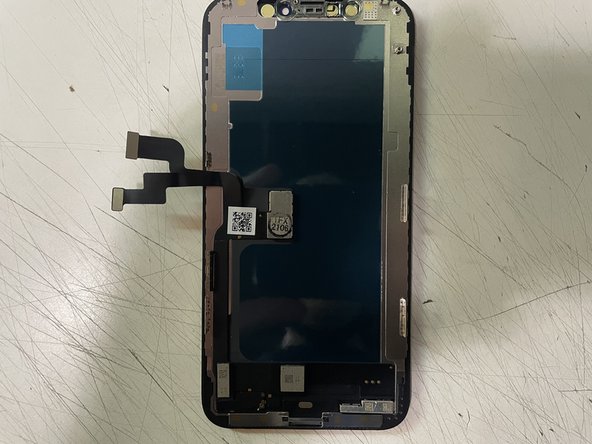
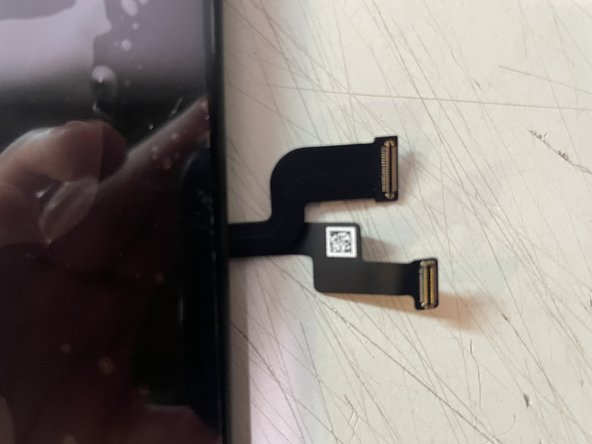
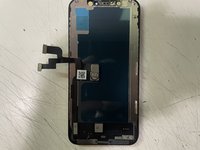
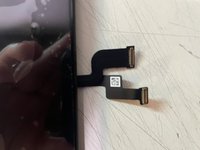
  18. How to identify your iPhone, iPhone Xs: 18 단계, 이미지 3개 중 1개 How to identify your iPhone, iPhone Xs: 18 단계, 이미지 3개 중 2개 How to identify your iPhone, iPhone Xs: 18 단계, 이미지 3개 중 3개
    • The iPhone XS has a gold square to the right of the camera bracket.

  19. How to identify your iPhone: 19 단계, 이미지 1개 중 1개
    • The iPhone X (Left) and Xs (Right) are extremely similar the only discernible way to tell the difference is to take a look at the back of the display. Look to the right of the camera bracket. The Xs will have a gold square and that is the only discernible difference.

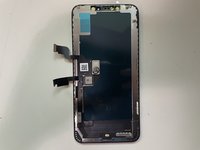
  20. How to identify your iPhone, iPhone XS Max: 20 단계, 이미지 3개 중 1개 How to identify your iPhone, iPhone XS Max: 20 단계, 이미지 3개 중 2개 How to identify your iPhone, iPhone XS Max: 20 단계, 이미지 3개 중 3개
    • The Xs Max is just a larger version of the Xs just as the 11 pro has the 11 pro max.

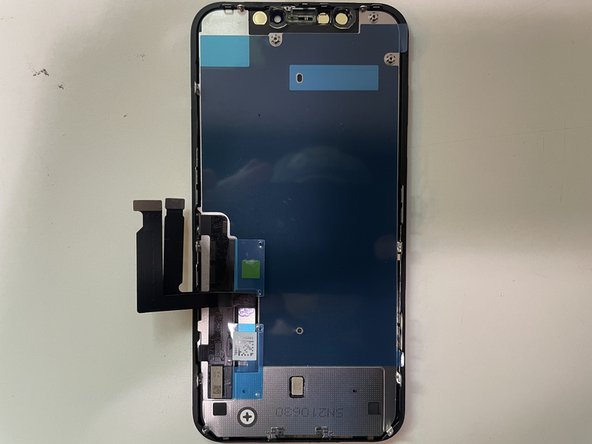
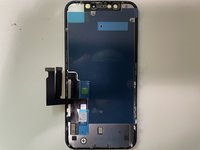
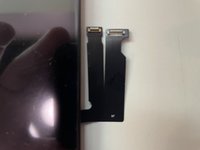
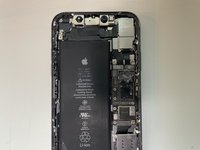
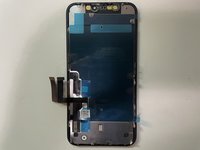
  21. How to identify your iPhone, iPhone XR: 21 단계, 이미지 3개 중 1개 How to identify your iPhone, iPhone XR: 21 단계, 이미지 3개 중 2개 How to identify your iPhone, iPhone XR: 21 단계, 이미지 3개 중 3개
    • Insert wisdom here.

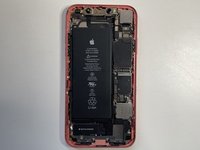
  22. How to identify your iPhone, iPhone 11: 22 단계, 이미지 3개 중 1개 How to identify your iPhone, iPhone 11: 22 단계, 이미지 3개 중 2개 How to identify your iPhone, iPhone 11: 22 단계, 이미지 3개 중 3개
    • Insert wisdom here.

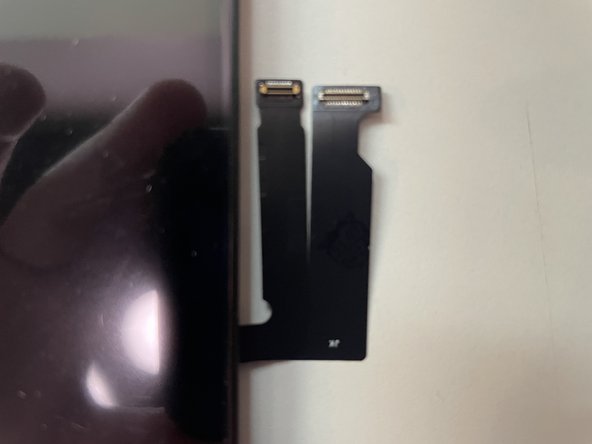
  23. How to identify your iPhone: 23 단계, 이미지 1개 중 1개
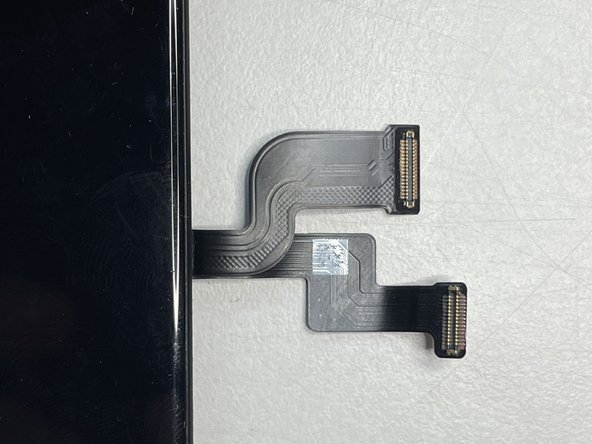
    • The XR (Left) and 11 (Right) are extremely similar design the only real difference is that their cables are swapped. They are both the LCD version of that generation.

  24. How to identify your iPhone, iPhone 11 Pro: 24 단계, 이미지 3개 중 1개 How to identify your iPhone, iPhone 11 Pro: 24 단계, 이미지 3개 중 2개 How to identify your iPhone, iPhone 11 Pro: 24 단계, 이미지 3개 중 3개
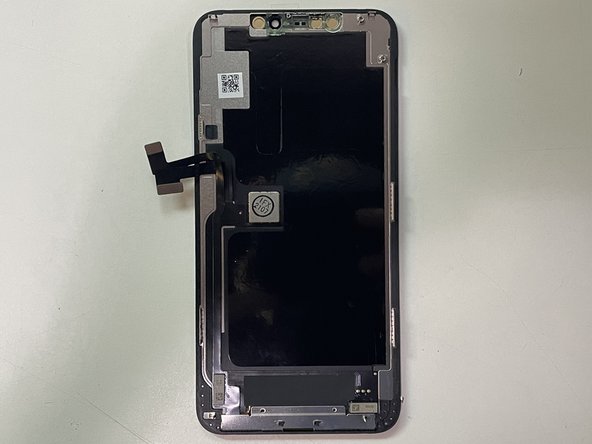
    • Insert wisdom here.

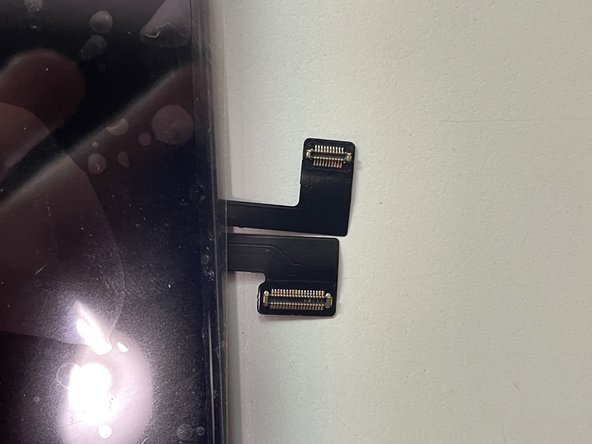
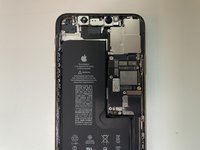
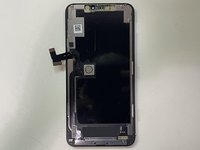
  25. How to identify your iPhone, iPhone 11 Pro Max: 25 단계, 이미지 3개 중 1개 How to identify your iPhone, iPhone 11 Pro Max: 25 단계, 이미지 3개 중 2개 How to identify your iPhone, iPhone 11 Pro Max: 25 단계, 이미지 3개 중 3개
    • Insert wisdom here.

  26. How to identify your iPhone, If your iPhone is Working: 26 단계, 이미지 2개 중 1개 How to identify your iPhone, If your iPhone is Working: 26 단계, 이미지 2개 중 2개
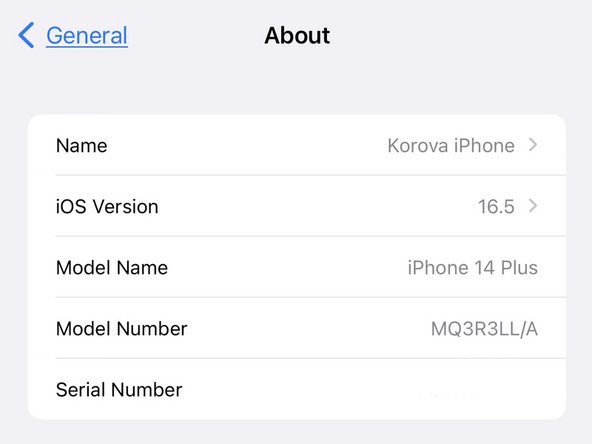
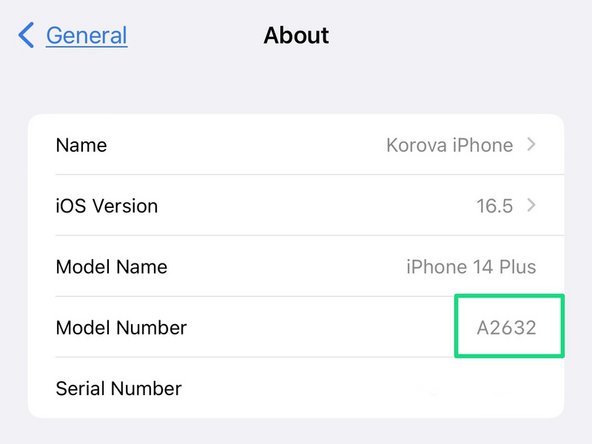
    • Open Settings.

    • Go to General.

    • Go to About.

    • The Model Number is listed as a part number. Tap it to display the "A" Model ID.

결승점

다른 3명이 해당 안내서를 완성하였습니다.

작성자

4다른 기여자 명과 함께

Karl Thaler

회원 가입일: 11/02/20

741 평판

안내서 1개를 작성함

0가이드 댓글

댓글 쓰기

조회 통계:

지난 24시간: 1

지난 7일: 11

지난 30일: 61

전체 시간: 1,128