주요 콘텐츠로 건너뛰기

IBM ThinkPad 600E Display Replacement

필요한 것

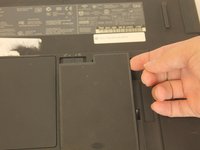
  1. IBM ThinkPad 600E Display Replacement, Battery: 1 단계, 이미지 3개 중 1개 IBM ThinkPad 600E Display Replacement, Battery: 1 단계, 이미지 3개 중 2개 IBM ThinkPad 600E Display Replacement, Battery: 1 단계, 이미지 3개 중 3개
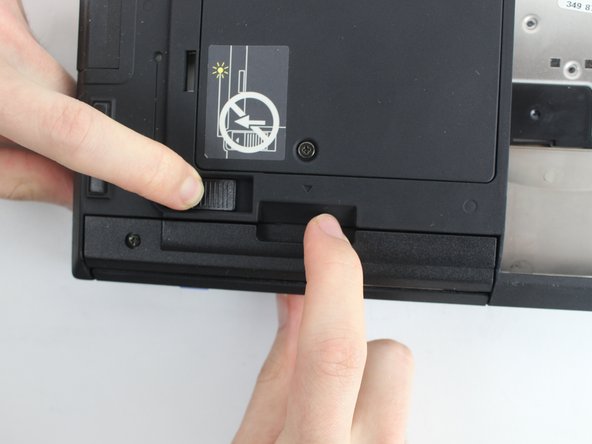
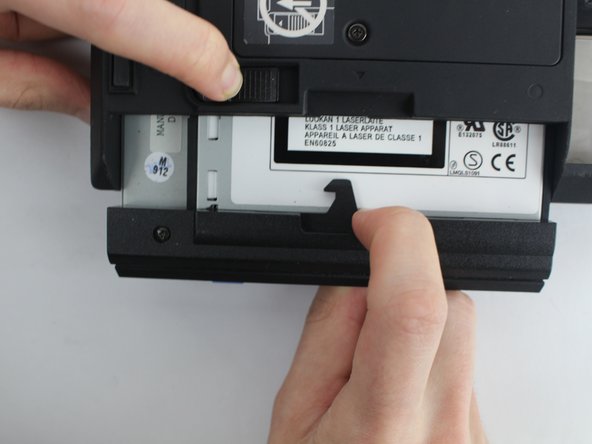
    • Flip the laptop over and find the battery latch.

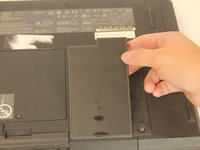
  2. IBM ThinkPad 600E Display Replacement: 2 단계, 이미지 1개 중 1개
    • Move the latch to the side with the unlocked symbol.

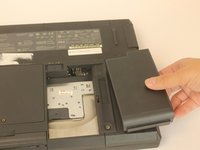
  3. IBM ThinkPad 600E Display Replacement: 3 단계, 이미지 3개 중 1개 IBM ThinkPad 600E Display Replacement: 3 단계, 이미지 3개 중 2개 IBM ThinkPad 600E Display Replacement: 3 단계, 이미지 3개 중 3개
    • Pry the battery out using your fingers.

  4. IBM ThinkPad 600E Display Replacement, Keyboard: 4 단계, 이미지 3개 중 1개 IBM ThinkPad 600E Display Replacement, Keyboard: 4 단계, 이미지 3개 중 2개 IBM ThinkPad 600E Display Replacement, Keyboard: 4 단계, 이미지 3개 중 3개
    이 단계에 사용된 도구:
    Anti-Static Wrist Strap
    $7.95
    • Use an antistatic wrist strap to avoid the risk of electric shock.

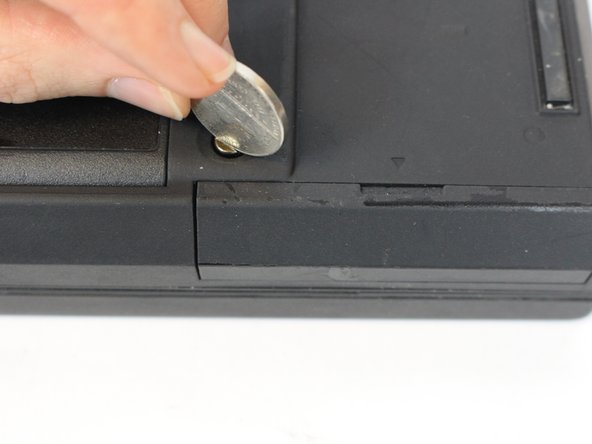
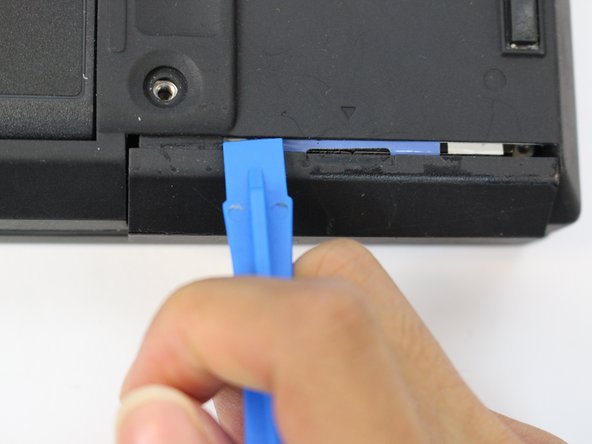
    • Unscrew the coin screw for the hard drive using a coin. Pry off the HDD cover.

    • It is easier to remove the coin screw using a thicker coin, such as a nickel.

  5. IBM ThinkPad 600E Display Replacement: 5 단계, 이미지 3개 중 1개 IBM ThinkPad 600E Display Replacement: 5 단계, 이미지 3개 중 2개 IBM ThinkPad 600E Display Replacement: 5 단계, 이미지 3개 중 3개
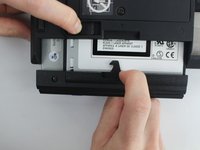
    • Unlock the highlighted latch and pull the disk drive out.

    • Remove the disk drive.

  6. IBM ThinkPad 600E Display Replacement: 6 단계, 이미지 3개 중 1개 IBM ThinkPad 600E Display Replacement: 6 단계, 이미지 3개 중 2개 IBM ThinkPad 600E Display Replacement: 6 단계, 이미지 3개 중 3개
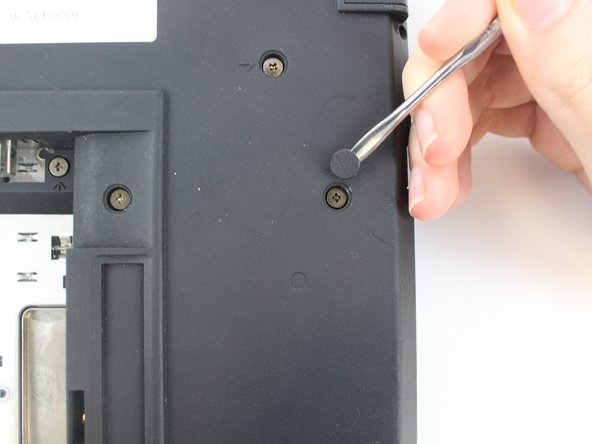
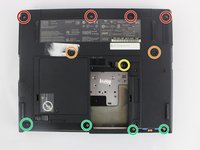
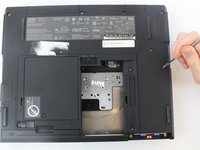
    • Most of the screws have a small, plastic covering attached with an adhesive. Use the metal spudger to pry it off. Make sure to note which screw came from which hole.

    • Four 18mm long M2.5 screws

    • Two 16mm long M2.5 screws

    • One 4.5mm long M2.5 screws

    • Four 3mm long M2.5 screws

  7. IBM ThinkPad 600E Display Replacement: 7 단계, 이미지 2개 중 1개 IBM ThinkPad 600E Display Replacement: 7 단계, 이미지 2개 중 2개
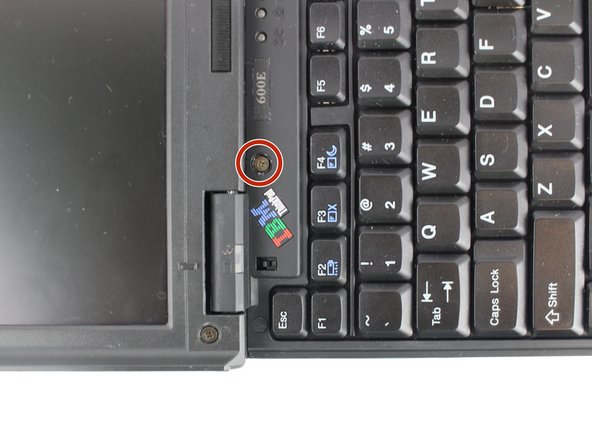
    • Open the laptop all the way until it is flat.

    • Take the black circle off and remove the screw.

    • One 4.5mm long M2.5 screw

  8. IBM ThinkPad 600E Display Replacement: 8 단계, 이미지 3개 중 1개 IBM ThinkPad 600E Display Replacement: 8 단계, 이미지 3개 중 2개 IBM ThinkPad 600E Display Replacement: 8 단계, 이미지 3개 중 3개
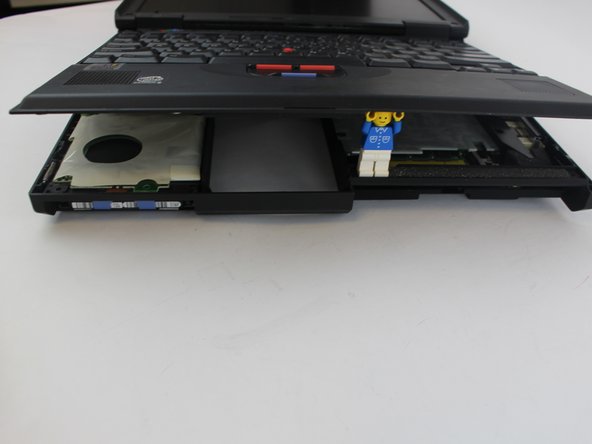
    • Pry the keyboard case up from the bottom and gently pry it up from all other edges.

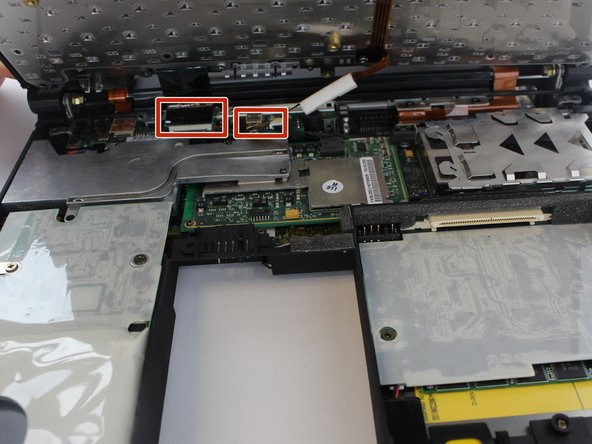
    • Use caution when opening the case, as there are two ribbon cables attached to the keyboard case.

  9. IBM ThinkPad 600E Display Replacement: 9 단계, 이미지 3개 중 1개 IBM ThinkPad 600E Display Replacement: 9 단계, 이미지 3개 중 2개 IBM ThinkPad 600E Display Replacement: 9 단계, 이미지 3개 중 3개
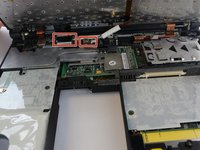
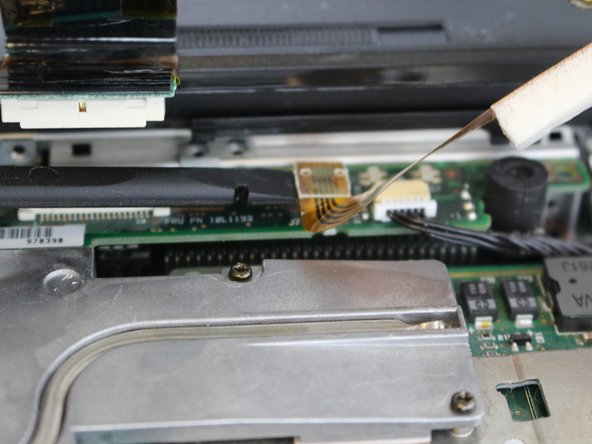
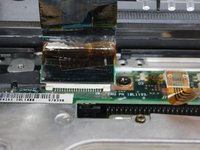
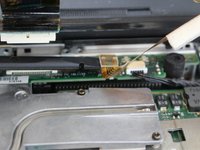
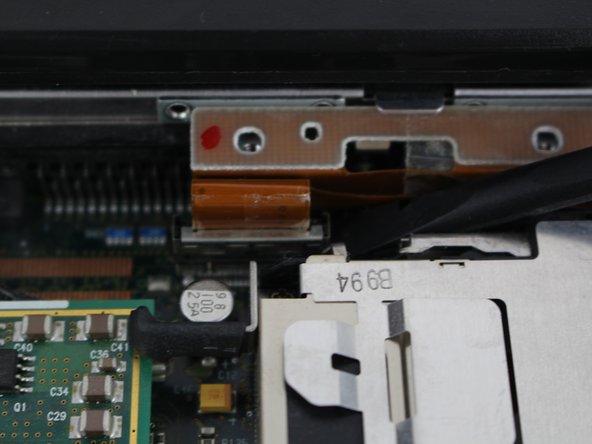
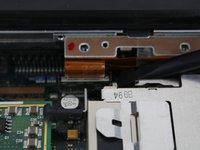
    • Pry the connectors of the ribbon cables off slowly, lifting straight up. Wiggle gently side to side if necessary.

  10. IBM ThinkPad 600E Display Replacement, Display: 10 단계, 이미지 2개 중 1개 IBM ThinkPad 600E Display Replacement, Display: 10 단계, 이미지 2개 중 2개
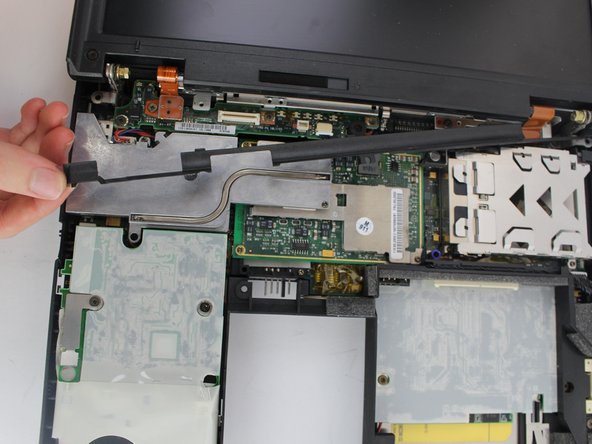
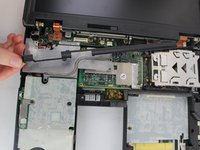
    • Remove the plastic part attached to the bottom of the screen.

    • Gently pull it from one side and then from another.

  11. IBM ThinkPad 600E Display Replacement: 11 단계, 이미지 1개 중 1개
    • Remove the highlighted screws.

    • Five 4.8mm long M2.5 screws

  12. IBM ThinkPad 600E Display Replacement: 12 단계, 이미지 3개 중 1개 IBM ThinkPad 600E Display Replacement: 12 단계, 이미지 3개 중 2개 IBM ThinkPad 600E Display Replacement: 12 단계, 이미지 3개 중 3개
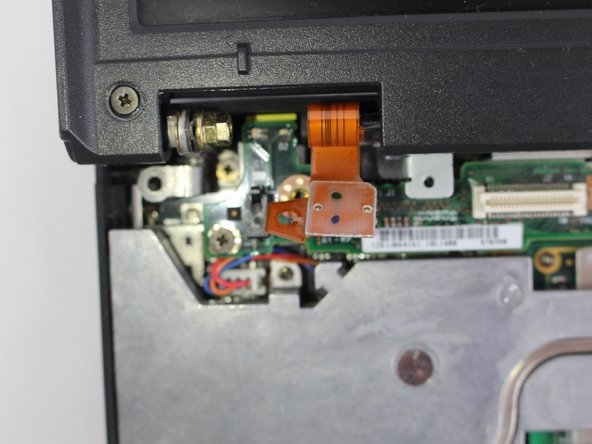
    • Pry the connectors of the ribbon cables off slowly, lifting straight up. Wiggle gently side to side if necessary.

  13. IBM ThinkPad 600E Display Replacement: 13 단계, 이미지 1개 중 1개
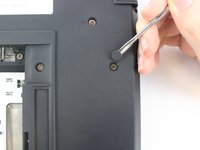
    • Close the laptop and turn it around. There you will see 4 more screws.

    • Unscrew highlighted screws.

    • Four 4.8mm long M2.5 screws

  14. IBM ThinkPad 600E Display Replacement: 14 단계, 이미지 2개 중 1개 IBM ThinkPad 600E Display Replacement: 14 단계, 이미지 2개 중 2개
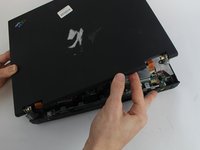
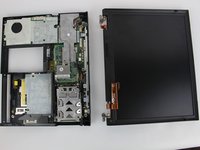
    • After you've removed the screws, open the laptop and gently pull the display out.

    • Be sure you hold it from the bottom edges while taking it out.

결론

To reassemble your device, follow these instructions in reverse order.

다른 한 분이 해당 안내서를 완성하였습니다.

작성자

4다른 기여자 명과 함께

Kevin Nguyen

회원 가입일: 10/04/16

737 평판

안내서 4개를 작성함

USF Tampa, Team 1-4, Nance Fall 2016 USF Tampa, Team 1-4, Nance Fall 2016 회원

USFT-NANCE-F16S1G4

4 회원들

안내서 12개를 작성함

0가이드 댓글

댓글 쓰기

조회 통계:

지난 24시간: 3

지난 7일: 9

지난 30일: 18

전체 시간: 1,870