주요 콘텐츠로 건너뛰기

IBM ThinkPad A30 Fan Replacement

필요한 것

  1. IBM ThinkPad A30 Fan Replacement, Battery: 1 단계, 이미지 2개 중 1개 IBM ThinkPad A30 Fan Replacement, Battery: 1 단계, 이미지 2개 중 2개
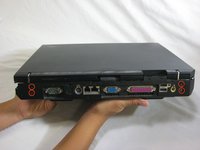
    • Flip the ThinkPad over so that it is upside down.

    • Slide the highlighted tab to the left.

    • With your finger on the tab, remove the battery by lifting it upwards away from the laptop.

  2. IBM ThinkPad A30 Fan Replacement, Upper Case: 2 단계, 이미지 1개 중 1개
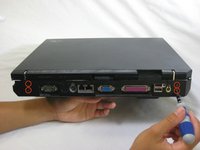
    • Make sure the laptop is upside down and oriented in the direction shown.

    • Remove the six 16.7mm screws inside the circled holes.

  3. IBM ThinkPad A30 Fan Replacement: 3 단계, 이미지 1개 중 1개
    • Rotate the ThinkPad so that the hard drive bay is facing you.

    • Remove the black cover to reveal a 14.8mm screw.

    • Remove the uncovered screw with a Phillips #0 screwdriver.

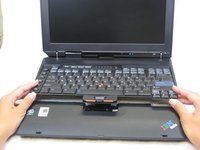
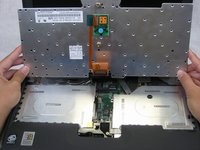
  4. IBM ThinkPad A30 Fan Replacement: 4 단계, 이미지 2개 중 1개 IBM ThinkPad A30 Fan Replacement: 4 단계, 이미지 2개 중 2개
    • Flip the ThinkPad over and open the LCD panel.

    • Pry apart the keyboard with a plastic opening tool or with your fingers.

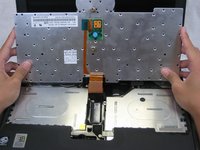
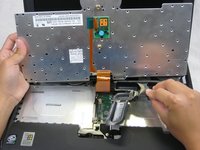
  5. IBM ThinkPad A30 Fan Replacement: 5 단계, 이미지 3개 중 1개 IBM ThinkPad A30 Fan Replacement: 5 단계, 이미지 3개 중 2개 IBM ThinkPad A30 Fan Replacement: 5 단계, 이미지 3개 중 3개
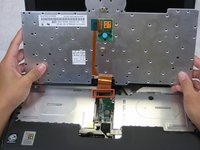
    • Be careful not to pull out the keyboard carelessly; there is a connector underneath it!

    • Lift the front end of the keyboard as shown.

    • Using your fingers, remove the black film cover.

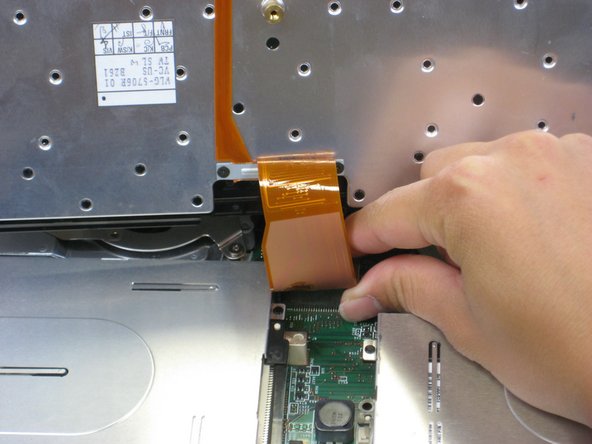
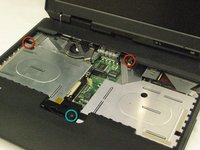
  6. IBM ThinkPad A30 Fan Replacement: 6 단계, 이미지 3개 중 1개 IBM ThinkPad A30 Fan Replacement: 6 단계, 이미지 3개 중 2개 IBM ThinkPad A30 Fan Replacement: 6 단계, 이미지 3개 중 3개
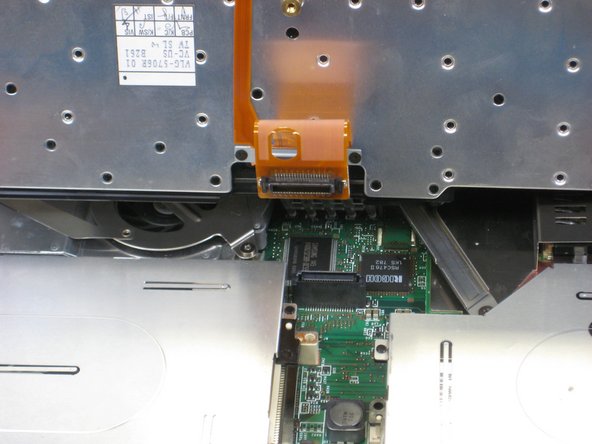
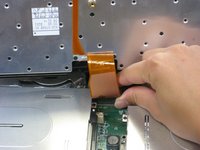
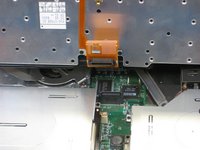
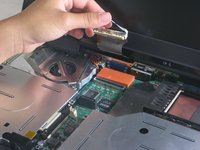
    • Locate the connector attached to the motherboard.

    • Disconnect the ribbon cable by removing the connector.

  7. IBM ThinkPad A30 Fan Replacement: 7 단계, 이미지 2개 중 1개 IBM ThinkPad A30 Fan Replacement: 7 단계, 이미지 2개 중 2개
    • Lift and remove the keyboard.

    • Remove the two 5.6mm screws.

    • Remove the 16.7mm screw.

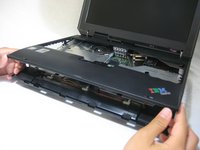
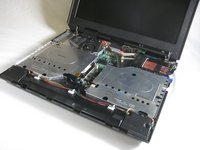
  8. IBM ThinkPad A30 Fan Replacement: 8 단계, 이미지 3개 중 1개 IBM ThinkPad A30 Fan Replacement: 8 단계, 이미지 3개 중 2개 IBM ThinkPad A30 Fan Replacement: 8 단계, 이미지 3개 중 3개
    • You will need to use a little force. Be wary of the tabs.

    • Pry off the upper case with your hands.

  9. IBM ThinkPad A30 Fan Replacement, Display Assembly: 9 단계, 이미지 1개 중 1개
    • Remove the 5.6mm screw that holds the LCD to the upper case.

  10. IBM ThinkPad A30 Fan Replacement: 10 단계, 이미지 3개 중 1개 IBM ThinkPad A30 Fan Replacement: 10 단계, 이미지 3개 중 2개 IBM ThinkPad A30 Fan Replacement: 10 단계, 이미지 3개 중 3개
    • Remove the 5.6mm screw on the left side of the three-pronged connector.

    • Remove the other two 16.7mm screws.

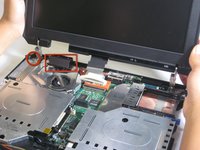
    • Lift and remove connector.

  11. IBM ThinkPad A30 Fan Replacement: 11 단계, 이미지 2개 중 1개 IBM ThinkPad A30 Fan Replacement: 11 단계, 이미지 2개 중 2개
    • Pull out the white tab connecting the LCD to the motherboard.

  12. IBM ThinkPad A30 Fan Replacement: 12 단계, 이미지 2개 중 1개 IBM ThinkPad A30 Fan Replacement: 12 단계, 이미지 2개 중 2개
    • Turn the laptop so that the back is facing you.

    • Remove the four 5.6mm long screws.

  13. IBM ThinkPad A30 Fan Replacement: 13 단계, 이미지 3개 중 1개 IBM ThinkPad A30 Fan Replacement: 13 단계, 이미지 3개 중 2개 IBM ThinkPad A30 Fan Replacement: 13 단계, 이미지 3개 중 3개
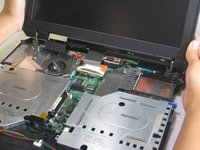
    • Place the laptop so that the LCD is facing you again.

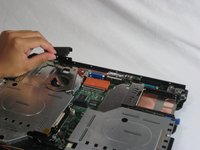
    • Gently lift the LCD monitor up and out.

    • Remove the black plastic tab.

  14. IBM ThinkPad A30 Fan Replacement, Fan: 14 단계, 이미지 1개 중 1개
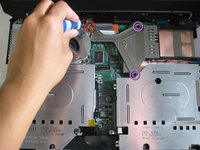
    • Remove the following screws from the fan retention bracket:

    • Single 5.6 mm screw.

    • Three 16.1 mm screws.

  15. IBM ThinkPad A30 Fan Replacement: 15 단계, 이미지 1개 중 1개
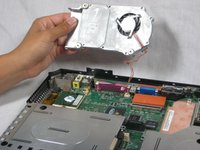
    • Lift the heatsink bracket up.

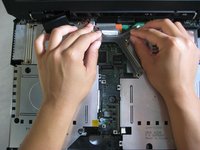
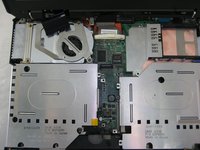
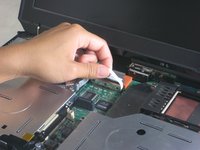
  16. IBM ThinkPad A30 Fan Replacement: 16 단계, 이미지 3개 중 1개 IBM ThinkPad A30 Fan Replacement: 16 단계, 이미지 3개 중 2개 IBM ThinkPad A30 Fan Replacement: 16 단계, 이미지 3개 중 3개
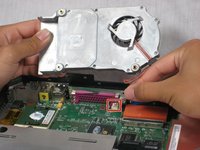
    • Be careful not to pull too hard. There is a cable attached to the fan.

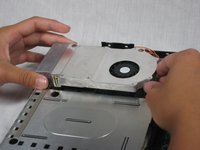
    • Lift the fan/heatsink assembly up.

    • Locate the fan power cable and pull upwards near the connector.

    • Remove the fan/heatsink assembly.

결론

To reassemble your device, follow these instructions in reverse order.

작성자

13다른 기여자 명과 함께

Jessica

회원 가입일: 10/06/10

162 평판

안내서 7개를 작성함

Cal Poly, Team 4-44, Amido Fall 2010 Cal Poly, Team 4-44, Amido Fall 2010 회원

CPSU-AMIDO-F10S4G44

4 회원들

안내서 26개를 작성함

0가이드 댓글

댓글 쓰기

조회 통계:

지난 24시간: 0

지난 7일: 1

지난 30일: 8

전체 시간: 2,769