주요 콘텐츠로 건너뛰기

JBL Flip 6 Motherboard Replacement

필요한 것

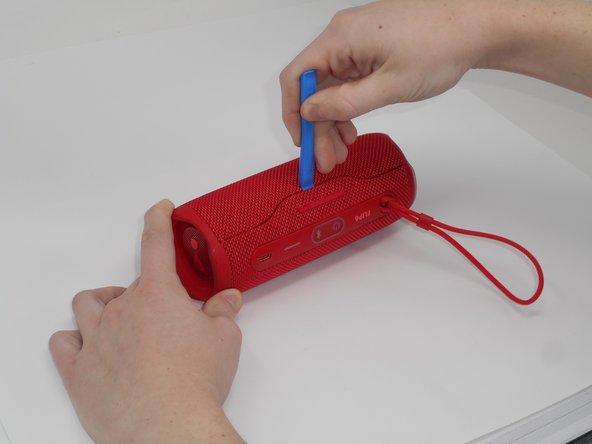
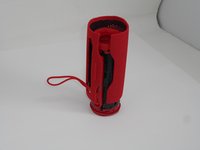
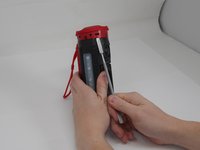
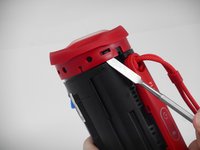
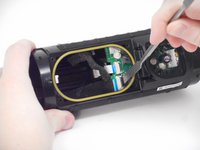
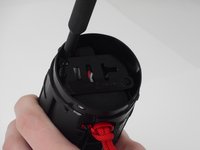
  1. JBL Flip 6 Motherboard Replacement, Case: 1 단계, 이미지 2개 중 1개 JBL Flip 6 Motherboard Replacement, Case: 1 단계, 이미지 2개 중 2개
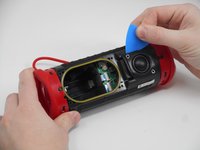
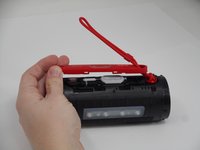
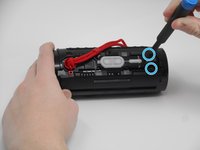
    • Using the iFixit opening tool, pry up on the button side of the slot on the case until the clips release.

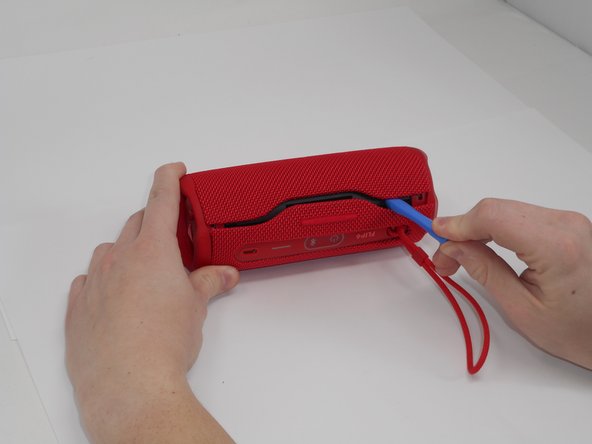
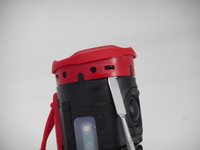
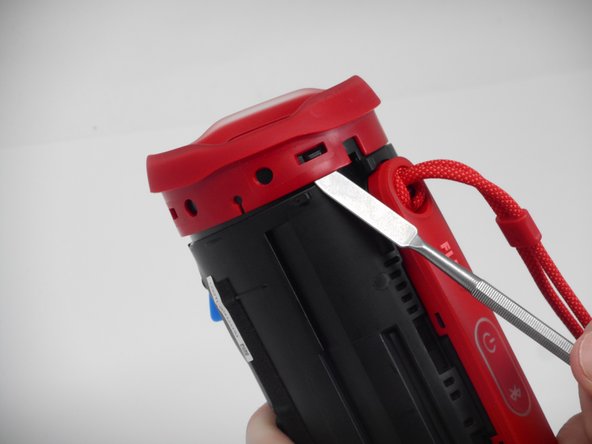
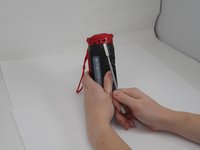
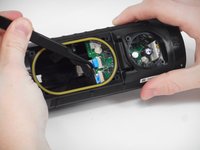
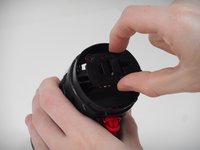
  2. JBL Flip 6 Motherboard Replacement: 2 단계, 이미지 2개 중 1개 JBL Flip 6 Motherboard Replacement: 2 단계, 이미지 2개 중 2개
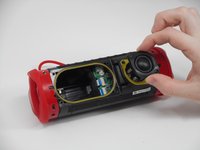
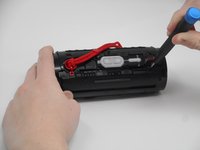
    • Now that the gap is larger, using the same tool, pry up on the other side until the clips release.

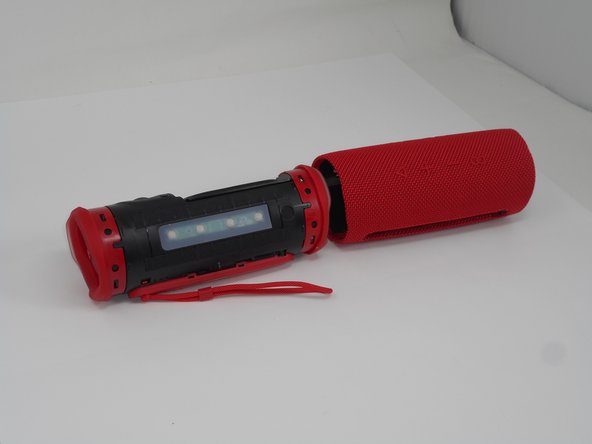
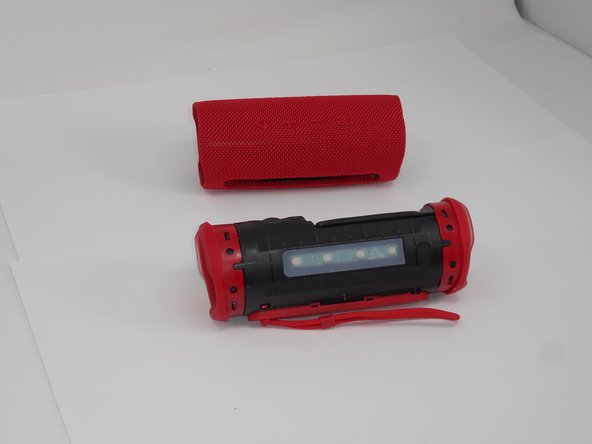
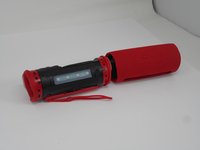
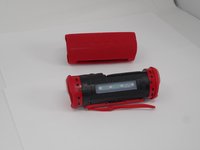
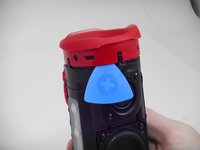
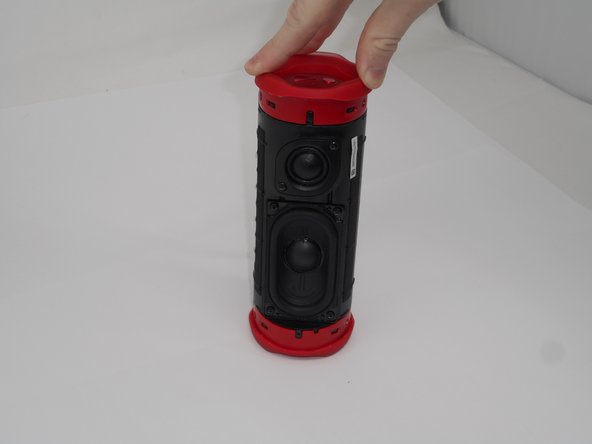
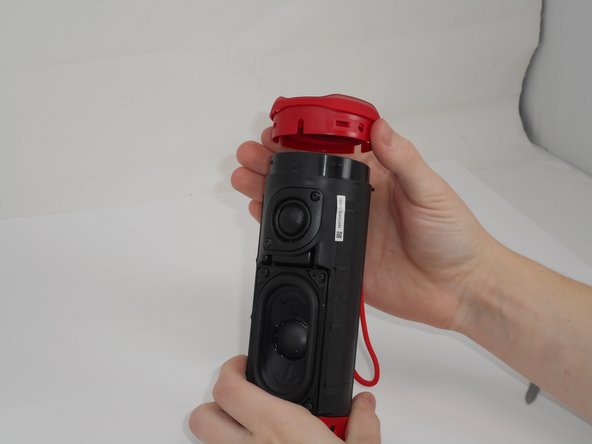
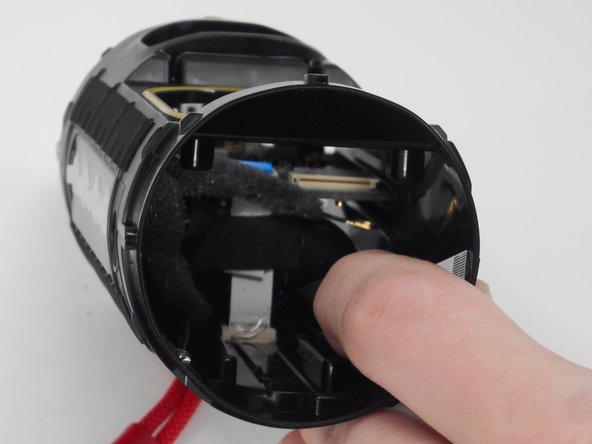
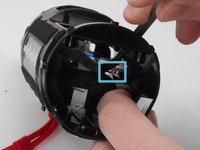
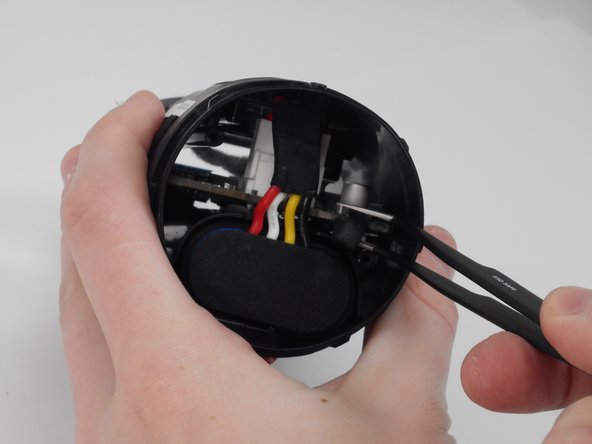
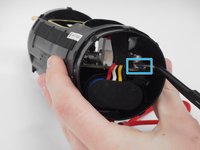
  3. JBL Flip 6 Motherboard Replacement: 3 단계, 이미지 3개 중 1개 JBL Flip 6 Motherboard Replacement: 3 단계, 이미지 3개 중 2개 JBL Flip 6 Motherboard Replacement: 3 단계, 이미지 3개 중 3개
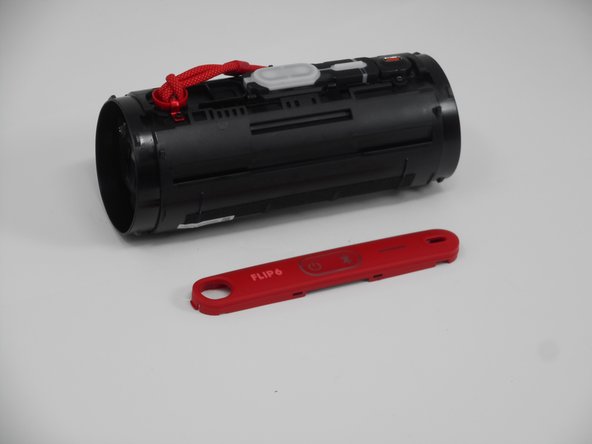
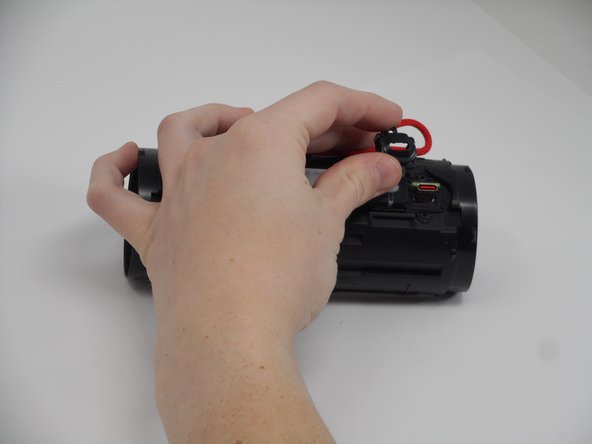
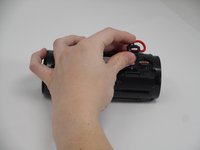
    • With all clips released, slide the case off longways.

    • You may need to spread it a bit with your hands so that the clips do not become caught on the end pieces.

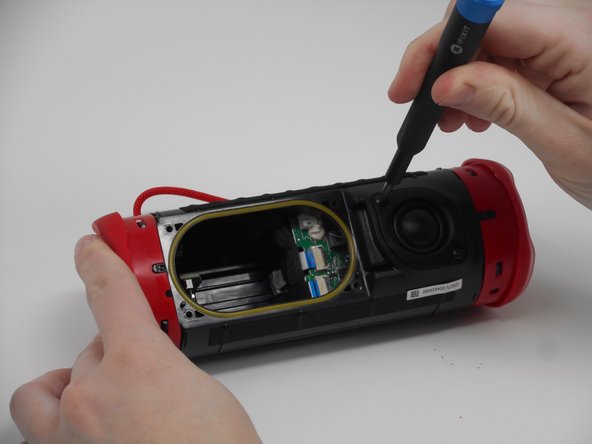
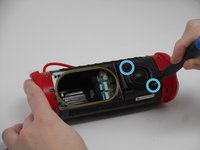
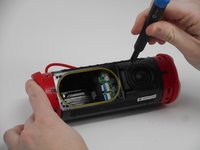
  4. JBL Flip 6 Motherboard Replacement, Tweeter: 4 단계, 이미지 2개 중 1개 JBL Flip 6 Motherboard Replacement, Tweeter: 4 단계, 이미지 2개 중 2개
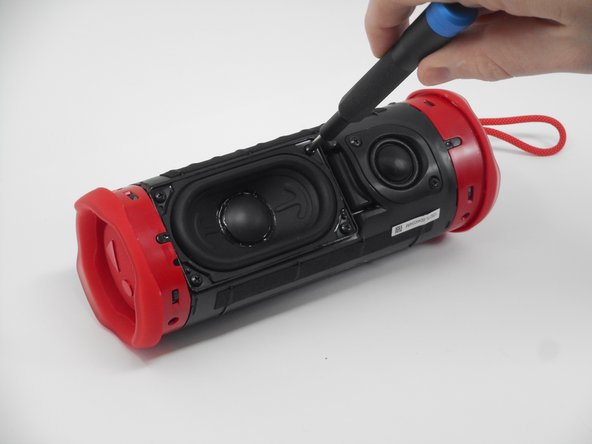
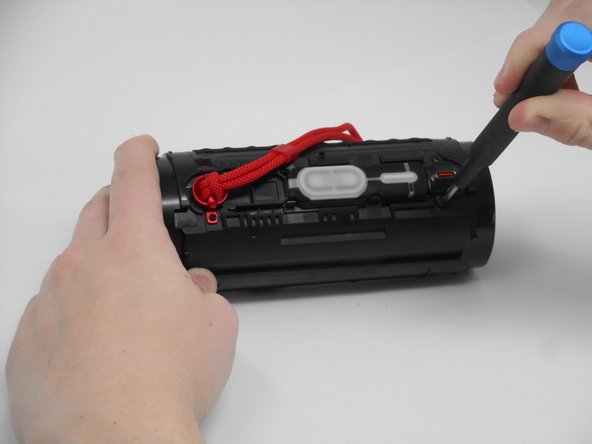
    • Remove the two 9.5-mm Philips #1 screws securing the tweeter to the device.

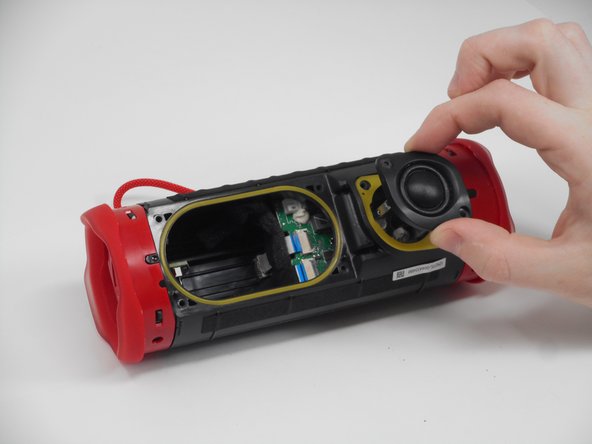
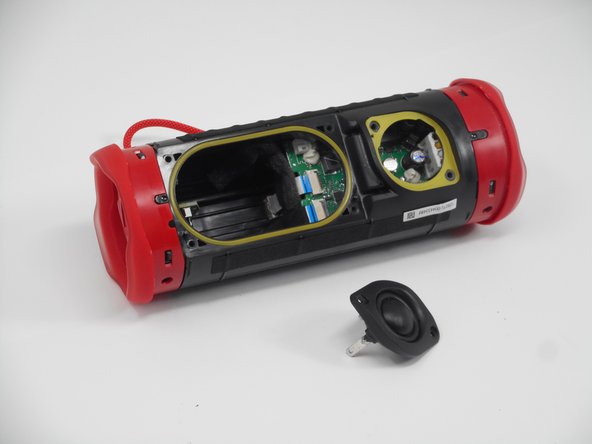
  5. JBL Flip 6 Motherboard Replacement: 5 단계, 이미지 3개 중 1개 JBL Flip 6 Motherboard Replacement: 5 단계, 이미지 3개 중 2개 JBL Flip 6 Motherboard Replacement: 5 단계, 이미지 3개 중 3개
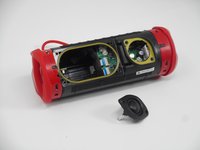
    • Insert an opening pick into the gap along the edge of the tweeter.

    • Push the tip inwards and pry upwards to release the tweeter from the motherboard.

  6. JBL Flip 6 Motherboard Replacement, Passive Radiators: 6 단계, 이미지 2개 중 1개 JBL Flip 6 Motherboard Replacement, Passive Radiators: 6 단계, 이미지 2개 중 2개
    • Use a prying tool to lift up on one of the clips that holds the radiator in place.

  7. JBL Flip 6 Motherboard Replacement: 7 단계, 이미지 2개 중 1개 JBL Flip 6 Motherboard Replacement: 7 단계, 이미지 2개 중 2개
    • After the clip has been released, insert a shim to keep the parts separated and from the clipping back together.

    • Pry on the clip on the other side to fully release the passive radiator.

  8. JBL Flip 6 Motherboard Replacement: 8 단계, 이미지 3개 중 1개 JBL Flip 6 Motherboard Replacement: 8 단계, 이미지 3개 중 2개 JBL Flip 6 Motherboard Replacement: 8 단계, 이미지 3개 중 3개
    • After both clips have been detached, the passive radiator is easier to remove by hand.

    • Repeat the same steps for the passive radiator on the other side.

  9. JBL Flip 6 Motherboard Replacement, Woofer: 9 단계, 이미지 3개 중 1개 JBL Flip 6 Motherboard Replacement, Woofer: 9 단계, 이미지 3개 중 2개 JBL Flip 6 Motherboard Replacement, Woofer: 9 단계, 이미지 3개 중 3개
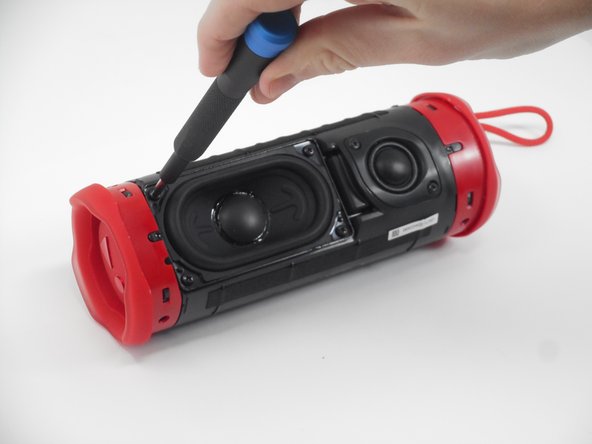
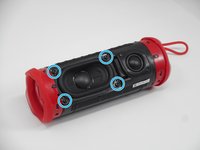
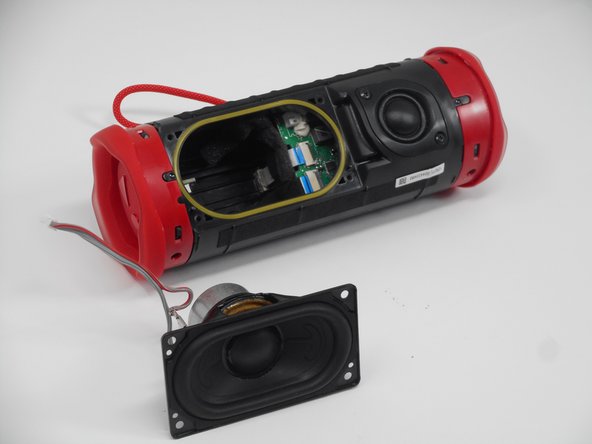
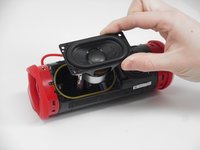
    • Remove the four 9.5 mm Philips #1 screws securing the woofer to the device.

  10. JBL Flip 6 Motherboard Replacement: 10 단계, 이미지 3개 중 1개 JBL Flip 6 Motherboard Replacement: 10 단계, 이미지 3개 중 2개 JBL Flip 6 Motherboard Replacement: 10 단계, 이미지 3개 중 3개
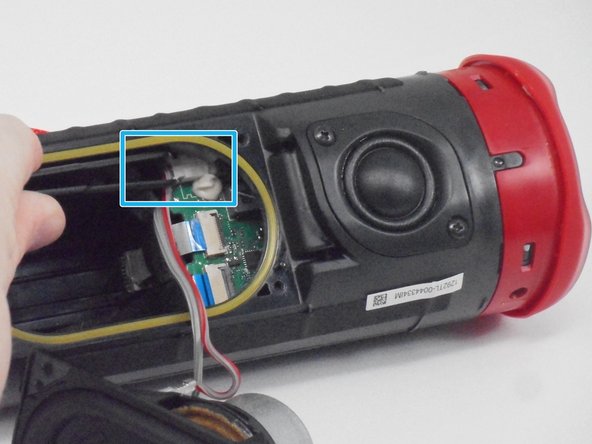
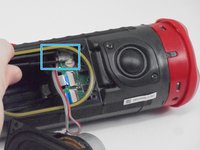
    • Carefully disconnect the white connector linking the woofer and the motherboard.

    • If there is a lot of resistance when removing the plug, there could be a clip holding it in place. Check for any sort of fasteners before using much strength as you could damage the motherboard.

  11. JBL Flip 6 Motherboard Replacement, Charging Port: 11 단계, 이미지 2개 중 1개 JBL Flip 6 Motherboard Replacement, Charging Port: 11 단계, 이미지 2개 중 2개
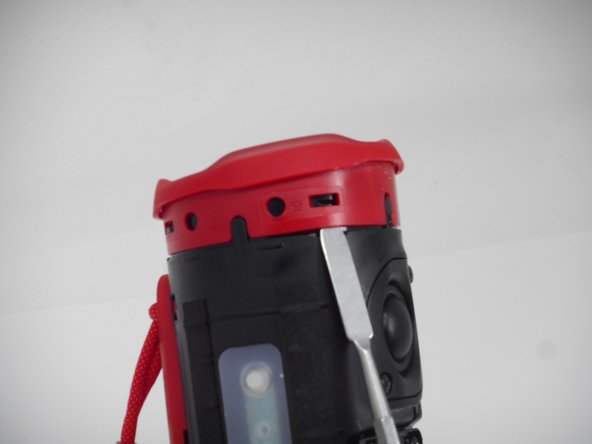
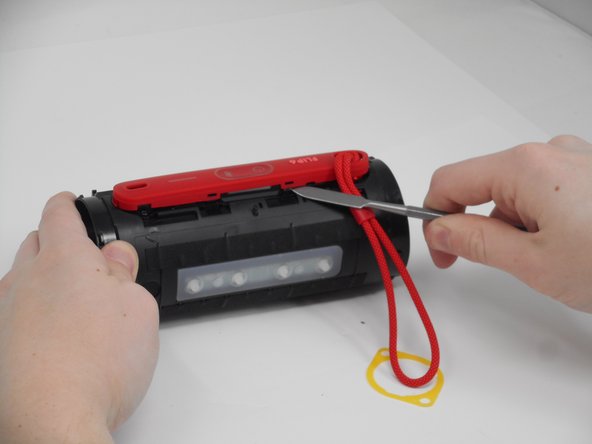
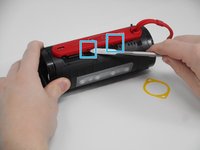
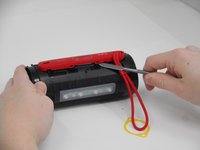
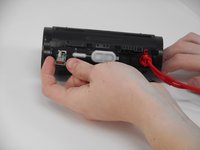
    • Use a spudger to release the clips attaching the cover for the buttons and charging port.

    • After the two clips are removed, the cover can be removed easier by hand.

  12. JBL Flip 6 Motherboard Replacement: 12 단계, 이미지 2개 중 1개 JBL Flip 6 Motherboard Replacement: 12 단계, 이미지 2개 중 2개
    • After the clips have been released, take the cover off, feeding the strap out of the hole.

  13. JBL Flip 6 Motherboard Replacement: 13 단계, 이미지 3개 중 1개 JBL Flip 6 Motherboard Replacement: 13 단계, 이미지 3개 중 2개 JBL Flip 6 Motherboard Replacement: 13 단계, 이미지 3개 중 3개
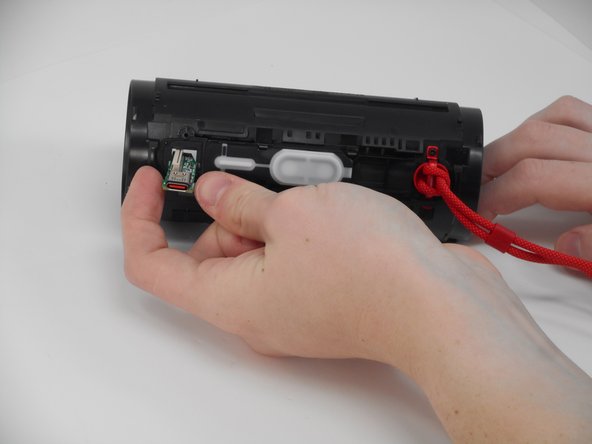
    • Remove the two 5.7 mm Philips #00 screws holding the charging port cover in place.

  14. JBL Flip 6 Motherboard Replacement: 14 단계, 이미지 3개 중 1개 JBL Flip 6 Motherboard Replacement: 14 단계, 이미지 3개 중 2개 JBL Flip 6 Motherboard Replacement: 14 단계, 이미지 3개 중 3개
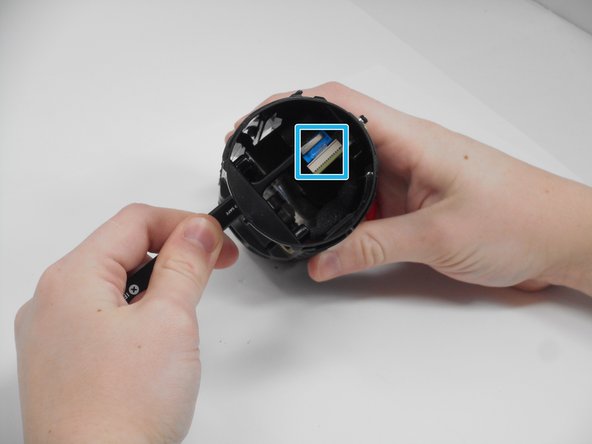
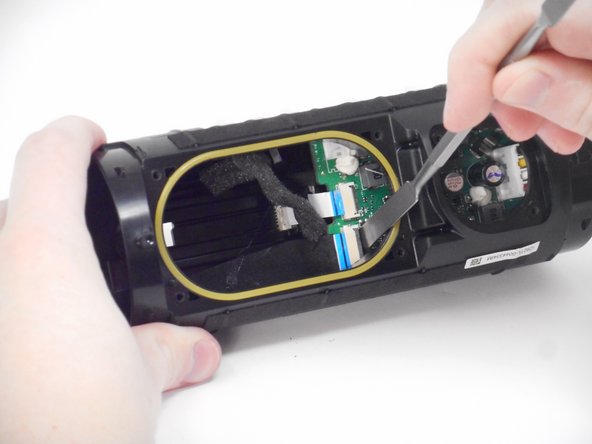
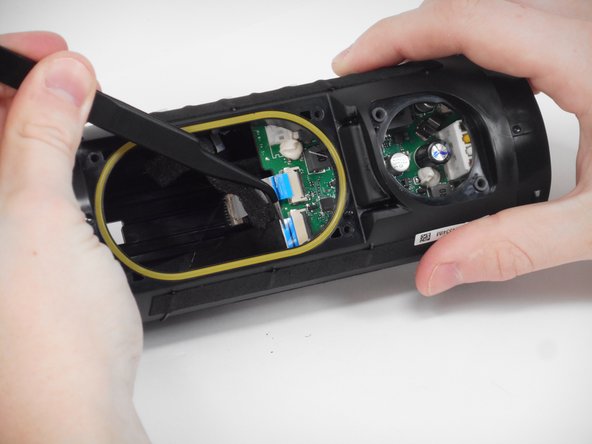
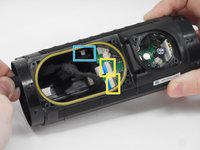
    • Using tweezers, pull the blue ribbon from the connector from the charging port board.

    • After the ribbon is removed, pull the USB-C port out from the outside.

  15. JBL Flip 6 Motherboard Replacement, Motherboard: 15 단계, 이미지 3개 중 1개 JBL Flip 6 Motherboard Replacement, Motherboard: 15 단계, 이미지 3개 중 2개 JBL Flip 6 Motherboard Replacement, Motherboard: 15 단계, 이미지 3개 중 3개
    • Carefully pull the small ribbon cable from its slot.

    • Lift up on the black locking flaps opposite the ribbon cables, then carefully pull the ribbon cables out of their slots.

  16. JBL Flip 6 Motherboard Replacement: 16 단계, 이미지 2개 중 1개 JBL Flip 6 Motherboard Replacement: 16 단계, 이미지 2개 중 2개
    • Carefully disconnect the small ground connector from the motherboard.

    • When reattaching this connector, it can be tricky to line up and get it to set. The best way to do it is to position the wire with your non-dominant hand, then, using tweezers, pinch the topside of the motherboard and the connector.

  17. JBL Flip 6 Motherboard Replacement: 17 단계, 이미지 3개 중 1개 JBL Flip 6 Motherboard Replacement: 17 단계, 이미지 3개 중 2개 JBL Flip 6 Motherboard Replacement: 17 단계, 이미지 3개 중 3개
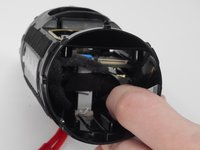
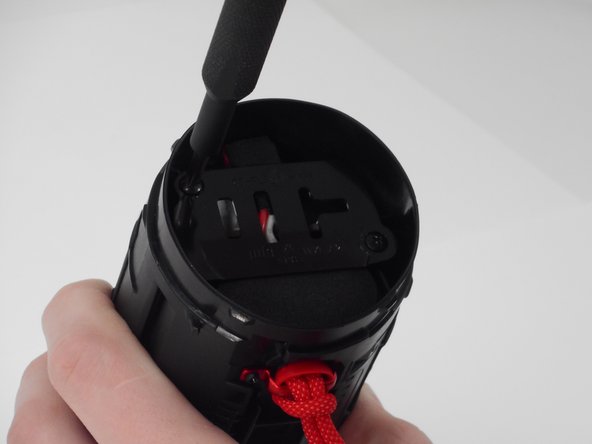
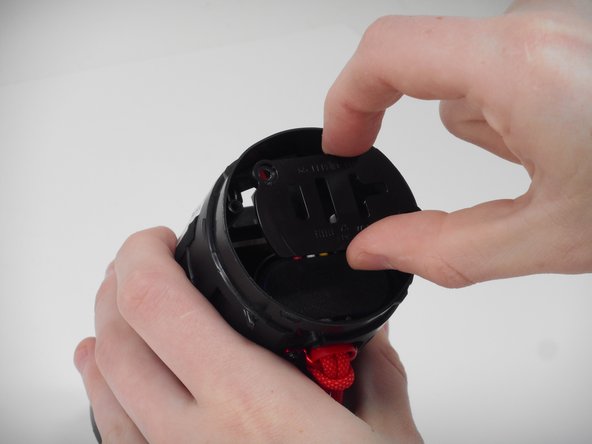
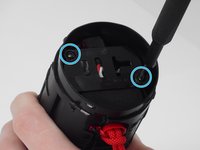
    • Remove the two 9.5 mm Philips #1 screws securing the plastic retainer for the battery and motherboard.

  18. JBL Flip 6 Motherboard Replacement: 18 단계, 이미지 2개 중 1개 JBL Flip 6 Motherboard Replacement: 18 단계, 이미지 2개 중 2개
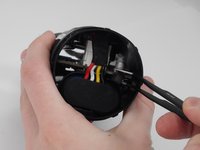
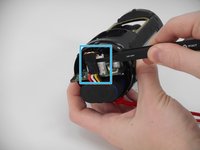
    • Pry up on the black tab, then carefully pull the connector from its port on the motherboard.

  19. JBL Flip 6 Motherboard Replacement: 19 단계, 이미지 3개 중 1개 JBL Flip 6 Motherboard Replacement: 19 단계, 이미지 3개 중 2개 JBL Flip 6 Motherboard Replacement: 19 단계, 이미지 3개 중 3개
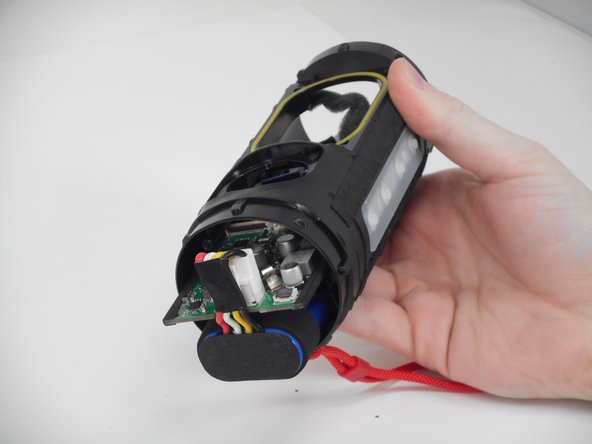
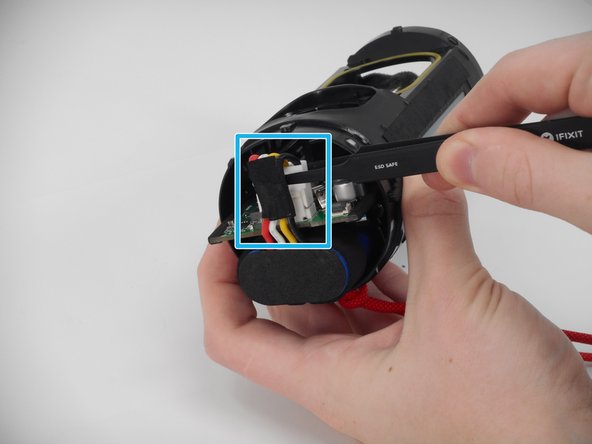
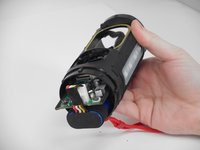
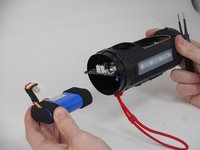
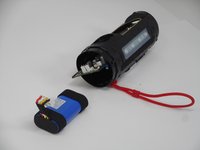
    • Push on the inside edge of the motherboard until the battery connector is outside of the device case.

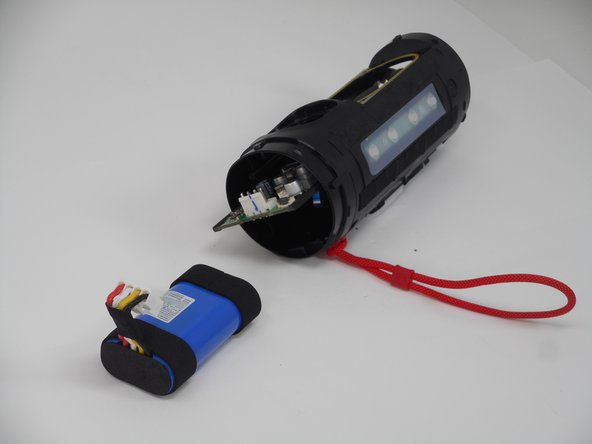
    • Pinch and pull up on the battery connector to release it, freeing both the motherboard and the battery for removal.

  20. JBL Flip 6 Motherboard Replacement: 20 단계, 이미지 3개 중 1개 JBL Flip 6 Motherboard Replacement: 20 단계, 이미지 3개 중 2개 JBL Flip 6 Motherboard Replacement: 20 단계, 이미지 3개 중 3개
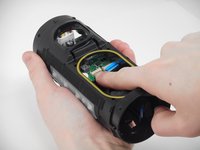
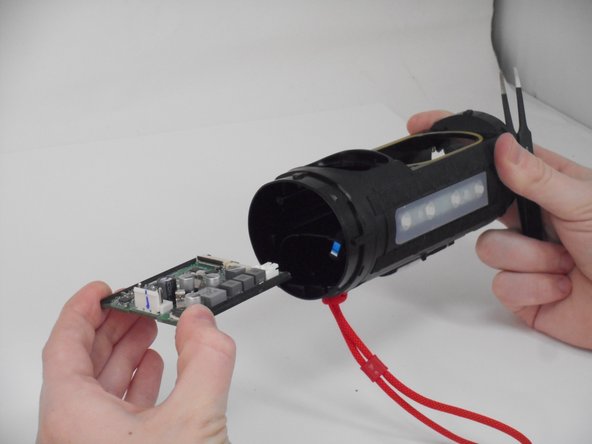
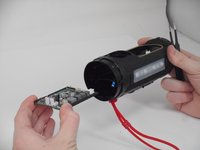
    • Pull out both the battery and motherboard, and repair or replace as needed.

결론

To reassemble your device, follow these instructions in reverse order.

작성자

2다른 기여자 명과 함께

Cody Chamberlain

회원 가입일: 09/25/24

414 평판

안내서 3개를 작성함

1가이드 댓글

Where do I find parts specifically the white ribbon that leads to control buttons and the control board.

Sketch Mastertask - 답글
댓글 쓰기

조회 통계:

지난 24시간: 5

지난 7일: 19

지난 30일: 142

전체 시간: 1,525