소개
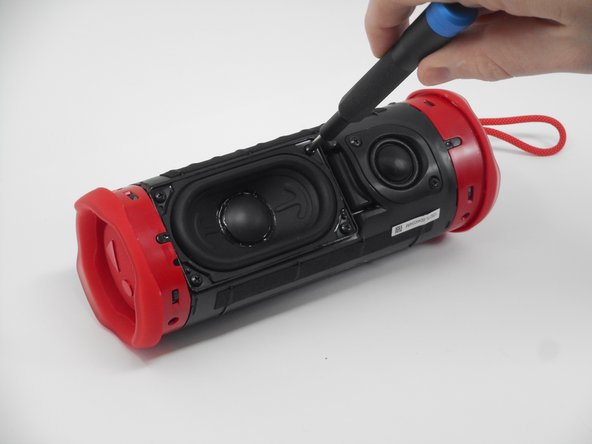
If your JBL Flip 6 speaker is producing weak or distorted bass, or if the low-end frequencies sound muffled or unclear, the issue may be with the woofer. The woofer is responsible for producing the bass and mid-bass sounds, and a damaged woofer can significantly affect the speaker's overall audio performance, particularly in the lower frequency range.
Before beginning this replacement guide, inspect the woofer for any visible signs of damage, such as tears or holes in the diaphragm or distortion in the cone. Gently press on the woofer to check for any irregular movement or rattling, which could indicate internal damage.
Before starting, power off the speaker and disconnect it from any charging cables or Bluetooth connections to avoid electrical shock or further damage during the repair process.
필요한 것

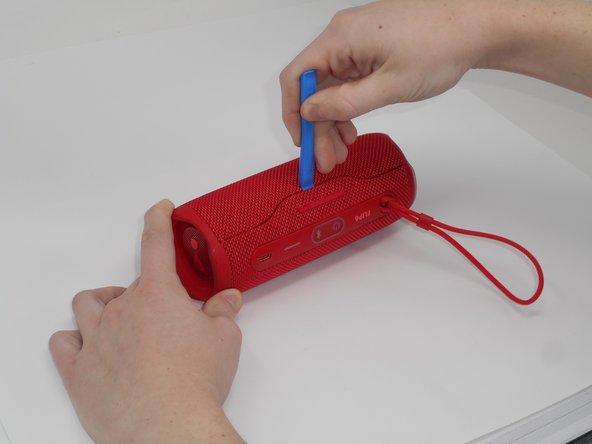


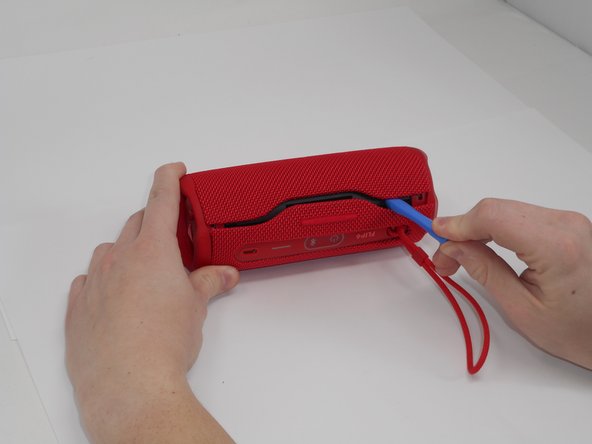


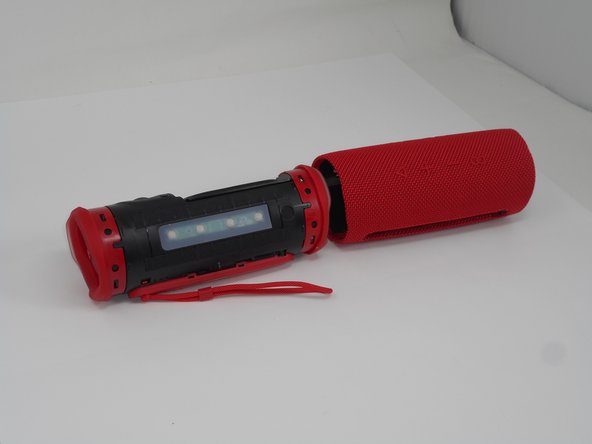
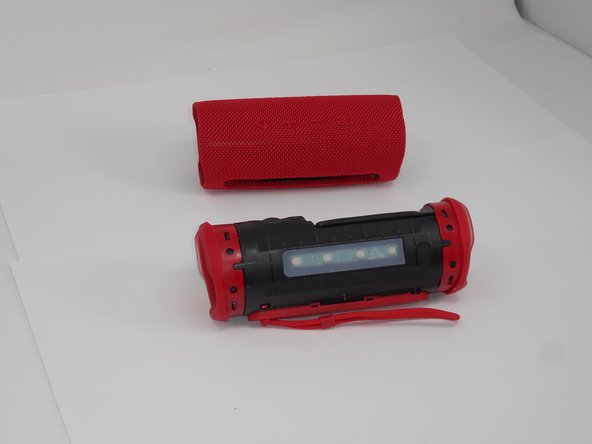

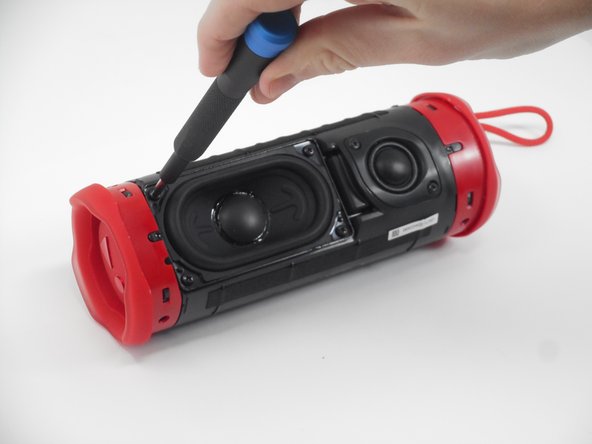
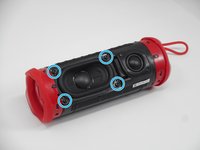
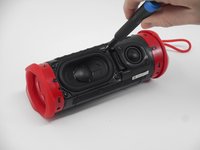
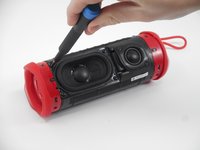

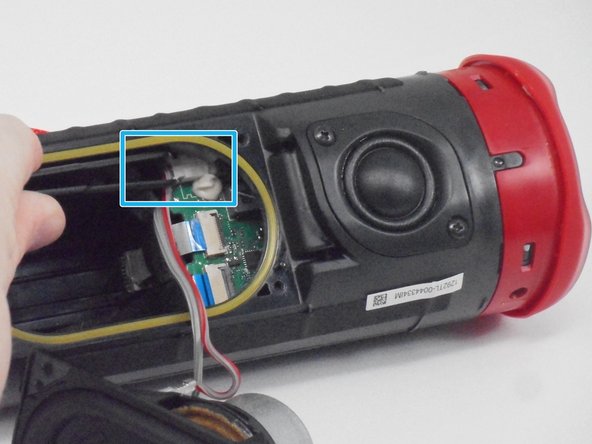
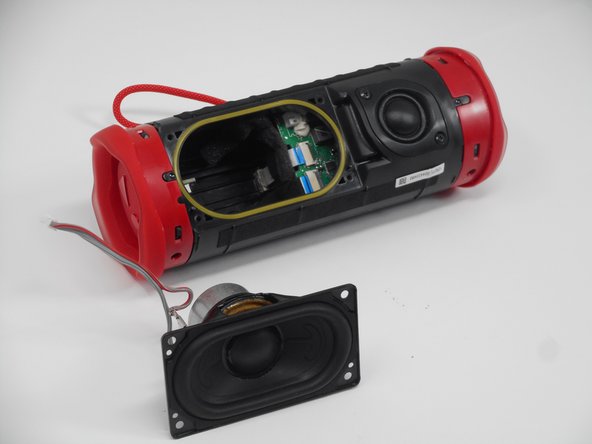
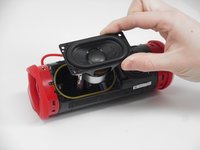
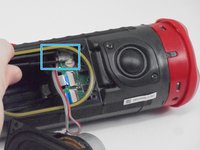
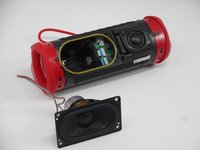
To reassemble your device, follow the above steps in reverse order.
Take your e-waste to an R2 or e-Stewards certified recycler.
Repair didn’t go as planned? Try some basic troubleshooting or ask our Answers community for help.



팀

University of Memphis, Team 1-1, Sneed Fall 2024 University of Memphis, Team 1-1, Sneed Fall 2024 회원
UM-SNEED-F24S1G1
4 회원들
안내서 18개를 작성함
