소개
If your JBL Go 3 battery stops holding a charge over time, you may need to replace it. It's a common issue with many speakers. Follow the guide below to replace the battery yourself.
필요한 것
-
-
Use a Jimmy or opening pick to gently lift one corner of the fabric mesh, then carefully remove the entire fabric and shell.
-
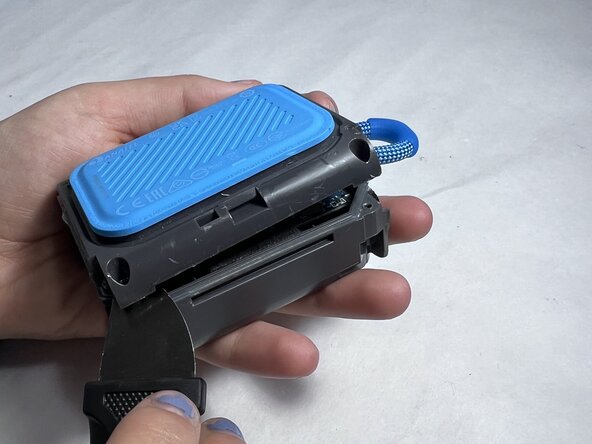
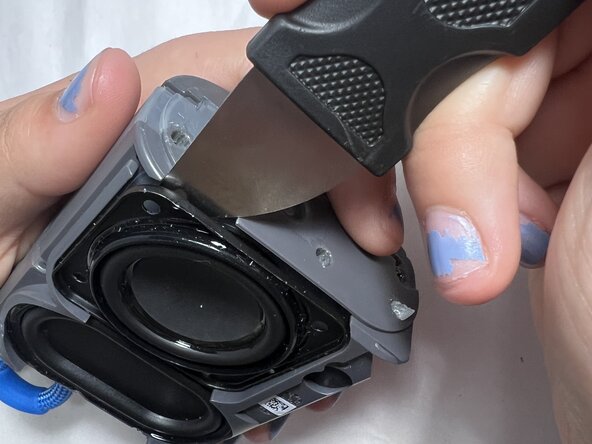
Insert the Jimmy along the seam and gently pry open the housing.
-
Work your way around the speaker, unclipping the internal latches as you go.
-
-
-
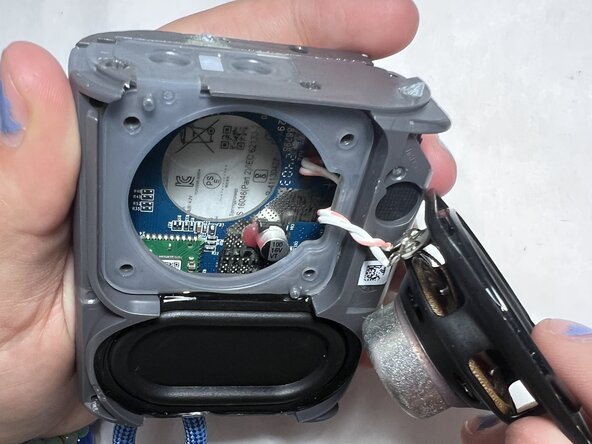
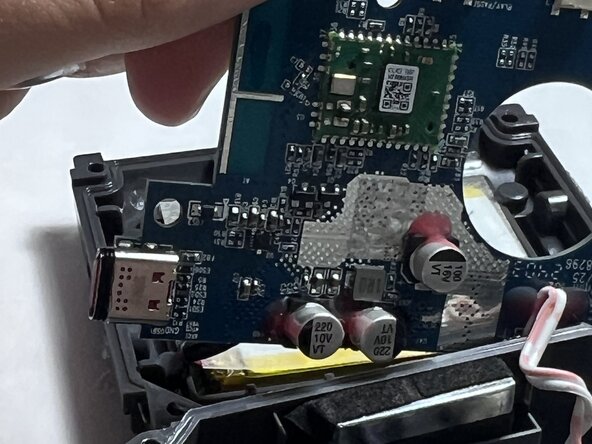
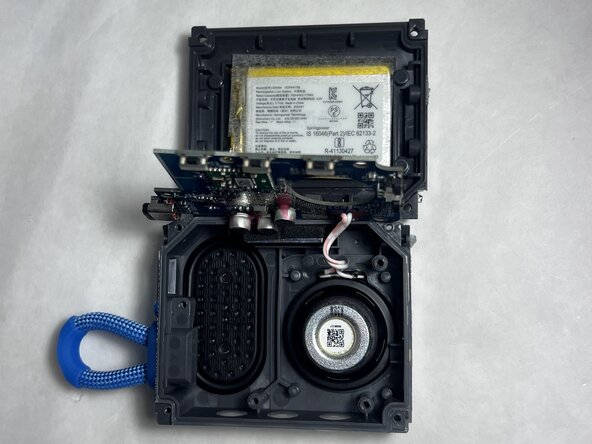
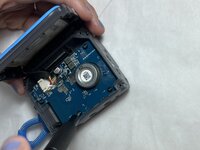
Unscrew the motherboard to access the battery.
-
Locate the battery, it’s usually wrapped in black or silver and connected to the mainboard by a small cable.
-
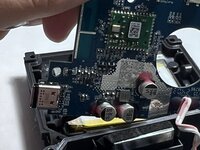
Carefully disconnect the battery connector from the circuit board.
-
Remove the old battery, replace it with the new one and reconnect the cable securely.
-
Close the housing, screw everything back in place, and reattach the fabric mesh.
-





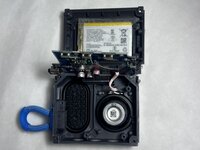
To reassemble your device, follow these instructions in reverse order.


팀

UMass Dartmouth, Team 4-5, Konn Spring 2025 UMass Dartmouth, Team 4-5, Konn Spring 2025 회원
UMASSD-KONN-S25S4G5
4 회원들
안내서 5개를 작성함
