주요 콘텐츠로 건너뛰기

JBL Pulse 4 Button Board Replacement

필요한 것

  1. JBL Pulse 4 Button Board Replacement, Casing Replacement: 1 단계, 이미지 1개 중 1개
    • Power off the device before doing any repairs.

    • Hold the power button for 3+ seconds to power down the device.

  2. JBL Pulse 4 Button Board Replacement: 2 단계, 이미지 3개 중 1개 JBL Pulse 4 Button Board Replacement: 2 단계, 이미지 3개 중 2개 JBL Pulse 4 Button Board Replacement: 2 단계, 이미지 3개 중 3개
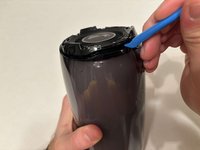
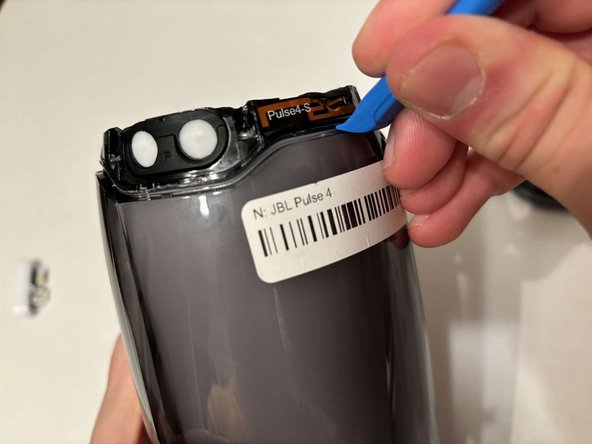
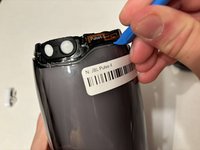
    • Remove each rubber end cap using a plastic pry tool.

    • Go around each end of the speaker slowly popping up a small section of the rubber cap until there is a gap on all sides.

    • Remove the top by hand.

  3. JBL Pulse 4 Button Board Replacement: 3 단계, 이미지 3개 중 1개 JBL Pulse 4 Button Board Replacement: 3 단계, 이미지 3개 중 2개 JBL Pulse 4 Button Board Replacement: 3 단계, 이미지 3개 중 3개
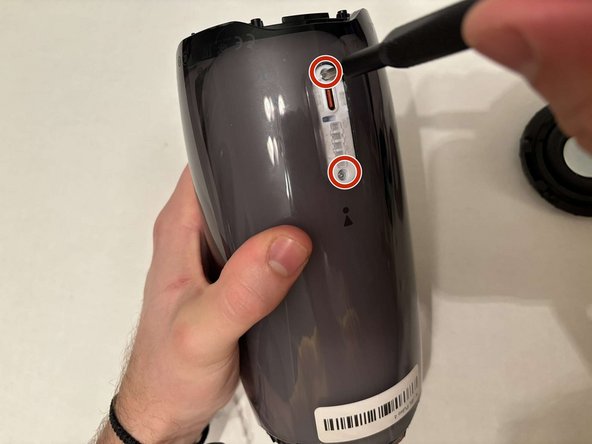
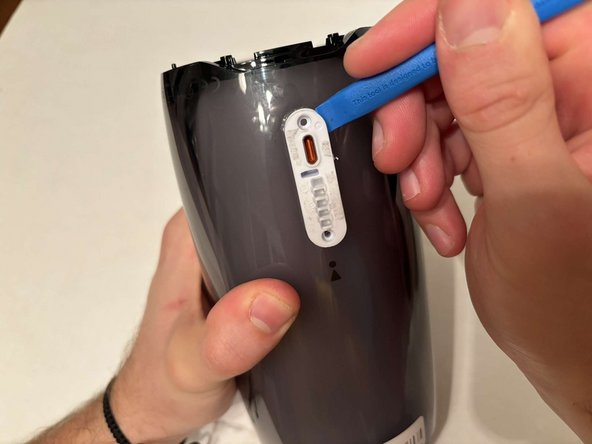
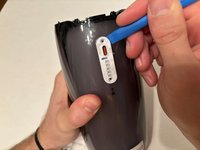
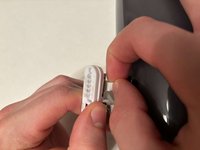
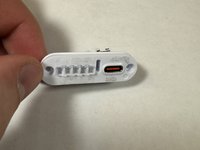
    • Remove the charging port cover using a plastic pry tool.

    • Remove the two 12.7 mm Phillips #1 screws.

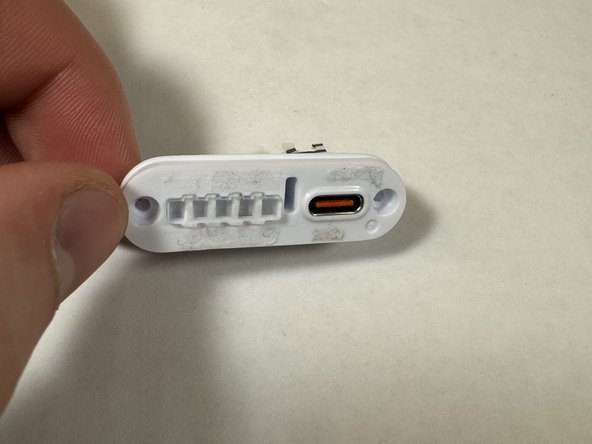
    • Remove the charging port housing from the casing.

  4. JBL Pulse 4 Button Board Replacement: 4 단계, 이미지 3개 중 1개 JBL Pulse 4 Button Board Replacement: 4 단계, 이미지 3개 중 2개 JBL Pulse 4 Button Board Replacement: 4 단계, 이미지 3개 중 3개
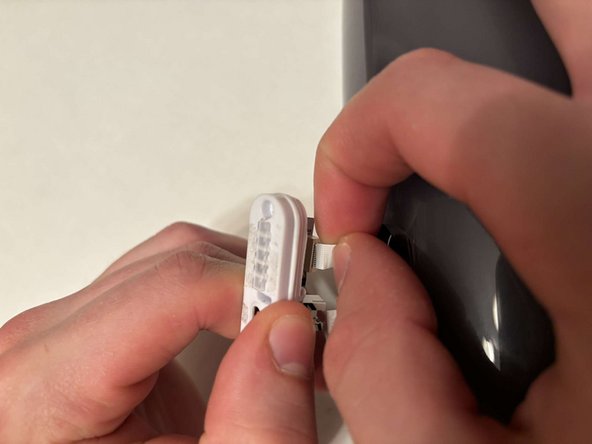
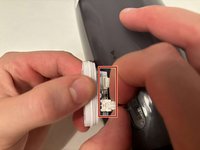
    • Disconnect the charging port connector by pulling the connector away from the port.

    • Disconnect the battery level indicator light by pulling the wire away from the lights.

  5. JBL Pulse 4 Button Board Replacement: 5 단계, 이미지 2개 중 1개 JBL Pulse 4 Button Board Replacement: 5 단계, 이미지 2개 중 2개
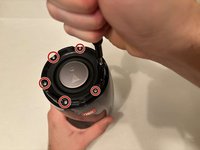
    • Remove the six 8 mm Phillips #1 screws from the end of the speaker with the grill that says "JBL."

    • Remove the plastic piece where the 6 screws came out of.

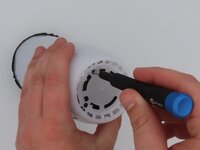
  6. JBL Pulse 4 Button Board Replacement: 6 단계, 이미지 1개 중 1개
    • Remove the six 9.5 mm screws using a Phillips #1 screwdriver.

  7. JBL Pulse 4 Button Board Replacement: 7 단계, 이미지 3개 중 1개 JBL Pulse 4 Button Board Replacement: 7 단계, 이미지 3개 중 2개 JBL Pulse 4 Button Board Replacement: 7 단계, 이미지 3개 중 3개
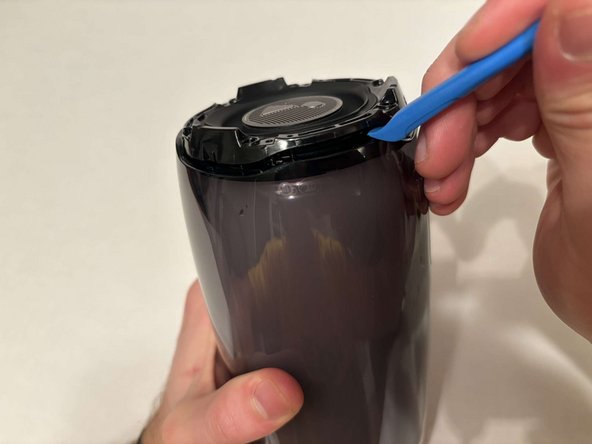
    • Flip the speaker to the other end.

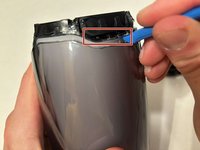
    • Use a pry tool to pry between the casing of the speaker and the internals.

    • Go around the entirety of this end of the speaker slowly prying apart the two pieces.

  8. JBL Pulse 4 Button Board Replacement: 8 단계, 이미지 1개 중 1개
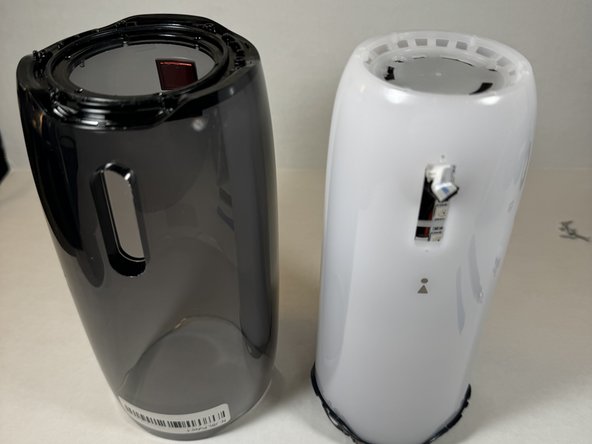
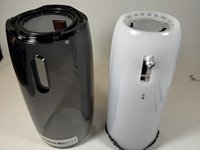
    • The casing is now fully detached from the internal components.

    • You can now replace the outer casing of the speaker.

  9. JBL Pulse 4 Button Board Replacement, LED Light Display: 9 단계, 이미지 2개 중 1개 JBL Pulse 4 Button Board Replacement, LED Light Display: 9 단계, 이미지 2개 중 2개
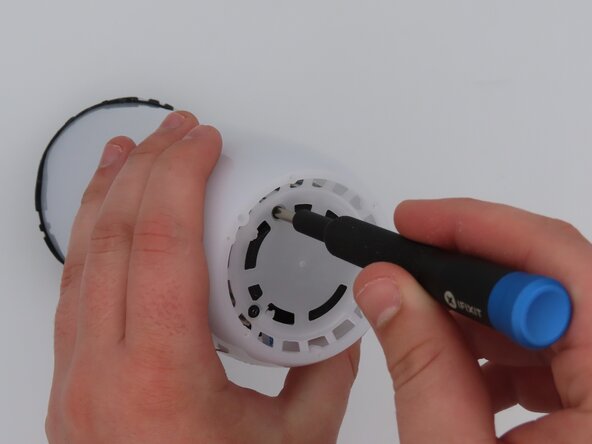
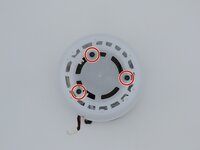
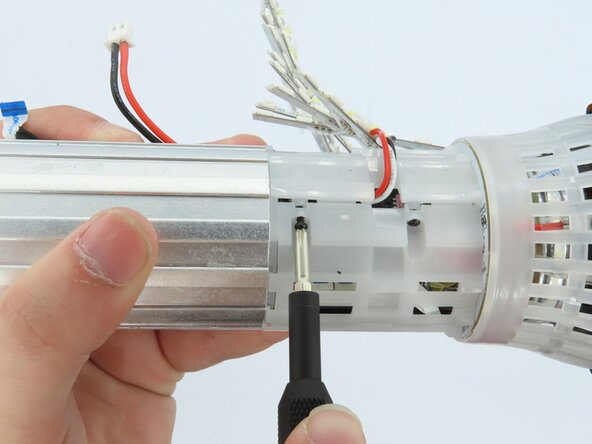
    • Place the speaker on the table with the button board side down.

    • Remove the three black 5 mm screws using a Phillips #1 screwdriver.

    • Remove the white casing by pulling it away from the button board.

  10. JBL Pulse 4 Button Board Replacement: 10 단계, 이미지 1개 중 1개
    • Clip off the two zip-ties using the zip tie cutter.

  11. JBL Pulse 4 Button Board Replacement: 11 단계, 이미지 1개 중 1개
    • Peel each LED strip off of the speaker using an iFixit opening pick.

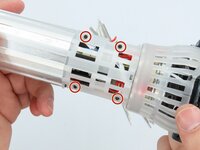
  12. JBL Pulse 4 Button Board Replacement: 12 단계, 이미지 2개 중 1개 JBL Pulse 4 Button Board Replacement: 12 단계, 이미지 2개 중 2개
    • Remove the four black 5 mm screws using a Phillips #1 screwdriver.

    • Remove the white plastic piece that is held in place by the screws.

  13. JBL Pulse 4 Button Board Replacement: 13 단계, 이미지 1개 중 1개
    • Remove the red/white cable from the white connection.

  14. JBL Pulse 4 Button Board Replacement: 14 단계, 이미지 1개 중 1개
    • Remove the LED light display from the speaker.

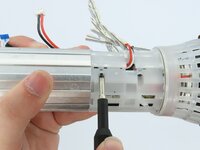
  15. JBL Pulse 4 Button Board Replacement, Battery: 15 단계, 이미지 3개 중 1개 JBL Pulse 4 Button Board Replacement, Battery: 15 단계, 이미지 3개 중 2개 JBL Pulse 4 Button Board Replacement, Battery: 15 단계, 이미지 3개 중 3개
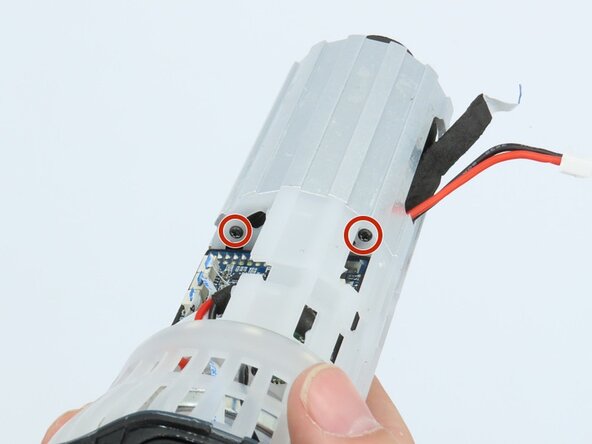
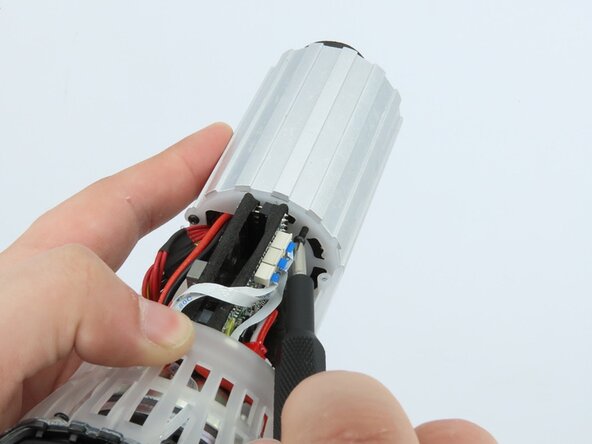
    • Remove the three black 5 mm screws using a Phillips #1 screwdriver.

  16. JBL Pulse 4 Button Board Replacement: 16 단계, 이미지 2개 중 1개 JBL Pulse 4 Button Board Replacement: 16 단계, 이미지 2개 중 2개
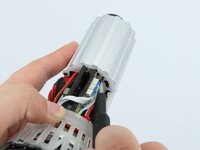
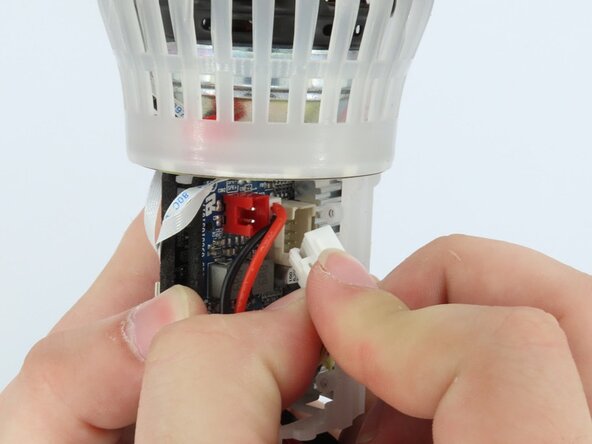
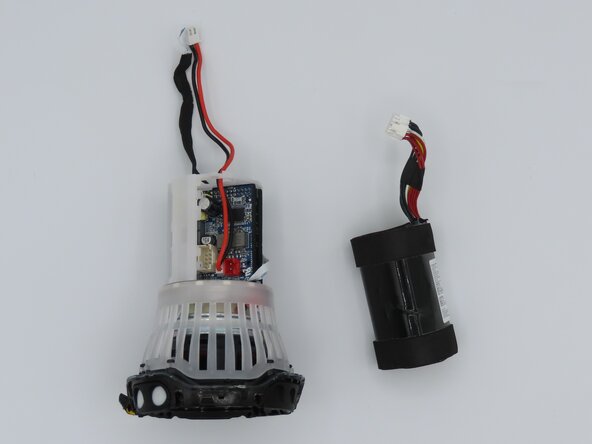
    • Unplug the cable connecting the battery to the motherboard.

  17. JBL Pulse 4 Button Board Replacement: 17 단계, 이미지 2개 중 1개 JBL Pulse 4 Button Board Replacement: 17 단계, 이미지 2개 중 2개
    • Feed the wire out of the central housing unit.

    • Pull the battery out of the central housing unit.

  18. JBL Pulse 4 Button Board Replacement, Motherboard: 18 단계, 이미지 2개 중 1개 JBL Pulse 4 Button Board Replacement, Motherboard: 18 단계, 이미지 2개 중 2개
    이 단계에 사용된 도구:
    Tweezers
    $4.99
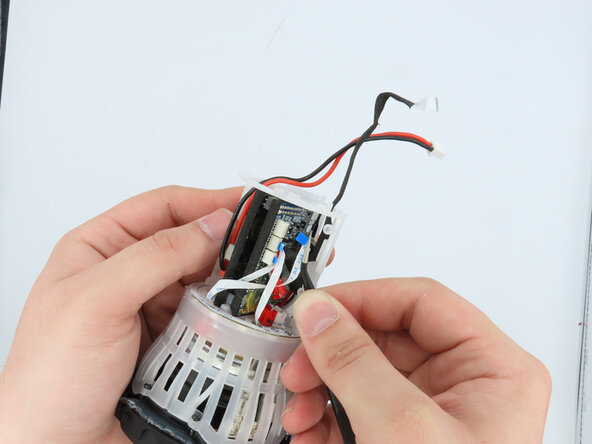
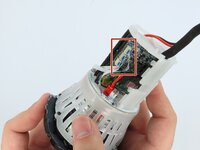
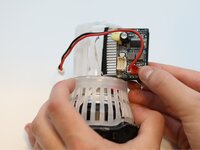
    • Using the tweezers, gently unplug the three connections attached to the motherboard.

  19. JBL Pulse 4 Button Board Replacement: 19 단계, 이미지 3개 중 1개 JBL Pulse 4 Button Board Replacement: 19 단계, 이미지 3개 중 2개 JBL Pulse 4 Button Board Replacement: 19 단계, 이미지 3개 중 3개
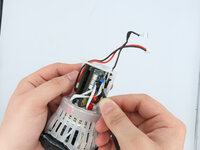
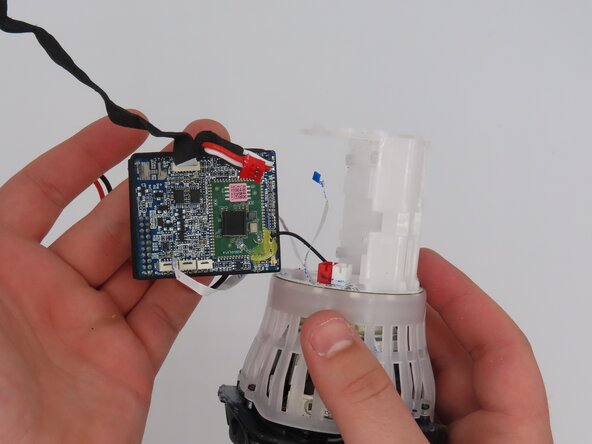
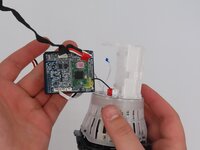
    • Pull the motherboard out of the frame.

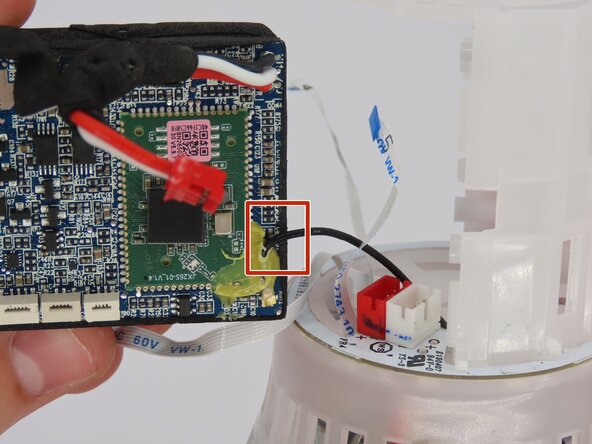
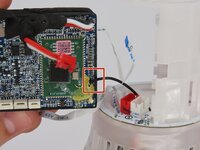
    • The only connection the motherboard has to the frame now should be the soldered-on black wire.

  20. JBL Pulse 4 Button Board Replacement: 20 단계, 이미지 3개 중 1개 JBL Pulse 4 Button Board Replacement: 20 단계, 이미지 3개 중 2개 JBL Pulse 4 Button Board Replacement: 20 단계, 이미지 3개 중 3개
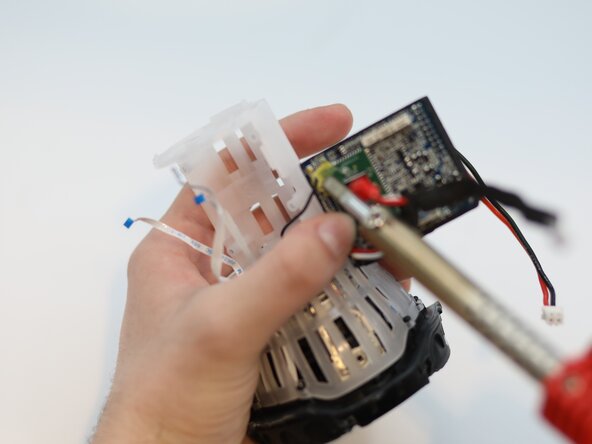
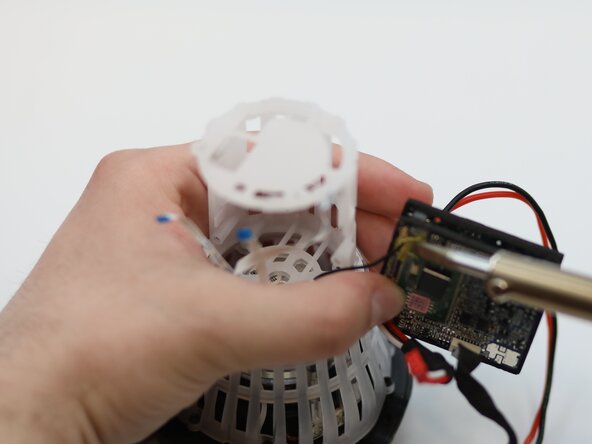
    • Desolder the wire from the motherboard.

    • Remove the motherboard from the speaker.

  21. JBL Pulse 4 Button Board Replacement, Button Board: 21 단계, 이미지 1개 중 1개
    • Cut the black cable off the motherboard using cutters to remove the button board.

결론

To reassemble your device, follow these instructions in reverse order.

작성자

1다른 기여자 명과 함께

Ethan Zuziak

회원 가입일: 02/25/25

73 평판

안내서 1개를 작성함

0가이드 댓글

댓글 쓰기

조회 통계:

지난 24시간: 0

지난 7일: 4

지난 30일: 9

전체 시간: 186