주요 콘텐츠로 건너뛰기

Kaffelogic Nano 7/LINK (D-P Serial) LCD Board Replacement

필요한 것

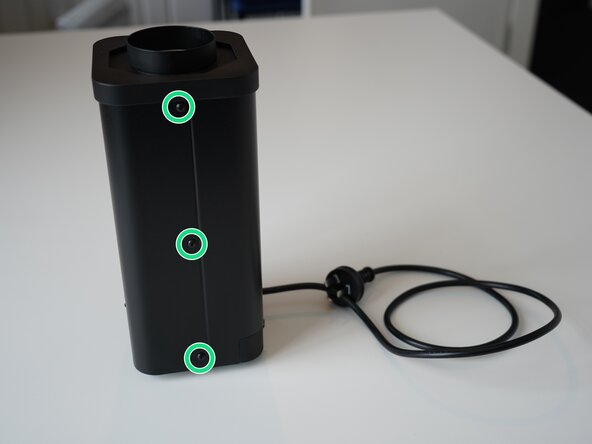
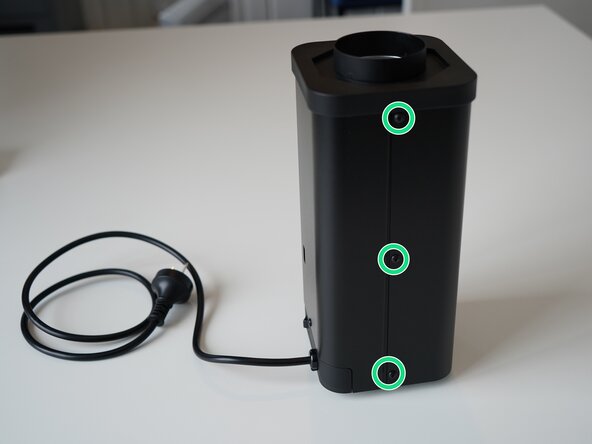
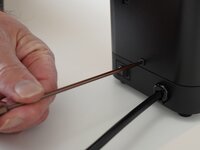
  1. Kaffelogic Nano 7/LINK (D-P Serial) LCD Board Replacement, Removing Front Panel Screws: 1 단계, 이미지 2개 중 1개 Kaffelogic Nano 7/LINK (D-P Serial) LCD Board Replacement, Removing Front Panel Screws: 1 단계, 이미지 2개 중 2개
    • Remove the 6x 2.5mm Hex screws on the left and right side of the roaster.

    • Take care not to damage the buttons while maneuvering the front panel, with all six screws removed it may fall away.

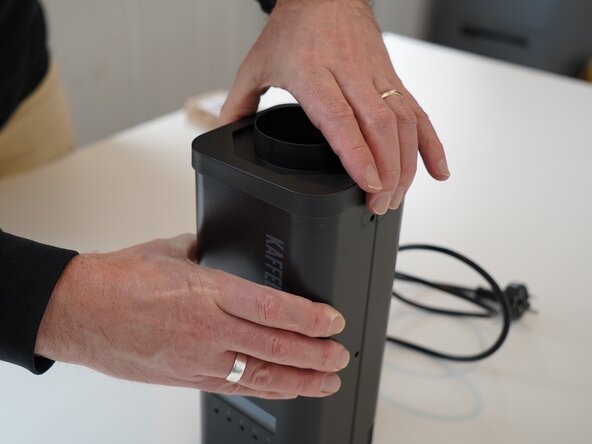
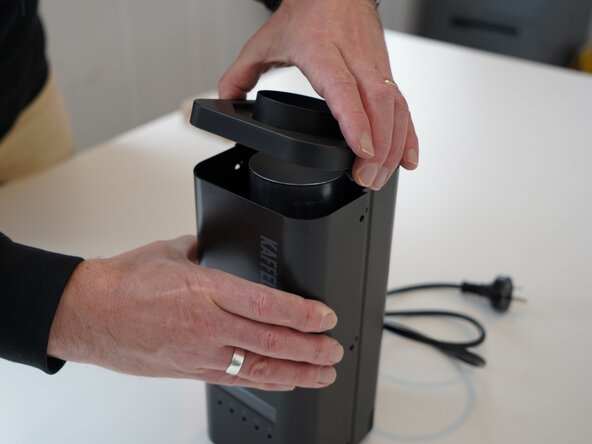
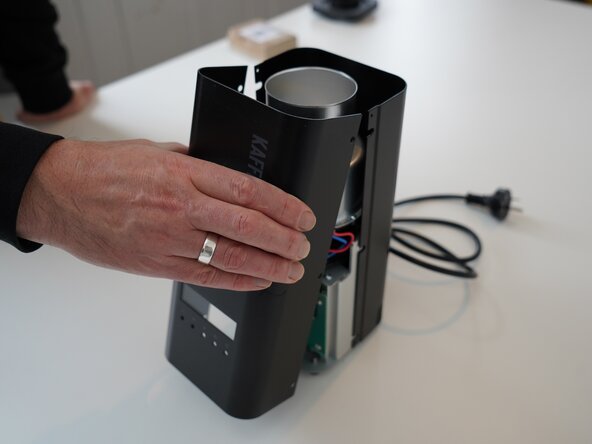
  2. Kaffelogic Nano 7/LINK (D-P Serial) LCD Board Replacement, Lift the closure: 2 단계, 이미지 2개 중 1개 Kaffelogic Nano 7/LINK (D-P Serial) LCD Board Replacement, Lift the closure: 2 단계, 이미지 2개 중 2개
    • Hold the front panel steady while removing the plastic top/closure.

  3. Kaffelogic Nano 7/LINK (D-P Serial) LCD Board Replacement, Removing the front panel: 3 단계, 이미지 1개 중 1개
    • Pull away the front panel carefully.

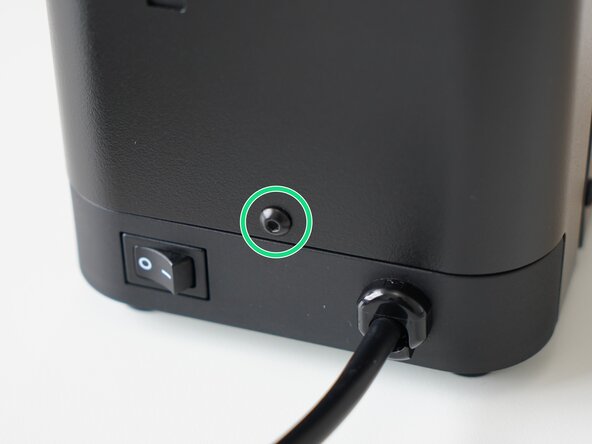
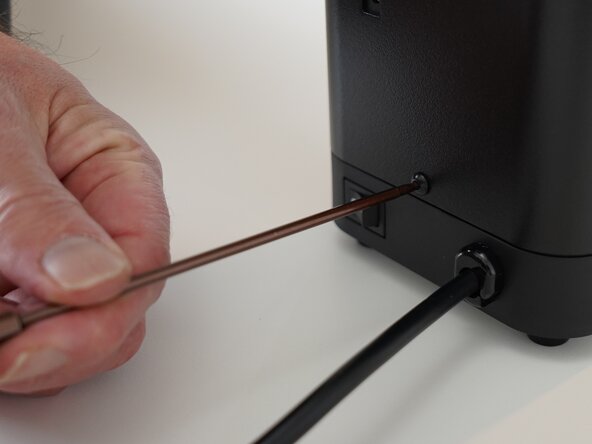
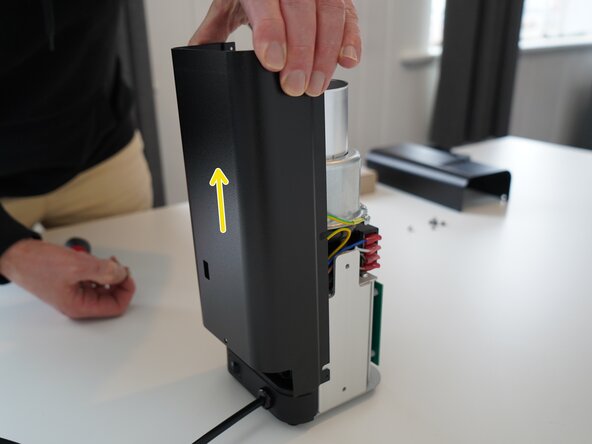
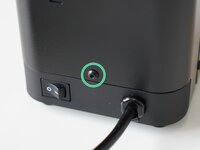
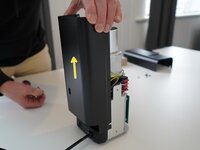
  4. Kaffelogic Nano 7/LINK (D-P Serial) LCD Board Replacement, Removing the rear panel: 4 단계, 이미지 3개 중 1개 Kaffelogic Nano 7/LINK (D-P Serial) LCD Board Replacement, Removing the rear panel: 4 단계, 이미지 3개 중 2개 Kaffelogic Nano 7/LINK (D-P Serial) LCD Board Replacement, Removing the rear panel: 4 단계, 이미지 3개 중 3개
    • Remove the last 2.5mm Hex screw securing the rear panel.

    • Pull up on the rear panel to remove it from the roaster.

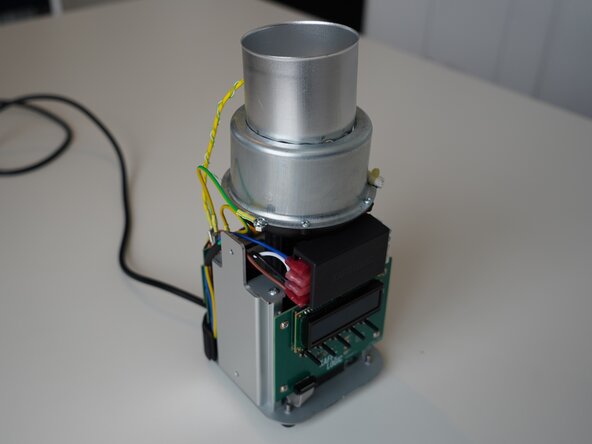
  5. Kaffelogic Nano 7/LINK (D-P Serial) LCD Board Replacement, Access granted: 5 단계, 이미지 2개 중 1개 Kaffelogic Nano 7/LINK (D-P Serial) LCD Board Replacement, Access granted: 5 단계, 이미지 2개 중 2개
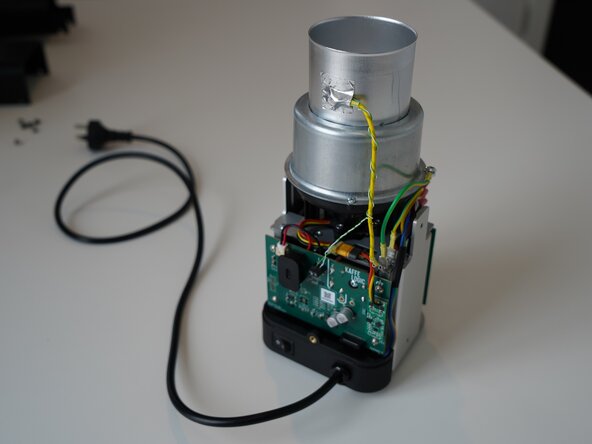
    • Set the panels aside somewhere safe and bask in the beauty of your naked roaster.

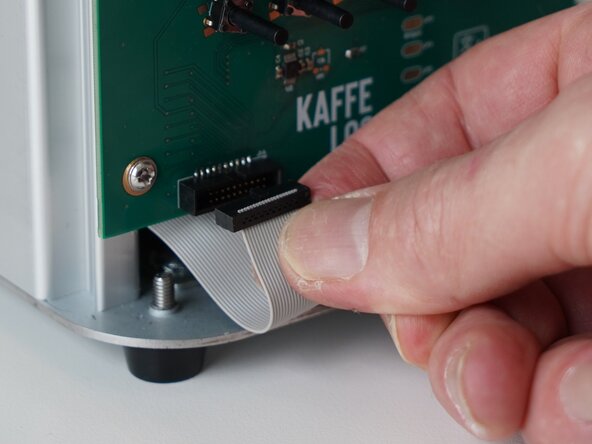
  6. Kaffelogic Nano 7/LINK (D-P Serial) LCD Board Replacement, Remove ribbon cable: 6 단계, 이미지 3개 중 1개 Kaffelogic Nano 7/LINK (D-P Serial) LCD Board Replacement, Remove ribbon cable: 6 단계, 이미지 3개 중 2개 Kaffelogic Nano 7/LINK (D-P Serial) LCD Board Replacement, Remove ribbon cable: 6 단계, 이미지 3개 중 3개
    • Gently remove the ribbon cable from the PCB.

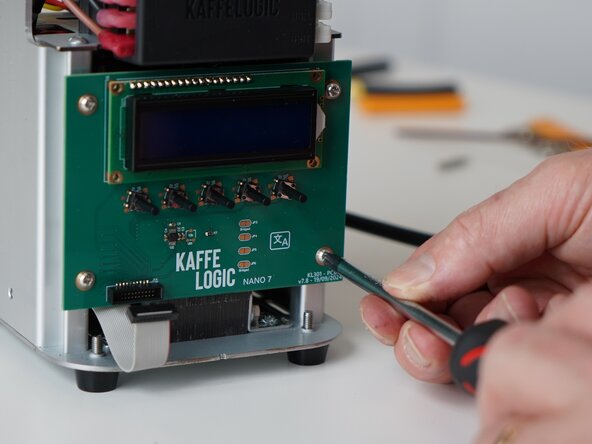
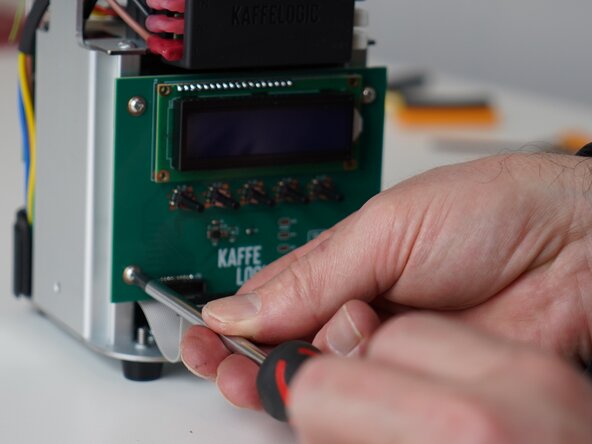
  7. Kaffelogic Nano 7/LINK (D-P Serial) LCD Board Replacement, Remove PCB screws: 7 단계, 이미지 3개 중 1개 Kaffelogic Nano 7/LINK (D-P Serial) LCD Board Replacement, Remove PCB screws: 7 단계, 이미지 3개 중 2개 Kaffelogic Nano 7/LINK (D-P Serial) LCD Board Replacement, Remove PCB screws: 7 단계, 이미지 3개 중 3개
    • Unscrew the 4x PH2 PCB screws.

    • These screws are captive to the PCB.

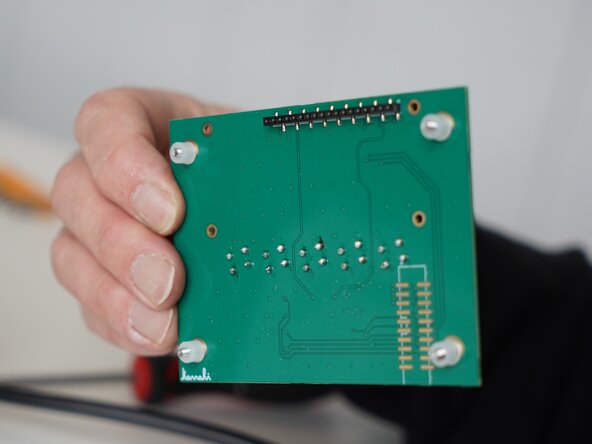
  8. Kaffelogic Nano 7/LINK (D-P Serial) LCD Board Replacement, Remove PCB: 8 단계, 이미지 3개 중 1개 Kaffelogic Nano 7/LINK (D-P Serial) LCD Board Replacement, Remove PCB: 8 단계, 이미지 3개 중 2개 Kaffelogic Nano 7/LINK (D-P Serial) LCD Board Replacement, Remove PCB: 8 단계, 이미지 3개 중 3개
    • Carefully remove the display PCB.

    • You may replace the ribbon cable while you have the panels off.

결론

To reassemble your device, follow these instructions in reverse order.

작성자

2다른 기여자 명과 함께

Kaffelogic

회원 가입일: 07/23/25

2,098 평판

안내서 18개를 작성함

Kaffelogic Staff Kaffelogic Staff 회원

Community

3 회원들

안내서 18개를 작성함

0가이드 댓글

댓글 쓰기

조회 통계:

지난 24시간: 0

지난 7일: 1

지난 30일: 10

전체 시간: 51