주요 콘텐츠로 건너뛰기

Kilgone G20 Battery Replacement

필요한 것
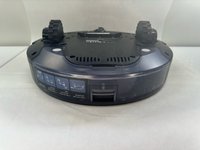
  1. Kilgone G20 Battery Replacement, Battery: 1 단계, 이미지 2개 중 1개 Kilgone G20 Battery Replacement, Battery: 1 단계, 이미지 2개 중 2개
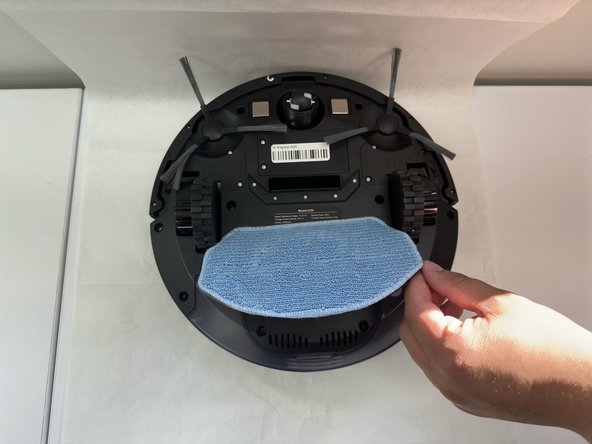
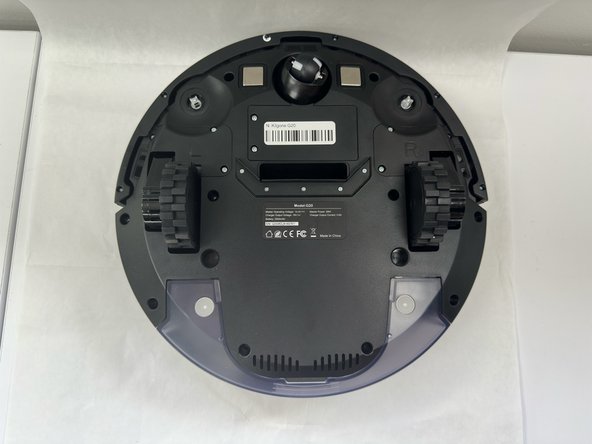
    • Remove the mop pad.

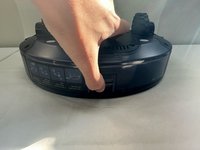
  2. Kilgone G20 Battery Replacement: 2 단계, 이미지 2개 중 1개 Kilgone G20 Battery Replacement: 2 단계, 이미지 2개 중 2개
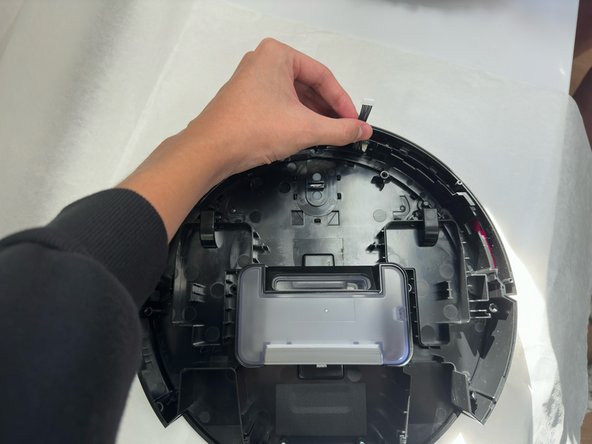
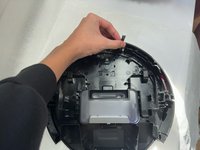
    • One at a time, grab and pull up on each of the side brushes to remove them.

    • Don't be afraid to use some force when pulling up on each of the brushes.

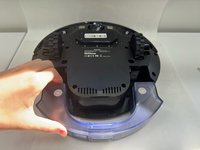
  3. Kilgone G20 Battery Replacement: 3 단계, 이미지 3개 중 1개 Kilgone G20 Battery Replacement: 3 단계, 이미지 3개 중 2개 Kilgone G20 Battery Replacement: 3 단계, 이미지 3개 중 3개
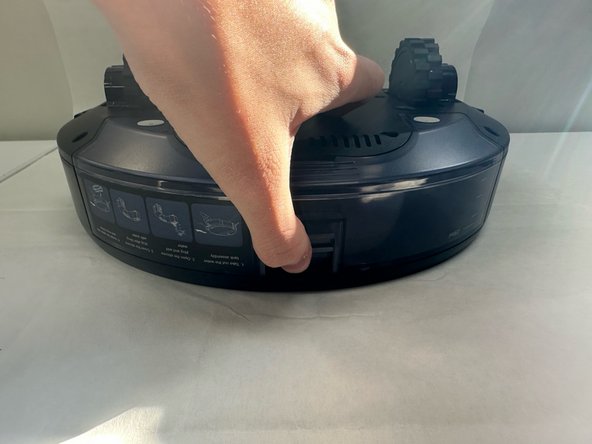
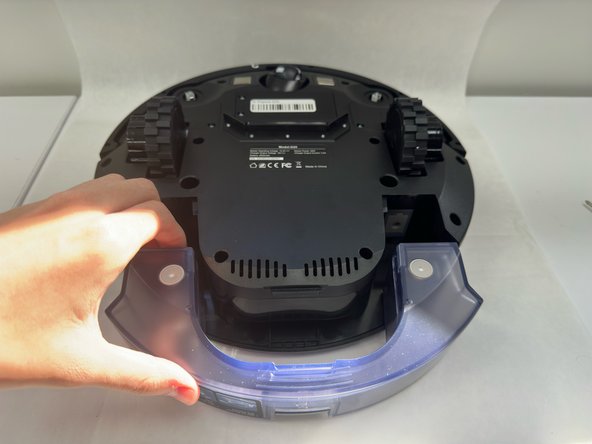
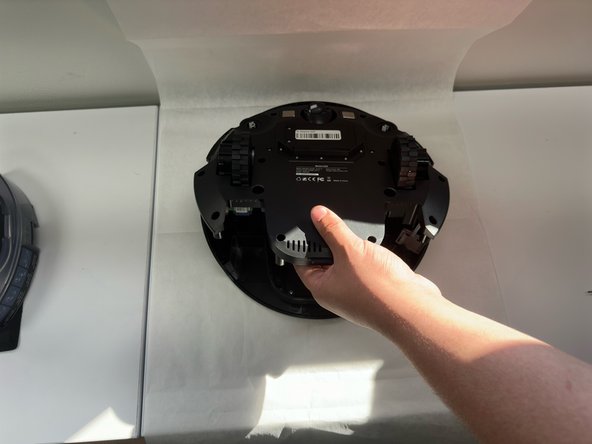
    • Pinch on the tab and pull out the mopping solution container.

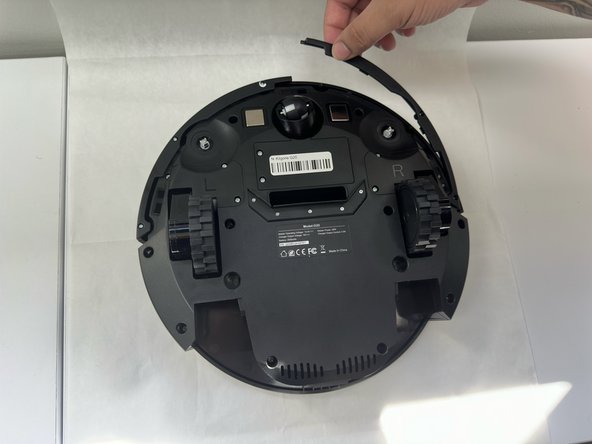
  4. Kilgone G20 Battery Replacement: 4 단계, 이미지 1개 중 1개
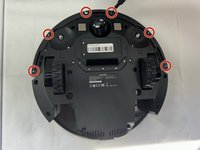
    • Use a Phillips #1 screwdriver to remove the ten 3.8 mm x 12.28 mm screws on the underside of the device.

  5. Kilgone G20 Battery Replacement: 5 단계, 이미지 3개 중 1개 Kilgone G20 Battery Replacement: 5 단계, 이미지 3개 중 2개 Kilgone G20 Battery Replacement: 5 단계, 이미지 3개 중 3개
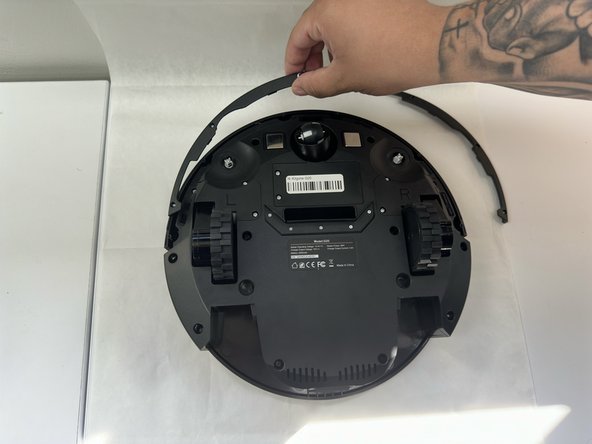
    • Remove the six 2.3 mm screws on the underside of the bumper.

    • Lift the undersides of the bumper off.

  6. Kilgone G20 Battery Replacement: 6 단계, 이미지 3개 중 1개 Kilgone G20 Battery Replacement: 6 단계, 이미지 3개 중 2개 Kilgone G20 Battery Replacement: 6 단계, 이미지 3개 중 3개
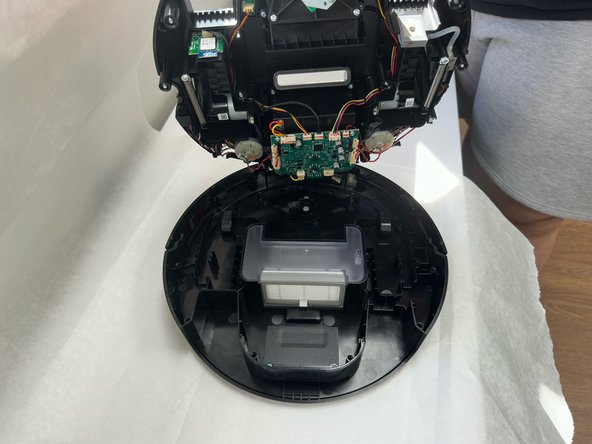
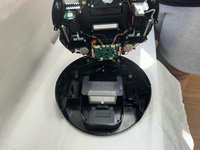
    • Lift the entire underside up cautiously.

    • Make sure not to pull or snap the wire connected to the main board.

  7. Kilgone G20 Battery Replacement: 7 단계, 이미지 2개 중 1개 Kilgone G20 Battery Replacement: 7 단계, 이미지 2개 중 2개
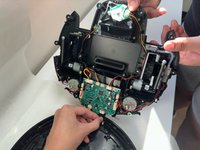
    • Grab the main circuit board and look for which port the bumper is attached to.

    • Carefully pull out the connection and put the bumper off to the side.

  8. Kilgone G20 Battery Replacement: 8 단계, 이미지 3개 중 1개 Kilgone G20 Battery Replacement: 8 단계, 이미지 3개 중 2개 Kilgone G20 Battery Replacement: 8 단계, 이미지 3개 중 3개
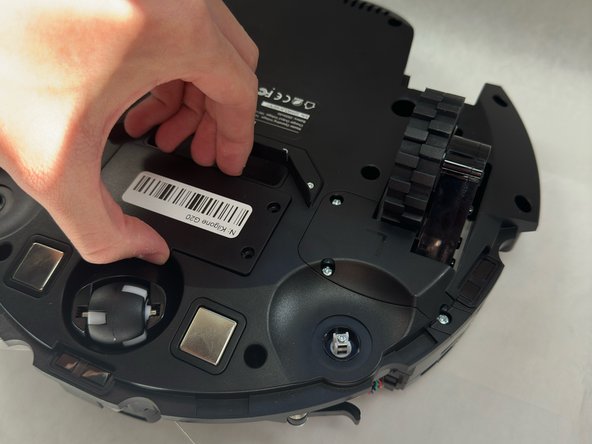
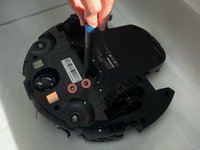
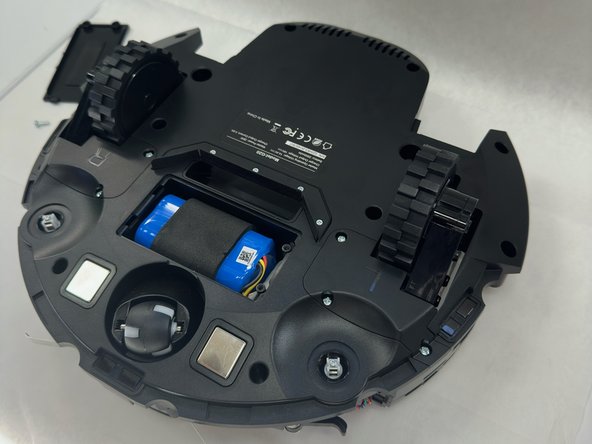
    • Flip over the G20.

    • Remove the two M3 x 10 screws that secure the battery cover.

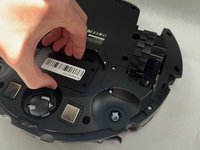
    • Remove the battery cover.

  9. Kilgone G20 Battery Replacement: 9 단계, 이미지 2개 중 1개 Kilgone G20 Battery Replacement: 9 단계, 이미지 2개 중 2개
    • Flip over the G20.

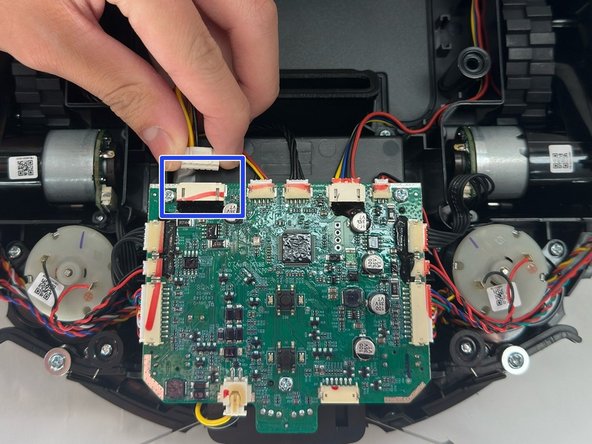
    • Unplug the cable that's connected to the battery from the port on the motherboard.

    • Make sure you only disconnect the cable that is highlighted in the image.

  10. Kilgone G20 Battery Replacement: 10 단계, 이미지 2개 중 1개 Kilgone G20 Battery Replacement: 10 단계, 이미지 2개 중 2개
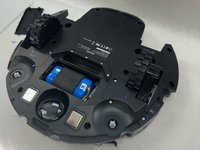
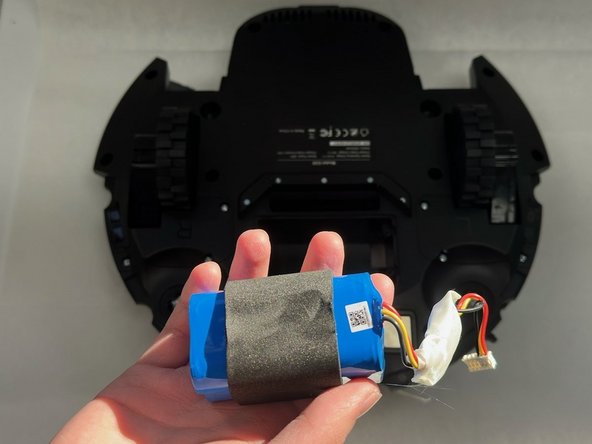
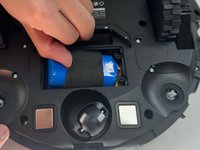
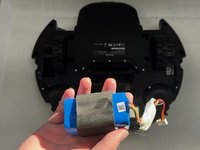
    • Flip over the G20 again, and gently lift out the battery along with the wire that it's connected to.

결론

To reassemble your device, follow the above steps in reverse order.
Take your e-waste to an R2 or e-Stewards certified recycler.
Repair didn’t go as planned? Try some basic troubleshooting or ask our Answers community for help.

작성자

3다른 기여자 명과 함께

Sol

회원 가입일: 08/28/24

381 평판

안내서 2개를 작성함

0가이드 댓글

댓글 쓰기

조회 통계:

지난 24시간: 0

지난 7일: 1

지난 30일: 16

전체 시간: 193