주요 콘텐츠로 건너뛰기

Kindle 1st Generation SD Card Reader Replacement

필요한 것

  1. Kindle 1st Generation SD Card Reader Replacement, Battery: 1 단계, 이미지 1개 중 1개
    • Slide the grey plastic cover laterally off the back of the device.

  2. Kindle 1st Generation SD Card Reader Replacement: 2 단계, 이미지 2개 중 1개 Kindle 1st Generation SD Card Reader Replacement: 2 단계, 이미지 2개 중 2개
    • Use a plastic opening tool to lift the battery on the side closest to the edge of the device.

    • Unplug the battery from the device by pinching the white connector and pulling.

    • Do not yank the battery or try to disconnect the battery by pulling the wires.

  3. Kindle 1st Generation SD Card Reader Replacement, SD Card Reader: 3 단계, 이미지 1개 중 1개
    • Unscrew eight (8) Phillips #00 screws (3 mm).

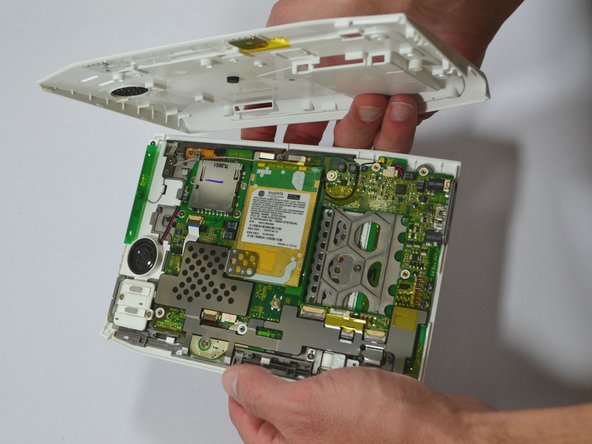
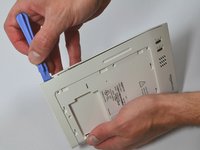
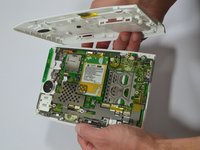
  4. Kindle 1st Generation SD Card Reader Replacement: 4 단계, 이미지 2개 중 1개 Kindle 1st Generation SD Card Reader Replacement: 4 단계, 이미지 2개 중 2개
    • Start at one side of the device. Use a plastic opening tool to separate the casing of the device. Slowly work your way around the entire device.

    • Avoid prying between the buttons and the device. This could cause damage to the buttons.

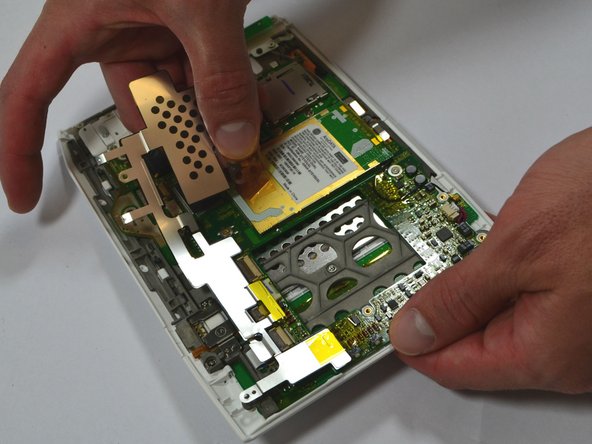
  5. Kindle 1st Generation SD Card Reader Replacement: 5 단계, 이미지 2개 중 1개 Kindle 1st Generation SD Card Reader Replacement: 5 단계, 이미지 2개 중 2개
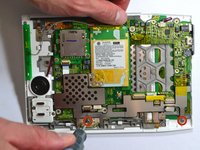
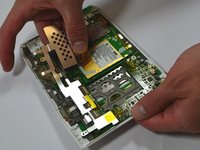
    • Unscrew the two (2) Phillips #00 screws (3 mm) which fasten the metal casing shield.

    • Slowly remove the metal casing shield by lifting it and carefully peeling up the tape.

  6. Kindle 1st Generation SD Card Reader Replacement: 6 단계, 이미지 1개 중 1개
    • Remove the four (4) Phillips #00 screws (3 mm) which fasten the SD Card Reader.

  7. Kindle 1st Generation SD Card Reader Replacement: 7 단계, 이미지 2개 중 1개 Kindle 1st Generation SD Card Reader Replacement: 7 단계, 이미지 2개 중 2개
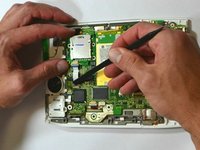
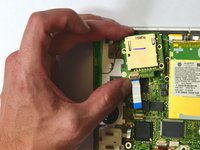
    • Lift the flap attaching the blue and white ribbon cable to the motherboard by lifting it vertically with a spudger.

    • The flap is connected via a hinge. Once you lift the flap, it will stay up and the cable will be lose. Remember to snap it back down during reassembly.

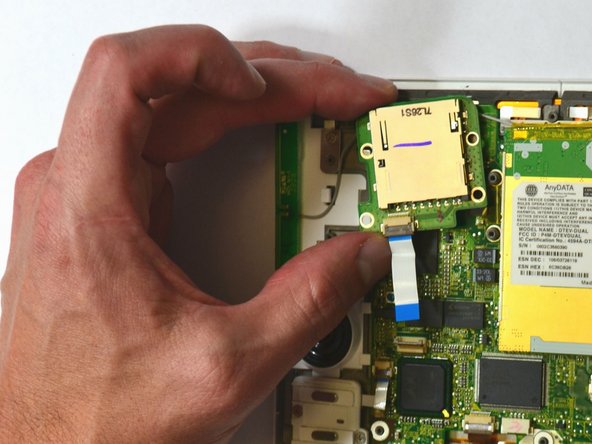
    • Carefully lift the SD Card Reader vertically from the motherboard.

결론

To reassemble your device, follow these instructions in reverse order.

다른 2명이 해당 안내서를 완성하였습니다.

작성자

4다른 기여자 명과 함께

Samantha Manning

회원 가입일: 06/04/13

787 평판

안내서 6개를 작성함

0가이드 댓글

댓글 쓰기

조회 통계:

지난 24시간: 1

지난 7일: 2

지난 30일: 18

전체 시간: 1,977