주요 콘텐츠로 건너뛰기

Kodak EasyShare C713 LCD Replacement

필요한 것

  1. Kodak EasyShare C713 LCD Replacement, Batteries: 1 단계, 이미지 1개 중 1개
    • Use your finger tip to slide battery cover door away from the center of the camera.

    • The battery door should spring open.

    • If this does not happen, gently open the door lifting from the outer bottom side of the camera.

  2. Kodak EasyShare C713 LCD Replacement: 2 단계, 이미지 1개 중 1개
    • Remove the old batteries.

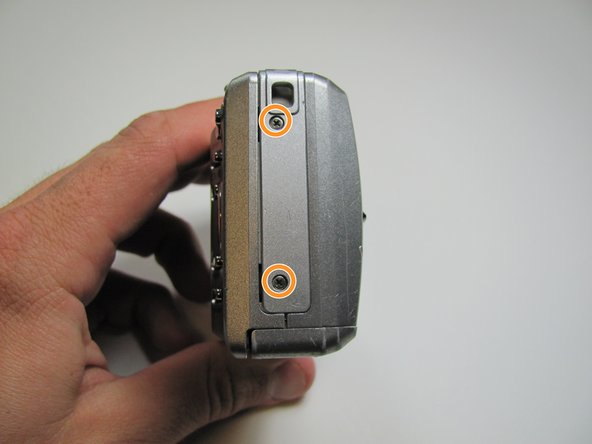
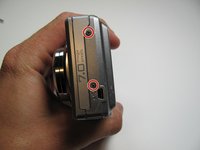
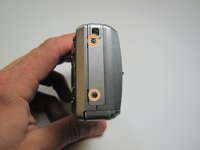
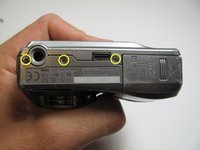
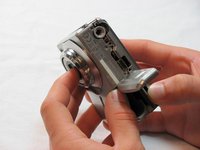
  3. Kodak EasyShare C713 LCD Replacement, Outer Case: 3 단계, 이미지 3개 중 1개 Kodak EasyShare C713 LCD Replacement, Outer Case: 3 단계, 이미지 3개 중 2개 Kodak EasyShare C713 LCD Replacement, Outer Case: 3 단계, 이미지 3개 중 3개
    • Remove the seven screws from the outer case with a Phillips #00.

    • All screws are 4.45mm.

    • There are 2 screws on the port side.

    • There are 2 screws on starboard side.

    • There are 3 screws on the bottom.

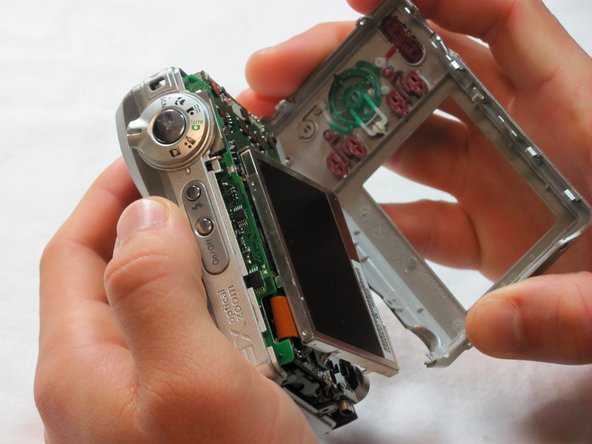
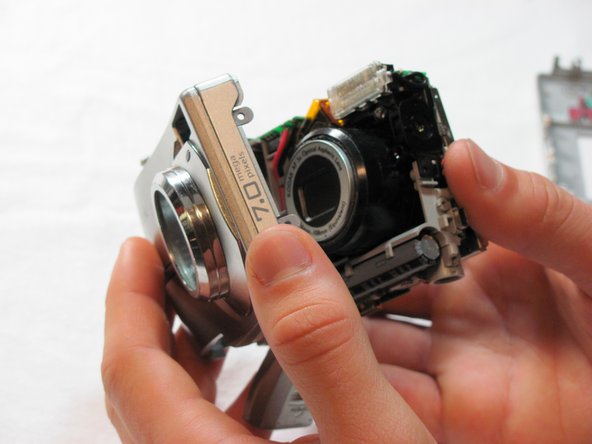
  4. Kodak EasyShare C713 LCD Replacement: 4 단계, 이미지 3개 중 1개 Kodak EasyShare C713 LCD Replacement: 4 단계, 이미지 3개 중 2개 Kodak EasyShare C713 LCD Replacement: 4 단계, 이미지 3개 중 3개
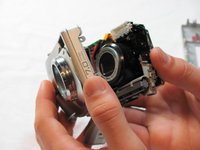
    • Make sure the battery cap is "up".

    • Pull the outer case off with your hands.

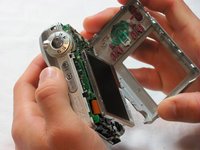
  5. Kodak EasyShare C713 LCD Replacement, LCD: 5 단계, 이미지 1개 중 1개
    • The LCD screen is hinged at the bottom.

    • Put your thumb in the upper right corner of the LCD screen.

    • Pull the LCD screen out of its outer case with your thumb.

  6. Kodak EasyShare C713 LCD Replacement: 6 단계, 이미지 1개 중 1개
    • Remove the screw underneath LCD screen with the Phillips #00. The screw measures 4.1mm in length.

  7. Kodak EasyShare C713 LCD Replacement: 7 단계, 이미지 2개 중 1개 Kodak EasyShare C713 LCD Replacement: 7 단계, 이미지 2개 중 2개
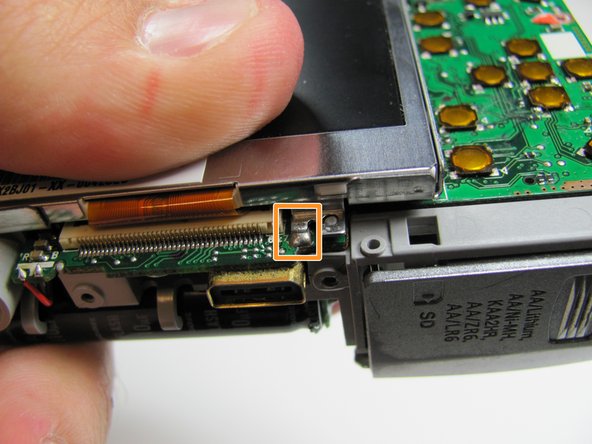
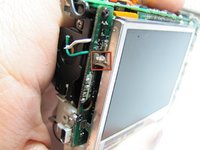
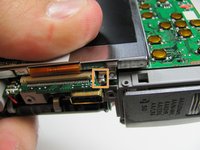
    • Desolder the two points.

    • One on the port side.

    • One on the bottom.

  8. Kodak EasyShare C713 LCD Replacement: 8 단계, 이미지 1개 중 1개
    • After desoldering the LCD casing, just use your fingers to carefully remove it.

  9. Kodak EasyShare C713 LCD Replacement: 9 단계, 이미지 1개 중 1개
    • Flip up the black tab on the bottom of the LCD screen with a fingertip.

  10. Kodak EasyShare C713 LCD Replacement: 10 단계, 이미지 1개 중 1개
    • Remove the LCD ribbon cable from inside the black tab.

결론

To reassemble your device, follow these instructions in reverse order.

다른 6명이 해당 안내서를 완성하였습니다.

작성자

6다른 기여자 명과 함께

Taggart Ashby

회원 가입일: 04/15/10

354 평판

안내서 4개를 작성함

Cal Poly, Team 26-19, Regan Spring 2010 Cal Poly, Team 26-19, Regan Spring 2010 회원

CPSU-REGAN-S10S26G19

4 회원들

안내서 14개를 작성함

2가이드 댓글

Thank you... i fixed my old camera lcd.

anthoxman - 답글

hvor kan jeg kjøpe LCD skjermen til dette kamerat, og hva koster et sånn LCD-skjerm

fancy tassen - 답글

댓글 쓰기

조회 통계:

지난 24시간: 0

지난 7일: 5

지난 30일: 24

전체 시간: 5,732