주요 콘텐츠로 건너뛰기

LG Aristo MS210 Front and Rear Camera Replacement

필요한 것

  1. LG Aristo MS210 Front and Rear Camera Replacement, Battery: 1 단계, 이미지 3개 중 1개 LG Aristo MS210 Front and Rear Camera Replacement, Battery: 1 단계, 이미지 3개 중 2개 LG Aristo MS210 Front and Rear Camera Replacement, Battery: 1 단계, 이미지 3개 중 3개
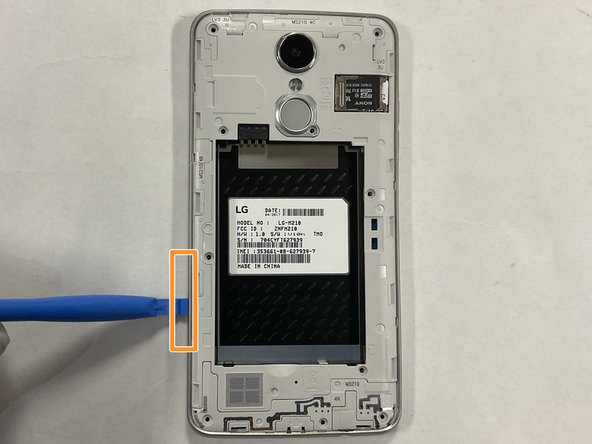
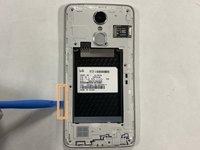
    • Insert the spudger into the notch on the bottom left side of the phone.

    • Apply light pressure to remove the back cover.

  2. LG Aristo MS210 Front and Rear Camera Replacement: 2 단계, 이미지 2개 중 1개 LG Aristo MS210 Front and Rear Camera Replacement: 2 단계, 이미지 2개 중 2개
    • Insert the spudger into the notch located on the bottom middle of the battery.

    • Apply light pressure to remove the battery.

  3. LG Aristo MS210 Front and Rear Camera Replacement, Command Button: 3 단계, 이미지 3개 중 1개 LG Aristo MS210 Front and Rear Camera Replacement, Command Button: 3 단계, 이미지 3개 중 2개 LG Aristo MS210 Front and Rear Camera Replacement, Command Button: 3 단계, 이미지 3개 중 3개
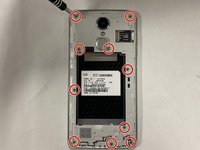
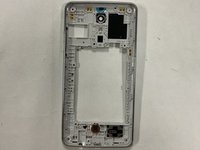
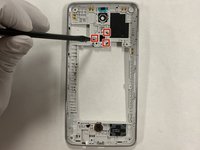
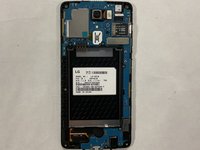
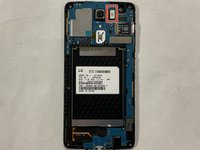
    • Use the PH000 bit unscrew the ten 3.4mm screws as highlighted.

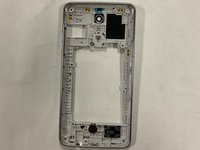
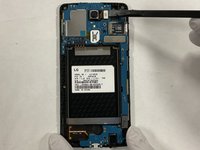
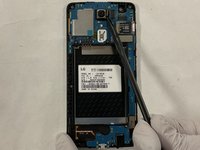
    • Use the spudger to remove the inner shell.

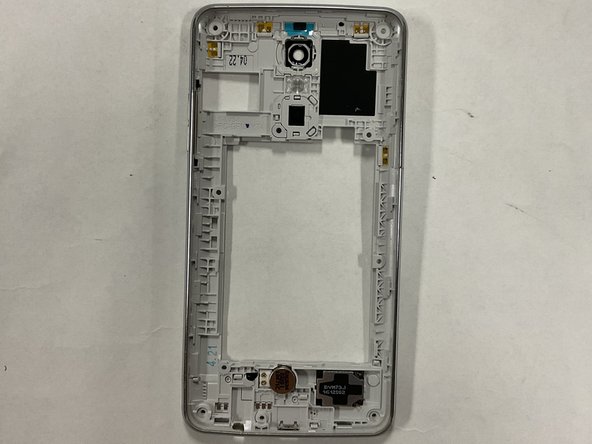
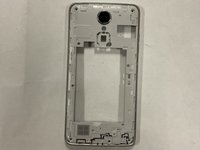
    • Flip the inner shell over to expose the clips holding the command button.

  4. LG Aristo MS210 Front and Rear Camera Replacement: 4 단계, 이미지 3개 중 1개 LG Aristo MS210 Front and Rear Camera Replacement: 4 단계, 이미지 3개 중 2개 LG Aristo MS210 Front and Rear Camera Replacement: 4 단계, 이미지 3개 중 3개
    • Use the spudger disconnect the three clips holding in the command button as highlighted.

    • Remove the command button.

  5. LG Aristo MS210 Front and Rear Camera Replacement, Front and Rear Camera: 5 단계, 이미지 3개 중 1개 LG Aristo MS210 Front and Rear Camera Replacement, Front and Rear Camera: 5 단계, 이미지 3개 중 2개 LG Aristo MS210 Front and Rear Camera Replacement, Front and Rear Camera: 5 단계, 이미지 3개 중 3개
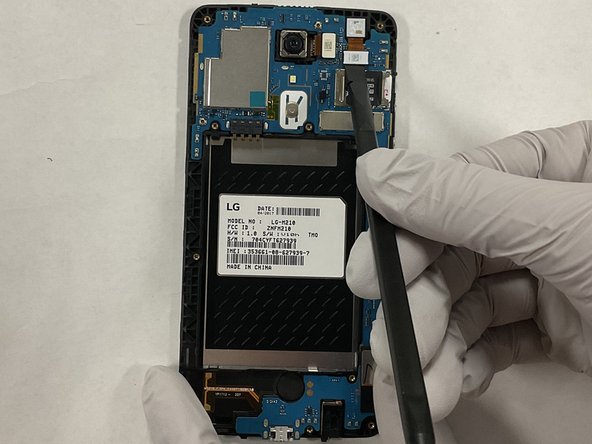
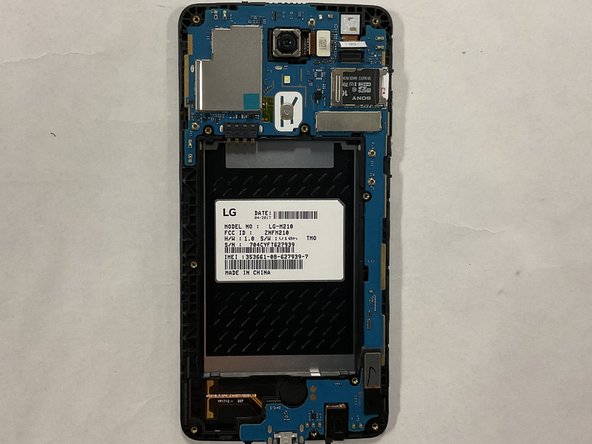
    • Use the spudger to disconnect the ZIF connector securing the front-facing camera.

  6. LG Aristo MS210 Front and Rear Camera Replacement: 6 단계, 이미지 3개 중 1개 LG Aristo MS210 Front and Rear Camera Replacement: 6 단계, 이미지 3개 중 2개 LG Aristo MS210 Front and Rear Camera Replacement: 6 단계, 이미지 3개 중 3개
    • Use the spudger disconnect the ZIF connector securing the back-facing camera.

  7. LG Aristo MS210 Front and Rear Camera Replacement: 7 단계, 이미지 1개 중 1개
    • Remove both the front and back facing cameras.

결론

To reassemble your device, follow these instructions in reverse order.

0가이드 댓글

댓글 쓰기

조회 통계:

지난 24시간: 1

지난 7일: 3

지난 30일: 18

전체 시간: 289