소개
This guide will teach you how to properly replace the motherboard in the LG Tribute HD LS676. The motherboard is a key component that connects and controls all the other phone components. Caution should be taken when replacing it since it is a delicate component that can be easily damaged. Replacement of the motherboard will result in loss of old data and documents previously stored on the phone. It is recommended to externally back-up any important data from the phone before proceeding to replace the motherboard.
필요한 것
-
-
Insert a fingernail, or plastic opening tool, into the cutout on the back cover and pry outward to remove.
 FixBot에 문의하기
-
-
-
Pull the battery out of the phone.
-
Remove the SD Card by sliding the card out as shown.
-
-
-
-
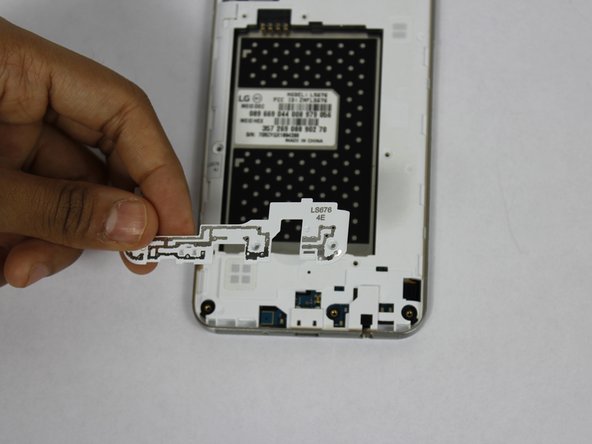
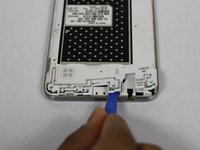
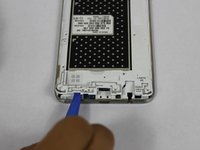
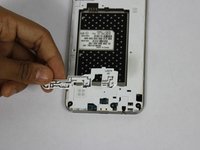
Using a plastic opening tool, remove the antenna extender from the mid-frame.
-
-
-
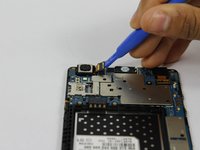
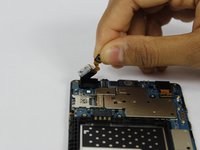
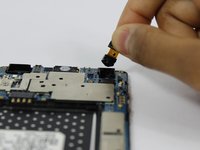
Use a plastic opening tool to disconnect the front and rear cameras from the motherboard and pull out to remove.
-
-
-
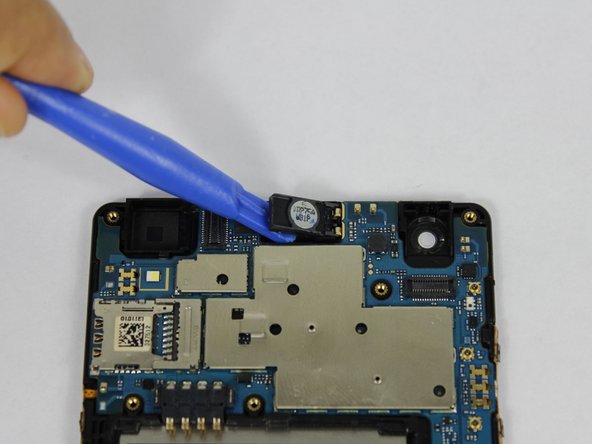
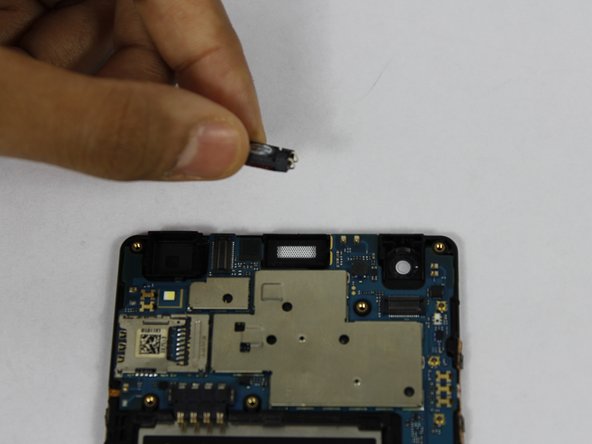
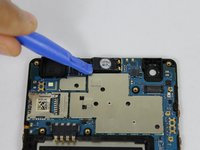
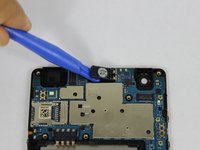
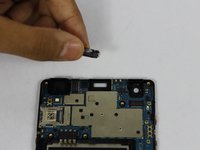
Using a plastic opening tool, pry up the front facing speaker and remove from the phone.
-


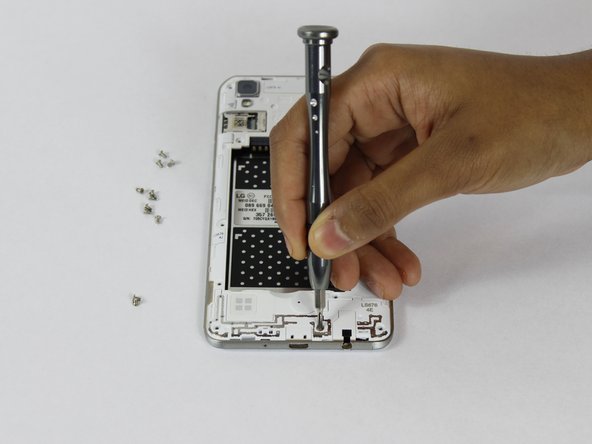
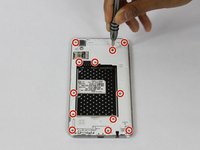
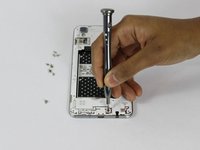

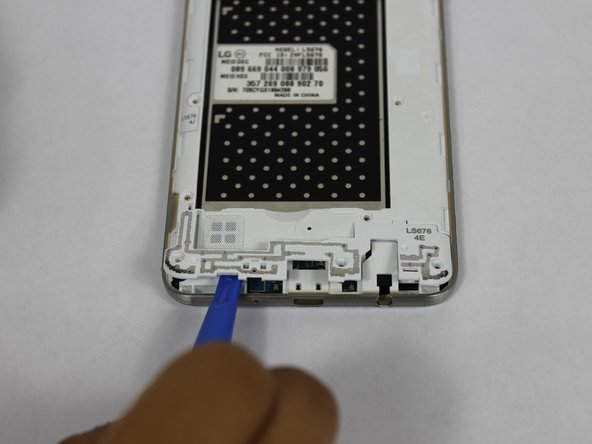


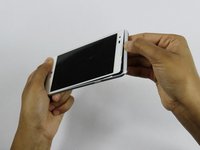
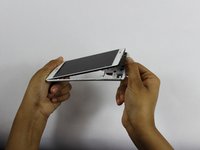

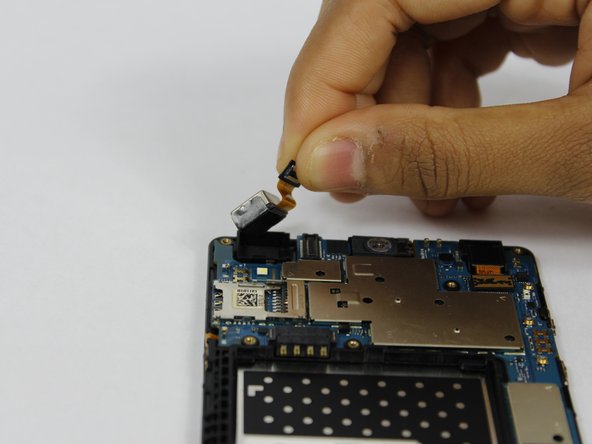
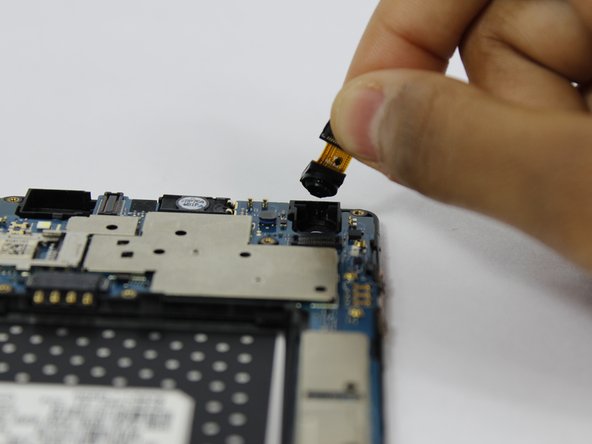



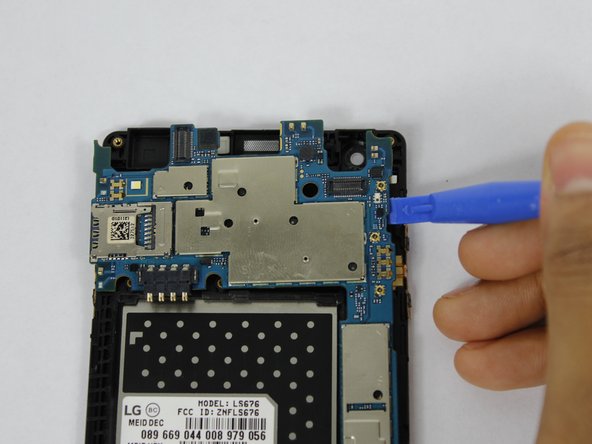
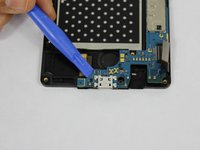
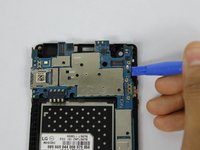
To reassemble your device, follow these instructions in reverse order.
다른 2명이 해당 안내서를 완성하였습니다.

팀

USF Tampa, Team S1-G3, Nance Spring 2018 USF Tampa, Team S1-G3, Nance Spring 2018 회원
USFT-NANCE-S18S1G3
4 회원들
안내서 24개를 작성함
