주요 콘텐츠로 건너뛰기

LG WM3050CW Control Panel Replacement

단지 전제 조건
이 가이드는 전제 조건 전용 가이드입니다! 이 가이드는 다른 절차의 일부이며 단독으로 사용할 수 없습니다.

필요한 것

  1. LG WM3050CW Control Panel Replacement, Safety Precautions: 1 단계, 이미지 2개 중 1개 LG WM3050CW Control Panel Replacement, Safety Precautions: 1 단계, 이미지 2개 중 2개
    • Before you begin your repair, perform the following:

    • Turn off the main water supply

    • Unplug your washer

    • Disconnect all water connections at the rear of your washer

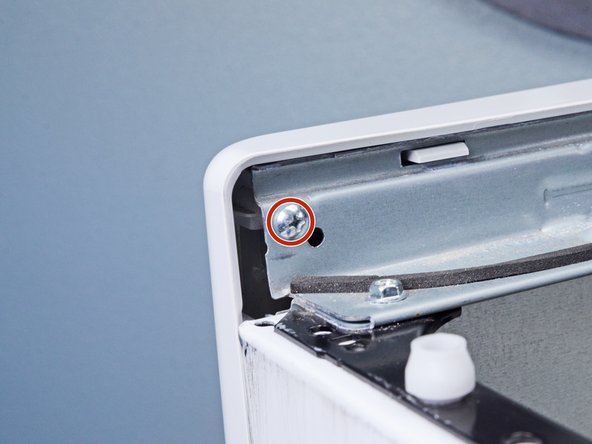
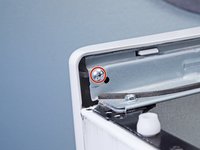
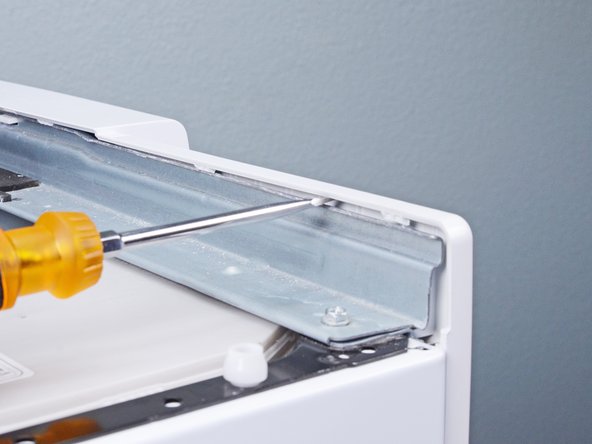
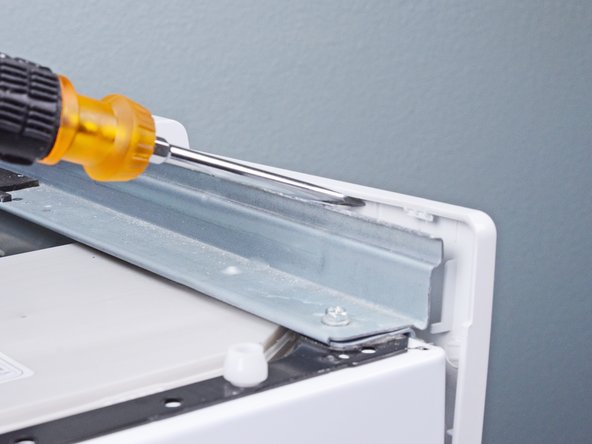
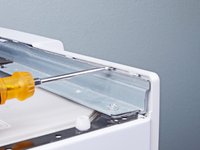
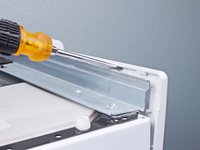
  2. LG WM3050CW Control Panel Replacement, Unfasten the top panel: 2 단계, 이미지 3개 중 1개 LG WM3050CW Control Panel Replacement, Unfasten the top panel: 2 단계, 이미지 3개 중 2개 LG WM3050CW Control Panel Replacement, Unfasten the top panel: 2 단계, 이미지 3개 중 3개
    • Use a Phillips driver to remove the two bottom 16.5 mm-long screws securing the top panel brackets.

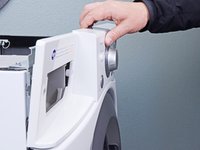
  3. LG WM3050CW Control Panel Replacement, Remove the top panel: 3 단계, 이미지 2개 중 1개 LG WM3050CW Control Panel Replacement, Remove the top panel: 3 단계, 이미지 2개 중 2개
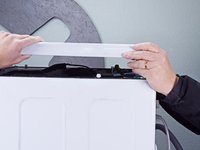
    • Slide the top panel 1-2 inches towards the rear of the device to disconnect its clips.

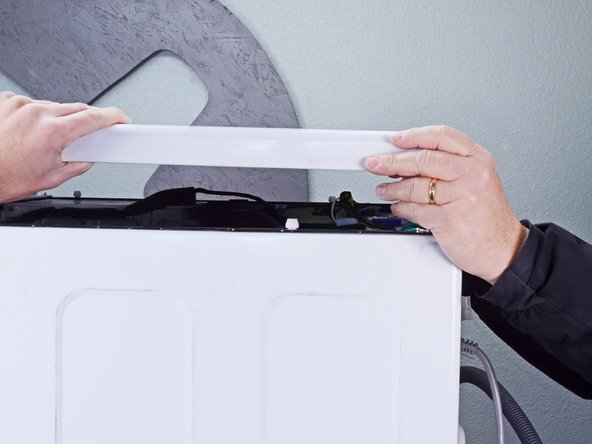
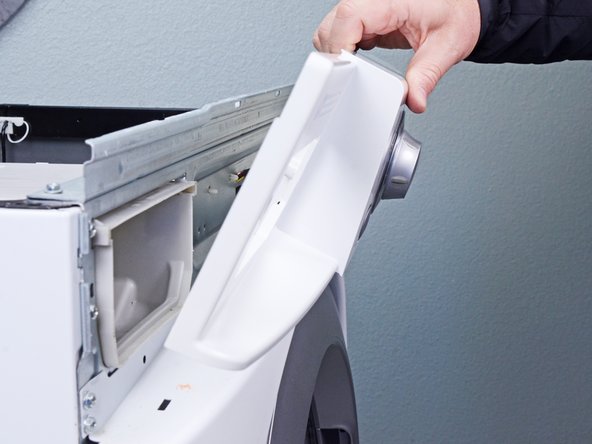
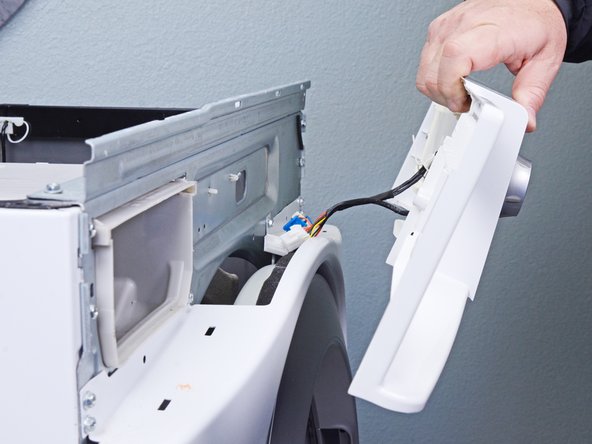
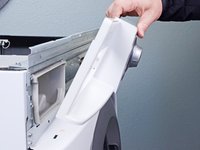
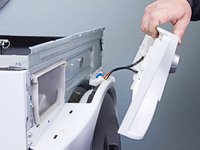
  4. LG WM3050CW Control Panel Replacement: 4 단계, 이미지 2개 중 1개 LG WM3050CW Control Panel Replacement: 4 단계, 이미지 2개 중 2개
    • Tilt the top panel upward to completely disconnect it from the chassis.

    • Remove the top panel.

  5. LG WM3050CW Control Panel Replacement, Remove the detergent drawer: 5 단계, 이미지 2개 중 1개 LG WM3050CW Control Panel Replacement, Remove the detergent drawer: 5 단계, 이미지 2개 중 2개
    • Pull the detergent drawer away from the chassis as far as it will go.

  6. LG WM3050CW Control Panel Replacement: 6 단계, 이미지 3개 중 1개 LG WM3050CW Control Panel Replacement: 6 단계, 이미지 3개 중 2개 LG WM3050CW Control Panel Replacement: 6 단계, 이미지 3개 중 3개
    • Press down on the "Push" button to disengage the clips securing the detergent drawer.

    • Pull the drawer out of its slot on the chassis and remove it.

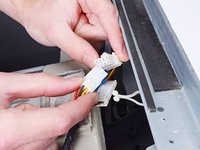
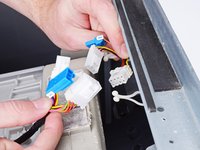
  7. LG WM3050CW Control Panel Replacement, Disconnect the control panel: 7 단계, 이미지 3개 중 1개 LG WM3050CW Control Panel Replacement, Disconnect the control panel: 7 단계, 이미지 3개 중 2개 LG WM3050CW Control Panel Replacement, Disconnect the control panel: 7 단계, 이미지 3개 중 3개
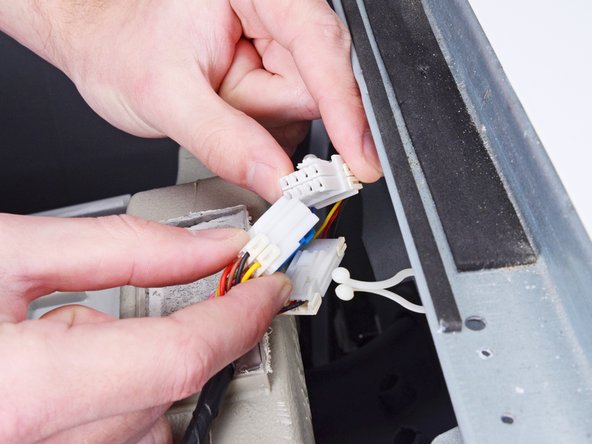
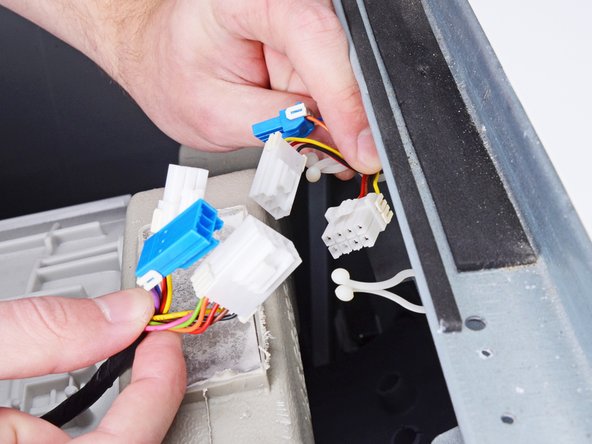
    • Disconnect the three harness connectors for the control panel.

    • Always grip cables by their connectors and not the wires themselves.

  8. LG WM3050CW Control Panel Replacement, Unfasten the control panel: 8 단계, 이미지 2개 중 1개 LG WM3050CW Control Panel Replacement, Unfasten the control panel: 8 단계, 이미지 2개 중 2개
    • Use a Phillips driver to remove the 16.4 mm-long screw securing the control panel.

  9. LG WM3050CW Control Panel Replacement, Unfasten the detergent dispenser: 9 단계, 이미지 1개 중 1개
    • Use a Phillips driver to remove the two 26.3 mm‑long screws securing the detergent dispenser.

  10. LG WM3050CW Control Panel Replacement, Unclip the control panel: 10 단계, 이미지 3개 중 1개 LG WM3050CW Control Panel Replacement, Unclip the control panel: 10 단계, 이미지 3개 중 2개 LG WM3050CW Control Panel Replacement, Unclip the control panel: 10 단계, 이미지 3개 중 3개
    • Insert a flathead screwdriver between the chassis and the top left corner of the control panel.

    • Twist the screwdriver to release the clips securing the control panel.

    • Repeat this procedure for the remaining clips along the control panel.

  11. LG WM3050CW Control Panel Replacement, Remove the control panel: 11 단계, 이미지 3개 중 1개 LG WM3050CW Control Panel Replacement, Remove the control panel: 11 단계, 이미지 3개 중 2개 LG WM3050CW Control Panel Replacement, Remove the control panel: 11 단계, 이미지 3개 중 3개
    • Lift the control panel upward to completely separate it from the chassis.

    • Pull the control panel away from the chassis, making sure to thread the cables through its slot in the chassis.

    • Remove the control panel.

결론

To reassemble your device, follow these instructions in reverse order.

작성자

2다른 기여자 명과 함께

Bill Gilbert

회원 가입일: 06/30/22

38,528 평판

안내서 261개를 작성함

iFixit iFixit 회원

Staff

123 회원들

안내서 23,758개를 작성함

0가이드 댓글

댓글 쓰기

조회 통계:

지난 24시간: 0

지난 7일: 0

지난 30일: 1

전체 시간: 93