소개
The LeapFrog Scribble and Write allows the user to teach, trace, practice and freehand the alphabet and 1-10's. The LeapFrog Scribble and Write's brings technology and writing together. On the top of the The LeapFrog Scribble and Write shows a keyboard type area with lowercase and uppercase alphebet buttons. Below that is a number line from 1-10. The bottom screen, at first is blank, shows the selected the selected letter and number. The attached pen allows the user to trace the letter or number to practice writing. When the user is finished, there is a sliding eraser that clears the bottom screen to allow you to trace all 26 letters or 10 numbers multiple times.
If your LeapFrog toy's screen isn't being cleared by the sliding motion of the eraser, there could be some type of debris preventing it from erasing. This guide will help you locate the eraser mechanism inside the device so you can clean it.
필요한 것


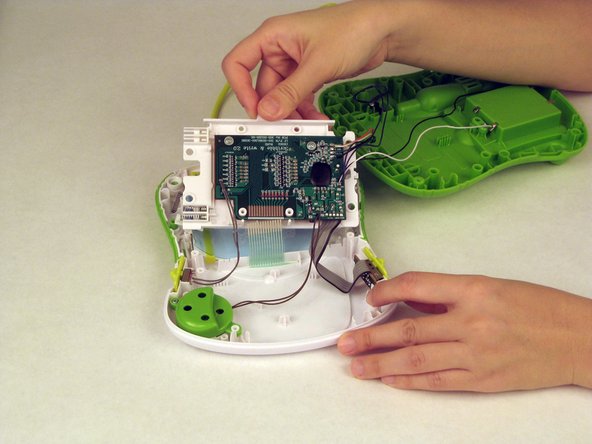
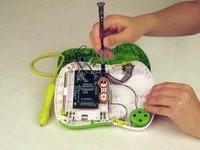
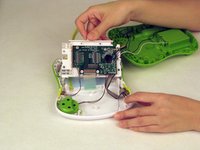


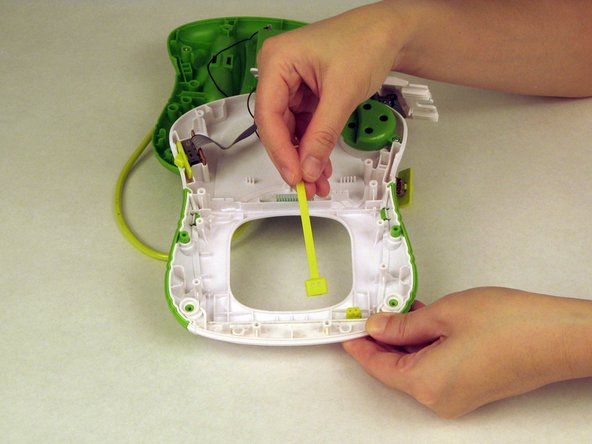
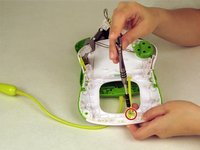
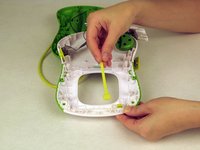

To reassemble your device, follow these instructions in reverse order.



팀

USF Tampa, Team 1-5, Nance Spring 2016 USF Tampa, Team 1-5, Nance Spring 2016 회원
USFT-NANCE-S16S1G5
3 회원들
안내서 10개를 작성함
