소개
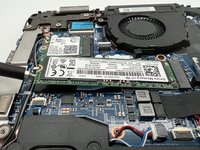
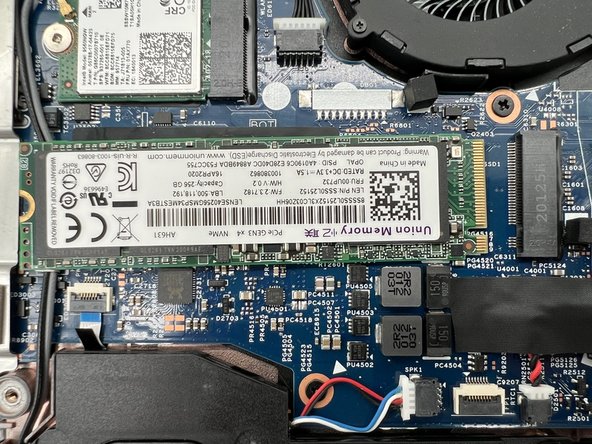
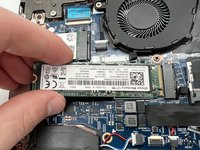
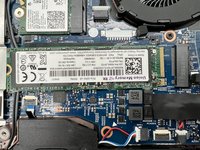
This guide is meant to help the readers to safely replace the SSD card of their Lenovo ThinkPad L390. SSDs are storage devices that have replaced an older method of storage called HDD. SSD stands for solid state drive and they operate by storing data in flash memory.
If you have noticed that your Lenovo ThinkPad L390's processing, loading, or responsiveness has decreased, it may be time to replace your SSD card. Replacing or upgrading the SSD card of your Lenovo ThinkPad L390 can help it to run faster, respond quicker, and load applications smoother. To ensure the best performance of your Lenovo ThinkPad L390, you should look into replacing or upgrading your SSD card around every 5-7 years or when the aforementioned symptoms appear.
Note:
- Before beginning this guide, make sure to power off your laptop completely and disconnect from any external power source.
필요한 것
-
-
Power off your laptop and disconnect the charger and any peripheries before beginning disassembly.
-
Unscrew the nine 5 mm Phillips #00 screws that secure the lower case.
-
-
-
-
Use your fingernails or two opening tools to gently "walk" the battery connector directly out of its socket.
-


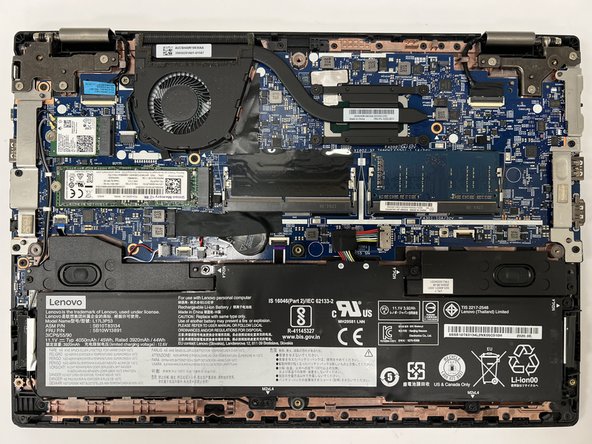


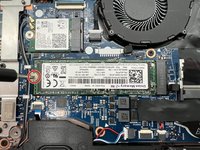
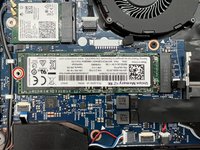


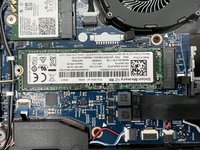


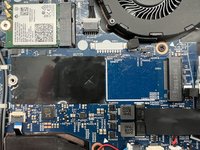
To reassemble your device, follow the above steps in reverse order.
Take your e-waste to an R2 or e-Stewards certified recycler.
다른 3명이 해당 안내서를 완성하였습니다.


팀

University of North Texas, Team 5-4, Kilpatrick Fall 2024 University of North Texas, Team 5-4, Kilpatrick Fall 2024 회원
UNT-KILPATRICK-F24S5G4
4 회원들
안내서 5개를 작성함
