주요 콘텐츠로 건너뛰기

Logitech UE Boombox Battery Replacement

필요한 것

  1. Logitech UE Boombox Battery Replacement, Lithium Battery: 1 단계, 이미지 2개 중 1개 Logitech UE Boombox Battery Replacement, Lithium Battery: 1 단계, 이미지 2개 중 2개
    • Place the Boombox on the side with its bottom facing you.

    • Remove one 8 mm Phillips #2 screw.

  2. Logitech UE Boombox Battery Replacement: 2 단계, 이미지 1개 중 1개
    • Pry off the rubber battery cover using a metal spudger.

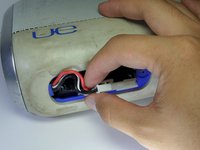
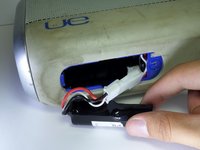
  3. Logitech UE Boombox Battery Replacement: 3 단계, 이미지 2개 중 1개 Logitech UE Boombox Battery Replacement: 3 단계, 이미지 2개 중 2개
    • Expose the battery by gently pulling it away from the battery cavity.

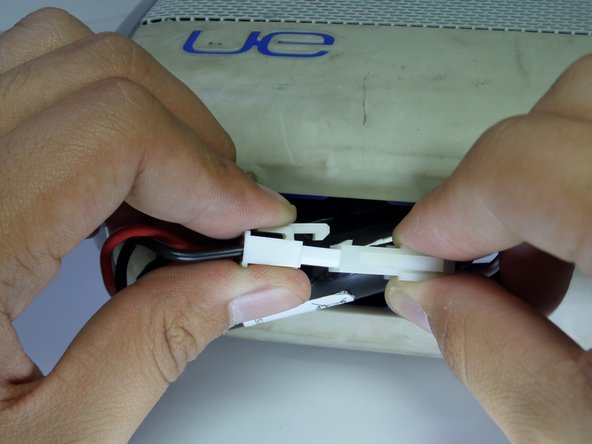
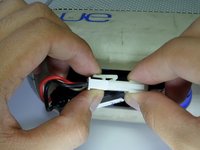
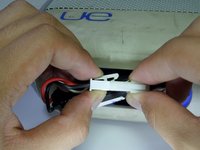
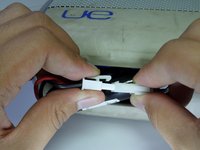
  4. Logitech UE Boombox Battery Replacement: 4 단계, 이미지 3개 중 1개 Logitech UE Boombox Battery Replacement: 4 단계, 이미지 3개 중 2개 Logitech UE Boombox Battery Replacement: 4 단계, 이미지 3개 중 3개
    • Firmly press down on the end of the latch and pull connector apart.

결론

To reassemble your device, follow these instructions in reverse order.

다른 2명이 해당 안내서를 완성하였습니다.

작성자

6다른 기여자 명과 함께

Breean Mokede

회원 가입일: 09/15/16

297 평판

안내서 2개를 작성함

CSU Fullerton, Team 1-1, Bruce Fall 2016 CSU Fullerton, Team 1-1, Bruce Fall 2016 회원

CSUF-BRUCE-F16S1G1

4 회원들

안내서 5개를 작성함

1가이드 댓글

Where can I purchase this replacement battery and a power adapter for this exact model of speaker

phonse4u - 답글

댓글 쓰기

조회 통계:

지난 24시간: 0

지난 7일: 7

지난 30일: 18

전체 시간: 2,595