주요 콘텐츠로 건너뛰기

MNT Reform WiFi Card Replacement

필요한 것

  1. MNT Reform WiFi Card Replacement, Remove Bottom Plate Screws: 1 단계, 이미지 1개 중 1개
    • Remove the following screws securing the transparent acrylic bottom plate to the main box:

    • Ten M2×6mm silver Phillips screws

  2. MNT Reform WiFi Card Replacement, Remove Bottom Plate: 2 단계, 이미지 1개 중 1개
    • Lift the bottom plate and set it aside.

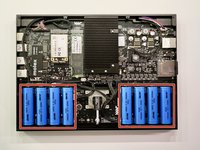
    • Before servicing anything on the inside, make sure to remove all battery cells.

  3. MNT Reform WiFi Card Replacement, Remove Battery Cells: 3 단계, 이미지 2개 중 1개 MNT Reform WiFi Card Replacement, Remove Battery Cells: 3 단계, 이미지 2개 중 2개
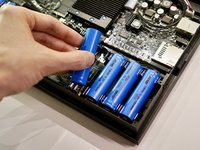
    • Pull out the eight battery cells one by one, and set them aside safely.

    • Do not use a metal tool to remove the batteries. You may accidentally short-circuit the metal pins of the battery holders.

    • When replacing the batteries, pay attention to the polarity! Inserting a cell the wrong way in will damage your device.

    • The circuit board indicates the + and - orientation for each cell.

  4. MNT Reform WiFi Card Replacement, Unplug the Keyboard and Trackball Cables: 4 단계, 이미지 1개 중 1개
    • Unplug the UI1 (keyboard) and UI2 (trackball or trackpad) cables from the motherboard.

    • To avoid damaging the cables, pull on the connector, not the wires.

  5. MNT Reform WiFi Card Replacement, Disconnect Antenna Cables: 5 단계, 이미지 2개 중 1개 MNT Reform WiFi Card Replacement, Disconnect Antenna Cables: 5 단계, 이미지 2개 중 2개
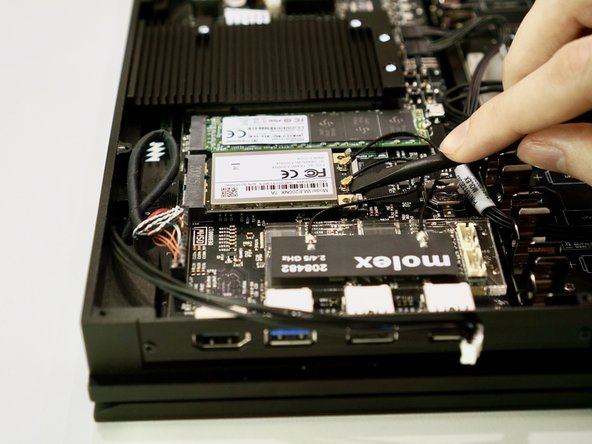
    • Use the flat end of a spudger or a clean fingernail to pry both antenna connectors up from their sockets.

    • When reconnecting the antenna, either cable can be connected to either socket. The order doesn't matter.

    • Antenna cable connectors are fragile. When reconnecting them, ensure they are properly ligned up with the sockets and do not apply excessive pressure.

  6. MNT Reform WiFi Card Replacement, Remove Antenna: 6 단계, 이미지 2개 중 1개 MNT Reform WiFi Card Replacement, Remove Antenna: 6 단계, 이미지 2개 중 2개
    • Lift the acrylic holder with the Molex MIMO antenna out and set it aside.

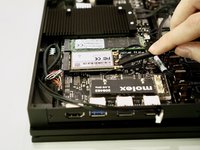
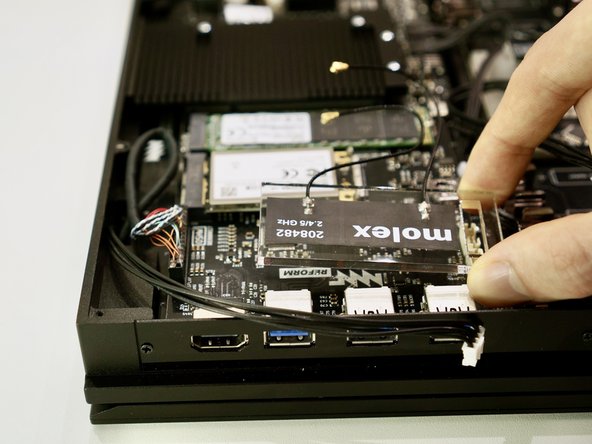
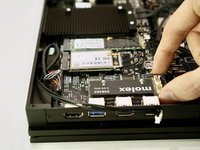
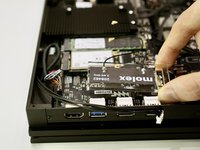
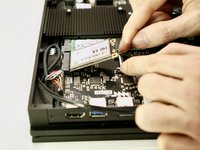
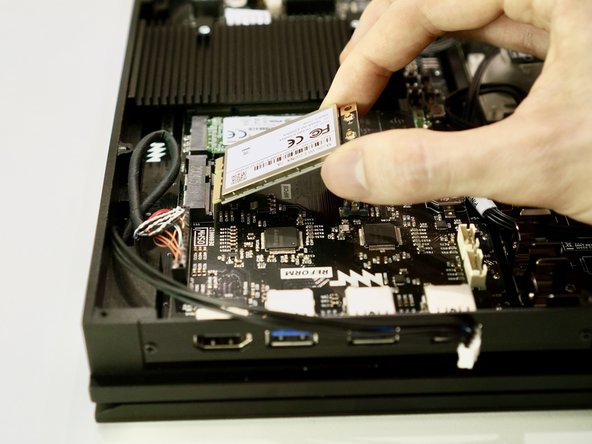
  7. MNT Reform WiFi Card Replacement, Detach WiFi Card: 7 단계, 이미지 3개 중 1개 MNT Reform WiFi Card Replacement, Detach WiFi Card: 7 단계, 이미지 3개 중 2개 MNT Reform WiFi Card Replacement, Detach WiFi Card: 7 단계, 이미지 3개 중 3개
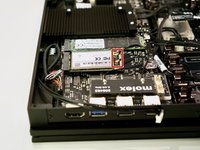
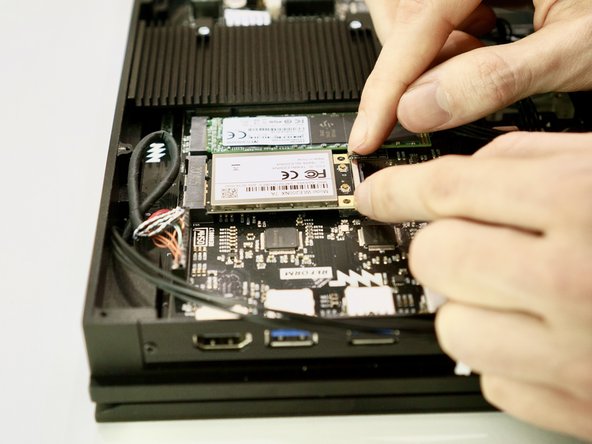
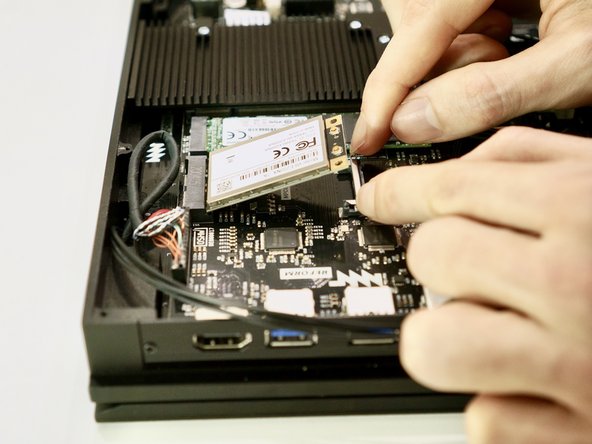
    • Pull the two metal tabs holding the WiFi card away from the mPCIe socket. The WiFi card will spring up on its own.

    • When replacing the WiFi card, simply press it down after inserting it into the mPCIe socket. You will hear a click when it latches.

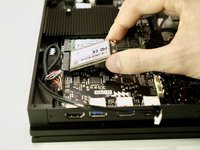
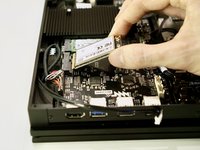
  8. MNT Reform WiFi Card Replacement, Remove WiFi Card: 8 단계, 이미지 2개 중 1개 MNT Reform WiFi Card Replacement, Remove WiFi Card: 8 단계, 이미지 2개 중 2개
    • Pull the WiFi card out of its mPCIe socket on the motherboard.

    • To avoid damaging its socket on the motherboard, do not excessively lift the free end of the WiFi card.

결론

To reassemble your device, follow these instructions in reverse order. Ensure that no cables are squeezed when replacing the bottom plate. Don’t overtighten screws.

다른 한 분이 해당 안내서를 완성하였습니다.

작성자

1다른 기여자 명과 함께

Neelfyn

회원 가입일: 05/13/14

972 평판

안내서 9개를 작성함

0가이드 댓글

댓글 쓰기

조회 통계:

지난 24시간: 0

지난 7일: 3

지난 30일: 17

전체 시간: 697