주요 콘텐츠로 건너뛰기

MSI Force GC30 V2 ABXY Buttons Replacement

필요한 것

  1. MSI Force GC30 V2 ABXY Buttons Replacement, Back Cover: 1 단계, 이미지 1개 중 1개
    • Puncture the sticker where indicated using a screwdriver, then remove the 9.1 mm-long Phillips screw.

    • Remove the six 9.2 mm-long Phillips #0 screws.

  2. MSI Force GC30 V2 ABXY Buttons Replacement: 2 단계, 이미지 3개 중 1개 MSI Force GC30 V2 ABXY Buttons Replacement: 2 단계, 이미지 3개 중 2개 MSI Force GC30 V2 ABXY Buttons Replacement: 2 단계, 이미지 3개 중 3개
    • Insert an opening pick in the gap between the front and rear case.

    • Slide the pick around the perimeter of the controller while prying until it fully releases.

  3. MSI Force GC30 V2 ABXY Buttons Replacement, Battery: 3 단계, 이미지 1개 중 1개
    • Use tweezers to grip the white battery connector.

    • Pull the battery connector directly out of its port.

    • Do not pull on the wires.

  4. MSI Force GC30 V2 ABXY Buttons Replacement: 4 단계, 이미지 1개 중 1개
    • The battery is secured to the motherboard with a mild adhesive. If necessary, apply a small amount of high-concentration isopropyl alcohol beneath the battery to loosen the adhesive.

    • Pry carefully around the battery until it fully releases.

    • Take care not to puncture or bend the battery.

    • Remove the battery.

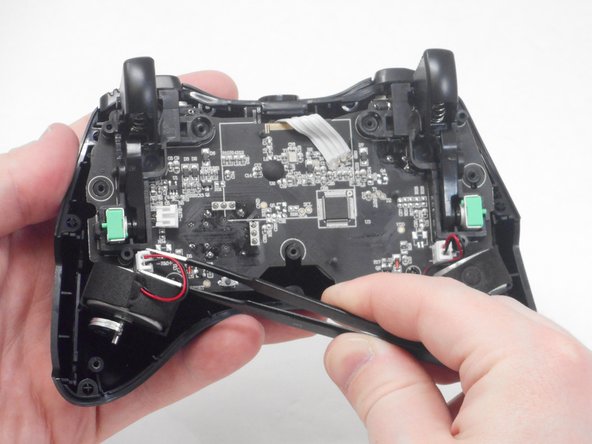
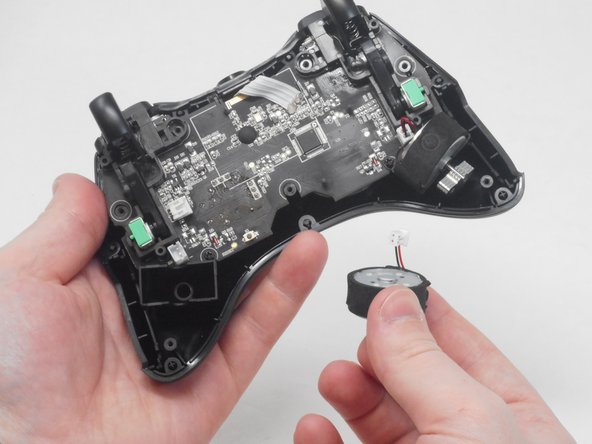
  5. MSI Force GC30 V2 ABXY Buttons Replacement, Vibration Motor: 5 단계, 이미지 3개 중 1개 MSI Force GC30 V2 ABXY Buttons Replacement, Vibration Motor: 5 단계, 이미지 3개 중 2개 MSI Force GC30 V2 ABXY Buttons Replacement, Vibration Motor: 5 단계, 이미지 3개 중 3개
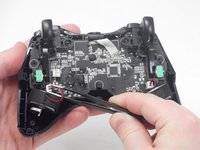
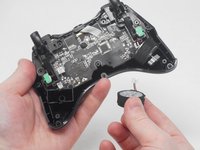
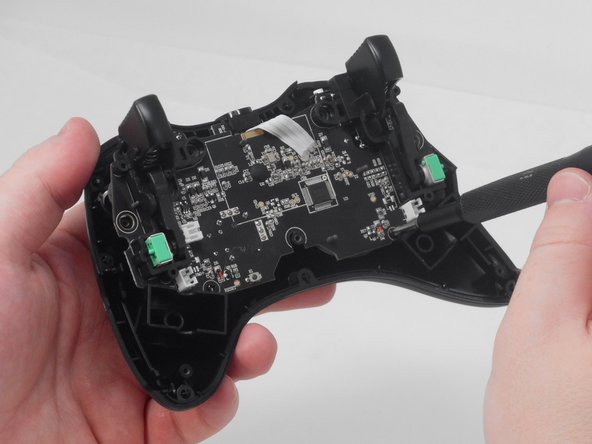
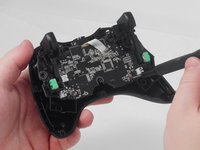
    • Use blunt tweezers to disconnect both of the vibration motor connectors from the motherboard.

    • Grip the white connectors, not the wires.

    • Carefully remove both the right and left vibration motors from their housing.

  6. MSI Force GC30 V2 ABXY Buttons Replacement, ABXY Buttons: 6 단계, 이미지 2개 중 1개 MSI Force GC30 V2 ABXY Buttons Replacement, ABXY Buttons: 6 단계, 이미지 2개 중 2개
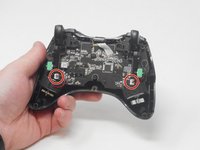
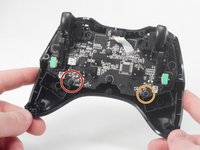
    • Remove the 7.1 mm-long Phillips #0 screw.

    • Remove the 7 mm-long Phillips #0 screw.

  7. MSI Force GC30 V2 ABXY Buttons Replacement: 7 단계, 이미지 2개 중 1개 MSI Force GC30 V2 ABXY Buttons Replacement: 7 단계, 이미지 2개 중 2개
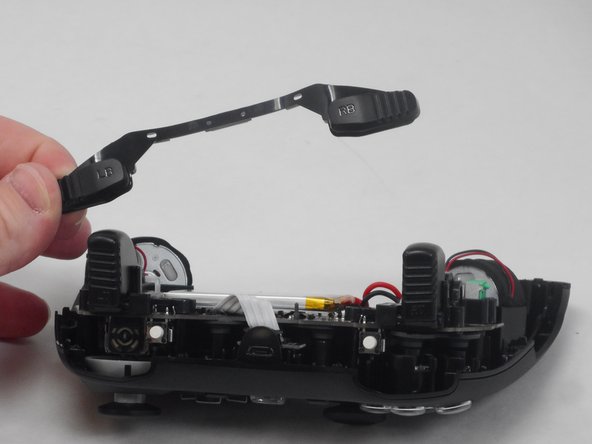
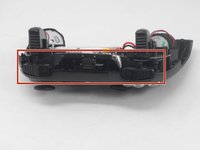
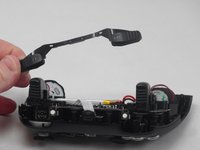
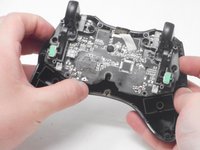
    • Remove the left/right bumper assembly.

  8. MSI Force GC30 V2 ABXY Buttons Replacement: 8 단계, 이미지 2개 중 1개 MSI Force GC30 V2 ABXY Buttons Replacement: 8 단계, 이미지 2개 중 2개
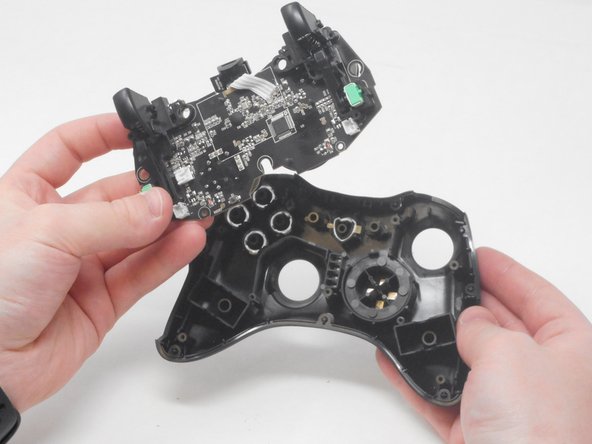
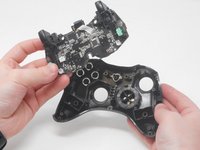
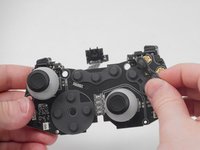
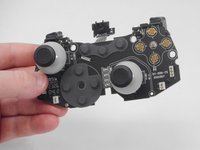
    • Carefully lift the motherboard out of its casing and remove it.

  9. MSI Force GC30 V2 ABXY Buttons Replacement: 9 단계, 이미지 2개 중 1개 MSI Force GC30 V2 ABXY Buttons Replacement: 9 단계, 이미지 2개 중 2개
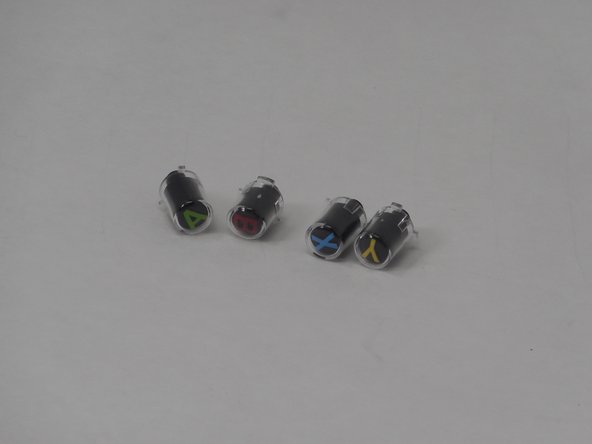
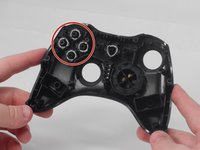
    • Remove the ABXY button either by pulling them out or turning the controller the other side and letting the buttons fall out.

  10. MSI Force GC30 V2 ABXY Buttons Replacement: 10 단계, 이미지 3개 중 1개 MSI Force GC30 V2 ABXY Buttons Replacement: 10 단계, 이미지 3개 중 2개 MSI Force GC30 V2 ABXY Buttons Replacement: 10 단계, 이미지 3개 중 3개
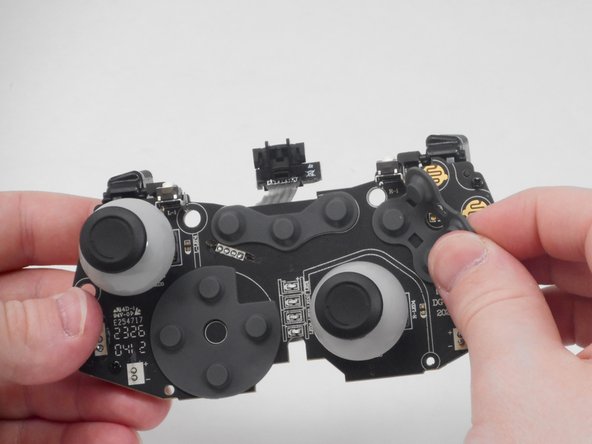
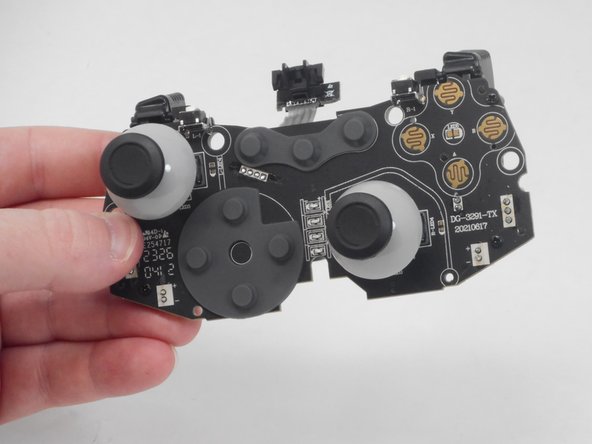
    • Remove the ABXY button membrane by carefully lifting it off the motherboard.

결론

To reassemble your device, follow these instructions in reverse order.

작성자

2다른 기여자 명과 함께

Matthew Harber

회원 가입일: 02/26/24

503 평판

안내서 4개를 작성함

0가이드 댓글

댓글 쓰기

조회 통계:

지난 24시간: 0

지난 7일: 11

지난 30일: 33

전체 시간: 576