소개
In this guide we have a MSI Force GC30 V2, model number/name is MSI Force GC30 V2 and we are replacing the internal haptic motors. The haptic motors provide feedback from in-game touch or input and can be damaged with age, dropping of controller, etc. One symptom that occurs often with users is clicking sound coming from the haptic motor.
필요한 것
-
-
Puncture the sticker where indicated using a screwdriver, then remove the 9.1 mm-long Phillips screw.
-
Remove the six 9.2 mm-long Phillips #0 screws.
-
-
-
-
Use tweezers to grip the white battery connector.
-
Pull the battery connector directly out of its port.
-
-
-
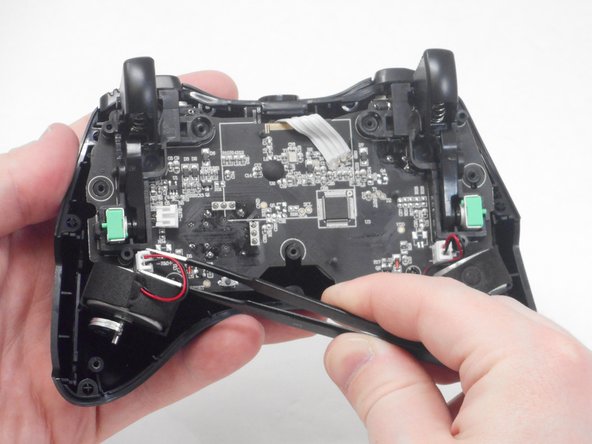
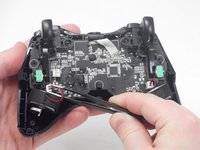
Use blunt tweezers to disconnect both of the vibration motor connectors from the motherboard.
-
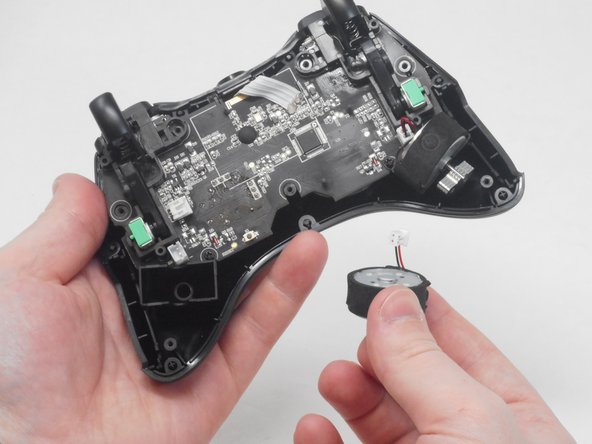
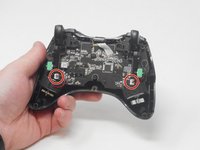
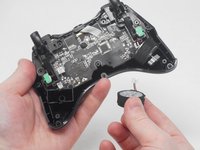
Carefully remove both the right and left vibration motors from their housing.
-


To reassemble your device, follow these instructions in reverse order.


팀

University of Memphis, Team 1-4, Sneed Spring 2024 University of Memphis, Team 1-4, Sneed Spring 2024 회원
UM-SNEED-S24S1G4
4 회원들
안내서 6개를 작성함
