소개
This wiki explains how to use a clamp meter and the AC line splitter to measure the current draw of a device under test.
필요한 것
-
-
Connect AC Line Splitter to power Source.
-
Connect device to test to AC line splitter.
-
On Multimeter, select AC Current.
-
-
-
-
Clamp meter on the x1 loop of the line splitter for most devices. Only use the x10 loop if you are testing a very low current device.
-
Turn on the device you are testing.
-
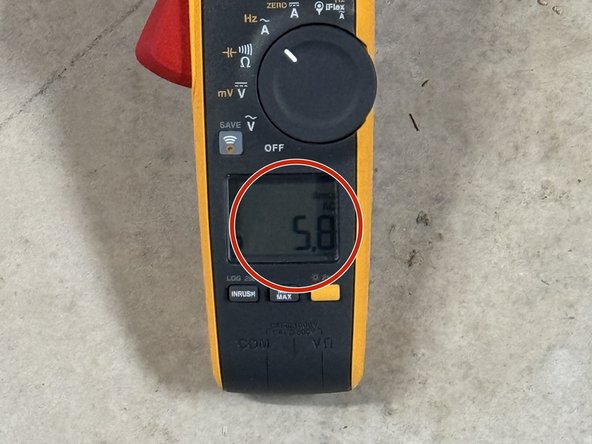
Read the current indicated on your meter.
-
You are done with this procedure. Turn off the device you are testing and disconnect your equipment.
-




Using this process can allow you to measure how much current a device is drawing which can aid in troubleshooting. A device drawing more than it's rated amount of current can be an indication of a problem.
다른 한 분이 해당 안내서를 완성하였습니다.


