소개
This shouldn't be really called a guide, it is rather to give you an idea how to start when disassembling this power bank
-
-
There is really very much of tough glue on the sides, so you have to apply pretty much heat there, i personally used 3D printer bed, but heat gun should also work
-
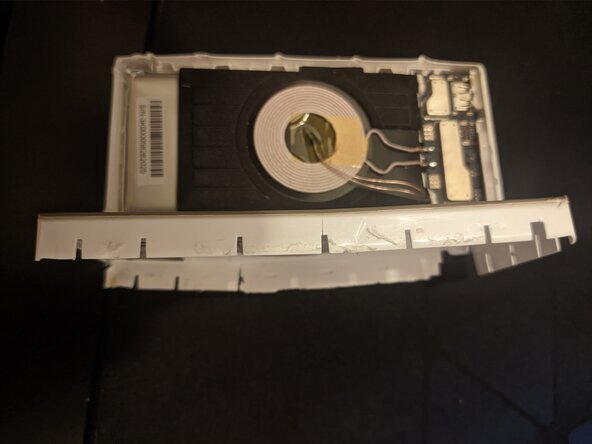
The. you will have to insert a screwdriver or something thin and hard (eg old credit card) between the soft and hard plastic on top and pull it along the side to unstick the glue.
-
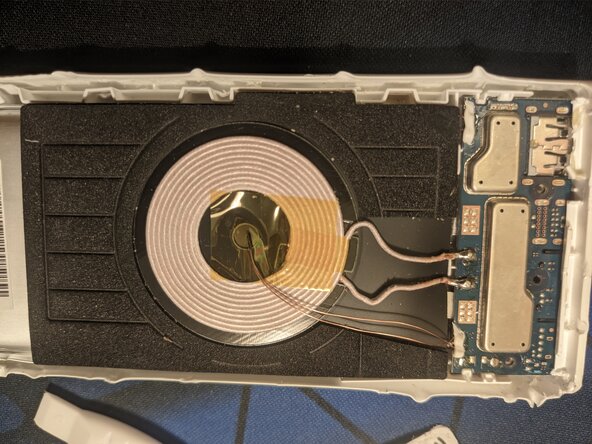
I don't think there is very much you can do then, so you will have to keep prying until the top cover comes down.
-
-
-
-
First, remove the three screws from the board so you don't tear any wire when the battery comes out at once.
-
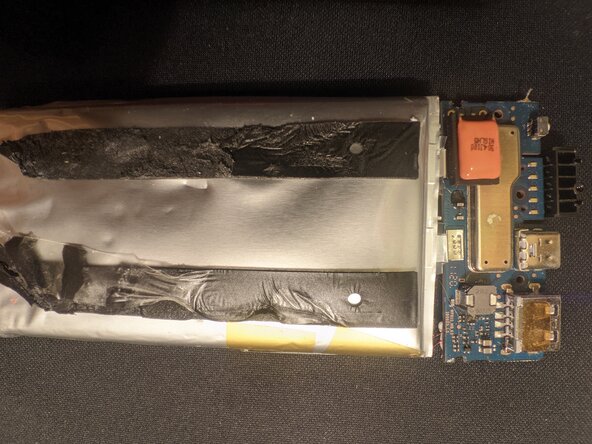
Next you will have to remove the battery, there are two glue tapes under it, so now you will have to heat the bottom and then try to pry the battery up.
-