소개
If your kickstand has worn out or broken and is no longer supporting your device, use this guide to replace it. You may need to replace the kickstand due to normal wear-and-tear or an accidental drop. The process is very simple and doesn’t require taking the Surface Pro 3 apart. You’re just removing and replacing the kickstand itself.
필요한 것


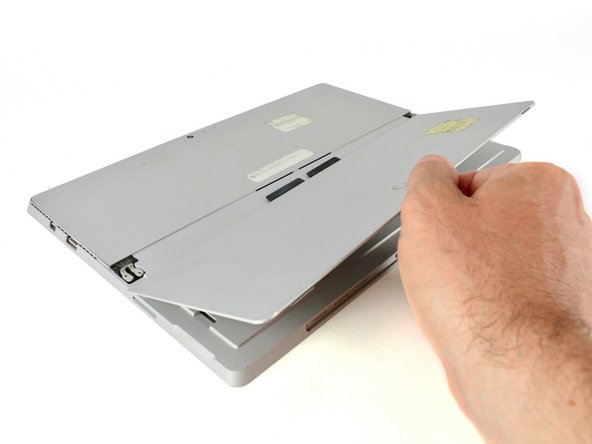
To reassemble your device, follow these instructions in reverse order.
다른 2명이 해당 안내서를 완성하였습니다.



2가이드 댓글
The title for this repair guide is incorrect. This is for the kickstand, not the battery.
Hi Michael, thanks for catching this! It looks like someone changed it and it was ok’d on accident. We’ve changed it back.
