소개
The HEPA (High-Efficiency Particulate Air) filter is a filter inside the microscreen filter in the dust seal of the vacuum that separates the dust particles from the dirt and grime. This filter needs to be replaced when it gets too dirty or damaged. Moosoo XL-618A troubleshooting recommends a replacement every two months. The first HEPA filter replacement comes with your initial purchase of the vacuum. After using this replacement, any subsequent filter replacements will need to be bought separately as needed. Here is a guide to replace the filter.


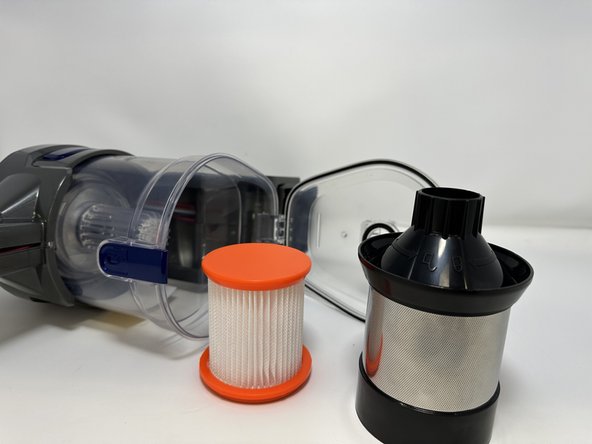
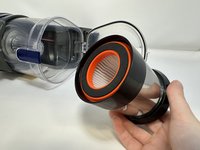
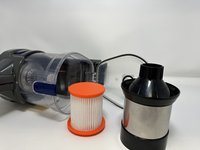
To reassemble your device, follow these instructions in reverse order.


팀

Utah Tech University, Team 1-1, McMurrin Fall 2023 Utah Tech University, Team 1-1, McMurrin Fall 2023 회원
UTAHTECH-MCMURRIN-F23S1G1
3 회원들
안내서 6개를 작성함
