주요 콘텐츠로 건너뛰기

Motorola Moto G Stylus (2021) Camera Replacement

필요한 것

  1. Motorola Moto G Stylus (2021) Camera Replacement, Rear Case: 1 단계, 이미지 3개 중 1개 Motorola Moto G Stylus (2021) Camera Replacement, Rear Case: 1 단계, 이미지 3개 중 2개 Motorola Moto G Stylus (2021) Camera Replacement, Rear Case: 1 단계, 이미지 3개 중 3개
    • Push a SIM tray ejector into the hole.

    • Remove the SIM card and tray.

  2. Motorola Moto G Stylus (2021) Camera Replacement: 2 단계, 이미지 2개 중 1개 Motorola Moto G Stylus (2021) Camera Replacement: 2 단계, 이미지 2개 중 2개
    • Before you begin, discharge the battery below 25%. A charged lithium-ion battery can catch fire and/or explode if accidentally punctured.

    • Power off your phone and disconnect the charger and any peripheries before beginning disassembly.

    • Lay the phone face down.

    • Heat an iOpener and apply it to the rear case.

    • Alternatively, use a hair dryer to heat the rear case until it's almost too hot to touch.

  3. Motorola Moto G Stylus (2021) Camera Replacement: 3 단계, 이미지 2개 중 1개 Motorola Moto G Stylus (2021) Camera Replacement: 3 단계, 이미지 2개 중 2개
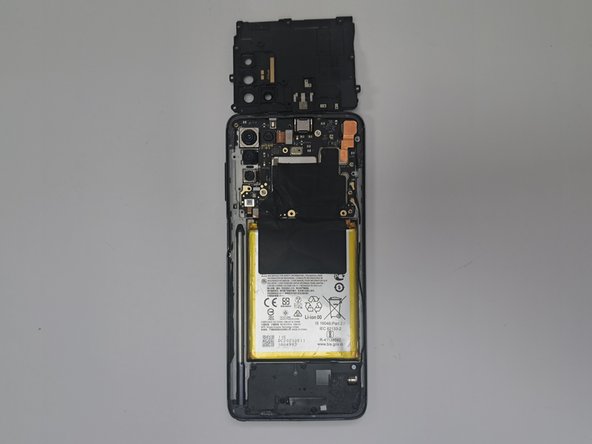
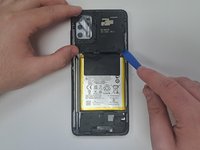
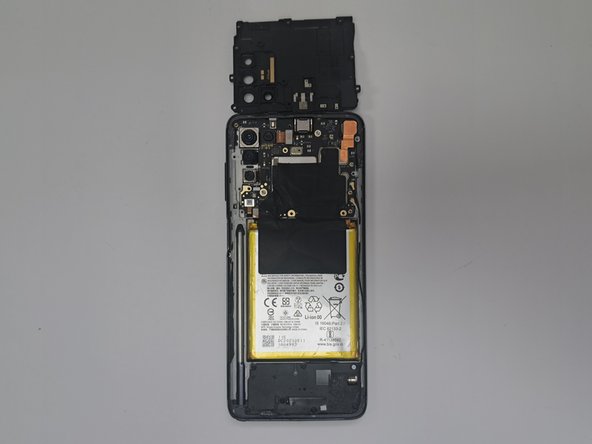
    • Insert an opening tool into the seam between the rear case and chassis.

    • Once you create a gap, insert an opening pick a couple of millimeters into the gap.

    • Slide the opening pick around the entire perimeter to sever the adhesive that secures the rear case.

    • If you feel excessive resistance, reheat the problem area(s).

    • Remove the rear case.

  4. Motorola Moto G Stylus (2021) Camera Replacement, Main Board: 4 단계, 이미지 2개 중 1개 Motorola Moto G Stylus (2021) Camera Replacement, Main Board: 4 단계, 이미지 2개 중 2개
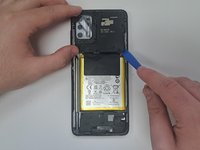
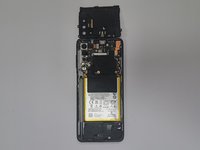
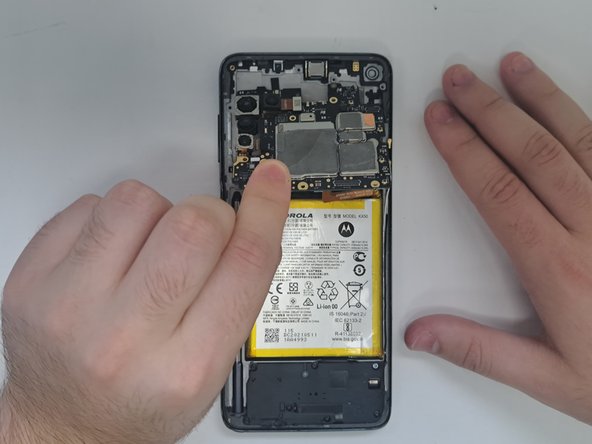
    • Use an opening tool to lift and remove the midframe.

  5. Motorola Moto G Stylus (2021) Camera Replacement: 5 단계, 이미지 1개 중 1개
    • You may need to use your heating device again to remove glue from covering the screws.

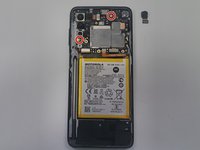
    • Use a T4 Torx screwdriver to remove all eleven 3.2 mm screws securing the midframe.

  6. Motorola Moto G Stylus (2021) Camera Replacement: 6 단계, 이미지 2개 중 1개 Motorola Moto G Stylus (2021) Camera Replacement: 6 단계, 이미지 2개 중 2개
    • Use an opening tool to lift and remove the midframe.

  7. Motorola Moto G Stylus (2021) Camera Replacement: 7 단계, 이미지 1개 중 1개
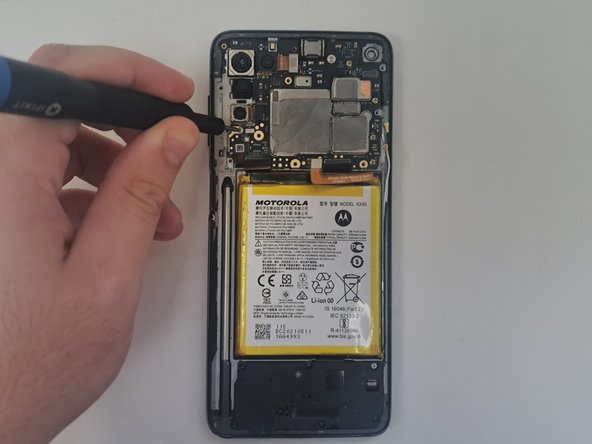
    • Remove the black tape covering the connectors.

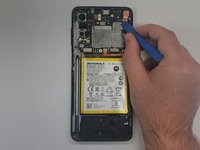
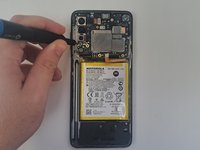
    • Use an opening tool to lift and disconnect the four press connectors.

    • Use an opening tool to lift and disconnect the two antenna cables connectors.

  8. Motorola Moto G Stylus (2021) Camera Replacement: 8 단계, 이미지 2개 중 1개 Motorola Moto G Stylus (2021) Camera Replacement: 8 단계, 이미지 2개 중 2개
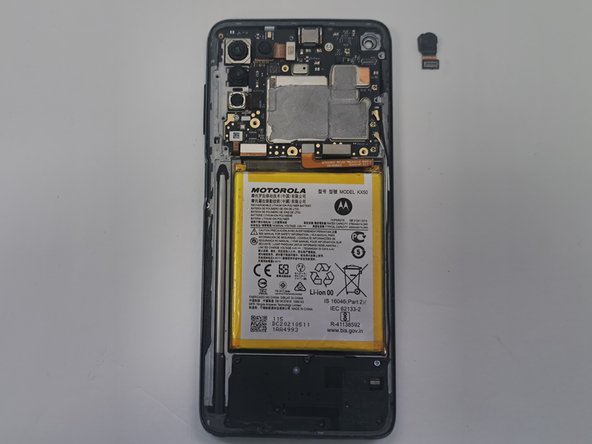
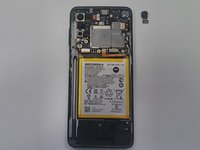
    • Use an opening tool to lift and disconnector the front camera press connector.

    • Remove the front camera.

  9. Motorola Moto G Stylus (2021) Camera Replacement: 9 단계, 이미지 2개 중 1개 Motorola Moto G Stylus (2021) Camera Replacement: 9 단계, 이미지 2개 중 2개
    • Use a T4 Torx screwdriver to remove the two 3 mm screws securing the main board.

  10. Motorola Moto G Stylus (2021) Camera Replacement: 10 단계, 이미지 2개 중 1개 Motorola Moto G Stylus (2021) Camera Replacement: 10 단계, 이미지 2개 중 2개
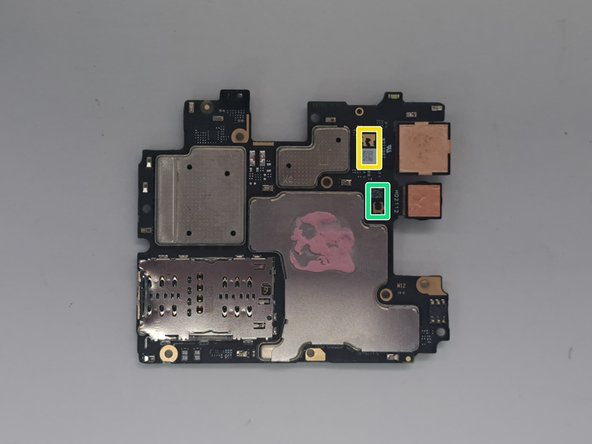
    • Use a spudger to an edge of the main board.

    • Lift and remove the motherboard.

  11. Motorola Moto G Stylus (2021) Camera Replacement, Camera: 11 단계, 이미지 2개 중 1개 Motorola Moto G Stylus (2021) Camera Replacement, Camera: 11 단계, 이미지 2개 중 2개
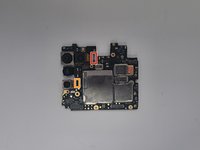
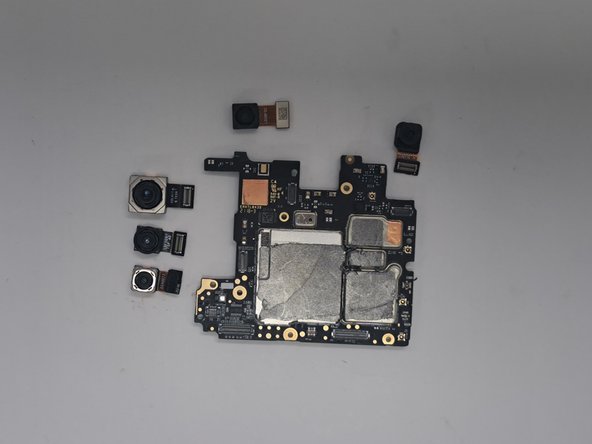
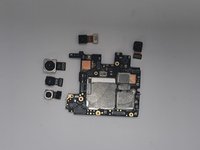
    • From this point, you do not need to remove all of the cameras. Skip to the step that addresses your camera and follow that step as the last step. From there you can replace that specific camera and follow the instructions in reverse to put your phone back together

  12. Motorola Moto G Stylus (2021) Camera Replacement: 12 단계, 이미지 1개 중 1개
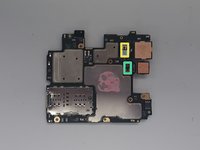
    • Disconnect camera 1 from the main board using an opening tool.

  13. Motorola Moto G Stylus (2021) Camera Replacement: 13 단계, 이미지 1개 중 1개
    • Disconnect camera 4 from the main board using an opening tool.

  14. Motorola Moto G Stylus (2021) Camera Replacement: 14 단계, 이미지 1개 중 1개
    • Orient the main board so the back is facing up.

    • Disconnect camera 2 from the main board using an opening tool.

  15. Motorola Moto G Stylus (2021) Camera Replacement: 15 단계, 이미지 1개 중 1개
    • Orient the main board so the back is facing up.

    • Disconnect camera 3 from the main board using an opening tool.

  16. Motorola Moto G Stylus (2021) Camera Replacement: 16 단계, 이미지 2개 중 1개 Motorola Moto G Stylus (2021) Camera Replacement: 16 단계, 이미지 2개 중 2개
    • Insert replacement cameras by following the instructions to remove it in inverse

결론

To reassemble your device, follow the above steps in reverse order.
Take your e-waste to an R2 or e-Stewards certified recycler.
Repair didn’t go as planned? Try some basic troubleshooting or ask our Answers community for help.

작성자

3다른 기여자 명과 함께

Giovanni Rodriguez-Ortuno

회원 가입일: 08/28/24

373 평판

안내서 3개를 작성함

0가이드 댓글

댓글 쓰기

조회 통계:

지난 24시간: 0

지난 7일: 12

지난 30일: 30

전체 시간: 244