소개
Full Device Name: Motorola Moto G Stylus 4G (2023)
Model Number: XT2317-2.
Alternate Name: Moto Stylus 4G (2023).
Objective: This guide aims to provide detailed instructions for replacing the screen on the Motorola Moto G Stylus 4G (2023).
About the Screen: The screen, also known as the display assembly, is a critical component of the device that allows you to interact with your phone, view content, and navigate through apps. If your screen is cracked, damaged, or malfunctioning, replacing it can restore functionality and enhance the visual experience of your device.
Device Symptoms: Common symptoms indicating the need for screen replacement include:
- Cracked or shattered screen
- Unresponsive touch functionality
- Display artifacts such as lines, discoloration, or black spots
- Inability to view content clearly due to screen damage
Tips and Warnings:
- Shattered Glass Displays: Handle the device with care, especially if the screen is shattered, to avoid injury from glass shards.
- Proper Device Disposal: Dispose of the old screen responsibly, following local regulations for electronic waste disposal.
- Hard Drive Backups: Before starting the replacement process, ensure you have backed up important data to prevent data loss.
필요한 것
-
-
Insert an opening pick under the edge of the case and slide it around the edges.
-
Separate the back panel from the rest of the phone.
-
-
-
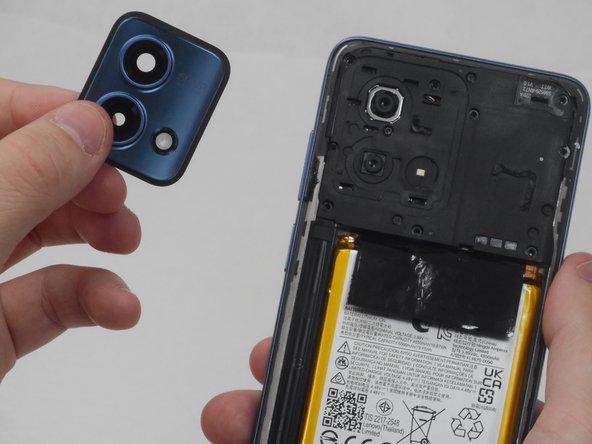
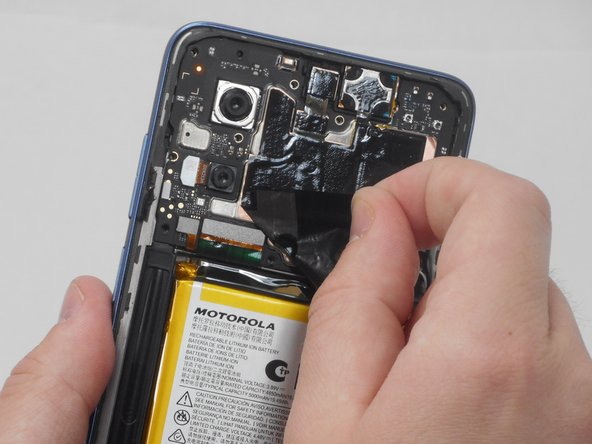
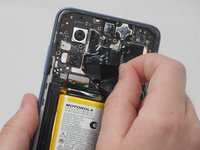
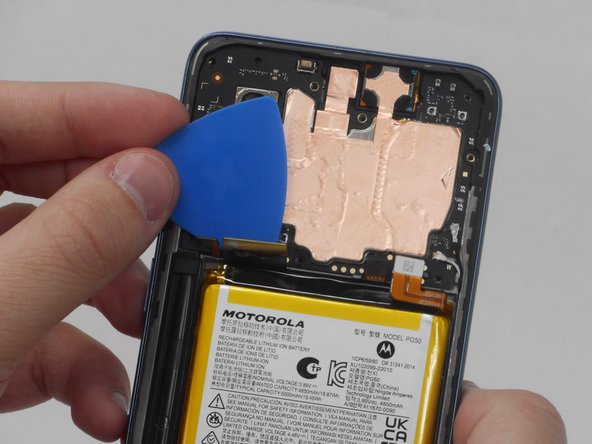
Use the opening pick along the edges to separate the camera lens glass from the board. If you begin to pry where the picture indicates, you will only get the top plastic and it will peal away from the paint. Instead begin at the gap in the lower left hand corner where there is a space between the actual frame that contains the lenses and the phone.
-
-








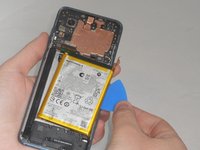
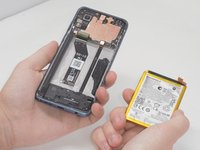


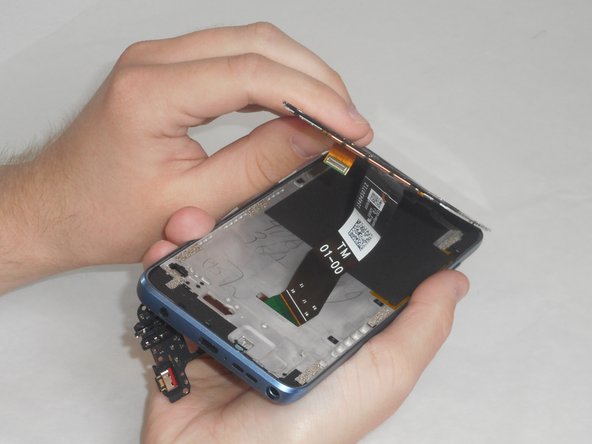
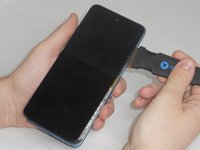
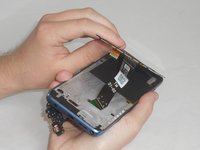


To reassemble your device, follow these instructions in reverse order.
다른 2명이 해당 안내서를 완성하였습니다.


팀

University of Memphis, Team 3-2, Sneed Spring 2024 University of Memphis, Team 3-2, Sneed Spring 2024 회원
UM-SNEED-S24S3G2
4 회원들
안내서 6개를 작성함
