주요 콘텐츠로 건너뛰기

Motorola V60c Keypad and Keypad Logic Board Replacement

필요한 것

  1. Motorola V60c Keypad and Keypad Logic Board Replacement, Battery: 1 단계, 이미지 2개 중 1개 Motorola V60c Keypad and Keypad Logic Board Replacement, Battery: 1 단계, 이미지 2개 중 2개
    • Depress the silver button.

    • Pull from top of phone to lift the cover.

  2. Motorola V60c Keypad and Keypad Logic Board Replacement: 2 단계, 이미지 2개 중 1개 Motorola V60c Keypad and Keypad Logic Board Replacement: 2 단계, 이미지 2개 중 2개
    • Hold battery from both sides at the bottom.

    • Push upwards and gently lift to remove.

  3. Motorola V60c Keypad and Keypad Logic Board Replacement, Keypad and Keypad Logic Board: 3 단계, 이미지 1개 중 1개
    • Remove 4 screws from corners using T-6 screwdriver.

    • NOTE: Bottom two screws are gold.

    • NOTE: Make sure screws return to correct place when reassembling.

  4. Motorola V60c Keypad and Keypad Logic Board Replacement: 4 단계, 이미지 2개 중 1개 Motorola V60c Keypad and Keypad Logic Board Replacement: 4 단계, 이미지 2개 중 2개
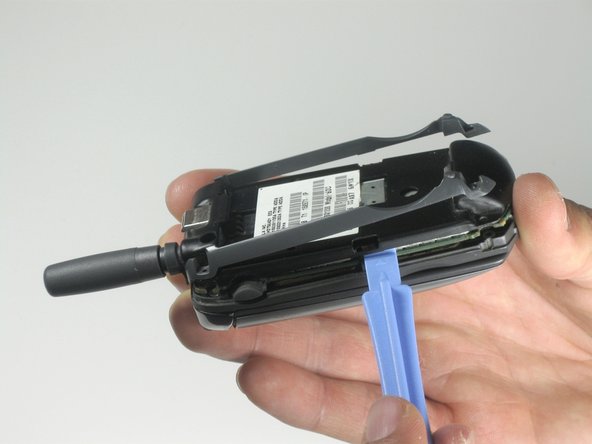
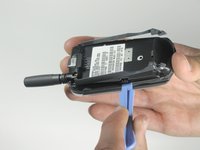
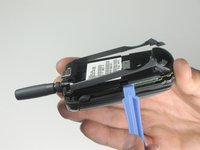
    • Use plastic opening tool to pry up back cover from two side clips.

    • NOTE: Sticker might be attached to rest of phone.

  5. Motorola V60c Keypad and Keypad Logic Board Replacement: 5 단계, 이미지 1개 중 1개
    • Remove the back cover.

  6. Motorola V60c Keypad and Keypad Logic Board Replacement: 6 단계, 이미지 2개 중 1개 Motorola V60c Keypad and Keypad Logic Board Replacement: 6 단계, 이미지 2개 중 2개
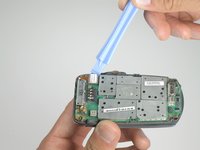
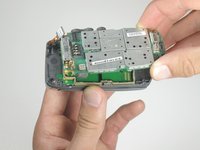
    • Use a plastic opening tool to gently remove the orange ribbon cable.

    • Lift up the main logic board.

    • NOTE: Rubber side buttons are not secure and might detach from the main logic board during removal.

  7. Motorola V60c Keypad and Keypad Logic Board Replacement: 7 단계, 이미지 2개 중 1개 Motorola V60c Keypad and Keypad Logic Board Replacement: 7 단계, 이미지 2개 중 2개
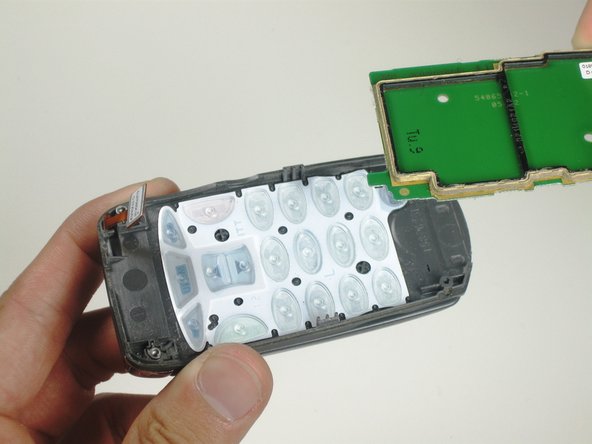
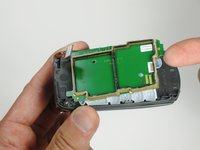
    • Remove the keypad logic board.

    • NOTE: Plastic spacer is not secured to keypad logic board and might detach during removal.

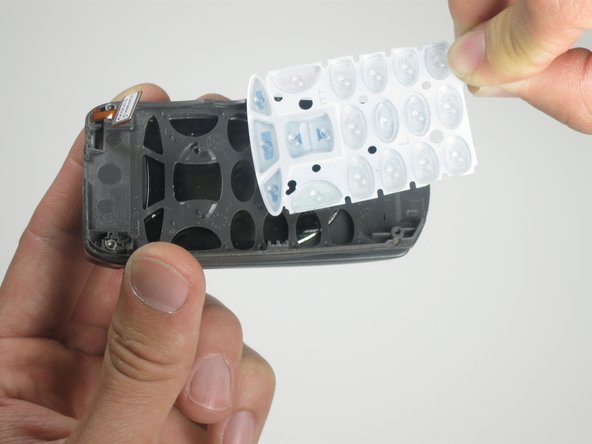
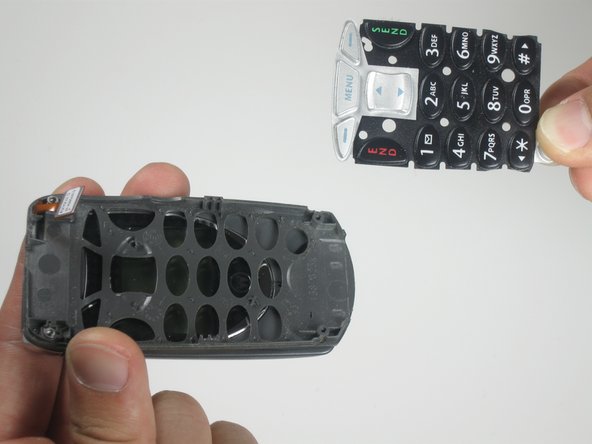
  8. Motorola V60c Keypad and Keypad Logic Board Replacement: 8 단계, 이미지 3개 중 1개 Motorola V60c Keypad and Keypad Logic Board Replacement: 8 단계, 이미지 3개 중 2개 Motorola V60c Keypad and Keypad Logic Board Replacement: 8 단계, 이미지 3개 중 3개
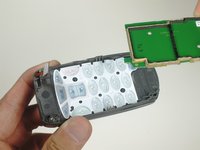
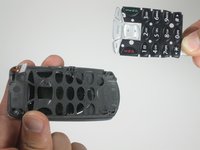
    • Remove the keypad.

결론

To reassemble your device, follow these instructions in reverse order.

작성자

6다른 기여자 명과 함께

Ryan Kuroiwa

회원 가입일: 04/10/10

1 평판

안내서 5개를 작성함

Cal Poly, Team 25-86, Amido Spring 2010 Cal Poly, Team 25-86, Amido Spring 2010 회원

CPSU-AMIDO-S10S25G86

5 회원들

안내서 10개를 작성함

0가이드 댓글

댓글 쓰기

조회 통계:

지난 24시간: 0

지난 7일: 0

지난 30일: 3

전체 시간: 2,210