주요 콘텐츠로 건너뛰기

Nikon Coolpix P100 Back Buttons Replacement

필요한 것

  1. Nikon Coolpix P100 Back Buttons Replacement, Back Buttons: 1 단계, 이미지 1개 중 1개
    • Turn the front of the camera toward you.

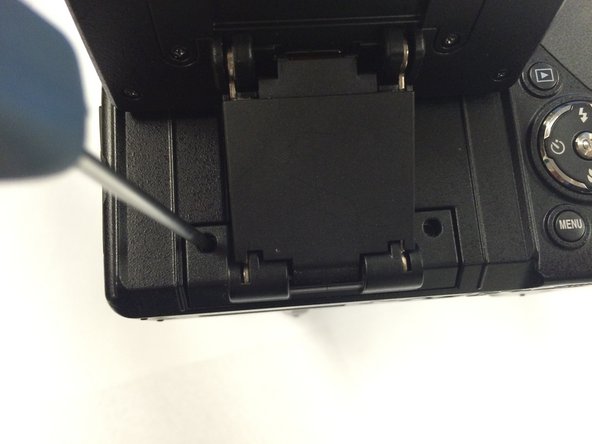
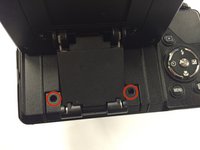
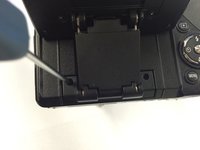
  2. Nikon Coolpix P100 Back Buttons Replacement: 2 단계, 이미지 3개 중 1개 Nikon Coolpix P100 Back Buttons Replacement: 2 단계, 이미지 3개 중 2개 Nikon Coolpix P100 Back Buttons Replacement: 2 단계, 이미지 3개 중 3개
    • On the left side of the camera, remove two screws using a Phillips #00 screwdriver.

  3. Nikon Coolpix P100 Back Buttons Replacement: 3 단계, 이미지 1개 중 1개
    • On the right side of the camera, remove the first visible screw.

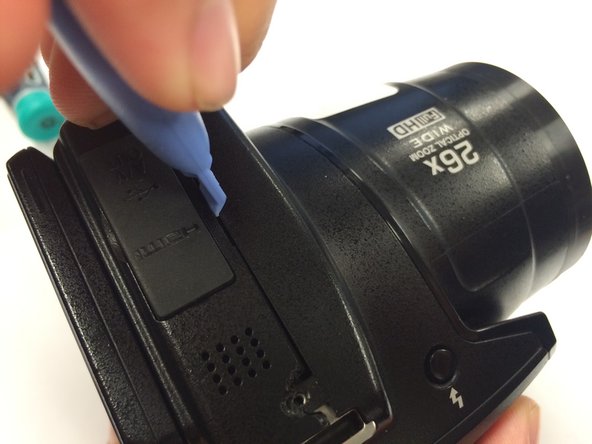
  4. Nikon Coolpix P100 Back Buttons Replacement: 4 단계, 이미지 1개 중 1개
    • Lift the HDMI and A/V OUT cover to access the hidden screw.

  5. Nikon Coolpix P100 Back Buttons Replacement: 5 단계, 이미지 1개 중 1개
    • Flip the camera upside down and remove the seven marked screws.

  6. Nikon Coolpix P100 Back Buttons Replacement: 6 단계, 이미지 2개 중 1개 Nikon Coolpix P100 Back Buttons Replacement: 6 단계, 이미지 2개 중 2개
    • Remove the two screws hidden underneath the display panel.

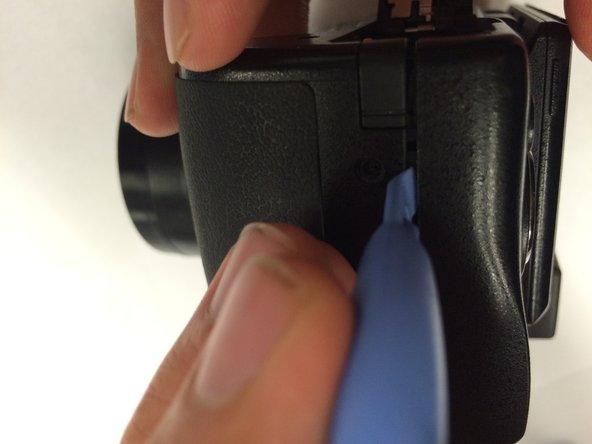
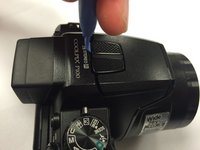
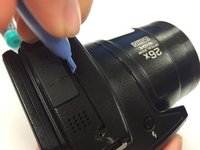
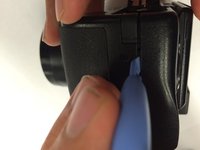
  7. Nikon Coolpix P100 Back Buttons Replacement: 7 단계, 이미지 3개 중 1개 Nikon Coolpix P100 Back Buttons Replacement: 7 단계, 이미지 3개 중 2개 Nikon Coolpix P100 Back Buttons Replacement: 7 단계, 이미지 3개 중 3개
    • Use a plastic opening tool to gently loosen up the sides of the camera.

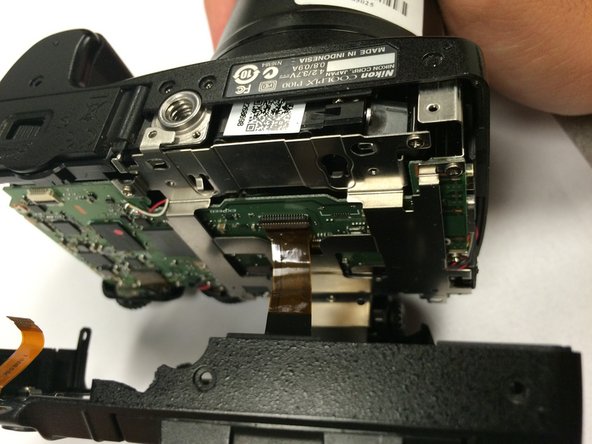
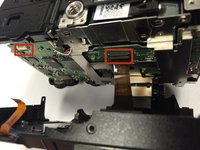
  8. Nikon Coolpix P100 Back Buttons Replacement: 8 단계, 이미지 2개 중 1개 Nikon Coolpix P100 Back Buttons Replacement: 8 단계, 이미지 2개 중 2개
    • Carefully open the camera.

    • There are two ribbon cables when opening the camera. Make sure to properly detach them before proceeding.

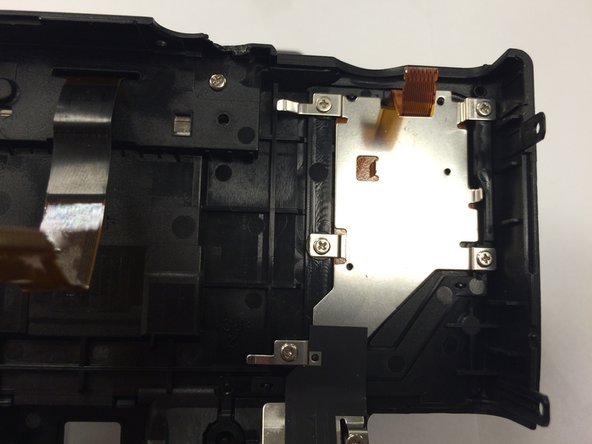
  9. Nikon Coolpix P100 Back Buttons Replacement: 9 단계, 이미지 2개 중 1개 Nikon Coolpix P100 Back Buttons Replacement: 9 단계, 이미지 2개 중 2개
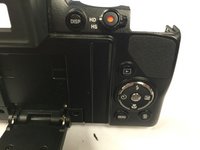
    • This is the cover that houses the back buttons of the camera. Turn it around.

  10. Nikon Coolpix P100 Back Buttons Replacement: 10 단계, 이미지 1개 중 1개
    • Remove the six indicated screws.

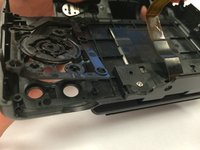
  11. Nikon Coolpix P100 Back Buttons Replacement: 11 단계, 이미지 2개 중 1개 Nikon Coolpix P100 Back Buttons Replacement: 11 단계, 이미지 2개 중 2개
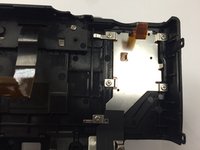
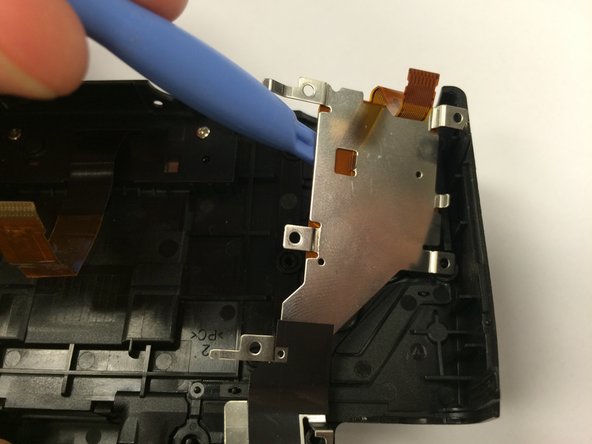
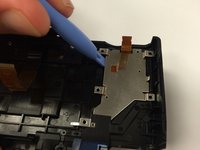
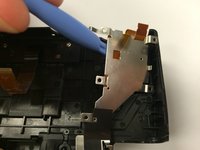
    • Use a plastic opening tool to lift the metal plate and set it aside.

  12. Nikon Coolpix P100 Back Buttons Replacement: 12 단계, 이미지 3개 중 1개 Nikon Coolpix P100 Back Buttons Replacement: 12 단계, 이미지 3개 중 2개 Nikon Coolpix P100 Back Buttons Replacement: 12 단계, 이미지 3개 중 3개
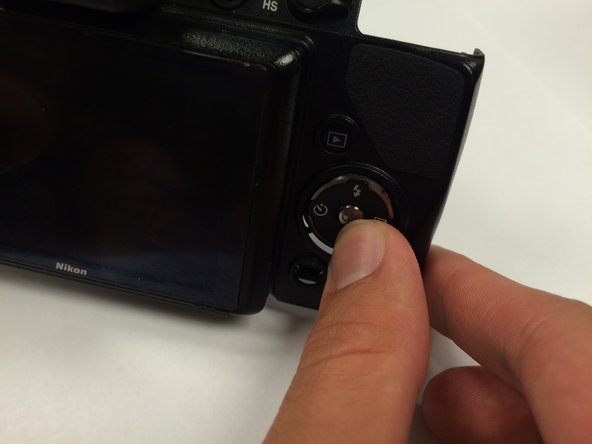
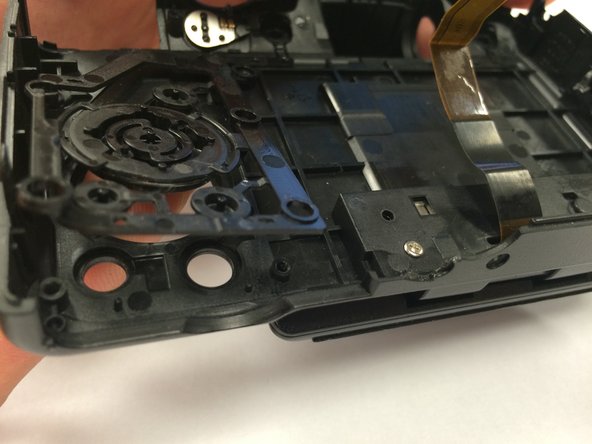
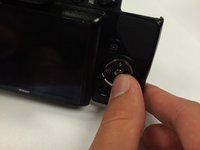
    • Turn the cover around and push against the buttons.

  13. Nikon Coolpix P100 Back Buttons Replacement: 13 단계, 이미지 1개 중 1개
    • Now you have partial access to one set of buttons.

  14. Nikon Coolpix P100 Back Buttons Replacement: 14 단계, 이미지 1개 중 1개
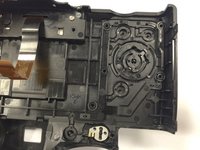
    • Find the last set of removal buttons on the bottom left.

  15. Nikon Coolpix P100 Back Buttons Replacement: 15 단계, 이미지 1개 중 1개
    • Remove the screw.

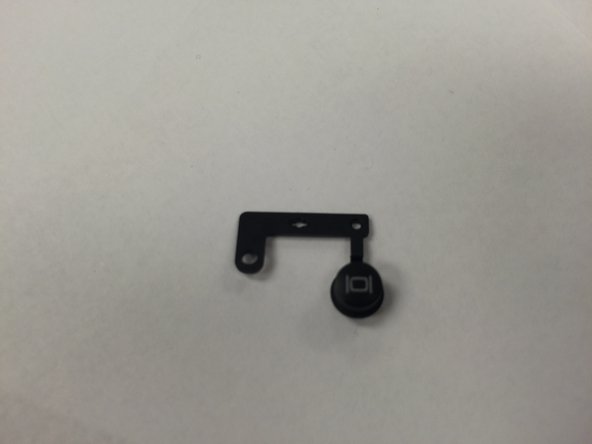
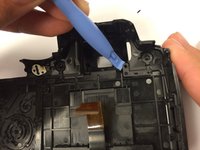
  16. Nikon Coolpix P100 Back Buttons Replacement: 16 단계, 이미지 2개 중 1개 Nikon Coolpix P100 Back Buttons Replacement: 16 단계, 이미지 2개 중 2개
    • Use a plastic opening tool to remove the button.

결론

To reassemble your device, follow these instructions in reverse order.

작성자

6다른 기여자 명과 함께

Nghiem Ngo

회원 가입일: 01/15/15

339 평판

안내서 2개를 작성함

USF Tampa, Team 1-1, Tanski Winter 2015 USF Tampa, Team 1-1, Tanski Winter 2015 회원

USFT-TANSKI-W15S1G1

3 회원들

안내서 8개를 작성함

0가이드 댓글

댓글 쓰기

조회 통계:

지난 24시간: 0

지난 7일: 0

지난 30일: 7

전체 시간: 1,018