주요 콘텐츠로 건너뛰기

Nikon Coolpix P100 Display Screen Replacement

필요한 것

  1. Nikon Coolpix P100 Display Screen Replacement, Display Screen: 1 단계, 이미지 3개 중 1개 Nikon Coolpix P100 Display Screen Replacement, Display Screen: 1 단계, 이미지 3개 중 2개 Nikon Coolpix P100 Display Screen Replacement, Display Screen: 1 단계, 이미지 3개 중 3개
    • Flip the camera upside down so that the side with the serial number is face up.

    • Pull back the display panel. Orient the panel so that you are able to view the back of it.

  2. Nikon Coolpix P100 Display Screen Replacement: 2 단계, 이미지 2개 중 1개 Nikon Coolpix P100 Display Screen Replacement: 2 단계, 이미지 2개 중 2개
    • Remove the two screws closest to the piece connecting the panel to the camera with a Phillips #1 screwdriver.

  3. Nikon Coolpix P100 Display Screen Replacement: 3 단계, 이미지 1개 중 1개
    • Remove the cover that was unscrewed in the last step.

  4. Nikon Coolpix P100 Display Screen Replacement: 4 단계, 이미지 1개 중 1개
    • Remove the remaining four screws on the outermost corners of the panel using a Phillips #1 screwdriver.

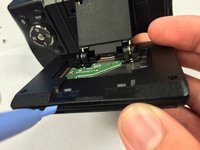
  5. Nikon Coolpix P100 Display Screen Replacement: 5 단계, 이미지 3개 중 1개 Nikon Coolpix P100 Display Screen Replacement: 5 단계, 이미지 3개 중 2개 Nikon Coolpix P100 Display Screen Replacement: 5 단계, 이미지 3개 중 3개
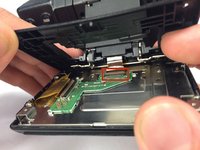
    • Use a plastic opening tool to pry open the back panel of the display screen.

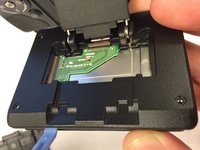
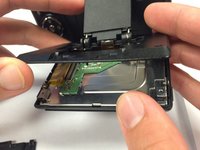
  6. Nikon Coolpix P100 Display Screen Replacement: 6 단계, 이미지 3개 중 1개 Nikon Coolpix P100 Display Screen Replacement: 6 단계, 이미지 3개 중 2개 Nikon Coolpix P100 Display Screen Replacement: 6 단계, 이미지 3개 중 3개
    • Carefully unhook the ribbon that attaches the panel to the camera.

    • Remove the top black panel cover.

  7. Nikon Coolpix P100 Display Screen Replacement: 7 단계, 이미지 1개 중 1개
    • Remove the two screws on the panel that are closest to the ribbon cable using a Phillips #1 screwdriver.

  8. Nikon Coolpix P100 Display Screen Replacement: 8 단계, 이미지 1개 중 1개
    • Remove the other two screws on the opposite side of the panel using a Phillips #1 screwdriver.

  9. Nikon Coolpix P100 Display Screen Replacement: 9 단계, 이미지 2개 중 1개 Nikon Coolpix P100 Display Screen Replacement: 9 단계, 이미지 2개 중 2개
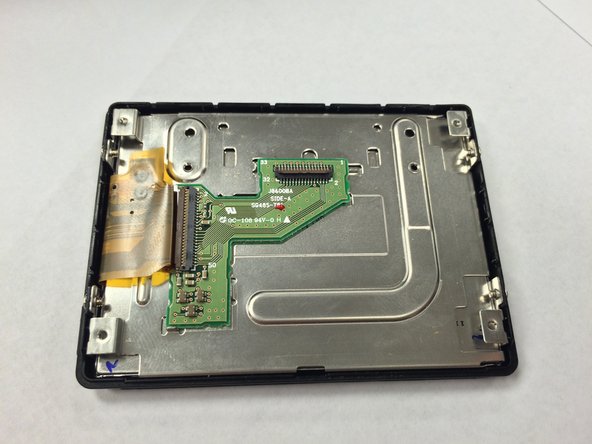
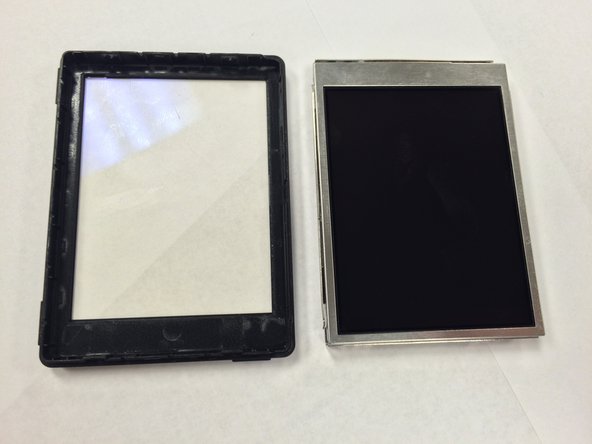
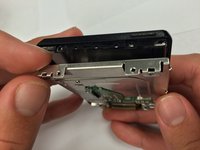
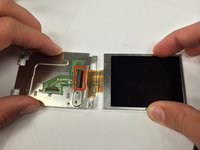
    • Separate the metal portion of the screen from the plastic portion.

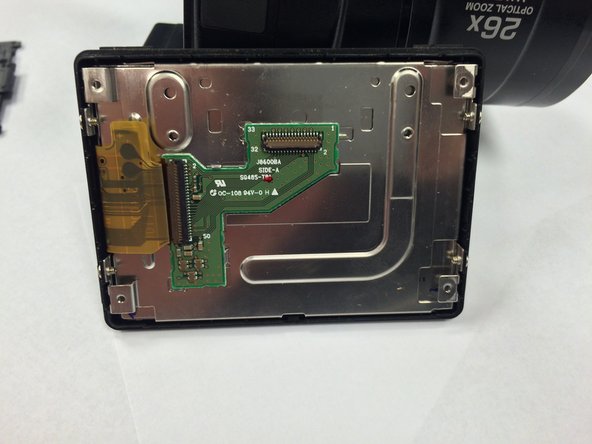
  10. Nikon Coolpix P100 Display Screen Replacement: 10 단계, 이미지 2개 중 1개 Nikon Coolpix P100 Display Screen Replacement: 10 단계, 이미지 2개 중 2개
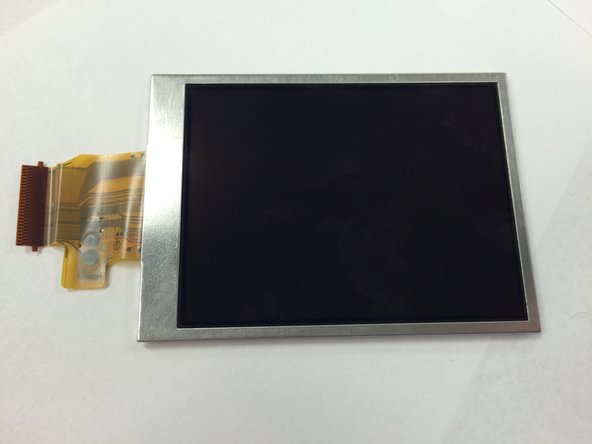
    • Carefully remove the ribbon connector cable from the metal portion of the display.

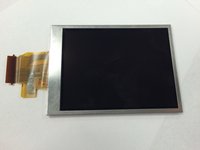
    • Remove the display from the rest of the device.

결론

To reassemble your device, follow these instructions in reverse order.

다른 6명이 해당 안내서를 완성하였습니다.

작성자

5다른 기여자 명과 함께

Rikki Brown

회원 가입일: 01/09/15

279 평판

안내서 2개를 작성함

USF Tampa, Team 1-1, Tanski Winter 2015 USF Tampa, Team 1-1, Tanski Winter 2015 회원

USFT-TANSKI-W15S1G1

3 회원들

안내서 8개를 작성함

3가이드 댓글

This guide help me to change my screen on Nikon P100 with out to much trouble, however I found step 7 unnecessary.

David Fyock - 답글

Hello, I've a problem during the re-mount of the display. Someone can help me? Thanks in advance! Mark

cwmark56 - 답글

I can't reconnect the connector on the step 10. Can you help me?

cwmark56 - 답글

댓글 쓰기

조회 통계:

지난 24시간: 1

지난 7일: 9

지난 30일: 29

전체 시간: 3,352