주요 콘텐츠로 건너뛰기

Nikon Coolpix S800c Zoom Unit/Shutter Replacement Guide

필요한 것

  1. Nikon Coolpix S800c Zoom Unit/Shutter Replacement Guide, Back Panel/Touch Screen: 1 단계, 이미지 2개 중 1개 Nikon Coolpix S800c Zoom Unit/Shutter Replacement Guide, Back Panel/Touch Screen: 1 단계, 이미지 2개 중 2개
    • Remove all 4 screws from the bottom face of the camera using a Phillips #00 head screwdriver (found in iFixit tool kit).

  2. Nikon Coolpix S800c Zoom Unit/Shutter Replacement Guide: 2 단계, 이미지 2개 중 1개 Nikon Coolpix S800c Zoom Unit/Shutter Replacement Guide: 2 단계, 이미지 2개 중 2개
    • Using a plastic tool, pry open the back panel of the camera. Be careful not to apply too much force and damage the camera.

  3. Nikon Coolpix S800c Zoom Unit/Shutter Replacement Guide, Motherboard: 3 단계, 이미지 1개 중 1개
    • Unscrew all 6 visible screws that secure the motherboard into place using a Phillips head screwdriver (found in iFixit tool kit).

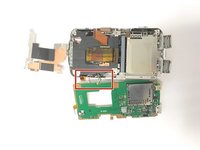
  4. Nikon Coolpix S800c Zoom Unit/Shutter Replacement Guide: 4 단계, 이미지 1개 중 1개
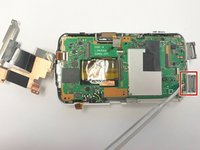
    • Pull the shown panel off of the motherboard to expose the Image sensor connection

  5. Nikon Coolpix S800c Zoom Unit/Shutter Replacement Guide: 5 단계, 이미지 1개 중 1개
    • Lift tab up to remove the Image sensor connection strip.

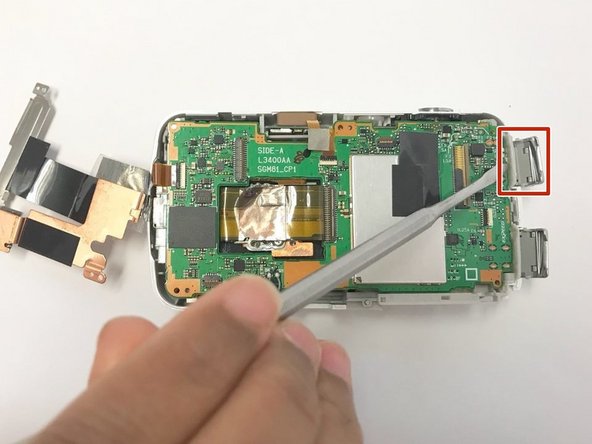
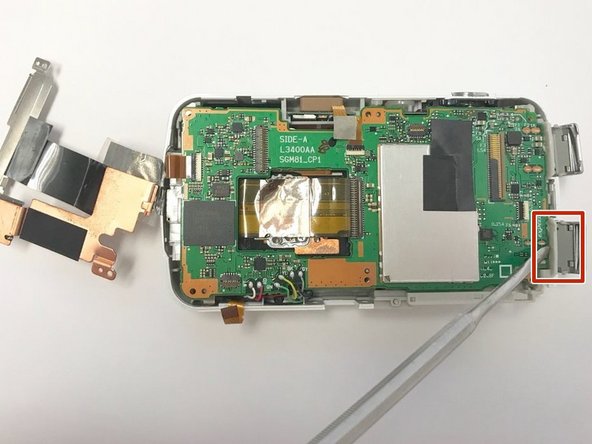
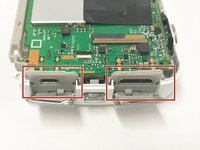
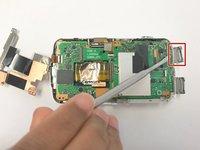
  6. Nikon Coolpix S800c Zoom Unit/Shutter Replacement Guide: 6 단계, 이미지 3개 중 1개 Nikon Coolpix S800c Zoom Unit/Shutter Replacement Guide: 6 단계, 이미지 3개 중 2개 Nikon Coolpix S800c Zoom Unit/Shutter Replacement Guide: 6 단계, 이미지 3개 중 3개
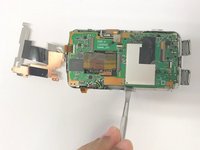
    • Pull the gray panels back to allow the hidden micro usb and hdmi insert connectors to come free.

    • Use a Metal Spudger to help with the process to get these connectors free from the frame.

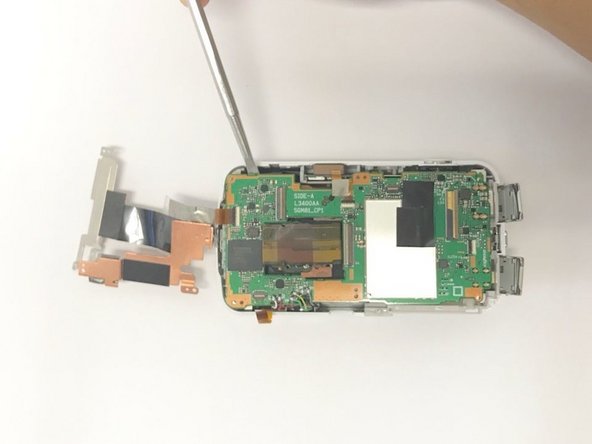
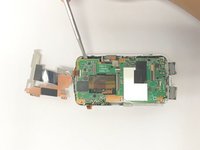
  7. Nikon Coolpix S800c Zoom Unit/Shutter Replacement Guide: 7 단계, 이미지 2개 중 1개 Nikon Coolpix S800c Zoom Unit/Shutter Replacement Guide: 7 단계, 이미지 2개 중 2개
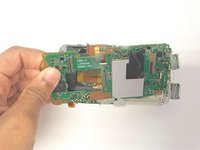
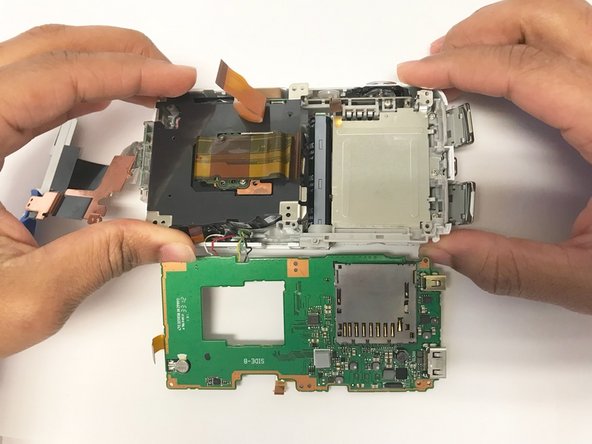
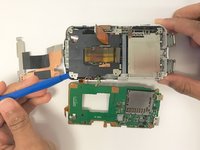
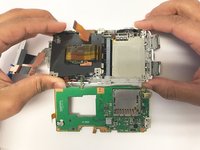
    • Using a Metal Spudger, lift the motherboard up from the body of the camera.

  8. Nikon Coolpix S800c Zoom Unit/Shutter Replacement Guide: 8 단계, 이미지 2개 중 1개 Nikon Coolpix S800c Zoom Unit/Shutter Replacement Guide: 8 단계, 이미지 2개 중 2개
    • Pull the motherboard off of the main body of the camera.

  9. Nikon Coolpix S800c Zoom Unit/Shutter Replacement Guide, Zoom Unit/Shutter: 9 단계, 이미지 3개 중 1개 Nikon Coolpix S800c Zoom Unit/Shutter Replacement Guide, Zoom Unit/Shutter: 9 단계, 이미지 3개 중 2개 Nikon Coolpix S800c Zoom Unit/Shutter Replacement Guide, Zoom Unit/Shutter: 9 단계, 이미지 3개 중 3개
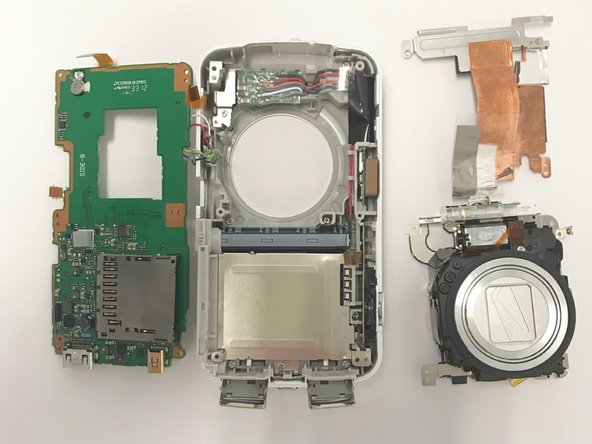
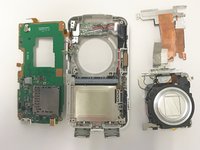
    • Use a plastic opening tool of your choice to loosen and pry up the zoom unit/shutter component.

    • Use your hands to manually lift the zoom unit/shutter component up and out of the main body of the camera.

결론

To reassemble your device, follow these instructions in reverse order.

작성자

2다른 기여자 명과 함께

Erik Knapton

회원 가입일: 01/30/18

222 평판

안내서 2개를 작성함

Baylor, Team S2-G6, Johnson Spring 2018 Baylor, Team S2-G6, Johnson Spring 2018 회원

BU-JOHNSON-S18S2G6

3 회원들

안내서 10개를 작성함

0가이드 댓글

댓글 쓰기

조회 통계:

지난 24시간: 0

지난 7일: 1

지난 30일: 14

전체 시간: 398