소개
All pictures taken by the camera are stored on the SD card. After many pictures are taken, the SD card can become full. This can be resolved by replacing the SD card with a new one, or by transferring pictures to a computer and then deleting them from the SD card. In any event, the card must be removed and replaced.


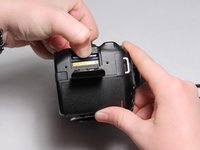
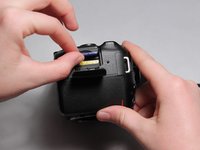
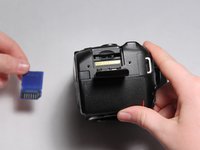
To insert an SD card, follow these instructions in reverse order.
다른 3명이 해당 안내서를 완성하였습니다.


팀

USF Tampa, Team 3-1, Eyestone Fall 2015 USF Tampa, Team 3-1, Eyestone Fall 2015 회원
USFT-EYESTONE-F15S3G1
4 회원들
안내서 5개를 작성함
