주요 콘텐츠로 건너뛰기

Nintendo 2DS Volume Slider Replacement

필요한 것

  1. Nintendo 2DS Volume Slider Replacement, Volume Slider: 1 단계, 이미지 3개 중 1개 Nintendo 2DS Volume Slider Replacement, Volume Slider: 1 단계, 이미지 3개 중 2개 Nintendo 2DS Volume Slider Replacement, Volume Slider: 1 단계, 이미지 3개 중 3개
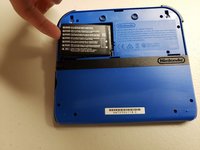
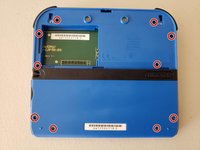
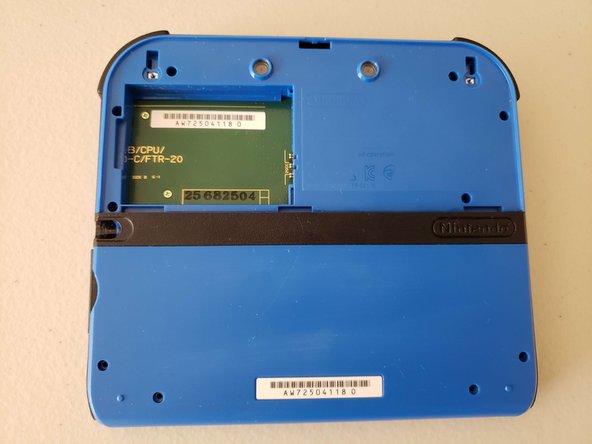
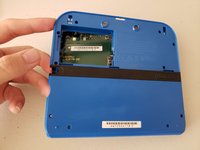
    • Turn the 2DS over so that the backside is facing upwards.

    • Identify the two Phillips #00 screws on the upper rear panel.

  2. Nintendo 2DS Volume Slider Replacement: 2 단계, 이미지 3개 중 1개 Nintendo 2DS Volume Slider Replacement: 2 단계, 이미지 3개 중 2개 Nintendo 2DS Volume Slider Replacement: 2 단계, 이미지 3개 중 3개
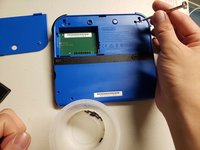
    • Loosen the two screws on the upper back panel using a Phillips #00 screwdriver.

    • The screws are captive and will not detach from the back panel or separate from the panel upon removal.

    • Use a spudger to pry the upper back panel off, starting at the indent at the center top of the panel.

    • Use a spudger and work your way around the perimeter to release the clips and then lift the panel off.

  3. Nintendo 2DS Volume Slider Replacement: 3 단계, 이미지 3개 중 1개 Nintendo 2DS Volume Slider Replacement: 3 단계, 이미지 3개 중 2개 Nintendo 2DS Volume Slider Replacement: 3 단계, 이미지 3개 중 3개
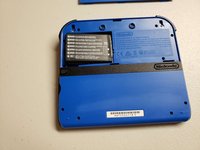
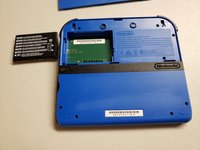
    • Use your finger or a spudger to lift and pull the battery outwards from the side closest to the outer edge.

  4. Nintendo 2DS Volume Slider Replacement: 4 단계, 이미지 3개 중 1개 Nintendo 2DS Volume Slider Replacement: 4 단계, 이미지 3개 중 2개 Nintendo 2DS Volume Slider Replacement: 4 단계, 이미지 3개 중 3개
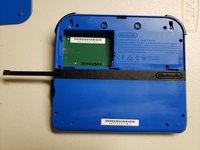
    • Pull the stylus out from the middle of the left edge of the device.

    • Use a Phillips #00 screwdriver to remove ten 2.0 mm screws from the back panel.

    • Unlike the top rear panel, these screws come out, so be sure to keep them in a safe place.

  5. Nintendo 2DS Volume Slider Replacement: 5 단계, 이미지 3개 중 1개 Nintendo 2DS Volume Slider Replacement: 5 단계, 이미지 3개 중 2개 Nintendo 2DS Volume Slider Replacement: 5 단계, 이미지 3개 중 3개
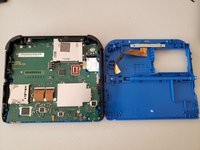
    • Use a spudger to pry the back case off by working around the perimeter of the device, starting from the bottom of the 2DS.

    • Don't yank or pull the back case off because the camera ribbon is attached to the motherboard and back case and may rip or damage the cable or camera itself.

    • Use the tip of a spudger, an opening tool, or your fingernail to flip up the small, hinged locking flap on the camera cable.

    • Use your spudger to gently slide the cable out of the connector.

    • Remove the back case.

  6. Nintendo 2DS Volume Slider Replacement: 6 단계, 이미지 3개 중 1개 Nintendo 2DS Volume Slider Replacement: 6 단계, 이미지 3개 중 2개 Nintendo 2DS Volume Slider Replacement: 6 단계, 이미지 3개 중 3개
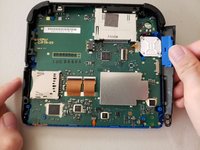
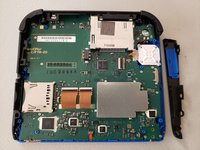
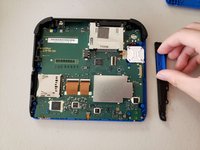
    • Gently pry the side that holds the volume slider off of the 2DS.

  7. Nintendo 2DS Volume Slider Replacement: 7 단계, 이미지 3개 중 1개 Nintendo 2DS Volume Slider Replacement: 7 단계, 이미지 3개 중 2개 Nintendo 2DS Volume Slider Replacement: 7 단계, 이미지 3개 중 3개
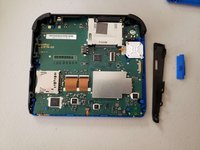
    • Remove the volume slider from the sidebar housing.

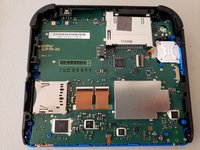
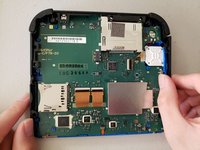
    • When reassembling, ensure that the volume slider is volume slider is connected to the slider on the motherboard labeled VR1.

결론

To reassemble your device, follow these instructions in reverse order.

다른 한 분이 해당 안내서를 완성하였습니다.

작성자

4다른 기여자 명과 함께

S. Leng

회원 가입일: 10/24/22

166 평판

안내서 1개를 작성함

0가이드 댓글

댓글 쓰기

조회 통계:

지난 24시간: 11

지난 7일: 57

지난 30일: 232

전체 시간: 4,721