주요 콘텐츠로 건너뛰기

Nintendo Game Boy Advance SP Trackpads Replacement

보관된 가이드
해당 안내서는 단지 역사적인 목적으로 보관됩니다. 최신 버전 안내서를 사용하여 수리 하십시오.

필요한 것

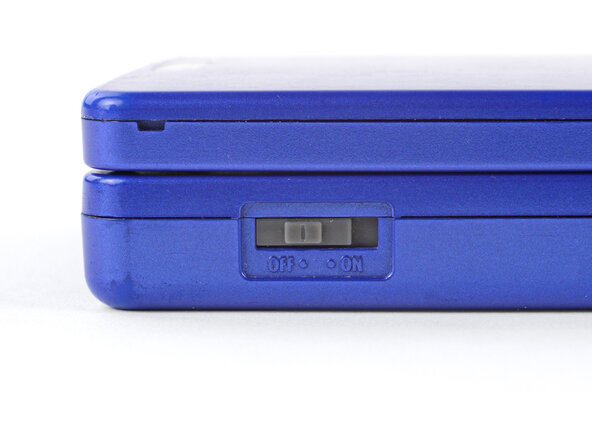
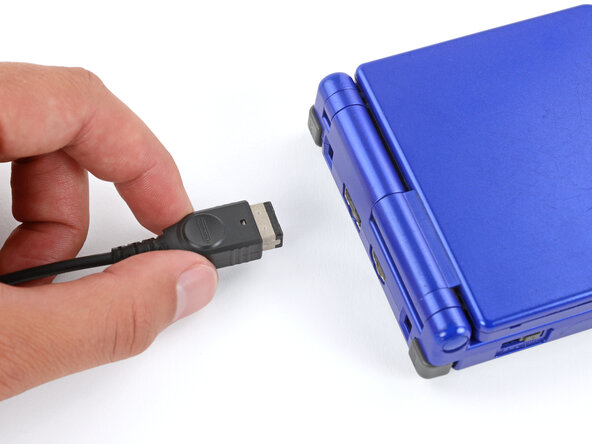
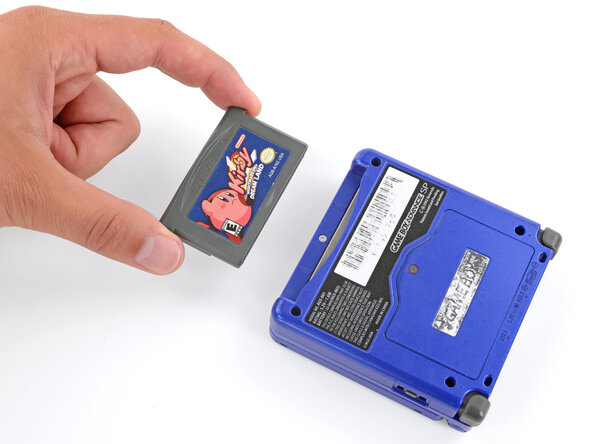
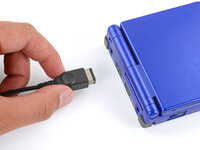
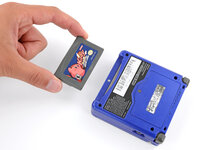
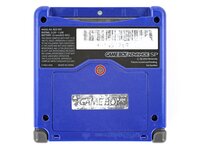
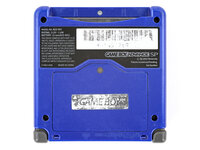
  1. Nintendo Game Boy Advance SP Trackpads Replacement, Prepare your Game Boy for disassembly: 1 단계, 이미지 3개 중 1개 Nintendo Game Boy Advance SP Trackpads Replacement, Prepare your Game Boy for disassembly: 1 단계, 이미지 3개 중 2개 Nintendo Game Boy Advance SP Trackpads Replacement, Prepare your Game Boy for disassembly: 1 단계, 이미지 3개 중 3개
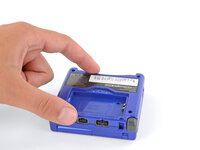
    • Slide the power switch to the OFF position and unplug any cables.

    • If you have a game cartridge in, remove it.

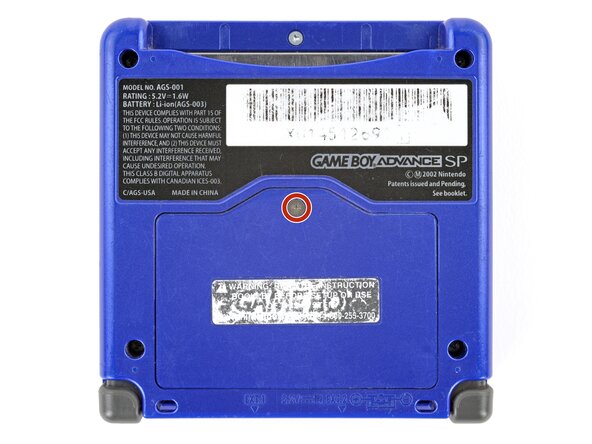
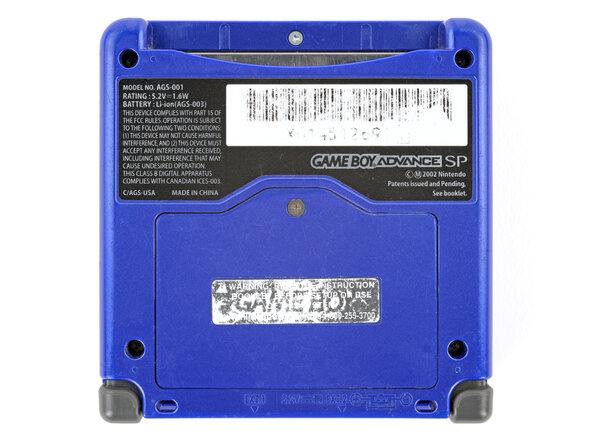
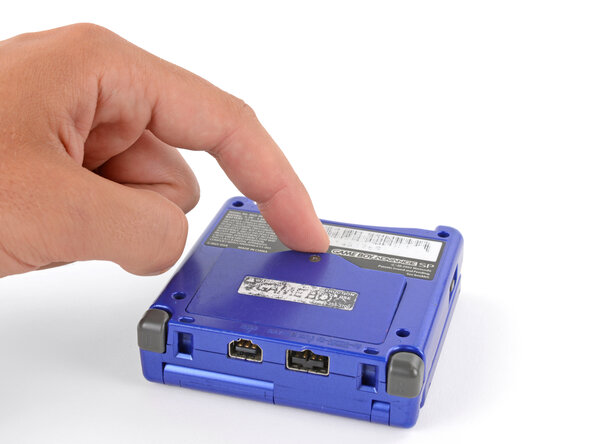
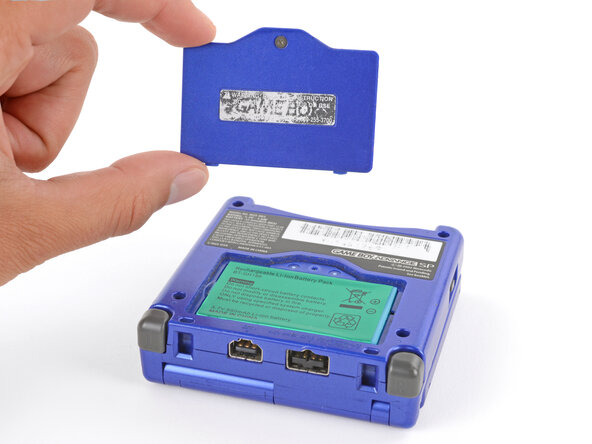
  2. Nintendo Game Boy Advance SP Trackpads Replacement, Remove the battery cover: 2 단계, 이미지 2개 중 1개 Nintendo Game Boy Advance SP Trackpads Replacement, Remove the battery cover: 2 단계, 이미지 2개 중 2개
    • Use a JIS 00 screwdriver to loosen the captive screw securing the battery cover.

    • You can try to use a non-iFixit Phillips driver in a pinch, but you risk damaging or stripping the screw. Push down firmly on the driver and twist slowly.

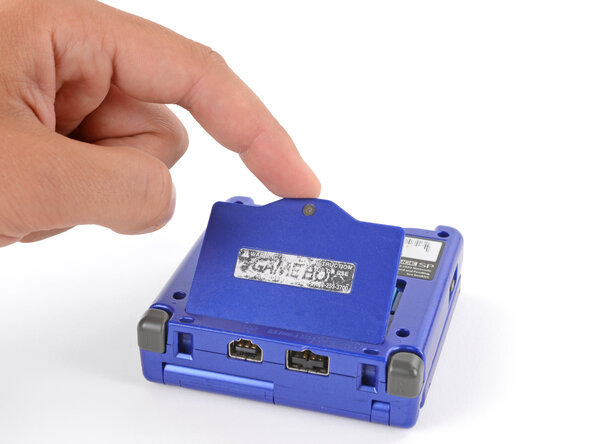
  3. Nintendo Game Boy Advance SP Trackpads Replacement: 3 단계, 이미지 3개 중 1개 Nintendo Game Boy Advance SP Trackpads Replacement: 3 단계, 이미지 3개 중 2개 Nintendo Game Boy Advance SP Trackpads Replacement: 3 단계, 이미지 3개 중 3개
    • Lift the edge of the cover near the screw and remove the cover.

    • During reassembly, hook the tabs on the bottom edge of the cover into their slots and lay the cover into place.

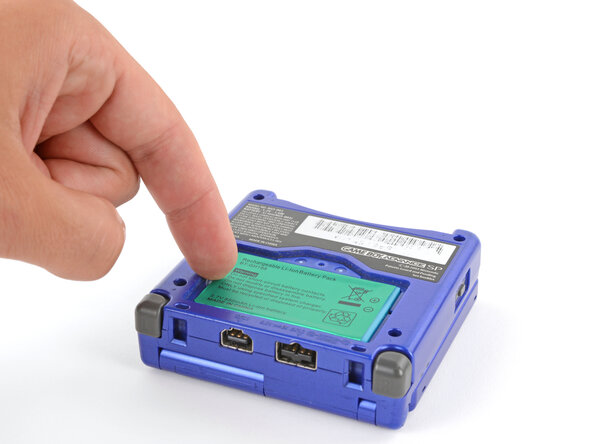
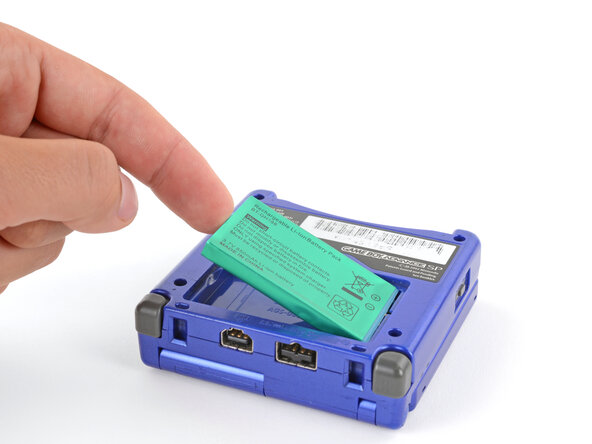
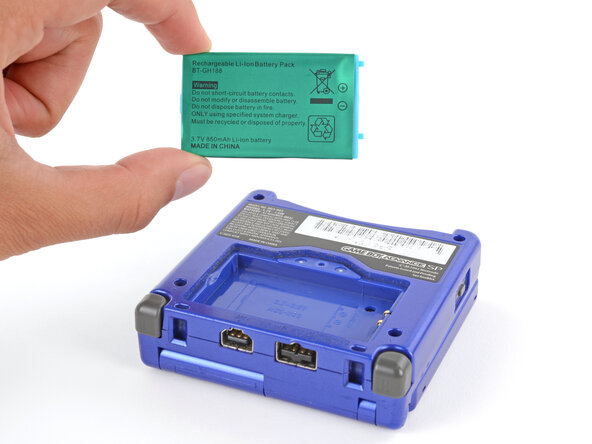
  4. Nintendo Game Boy Advance SP Trackpads Replacement, Remove the battery: 4 단계, 이미지 3개 중 1개 Nintendo Game Boy Advance SP Trackpads Replacement, Remove the battery: 4 단계, 이미지 3개 중 2개 Nintendo Game Boy Advance SP Trackpads Replacement, Remove the battery: 4 단계, 이미지 3개 중 3개
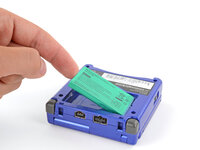
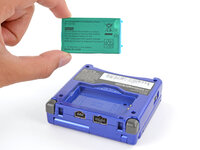
    • Use your finger to lift the battery by the tab on its left edge, then remove it.

    • During reassembly:

    • Never reuse a deformed or damaged battery—it's a fire hazard. Replace it with a new battery.

    • Your replacement battery may come with a plastic enclosure that slides over the battery.

    • Insert the edge of the battery with contacts at a slight downward angle—aligning the contacts with their prongs in the recess—and press the battery into place.

  5. Nintendo Game Boy Advance SP Trackpads Replacement, Remove the bottom shell: 5 단계, 이미지 2개 중 1개 Nintendo Game Boy Advance SP Trackpads Replacement, Remove the bottom shell: 5 단계, 이미지 2개 중 2개
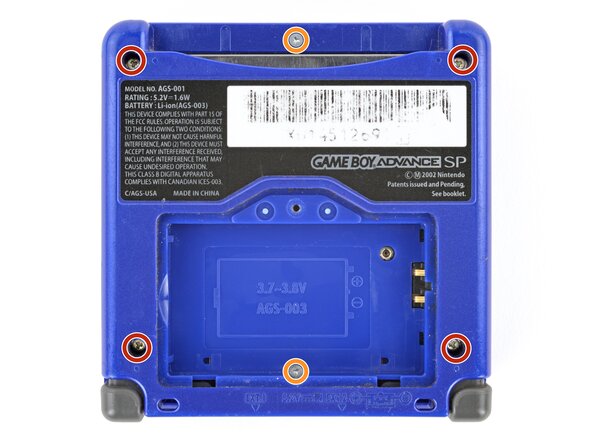
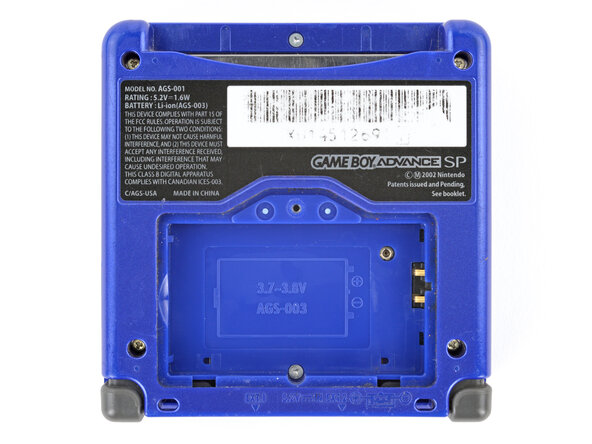
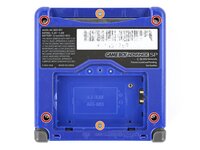
    • Use a tri‑point Y0 screwdriver to remove the six screws securing the bottom shell:

    • Four 6.3 mm‑long recessed screws

    • Two 4.6 mm‑long screws

  6. Nintendo Game Boy Advance SP Trackpads Replacement: 6 단계, 이미지 2개 중 1개 Nintendo Game Boy Advance SP Trackpads Replacement: 6 단계, 이미지 2개 중 2개
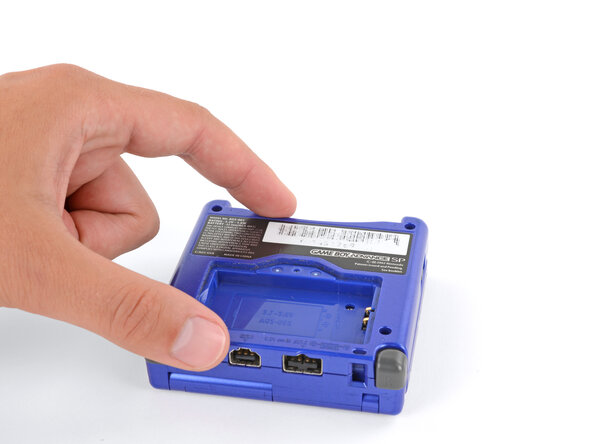
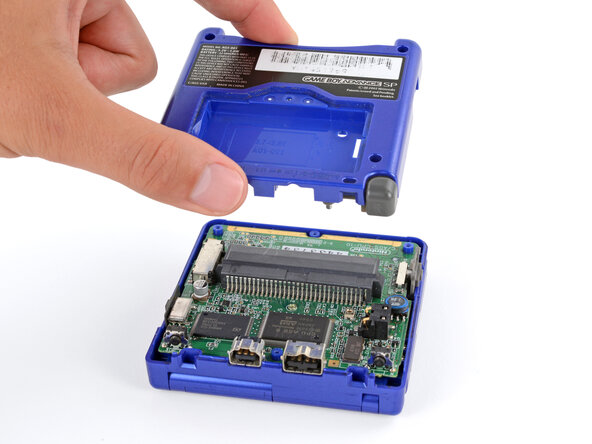
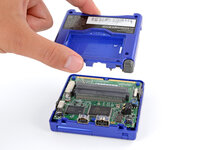
    • Lift the bottom shell straight up and remove it.

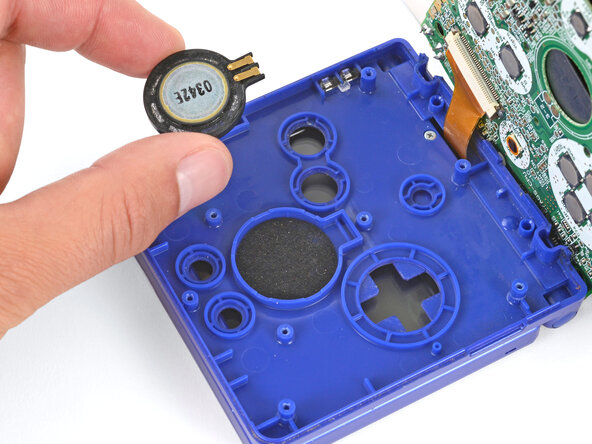
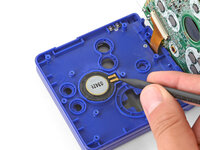
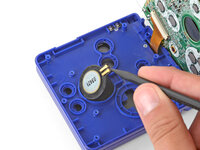
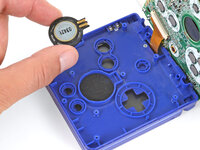
  7. Nintendo Game Boy Advance SP Trackpads Replacement, Remove the speaker: 7 단계, 이미지 3개 중 1개 Nintendo Game Boy Advance SP Trackpads Replacement, Remove the speaker: 7 단계, 이미지 3개 중 2개 Nintendo Game Boy Advance SP Trackpads Replacement, Remove the speaker: 7 단계, 이미지 3개 중 3개
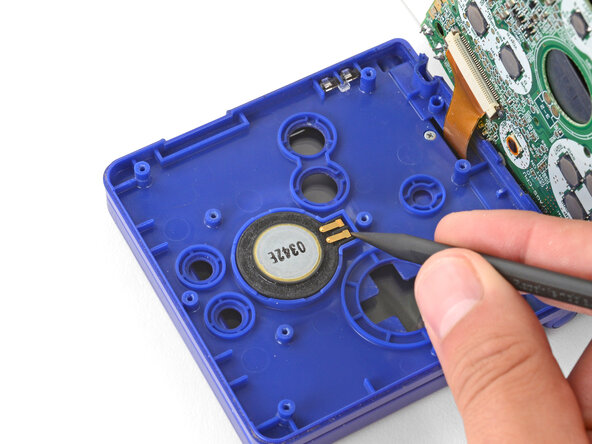
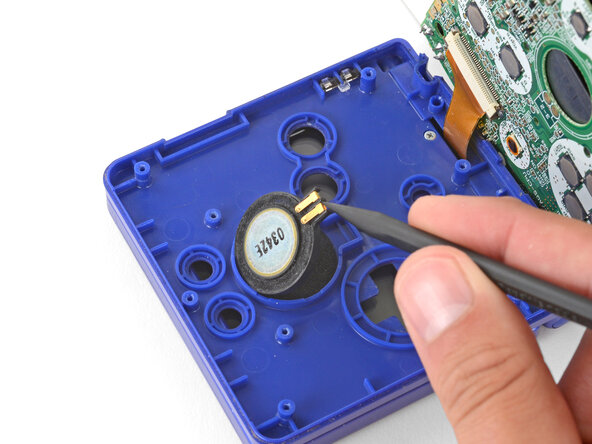
    • Use the point of a spudger or a clean fingernail to lift the speaker until you can grip it with your fingers.

    • Remove the speaker.

  8. Nintendo Game Boy Advance SP Trackpads Replacement, Prop up the main body: 8 단계, 이미지 1개 중 1개
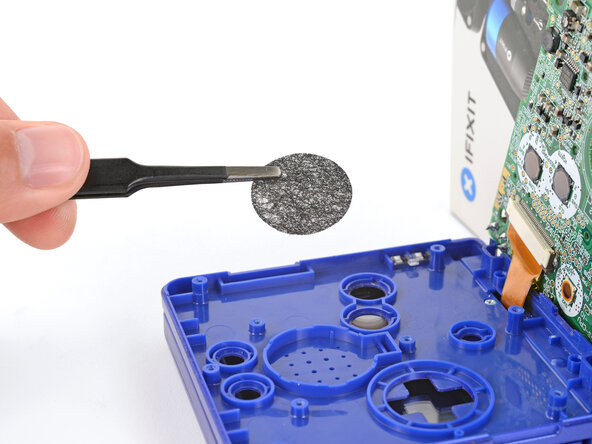
    • Remove the circular mesh from the speaker recess and set it aside—the piece can easily fall out and get lost when working.

  9. Nintendo Game Boy Advance SP Trackpads Replacement, Prop up the main body: 9 단계, 이미지 3개 중 1개 Nintendo Game Boy Advance SP Trackpads Replacement, Prop up the main body: 9 단계, 이미지 3개 중 2개 Nintendo Game Boy Advance SP Trackpads Replacement, Prop up the main body: 9 단계, 이미지 3개 중 3개
    • Be careful not to strain the screen cable during the next few steps—it has very little slack.

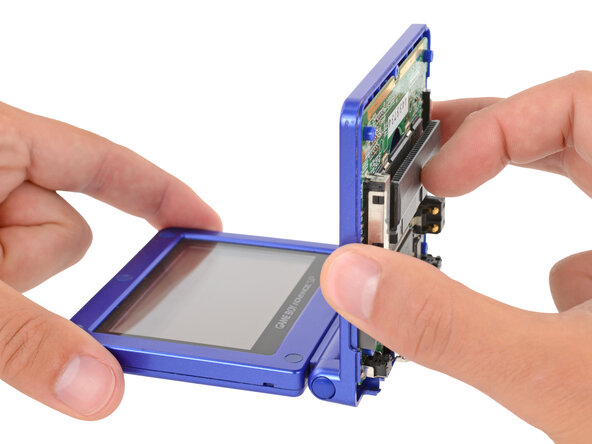
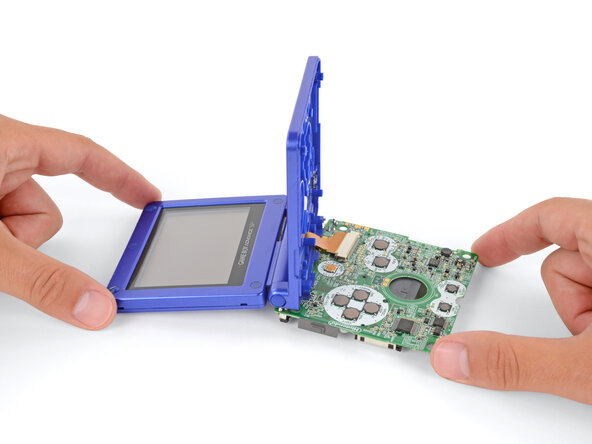
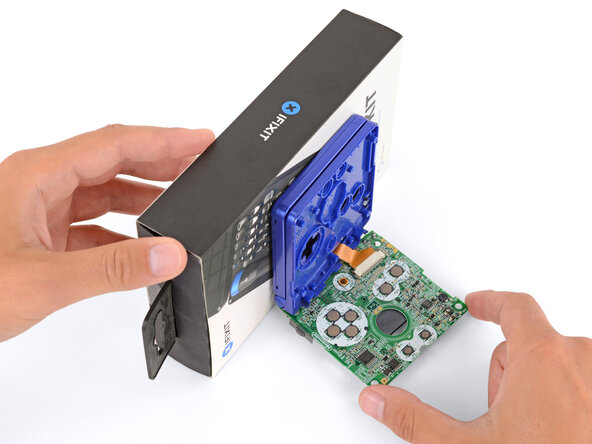
    • You need to prop up the main body of your Game Boy in order to disconnect the screen cable without straining it. Here are two ways to do so:

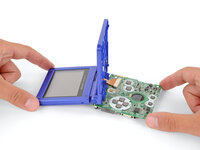
    • Option 1: Open the main body of your Game Boy to a 90‑degree angle and gently lay the motherboard down. Make sure the main body is resting on top of the motherboard to give the cable slack.

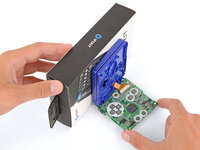
    • Option 2: Keep the main body closed and prop it up on the edge of the logic board, using a sturdy object to hold it up.

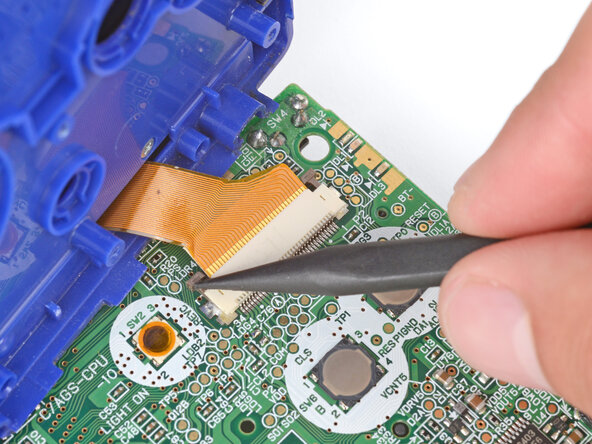
  10. Nintendo Game Boy Advance SP Trackpads Replacement, Disconnect the screen cable: 10 단계, 이미지 3개 중 1개 Nintendo Game Boy Advance SP Trackpads Replacement, Disconnect the screen cable: 10 단계, 이미지 3개 중 2개 Nintendo Game Boy Advance SP Trackpads Replacement, Disconnect the screen cable: 10 단계, 이미지 3개 중 3개
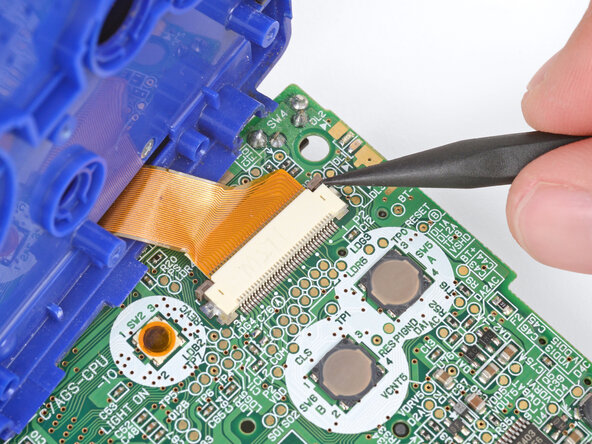
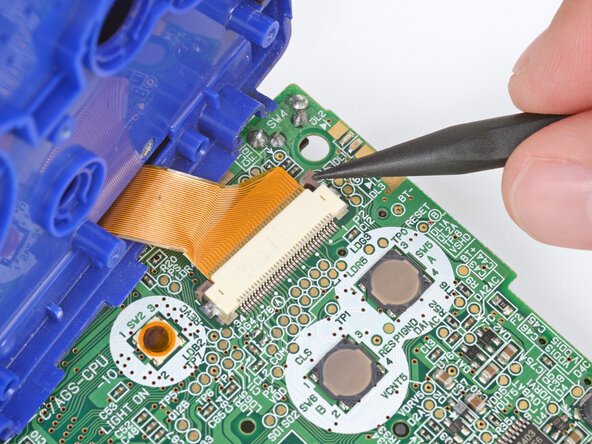
    • Use the point of a spudger to push the two tabs on either side of the screen cable connector into the unlocked position.

    • Only push the tabs until they stop. If you push them too far, you may slide the locking tab off the connector.

  11. Nintendo Game Boy Advance SP Trackpads Replacement: 11 단계, 이미지 2개 중 1개 Nintendo Game Boy Advance SP Trackpads Replacement: 11 단계, 이미지 2개 중 2개
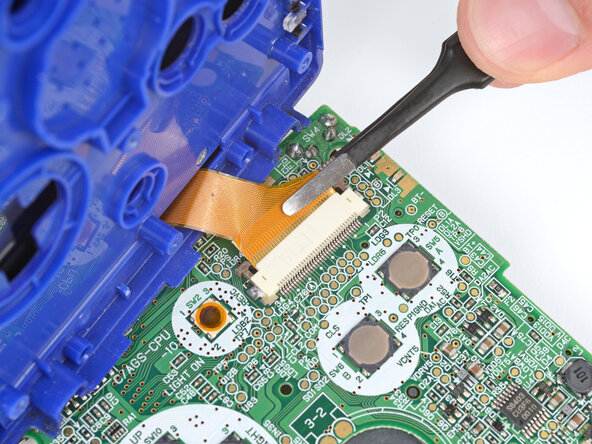
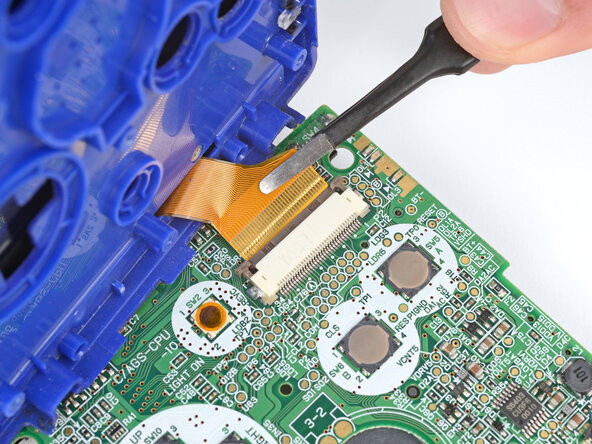
    • Use a pair of tweezers to gently slide the screen cable out of its socket.

  12. Nintendo Game Boy Advance SP Trackpads Replacement, Remove the main body: 12 단계, 이미지 1개 중 1개
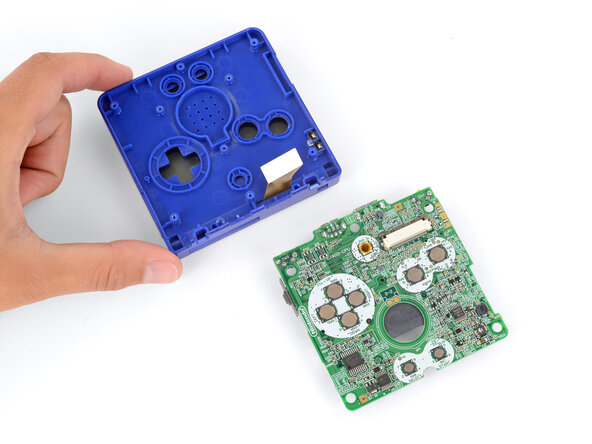
    • Remove the main body from the motherboard.

    • During reassembly, prop up the main body for enough slack reconnect the screen cable.

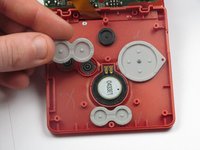
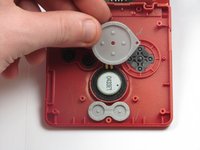
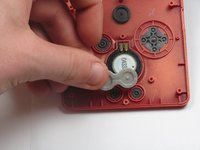
  13. Nintendo Game Boy Advance SP Trackpads Replacement, Removing the Trackpads: 13 단계, 이미지 3개 중 1개 Nintendo Game Boy Advance SP Trackpads Replacement, Removing the Trackpads: 13 단계, 이미지 3개 중 2개 Nintendo Game Boy Advance SP Trackpads Replacement, Removing the Trackpads: 13 단계, 이미지 3개 중 3개
    • Using your fingers, gently lift and remove the trackpads covering the following:

    • 'A' and 'B' buttons

    • Directional Control Button Pad

    • 'Start' and 'Select' buttons

결론

To reassemble your device, follow these instructions in reverse order.

다른 7명이 해당 안내서를 완성하였습니다.

작성자

14다른 기여자 명과 함께

DJ Pantone

회원 가입일: 01/11/13

1,995 평판

안내서 4개를 작성함

Cal Poly, Team 17-22, Forte Winter 2013 Cal Poly, Team 17-22, Forte Winter 2013 회원

CPSU-FORTE-W13S17G22

4 회원들

안내서 32개를 작성함

2가이드 댓글

In the tools list, it says tri-point Y1, whereas in the description, it says to use a tri-point Y00. Which one is it really?

Gordonzola - 답글

Weird to call them "track pads" when no one calls them that. In fact, if you google "gba sp track pads" this is the only result that comes up referring to them that way. It's nice of you to write a guide but if people can't find it because you're using weird nomenclature you won't be helping many people.

Track pads are usually touch sensitive pads for moving cursors around on a computer. These rubber pads are button membranes. "Rubber membranes" or "button membranes" is what you'd usually call them.

Alexander Knots - 답글
댓글 쓰기

조회 통계:

지난 24시간: 0

지난 7일: 6

지난 30일: 36

전체 시간: 11,432