주요 콘텐츠로 건너뛰기

Nintendo Wii U Button Replacement

필요한 것

  1. Nintendo Wii U Button Replacement, Button Replacement: 1 단계, 이미지 2개 중 1개 Nintendo Wii U Button Replacement, Button Replacement: 1 단계, 이미지 2개 중 2개
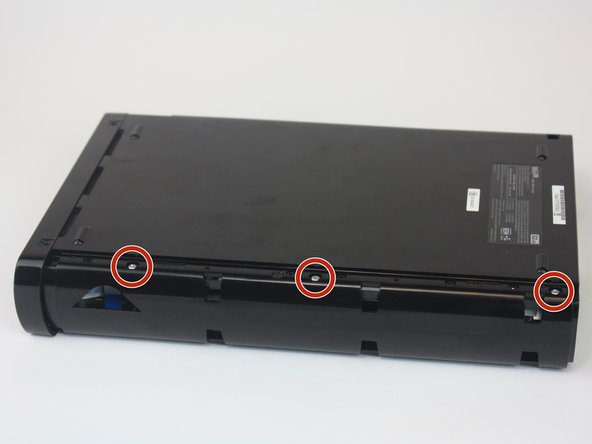
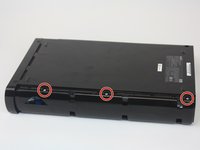
    • You will first need to find all the screws hidden underneath the black (or white) square stickers. They are all located on the bottom side of the Wii U.

    • Use a spudger to remove the stickers if it is difficult to peel off with your fingers.

  2. Nintendo Wii U Button Replacement: 2 단계, 이미지 1개 중 1개
    • Remove the five Phillips #0 screws.

    • Remove the four Tri-Wing Y1 screws.

  3. Nintendo Wii U Button Replacement: 3 단계, 이미지 2개 중 1개 Nintendo Wii U Button Replacement: 3 단계, 이미지 2개 중 2개
    • Remove the CMOS battery door on the left side of the console.

    • Once the door is removed, remove the three Phillips #0 screws.

  4. Nintendo Wii U Button Replacement: 4 단계, 이미지 3개 중 1개 Nintendo Wii U Button Replacement: 4 단계, 이미지 3개 중 2개 Nintendo Wii U Button Replacement: 4 단계, 이미지 3개 중 3개
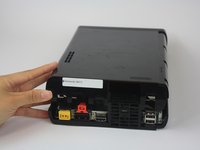
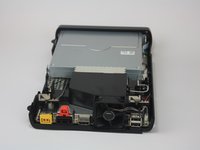
    • Gently pry off the top lid of the Wii U.

  5. Nintendo Wii U Button Replacement: 5 단계, 이미지 3개 중 1개 Nintendo Wii U Button Replacement: 5 단계, 이미지 3개 중 2개 Nintendo Wii U Button Replacement: 5 단계, 이미지 3개 중 3개
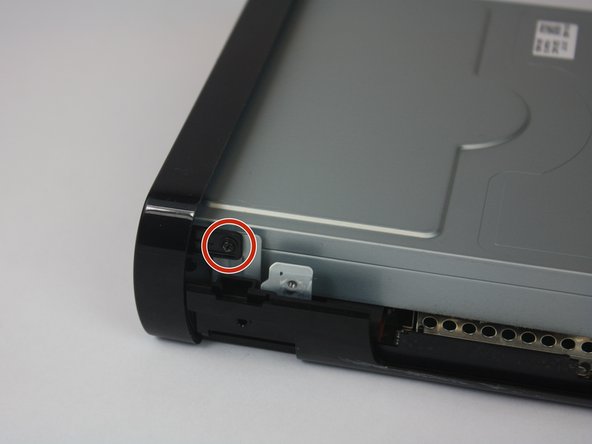
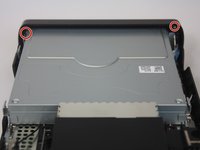
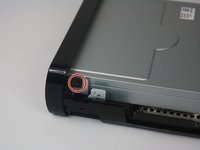
    • Rotate the device so that the front plate is facing you.

    • Remove the two Phillips #1 screws.

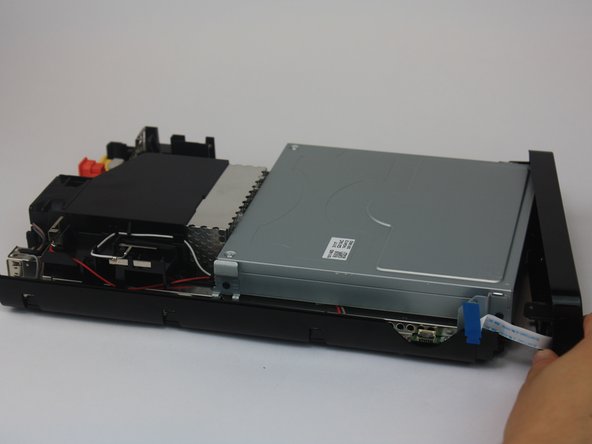
  6. Nintendo Wii U Button Replacement: 6 단계, 이미지 3개 중 1개 Nintendo Wii U Button Replacement: 6 단계, 이미지 3개 중 2개 Nintendo Wii U Button Replacement: 6 단계, 이미지 3개 중 3개
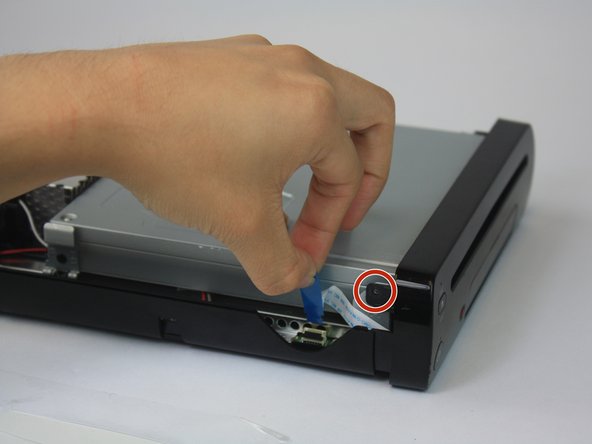
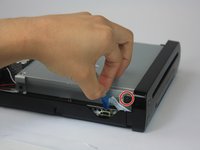
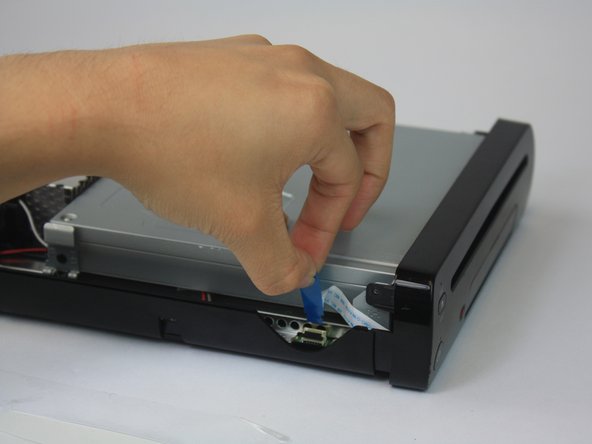
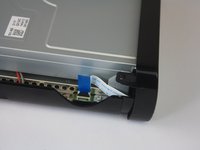
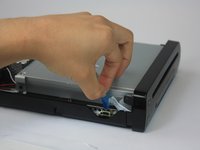
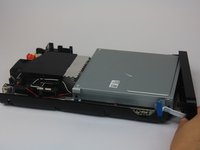
    • Remove the ribbon cable and separate the front plate from the main console.

  7. Nintendo Wii U Button Replacement: 7 단계, 이미지 1개 중 1개
    • Remove the three Phillips #1 screws.

  8. Nintendo Wii U Button Replacement: 8 단계, 이미지 1개 중 1개
    • Once unscrewed, remove the black braces that hold the power button, eject button, and sync button in place.

  9. Nintendo Wii U Button Replacement: 9 단계, 이미지 1개 중 1개
    • Remove the desired button(s).

결론

To reassemble your device, follow these instructions in reverse order.

작성자

2다른 기여자 명과 함께

Emily Vasquez

회원 가입일: 02/24/16

956 평판

안내서 3개를 작성함

USF Tampa, Team 1-2, Leahy Spring 2016 USF Tampa, Team 1-2, Leahy Spring 2016 회원

USFT-LEAHY-S16S1G2

3 회원들

안내서 15개를 작성함

1가이드 댓글

Anyone know what that ribbon cable is in step 6? Just regular 9 pin?

Lugi - 답글

댓글 쓰기

조회 통계:

지난 24시간: 0

지난 7일: 15

지난 30일: 71

전체 시간: 5,727