주요 콘텐츠로 건너뛰기

Olympus Stylus 1030 SW LCD and Button Replacement

필요한 것

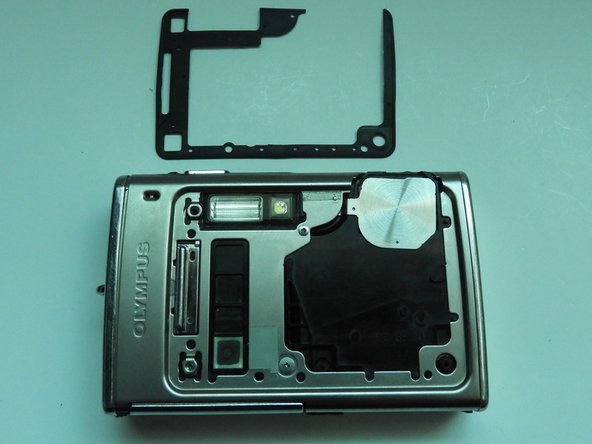
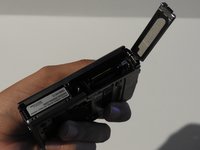
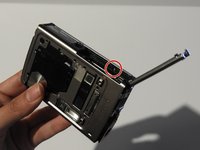
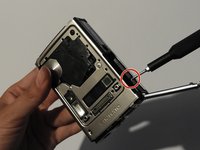
  1. Olympus Stylus 1030 SW LCD and Button Replacement, Olympus Stylus 1030 SW Camera Disassembly: 1 단계, 이미지 3개 중 1개 Olympus Stylus 1030 SW LCD and Button Replacement, Olympus Stylus 1030 SW Camera Disassembly: 1 단계, 이미지 3개 중 2개 Olympus Stylus 1030 SW LCD and Button Replacement, Olympus Stylus 1030 SW Camera Disassembly: 1 단계, 이미지 3개 중 3개
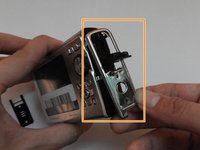
    • Using the iFixit Opening Tool, pry off the plastic part of the lens.

    • Using the T6 Torx screwdriver, unscrew the three screws.

  2. Olympus Stylus 1030 SW LCD and Button Replacement: 2 단계, 이미지 3개 중 1개 Olympus Stylus 1030 SW LCD and Button Replacement: 2 단계, 이미지 3개 중 2개 Olympus Stylus 1030 SW LCD and Button Replacement: 2 단계, 이미지 3개 중 3개
    이 단계에 사용된 도구:
    Tweezers
    $4.99
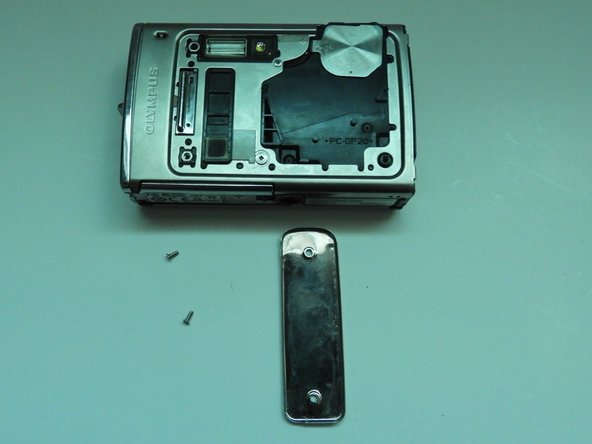
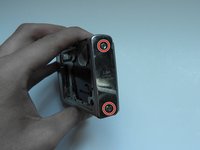
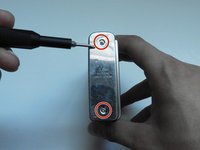
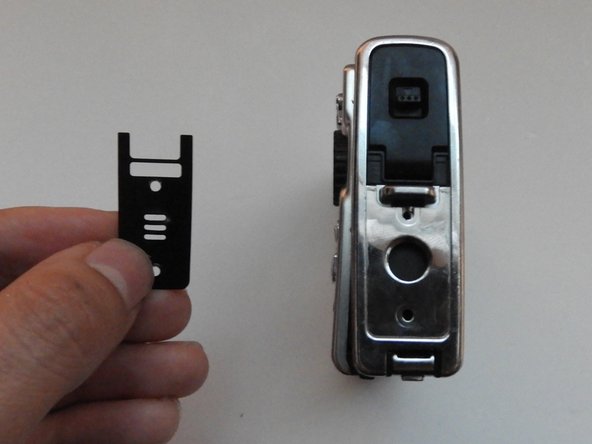
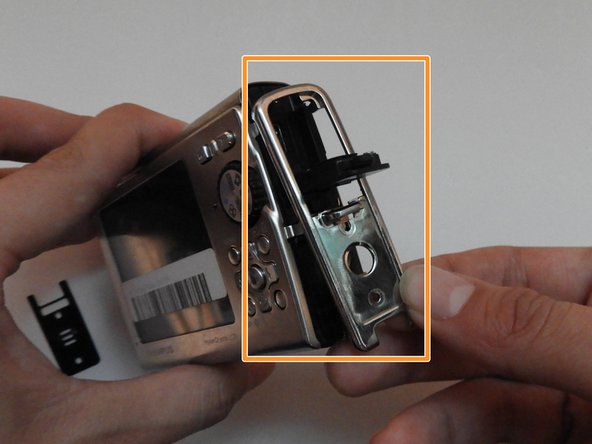
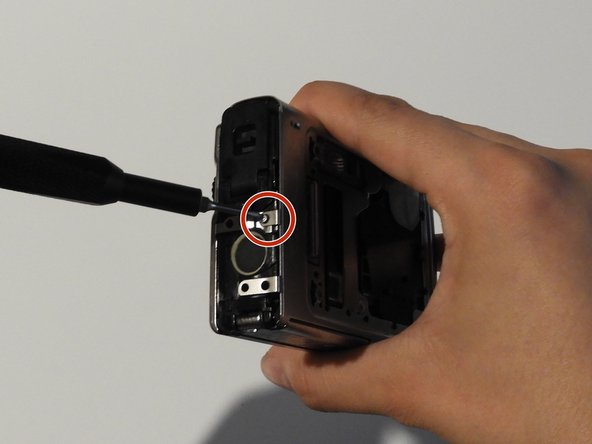
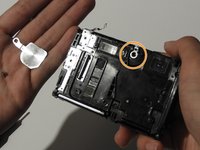
    • Using the Phillips #00 screwdriver, unscrew the three screws.

    • Carefully swivel the metal cover out towards you.

    • Using tweezers, remove the metal washer.

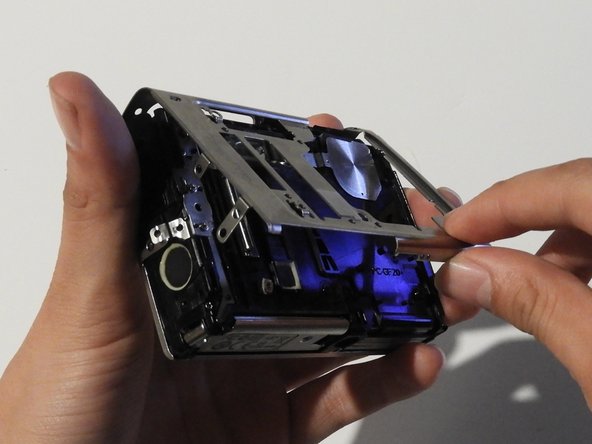
  3. Olympus Stylus 1030 SW LCD and Button Replacement: 3 단계, 이미지 2개 중 1개 Olympus Stylus 1030 SW LCD and Button Replacement: 3 단계, 이미지 2개 중 2개
    • Using the tweezers, slowly peel off the plate.

  4. Olympus Stylus 1030 SW LCD and Button Replacement: 4 단계, 이미지 3개 중 1개 Olympus Stylus 1030 SW LCD and Button Replacement: 4 단계, 이미지 3개 중 2개 Olympus Stylus 1030 SW LCD and Button Replacement: 4 단계, 이미지 3개 중 3개
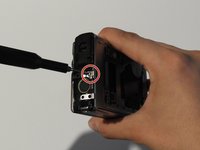
    • Using the Phillips #00 screwdriver, unscrew the two screws on the side of the camera.

  5. Olympus Stylus 1030 SW LCD and Button Replacement: 5 단계, 이미지 3개 중 1개 Olympus Stylus 1030 SW LCD and Button Replacement: 5 단계, 이미지 3개 중 2개 Olympus Stylus 1030 SW LCD and Button Replacement: 5 단계, 이미지 3개 중 3개
    • On the opposite side, use the Phillips #00 screwdriver to unscrew both screws.

    • Take out the speaker plate.

    • Open the multi-connector cover and slide off the side panel.

  6. Olympus Stylus 1030 SW LCD and Button Replacement: 6 단계, 이미지 3개 중 1개 Olympus Stylus 1030 SW LCD and Button Replacement: 6 단계, 이미지 3개 중 2개 Olympus Stylus 1030 SW LCD and Button Replacement: 6 단계, 이미지 3개 중 3개
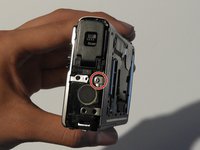
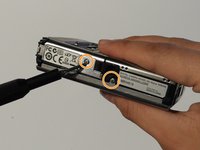
    • Using the Phillips #00 screwdriver, unscrew the screw above the speaker.

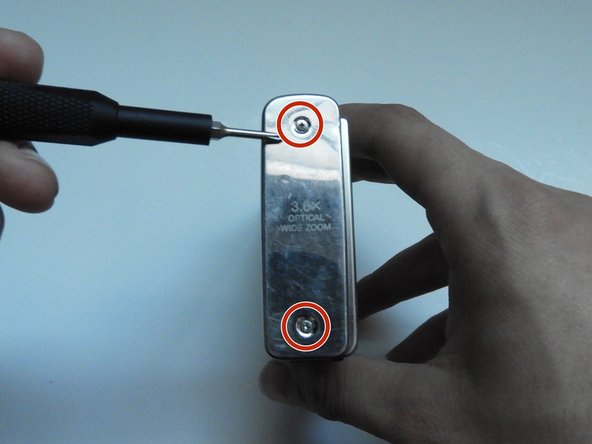
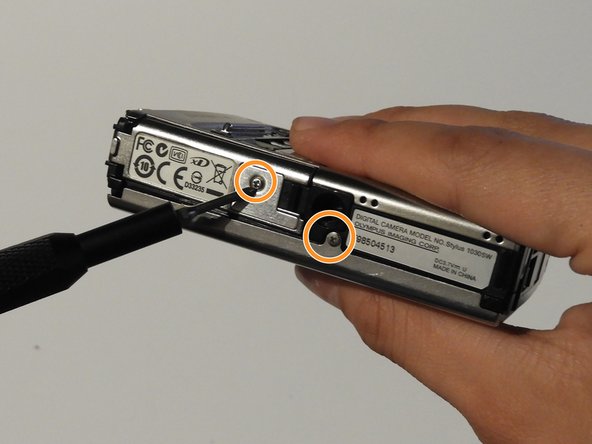
    • On the bottom side of the camera, unscrew the two screws.

  7. Olympus Stylus 1030 SW LCD and Button Replacement: 7 단계, 이미지 3개 중 1개 Olympus Stylus 1030 SW LCD and Button Replacement: 7 단계, 이미지 3개 중 2개 Olympus Stylus 1030 SW LCD and Button Replacement: 7 단계, 이미지 3개 중 3개
    • Open the battery compartment cover.

    • Use the Phillips #00 screwdriver to unscrew the screw in the battery compartment.

  8. Olympus Stylus 1030 SW LCD and Button Replacement: 8 단계, 이미지 3개 중 1개 Olympus Stylus 1030 SW LCD and Button Replacement: 8 단계, 이미지 3개 중 2개 Olympus Stylus 1030 SW LCD and Button Replacement: 8 단계, 이미지 3개 중 3개
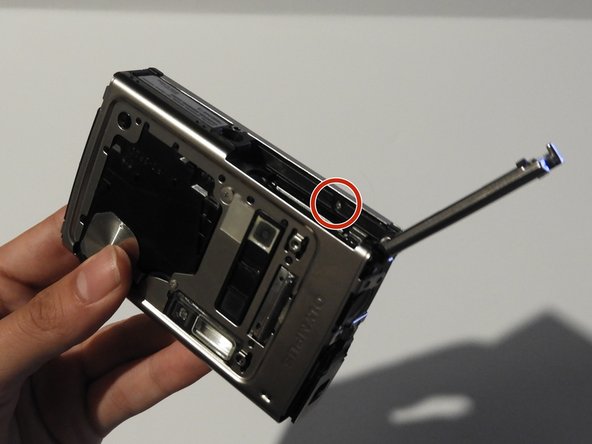
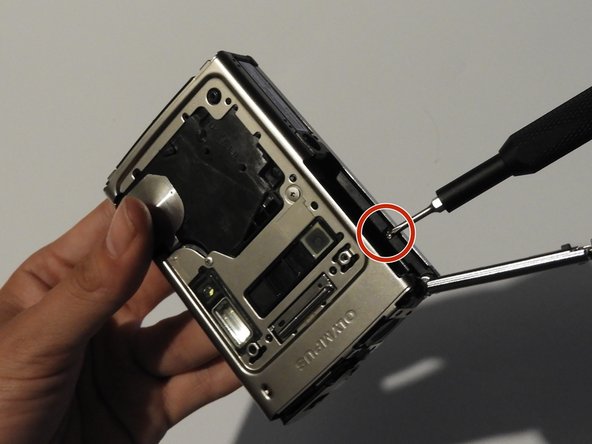
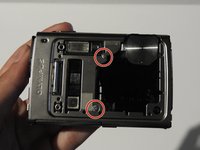
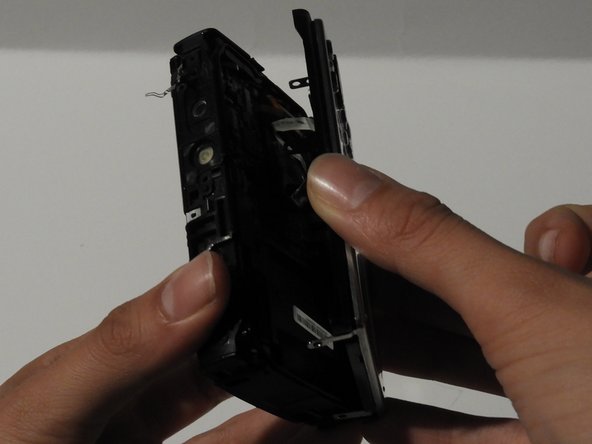
    • On the front of the camera, unscrew the two screws shown.

    • Gently pull on the side until the camera is separated from the back panel.

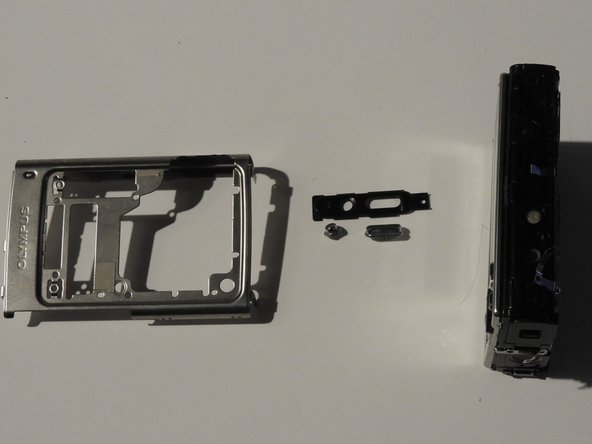
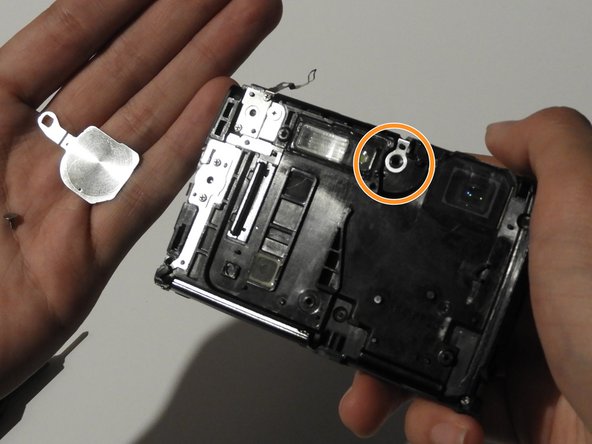
    • Remove the shutter and power button.

  9. Olympus Stylus 1030 SW LCD and Button Replacement: 9 단계, 이미지 3개 중 1개 Olympus Stylus 1030 SW LCD and Button Replacement: 9 단계, 이미지 3개 중 2개 Olympus Stylus 1030 SW LCD and Button Replacement: 9 단계, 이미지 3개 중 3개
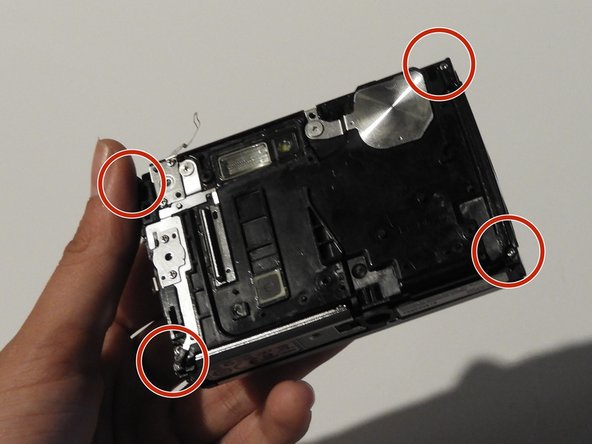
    • Use the Phillips #00 screwdriver to unscrew the four screws on the front of the camera.

    • Unscrew the shutter using the Phillips #00 screwdriver.

  10. Olympus Stylus 1030 SW LCD and Button Replacement: 10 단계, 이미지 2개 중 1개 Olympus Stylus 1030 SW LCD and Button Replacement: 10 단계, 이미지 2개 중 2개
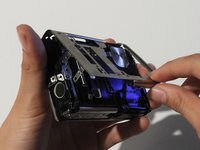
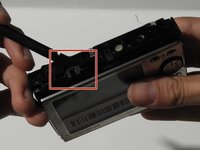
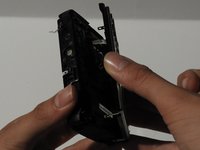
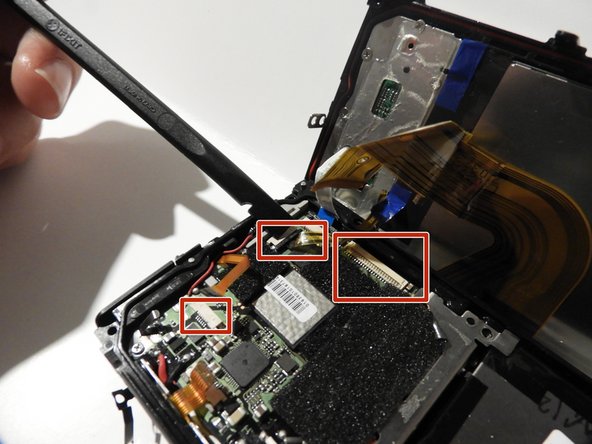
    • Release the top holding using a spudger.

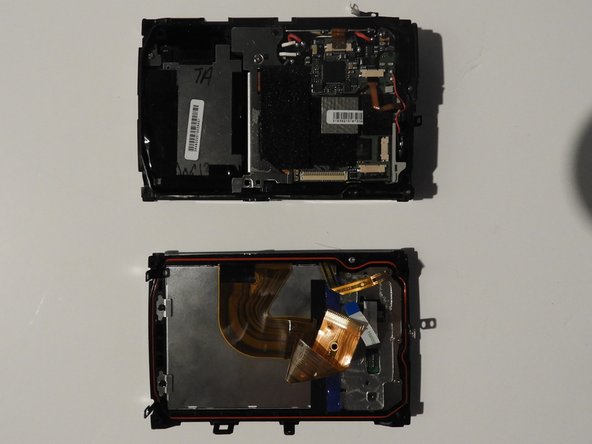
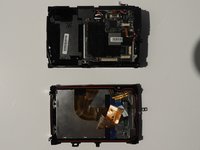
    • Slowly and carefully separate the front and back of the camera, exposing the electrical ribbons.

  11. Olympus Stylus 1030 SW LCD and Button Replacement: 11 단계, 이미지 3개 중 1개 Olympus Stylus 1030 SW LCD and Button Replacement: 11 단계, 이미지 3개 중 2개 Olympus Stylus 1030 SW LCD and Button Replacement: 11 단계, 이미지 3개 중 3개
    • Using the spudger and tweezers if needed, remove the ribbons from the computer chips.

  12. Olympus Stylus 1030 SW LCD and Button Replacement, LCD and Buttons: 12 단계, 이미지 3개 중 1개 Olympus Stylus 1030 SW LCD and Button Replacement, LCD and Buttons: 12 단계, 이미지 3개 중 2개 Olympus Stylus 1030 SW LCD and Button Replacement, LCD and Buttons: 12 단계, 이미지 3개 중 3개
    이 단계에 사용된 도구:
    Tweezers
    $4.99
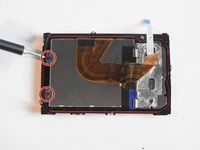
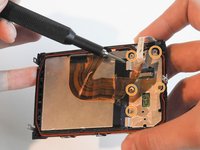
    • Unscrew the two screws found on the left side of the screen using the PH#00 head.

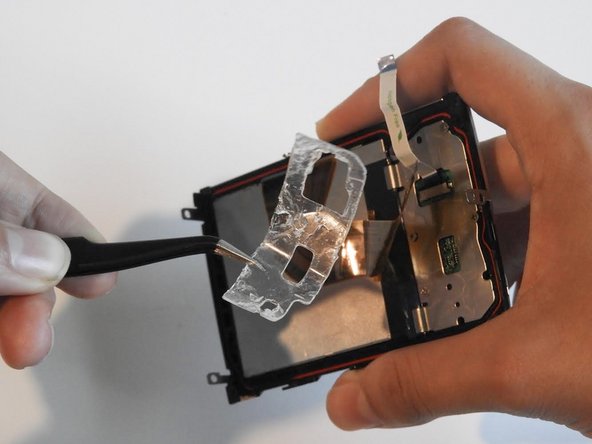
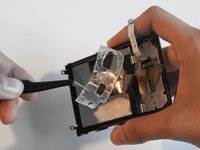
    • Peel off the gel tape using tweezers.

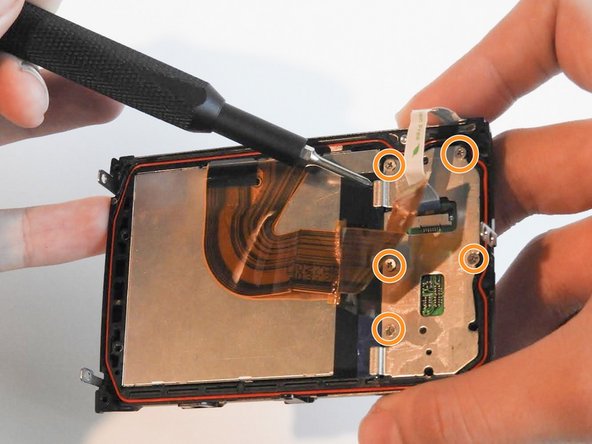
    • Unscrew the five 0.6 mm screws using the Phillips #00 screwdriver.

  13. Olympus Stylus 1030 SW LCD and Button Replacement: 13 단계, 이미지 2개 중 1개 Olympus Stylus 1030 SW LCD and Button Replacement: 13 단계, 이미지 2개 중 2개
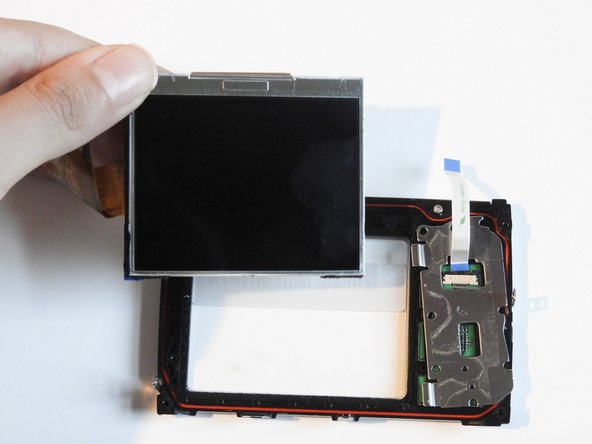
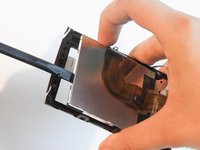
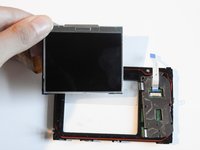
    • Use the spudger to carefully pry off the LCD screen.

  14. Olympus Stylus 1030 SW LCD and Button Replacement: 14 단계, 이미지 3개 중 1개 Olympus Stylus 1030 SW LCD and Button Replacement: 14 단계, 이미지 3개 중 2개 Olympus Stylus 1030 SW LCD and Button Replacement: 14 단계, 이미지 3개 중 3개
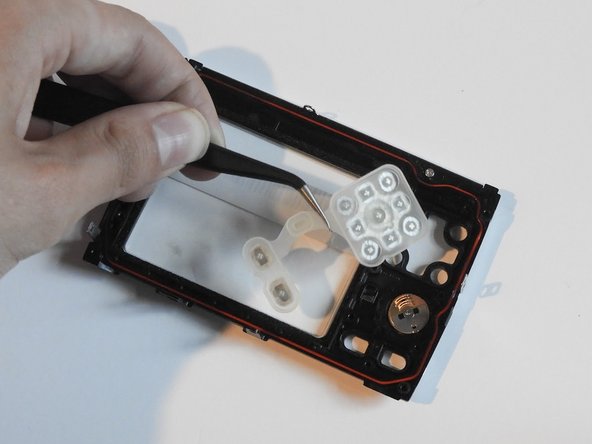
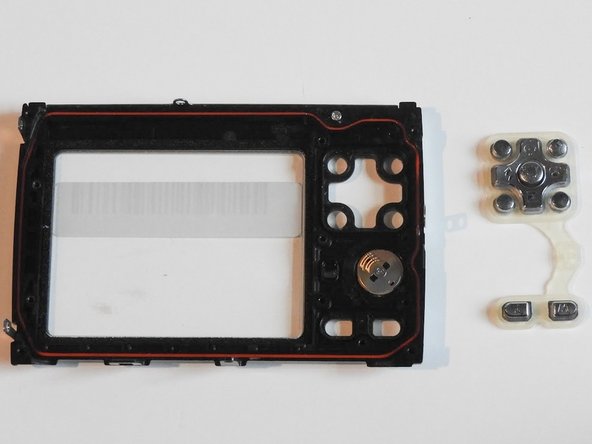
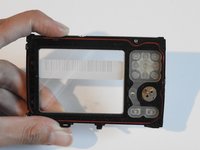
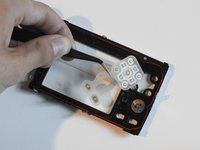
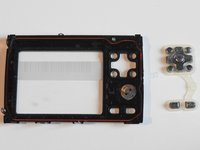
    • Use the tweezers to take out the rubber button holder and its buttons.

결론

To reassemble your device, follow these instructions in reverse order.

다른 2명이 해당 안내서를 완성하였습니다.

작성자

8다른 기여자 명과 함께

Shanmei Zheng

회원 가입일: 02/17/14

331 평판

안내서 3개를 작성함

0가이드 댓글

댓글 쓰기

조회 통계:

지난 24시간: 0

지난 7일: 3

지난 30일: 9

전체 시간: 1,455