주요 콘텐츠로 건너뛰기
수리 커뮤니티 가입 - 계정 만들기
Orbic Wonder Speaker Replacement

필요한 것

  1. Orbic Wonder Speaker Replacement, Battery: 1 단계, 이미지 3개 중 1개 Orbic Wonder Speaker Replacement, Battery: 1 단계, 이미지 3개 중 2개 Orbic Wonder Speaker Replacement, Battery: 1 단계, 이미지 3개 중 3개
    • Remove two 2mm TR9 Torx screws from the bottoms of the device.

  2. Orbic Wonder Speaker Replacement: 2 단계, 이미지 3개 중 1개 Orbic Wonder Speaker Replacement: 2 단계, 이미지 3개 중 2개 Orbic Wonder Speaker Replacement: 2 단계, 이미지 3개 중 3개
    • There is a border between the black phone backing and the silver screen.

    • Place the Jimmy in this border, and cautiously torque it back and forth to part the two halves.

    • When the halves are parted correctly, the gap should look like this.

    • Be careful to avoid damaging any connecting circuitry between the two halves.

  3. Orbic Wonder Speaker Replacement: 3 단계, 이미지 3개 중 1개 Orbic Wonder Speaker Replacement: 3 단계, 이미지 3개 중 2개 Orbic Wonder Speaker Replacement: 3 단계, 이미지 3개 중 3개
    이 단계에 사용된 도구:
    Anti-Static Wrist Strap
    $7.95
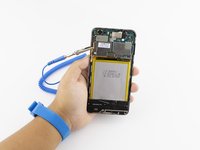
    • Before continuing, tighten the anti-static wrist strap around your wrist and connect the alligator clips to a metal portion of the phone.

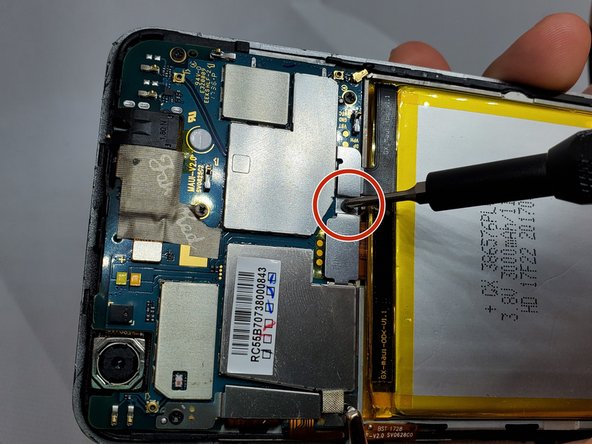
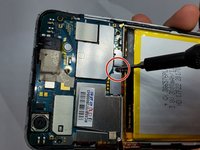
    • On the upper right side, there is a black ribbon cable in the shape of an “L”. Remove the single 1 mm Phillips #000 screw on the left side of the ribbon cable.

  4. Orbic Wonder Speaker Replacement: 4 단계, 이미지 3개 중 1개 Orbic Wonder Speaker Replacement: 4 단계, 이미지 3개 중 2개 Orbic Wonder Speaker Replacement: 4 단계, 이미지 3개 중 3개
    이 단계에 사용된 도구:
    Tweezers
    $3.99
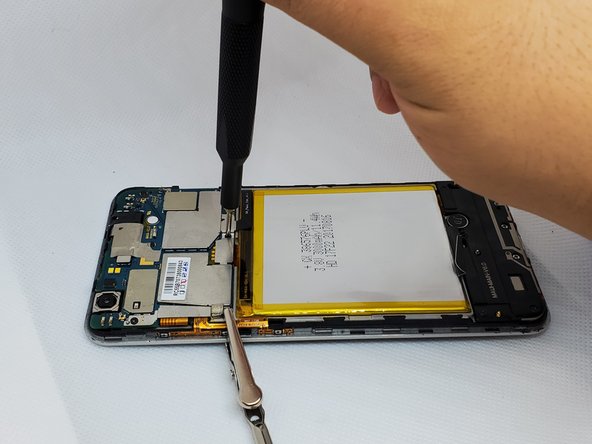
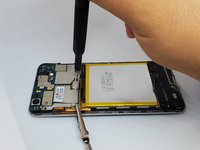
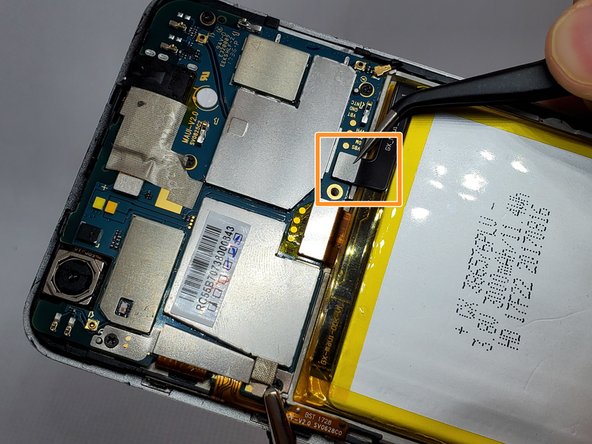
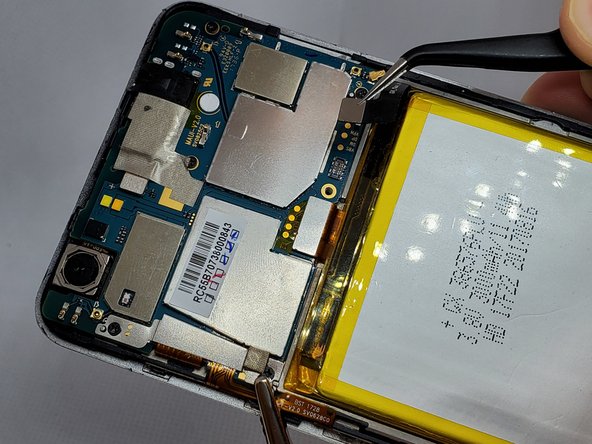
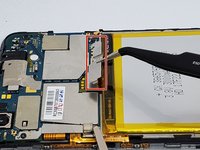
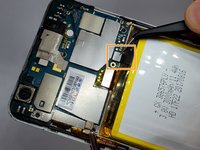
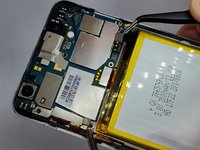
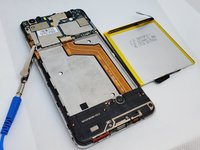
    • Use a pair of angled tweezers to carefully remove the metal casing of the ribbon cable.

    • Use a pair of angled tweezers to detach the black ribbon cable. This is done to unplug the battery.

  5. Orbic Wonder Speaker Replacement: 5 단계, 이미지 3개 중 1개 Orbic Wonder Speaker Replacement: 5 단계, 이미지 3개 중 2개 Orbic Wonder Speaker Replacement: 5 단계, 이미지 3개 중 3개
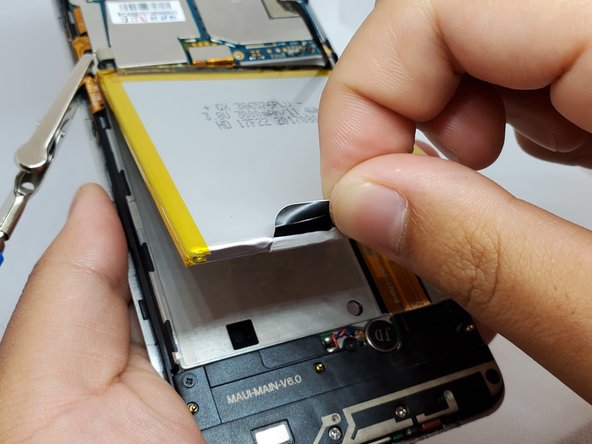
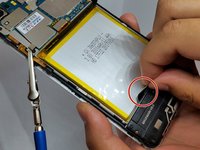
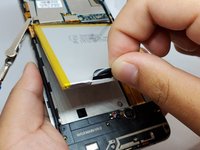
    • There is a black flap on the bottom of the battery.

    • Using your fingers, pinch this flap and carefully pull the battery up and out of the phone.

  6. Orbic Wonder Speaker Replacement, Speaker: 6 단계, 이미지 3개 중 1개 Orbic Wonder Speaker Replacement, Speaker: 6 단계, 이미지 3개 중 2개 Orbic Wonder Speaker Replacement, Speaker: 6 단계, 이미지 3개 중 3개
    이 단계에 사용된 도구:
    Anti-Static Wrist Strap
    $7.95
    • Remove the anti-static wrist strap.

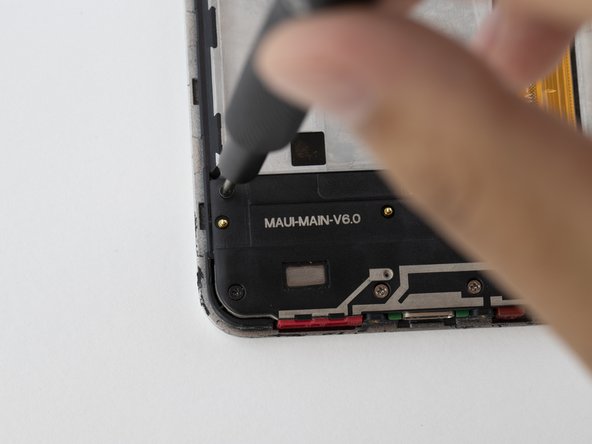
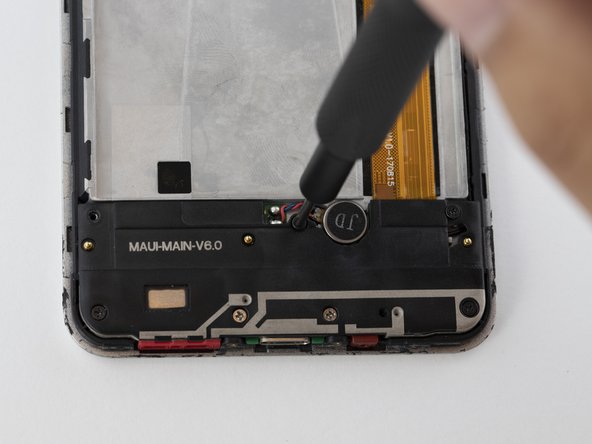
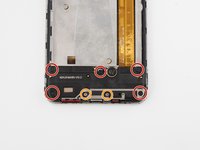
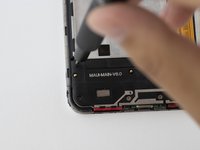
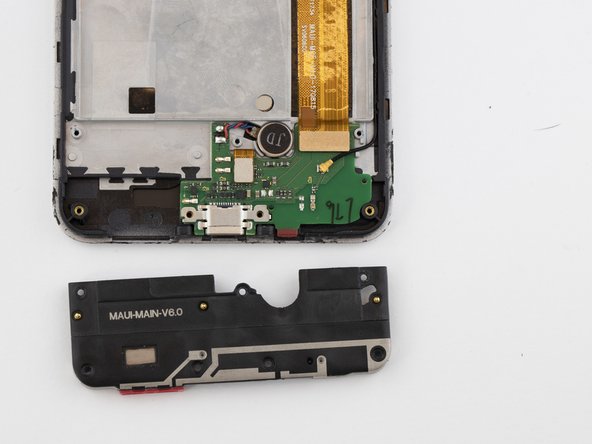
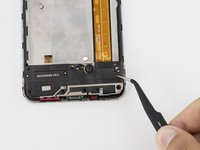
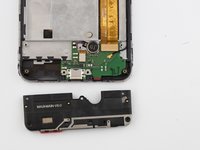
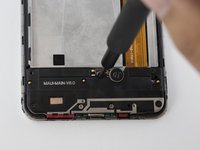
    • Use the Phillips #000 screwdriver to remove the five black 2 mm screws.

    • Use the Phillips #000 screwdriver to remove the two grey 2 mm screws.

  7. Orbic Wonder Speaker Replacement: 7 단계, 이미지 2개 중 1개 Orbic Wonder Speaker Replacement: 7 단계, 이미지 2개 중 2개
    이 단계에 사용된 도구:
    Tweezers
    $3.99
결론

To reassemble your device, follow these instructions in reverse order.

작성자

3다른 기여자 명과 함께

Grant Adler

회원 가입일: 09/17/19

859 평판

안내서 5개를 작성함

0가이드 댓글

댓글 쓰기

조회 통계:

지난 24시간: 2

지난 7일: 19

지난 30일: 53

전체 시간: 745