주요 콘텐츠로 건너뛰기

Oreck XL Upright Vacuum Belt Replacement

필요한 것

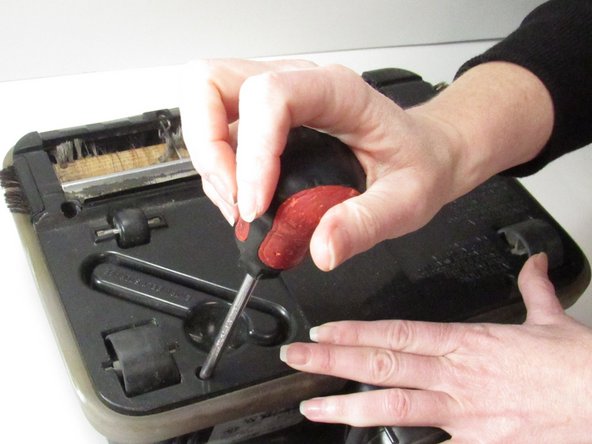
  1. Oreck XL Upright Vacuum Belt Replacement, Belt: 1 단계, 이미지 2개 중 1개 Oreck XL Upright Vacuum Belt Replacement, Belt: 1 단계, 이미지 2개 중 2개
    • Using a Phillips-head screwdriver, remove the five screws from the bottom cover.

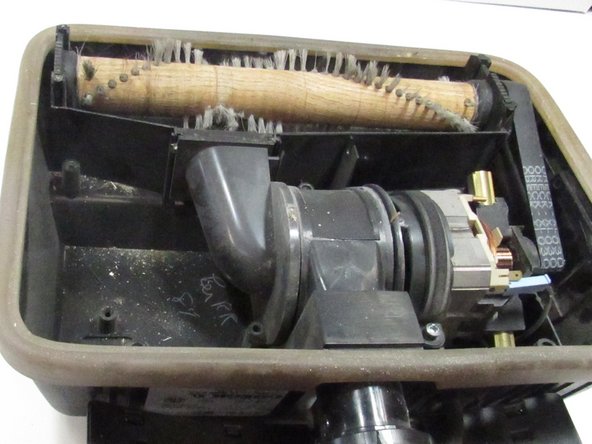
  2. Oreck XL Upright Vacuum Belt Replacement: 2 단계, 이미지 2개 중 1개 Oreck XL Upright Vacuum Belt Replacement: 2 단계, 이미지 2개 중 2개
    • Lift the bottom cover off of the vacuum.

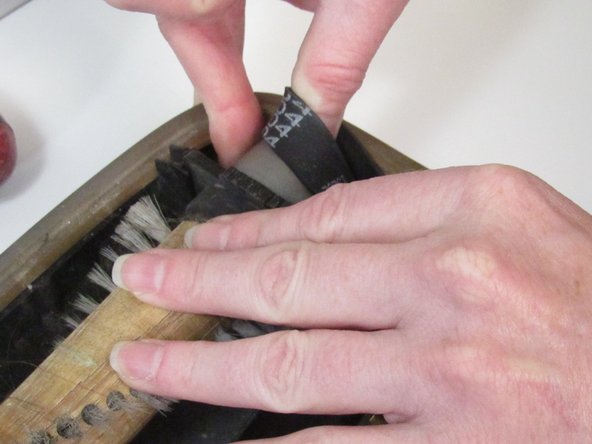
  3. Oreck XL Upright Vacuum Belt Replacement: 3 단계, 이미지 3개 중 1개 Oreck XL Upright Vacuum Belt Replacement: 3 단계, 이미지 3개 중 2개 Oreck XL Upright Vacuum Belt Replacement: 3 단계, 이미지 3개 중 3개
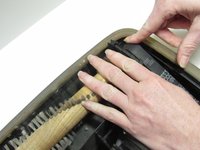
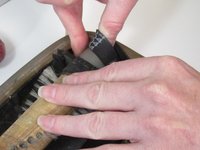
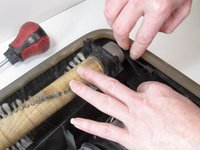
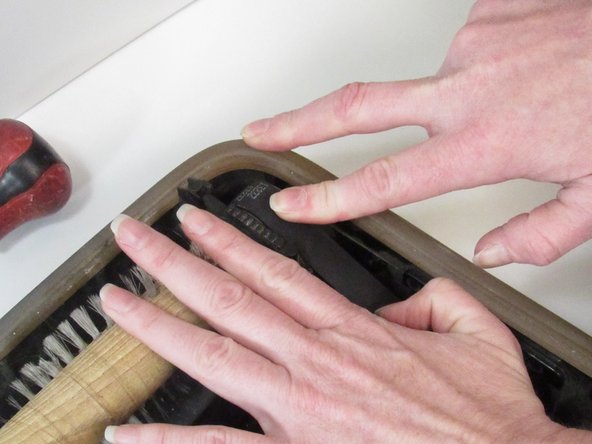
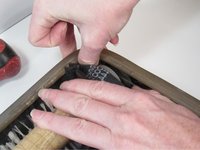
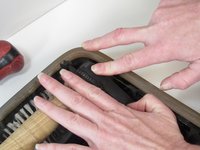
    • Caution: The area around the roller is a pinch point. Be aware of your fingers at all times so you don't get caught or pinched.

    • Remove the belt from the roller.

    • The roller is connected to the brush at the front of the vacuum.

    • Slowly pull the belt off. If you have difficulty, spin the roller as you remove the belt.

  4. Oreck XL Upright Vacuum Belt Replacement: 4 단계, 이미지 1개 중 1개
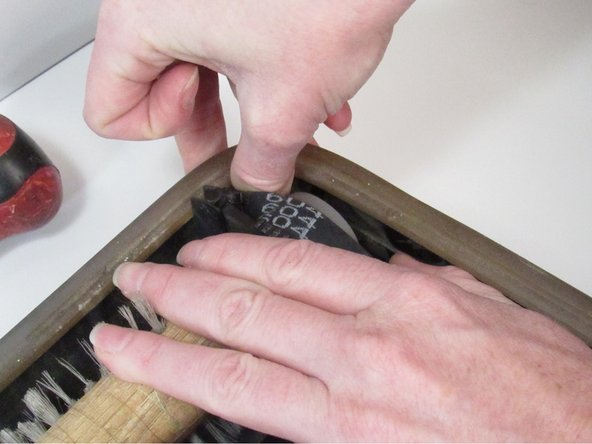
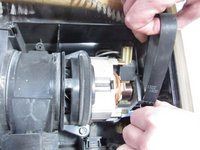
    • Pull the other side of the belt off of the motor shaft.

    • There is a small opening between the motor shaft and the side of the vacuum. The belt comes out here.

    • Discard the old belt.

  5. Oreck XL Upright Vacuum Belt Replacement: 5 단계, 이미지 1개 중 1개
    • Insert the replacement belt around the motor shaft.

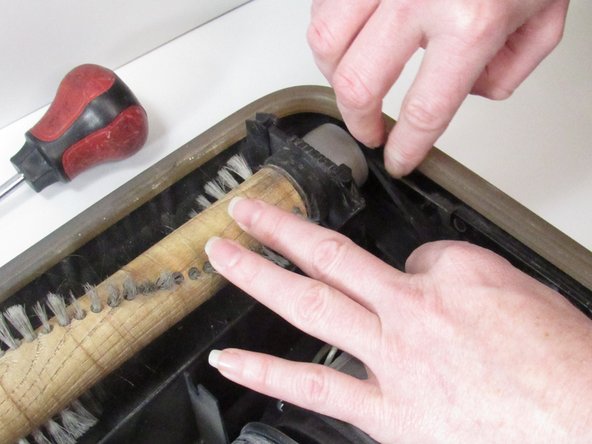
  6. Oreck XL Upright Vacuum Belt Replacement: 6 단계, 이미지 3개 중 1개 Oreck XL Upright Vacuum Belt Replacement: 6 단계, 이미지 3개 중 2개 Oreck XL Upright Vacuum Belt Replacement: 6 단계, 이미지 3개 중 3개
    • Carefully stretch the other end of the belt around the roller.

    • Spin the roller a few times to ensure the belt is secured.

  7. Oreck XL Upright Vacuum Belt Replacement: 7 단계, 이미지 1개 중 1개
    • Replace the top cover and the five screws.

결승점

작성자

2다른 기여자 명과 함께

Laura S

회원 가입일: 01/13/25

145 평판

안내서 1개를 작성함

0가이드 댓글

댓글 쓰기

조회 통계:

지난 24시간: 4

지난 7일: 32

지난 30일: 145

전체 시간: 631