주요 콘텐츠로 건너뛰기

Pac-Man Connect and Play Power Switch Replacement

필요한 것

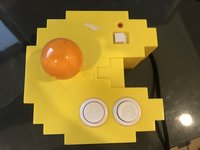
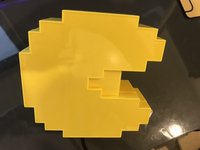
  1. Pac-Man Connect and Play Power Switch Replacement, Power Switch: 1 단계, 이미지 2개 중 1개 Pac-Man Connect and Play Power Switch Replacement, Power Switch: 1 단계, 이미지 2개 중 2개
    • Flip over the device

    • Ensure the device has no power, and isn't connected to a TV

  2. Pac-Man Connect and Play Power Switch Replacement: 2 단계, 이미지 1개 중 1개
    • Remove these 5 Phillips Head screws

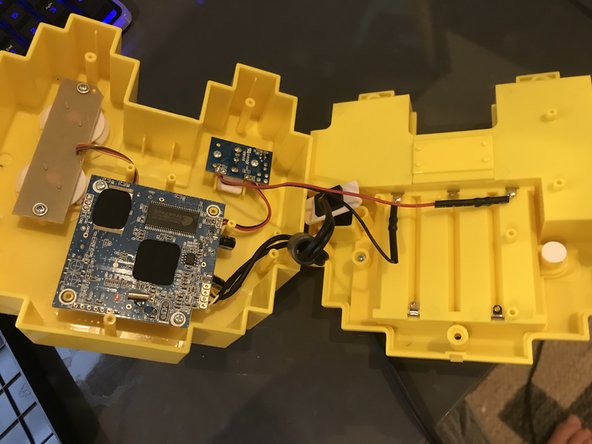
  3. Pac-Man Connect and Play Power Switch Replacement: 3 단계, 이미지 2개 중 1개 Pac-Man Connect and Play Power Switch Replacement: 3 단계, 이미지 2개 중 2개
    • You can now open the device

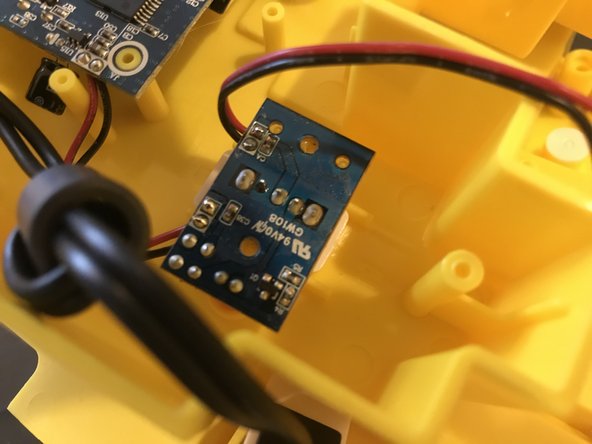
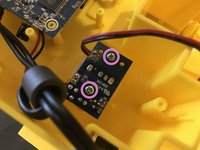
  4. Pac-Man Connect and Play Power Switch Replacement: 4 단계, 이미지 2개 중 1개 Pac-Man Connect and Play Power Switch Replacement: 4 단계, 이미지 2개 중 2개
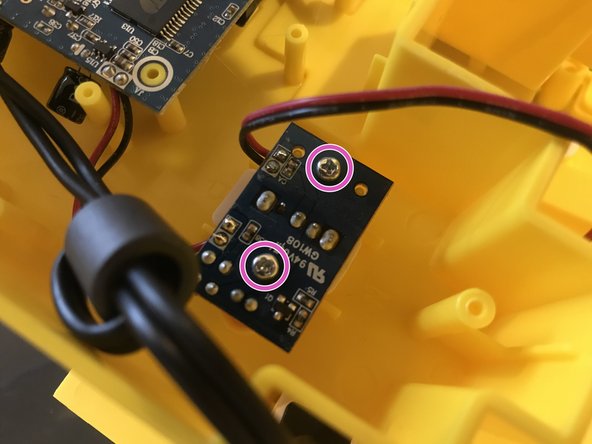
    • Remove these 2 screws (Phillips)

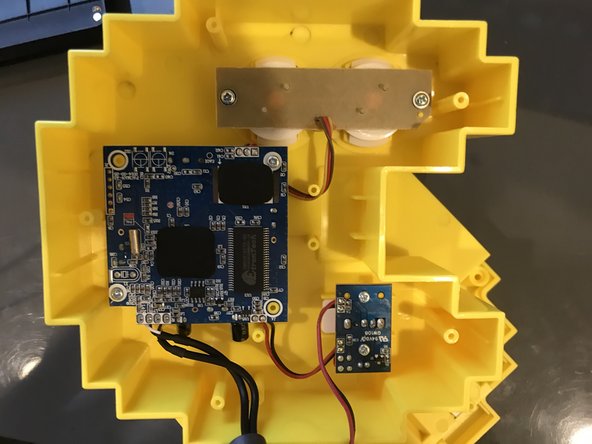
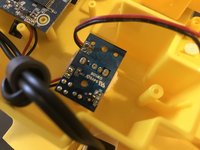
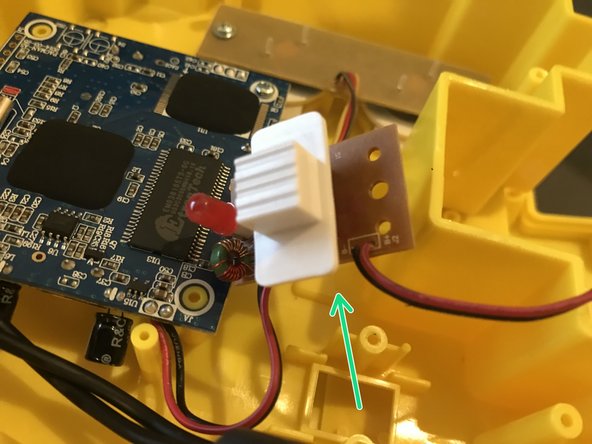
  5. Pac-Man Connect and Play Power Switch Replacement: 5 단계, 이미지 2개 중 1개 Pac-Man Connect and Play Power Switch Replacement: 5 단계, 이미지 2개 중 2개
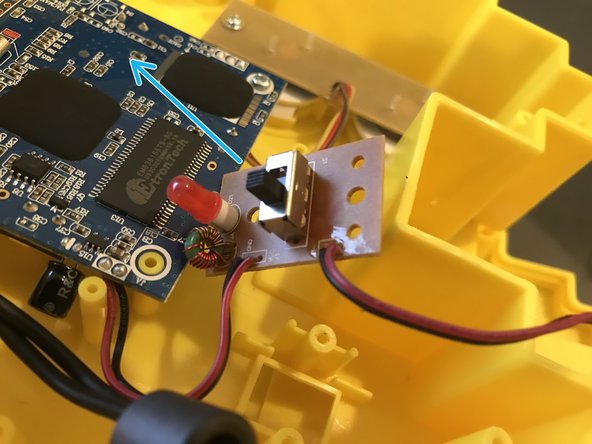
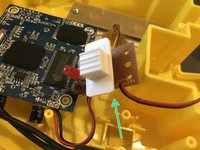
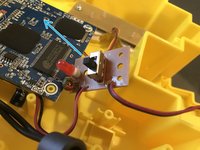
    • You can now lift away the power switch board

    • You can also now remove the power switch.

결론

To reassemble your device, follow these instructions in reverse order.

작성자

1다른 기여자 명과 함께

9021007

회원 가입일: 07/13/18

4,656 평판

안내서 25개를 작성함

0가이드 댓글

댓글 쓰기

조회 통계:

지난 24시간: 1

지난 7일: 2

지난 30일: 7

전체 시간: 450