주요 콘텐츠로 건너뛰기

Philips Somneo LCD Assembly Replacement

필요한 것

  1. Philips Somneo LCD Assembly Replacement, Antenna: 1 단계, 이미지 1개 중 1개
    • Remove the four silicone feet on the bottom plate.

    • Remove the following Phillips screws from the bottom plate:

    • Two 9 mm screws

    • Two 13 mm screws

  2. Philips Somneo LCD Assembly Replacement: 2 단계, 이미지 2개 중 1개 Philips Somneo LCD Assembly Replacement: 2 단계, 이미지 2개 중 2개
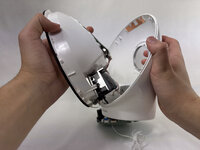
    • Remove the bottom plate from the device.

  3. Philips Somneo LCD Assembly Replacement: 3 단계, 이미지 2개 중 1개 Philips Somneo LCD Assembly Replacement: 3 단계, 이미지 2개 중 2개
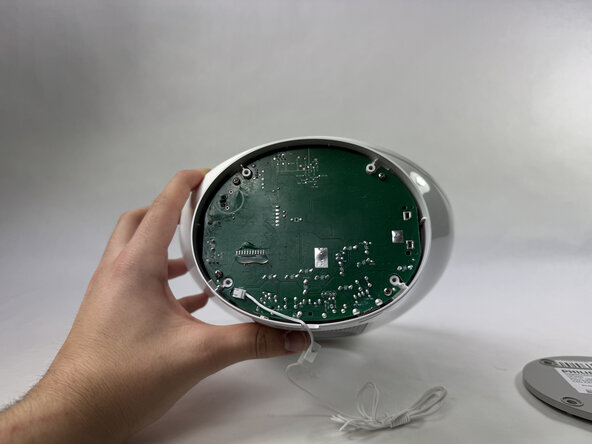
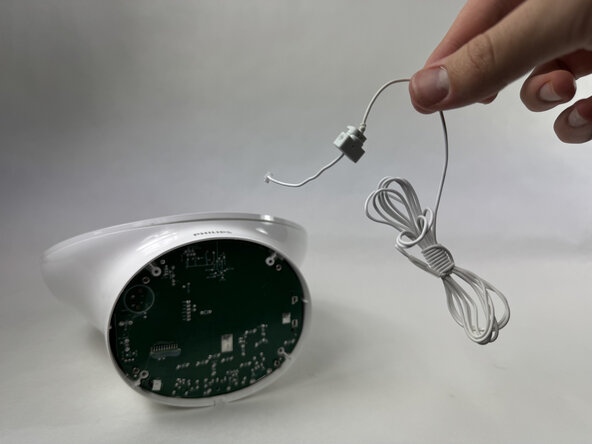
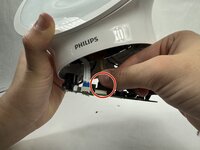
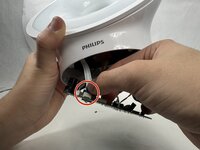
    • Disconnect the antenna connector by pulling it directly out of its port.

    • Remove the antenna.

  4. Philips Somneo LCD Assembly Replacement, Motherboard: 4 단계, 이미지 2개 중 1개 Philips Somneo LCD Assembly Replacement, Motherboard: 4 단계, 이미지 2개 중 2개
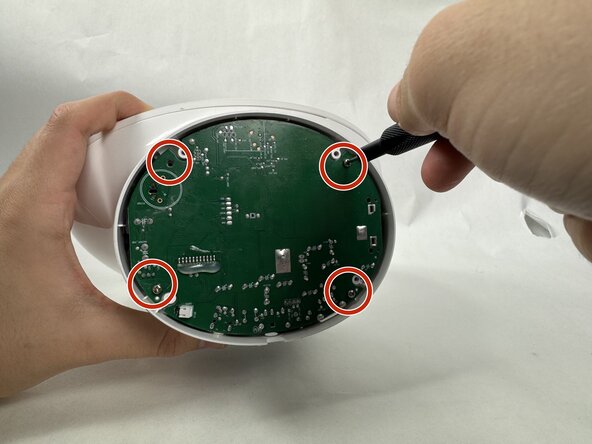
    • Remove the four 9 mm Phillips screws securing the motherboard.

  5. Philips Somneo LCD Assembly Replacement: 5 단계, 이미지 2개 중 1개 Philips Somneo LCD Assembly Replacement: 5 단계, 이미지 2개 중 2개
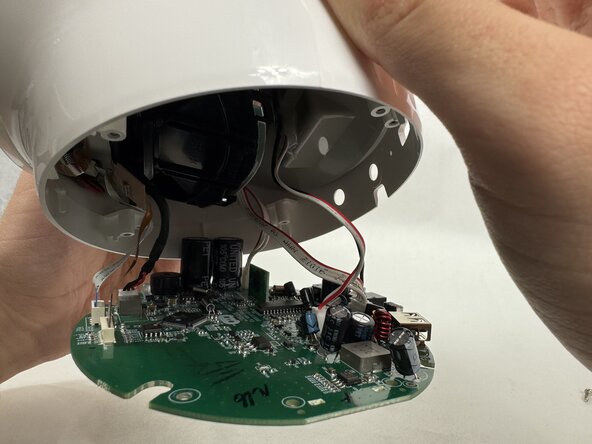
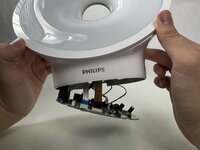
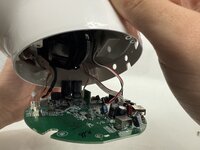
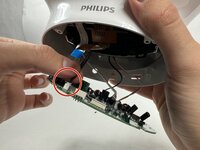
    • Gently pull the motherboard down until the cables are visible.

    • Take care not to strain the connected cables.

  6. Philips Somneo LCD Assembly Replacement: 6 단계, 이미지 3개 중 1개 Philips Somneo LCD Assembly Replacement: 6 단계, 이미지 3개 중 2개 Philips Somneo LCD Assembly Replacement: 6 단계, 이미지 3개 중 3개
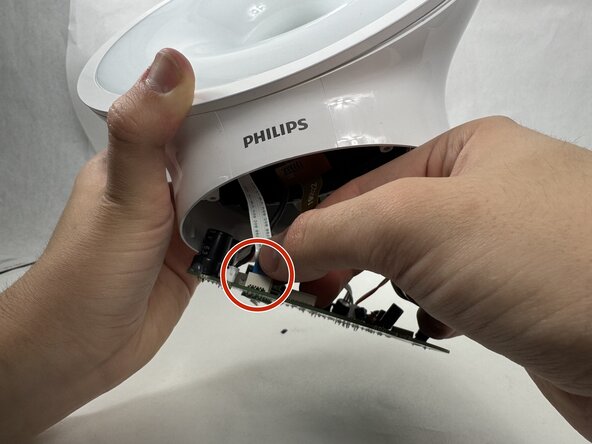
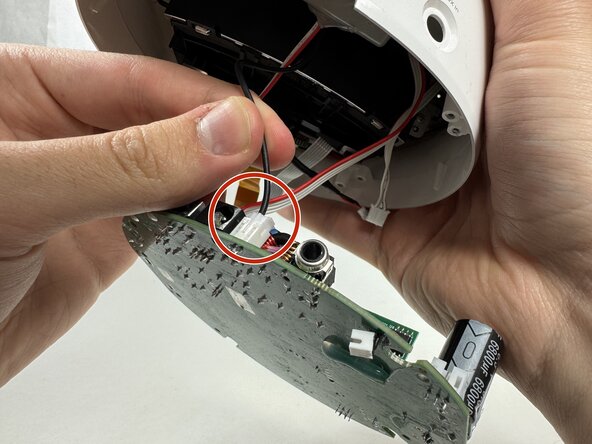
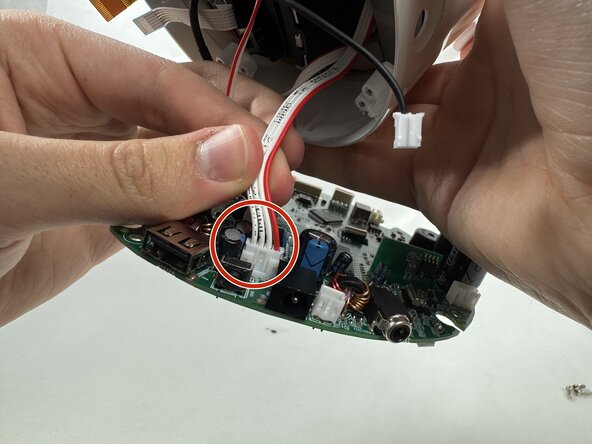
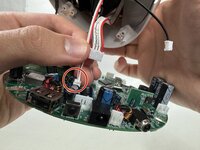
    • Remove each cord by gently disconnecting each connector with your hand.

  7. Philips Somneo LCD Assembly Replacement: 7 단계, 이미지 3개 중 1개 Philips Somneo LCD Assembly Replacement: 7 단계, 이미지 3개 중 2개 Philips Somneo LCD Assembly Replacement: 7 단계, 이미지 3개 중 3개
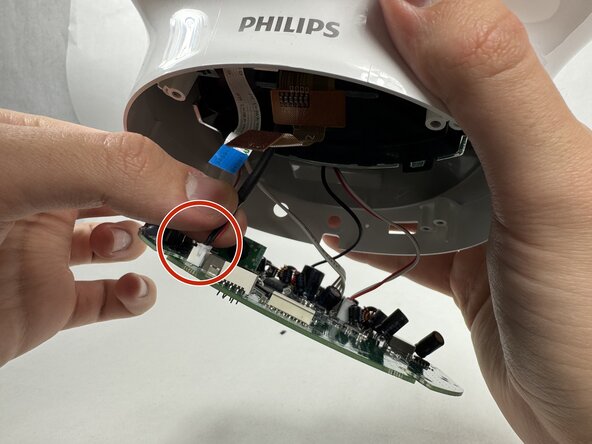
    • Continue gently removing each cord with you hand.

  8. Philips Somneo LCD Assembly Replacement: 8 단계, 이미지 2개 중 1개 Philips Somneo LCD Assembly Replacement: 8 단계, 이미지 2개 중 2개
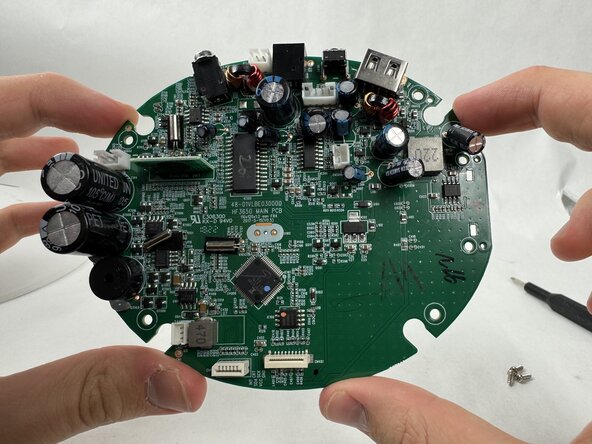
    • Finish gently removing the final cord attached to the motherboard to successfully remove the motherboard.

  9. Philips Somneo LCD Assembly Replacement, LED Assembly: 9 단계, 이미지 3개 중 1개 Philips Somneo LCD Assembly Replacement, LED Assembly: 9 단계, 이미지 3개 중 2개 Philips Somneo LCD Assembly Replacement, LED Assembly: 9 단계, 이미지 3개 중 3개
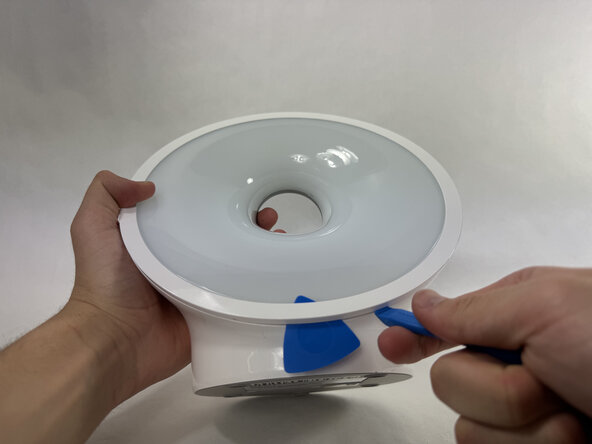
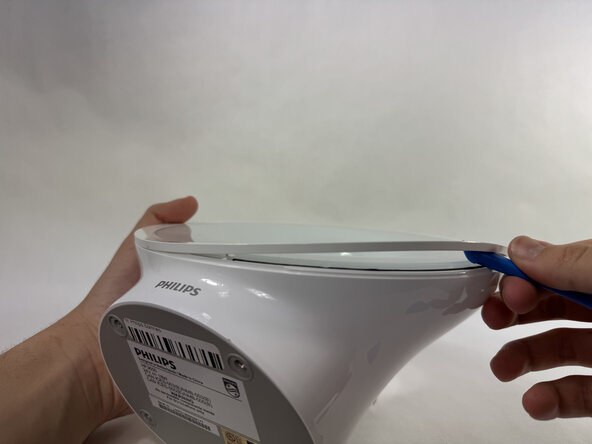
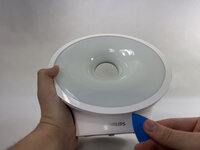
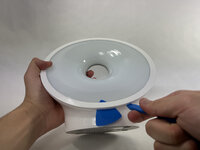
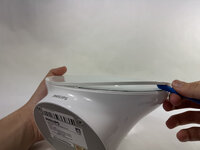
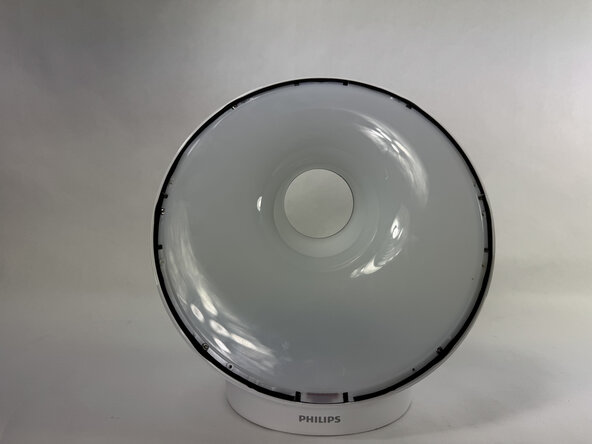
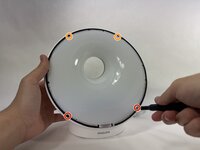
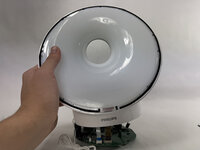
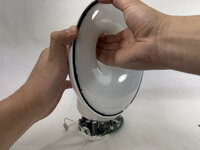
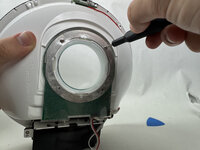
    • Use an opening pick to pry underneath the plastic covering the edges of the screen.

    • Place an opening tool in the space made between the screen and this plastic piece and pry up, working around the length of this circular piece to significantly loosen it.

  10. Philips Somneo LCD Assembly Replacement: 10 단계, 이미지 2개 중 1개 Philips Somneo LCD Assembly Replacement: 10 단계, 이미지 2개 중 2개
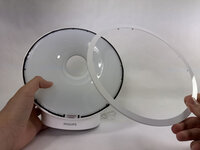
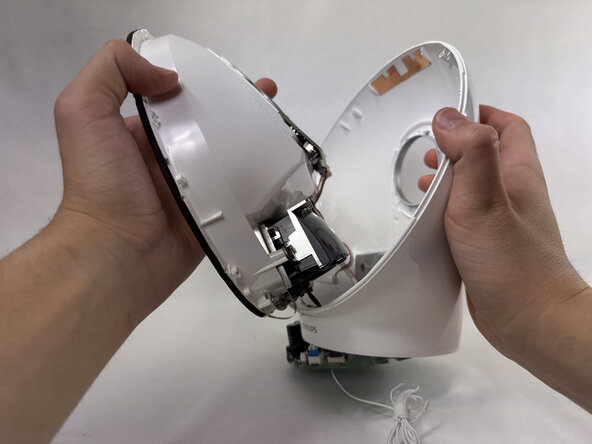
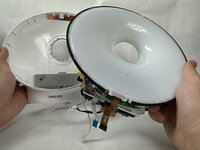
    • The panel should be loosened significantly enough to be pulled off the main body, revealing the edges of the screen.

  11. Philips Somneo LCD Assembly Replacement: 11 단계, 이미지 2개 중 1개 Philips Somneo LCD Assembly Replacement: 11 단계, 이미지 2개 중 2개
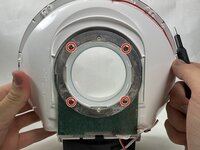
    • Remove the two 13 mm Phillips #0 screws on the bottom edges of the screen.

    • Remove the 9 mm Phillips #0 screws on the upper edge of the screen.

  12. Philips Somneo LCD Assembly Replacement: 12 단계, 이미지 3개 중 1개 Philips Somneo LCD Assembly Replacement: 12 단계, 이미지 3개 중 2개 Philips Somneo LCD Assembly Replacement: 12 단계, 이미지 3개 중 3개
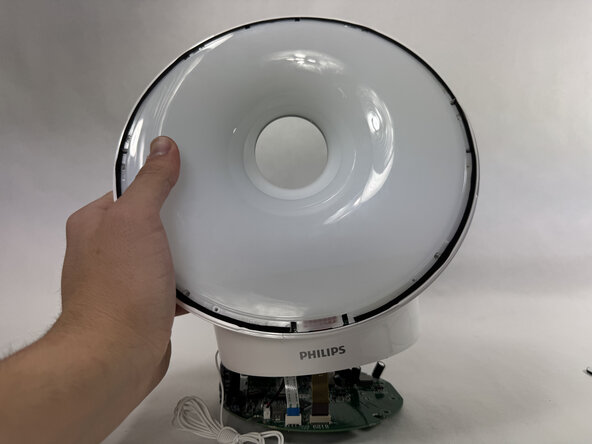
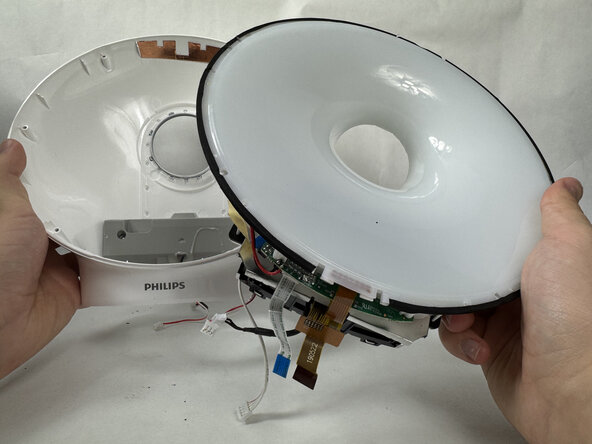
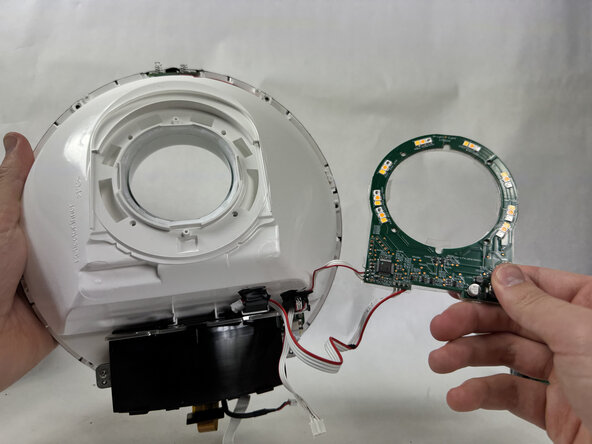
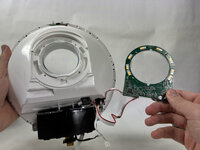
    • Remove the display assembly.

  13. Philips Somneo LCD Assembly Replacement: 13 단계, 이미지 3개 중 1개 Philips Somneo LCD Assembly Replacement: 13 단계, 이미지 3개 중 2개 Philips Somneo LCD Assembly Replacement: 13 단계, 이미지 3개 중 3개
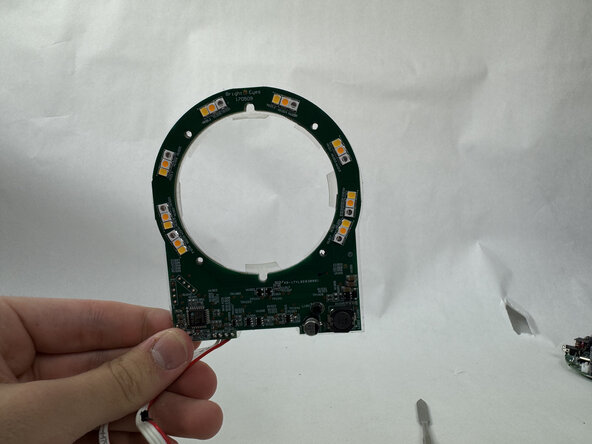
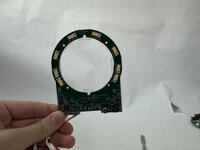
    • On the back of the screen, remove the four 9 mm Phillips #00 screws, disconnecting the LED assembly.

  14. Philips Somneo LCD Assembly Replacement: 14 단계, 이미지 3개 중 1개 Philips Somneo LCD Assembly Replacement: 14 단계, 이미지 3개 중 2개 Philips Somneo LCD Assembly Replacement: 14 단계, 이미지 3개 중 3개
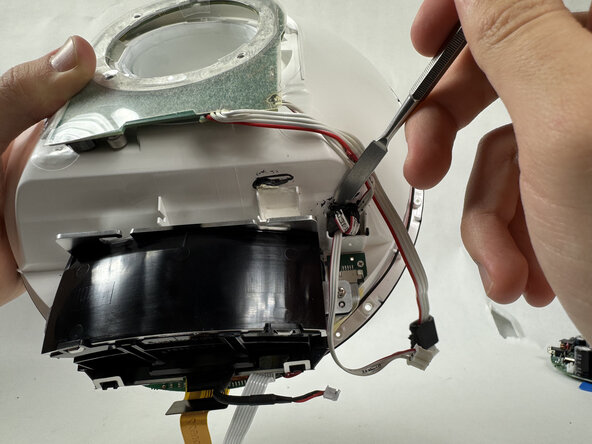
    • Two cables connected to the LED were once connected to the motherboard, but are still attached to the body. They are threaded through black ovals connected to the body by a hard black adhesive.

    • Using a metal spudger, scrape underneath this adhesive and pry up, freeing the cable from the body. Repeat this for the other cable to free the LED.

  15. Philips Somneo LCD Assembly Replacement, LCD Assembly: 15 단계, 이미지 1개 중 1개
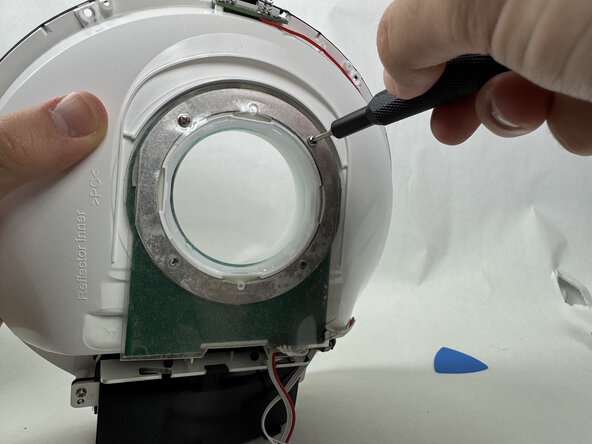
    • Remove the two 13 mm Phillips screws securing the LCD assembly.

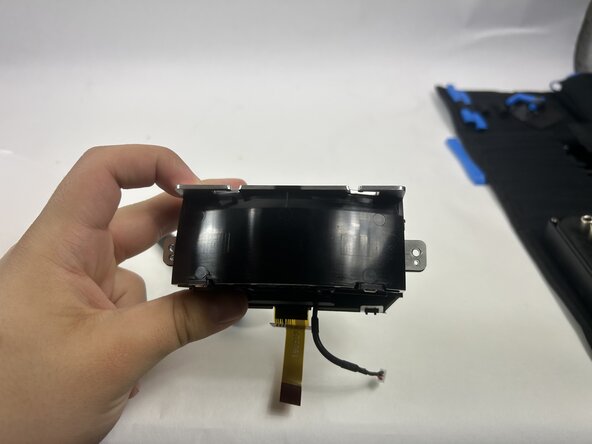
  16. Philips Somneo LCD Assembly Replacement: 16 단계, 이미지 2개 중 1개 Philips Somneo LCD Assembly Replacement: 16 단계, 이미지 2개 중 2개
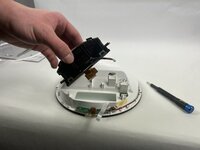
    • Remove the LCD assembly.

결론

To reassemble your device, follow the above steps in reverse order.
Take your e-waste to an R2 or e-Stewards certified recycler.
Repair didn’t go as planned? Try some basic troubleshooting or ask our Answers community for help.

작성자

1다른 기여자 명과 함께

Isaiah

회원 가입일: 03/21/25

332 평판

안내서 2개를 작성함

UMass Dartmouth, Team 6-1, Botvin Spring 2025 UMass Dartmouth, Team 6-1, Botvin Spring 2025 회원

UMASSD-BOTVIN-S25S6G1

4 회원들

안내서 5개를 작성함

0가이드 댓글

댓글 쓰기

조회 통계:

지난 24시간: 0

지난 7일: 3

지난 30일: 9

전체 시간: 68