주요 콘텐츠로 건너뛰기

Polaroid Flip Display Cover Replacement

필요한 것

  1. Polaroid Flip Display Cover Replacement, Before you begin: 1 단계, 이미지 1개 중 1개
    • If you have any film left, take some photos! Then remove the cartridge. Disassembly will expose any leftover film.

    • Unplug all cables from your camera.

  2. Polaroid Flip Display Cover Replacement, Open your camera: 2 단계, 이미지 2개 중 1개 Polaroid Flip Display Cover Replacement, Open your camera: 2 단계, 이미지 2개 중 2개
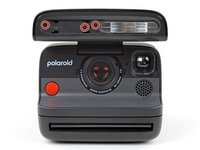
    • Fully open the flash unit at the front of your camera.

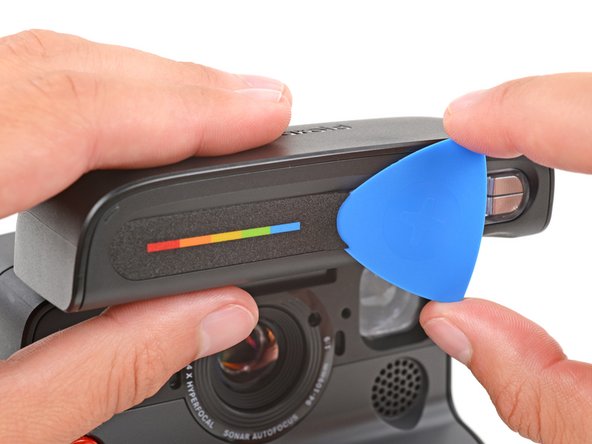
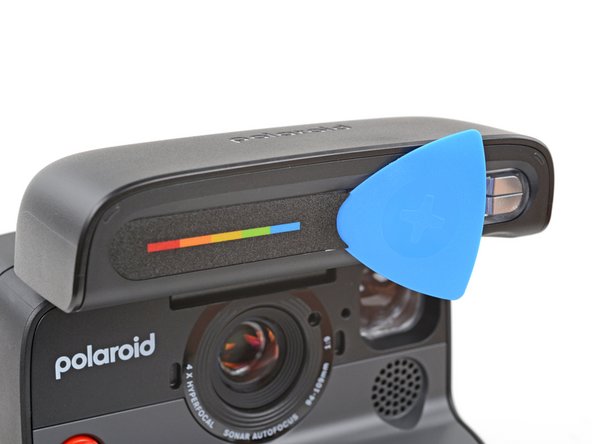
  3. Polaroid Flip Display Cover Replacement, Remove the screw cover: 3 단계, 이미지 3개 중 1개 Polaroid Flip Display Cover Replacement, Remove the screw cover: 3 단계, 이미지 3개 중 2개 Polaroid Flip Display Cover Replacement, Remove the screw cover: 3 단계, 이미지 3개 중 3개
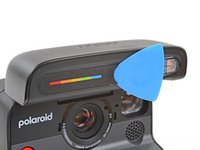
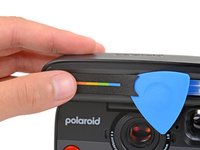
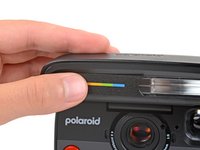
    • Slide the tip of an opening pick under the right edge of the screw cover, near the flash.

    • Leave the pick inserted under the cover for the next step.

  4. Polaroid Flip Display Cover Replacement: 4 단계, 이미지 3개 중 1개 Polaroid Flip Display Cover Replacement: 4 단계, 이미지 3개 중 2개 Polaroid Flip Display Cover Replacement: 4 단계, 이미지 3개 중 3개
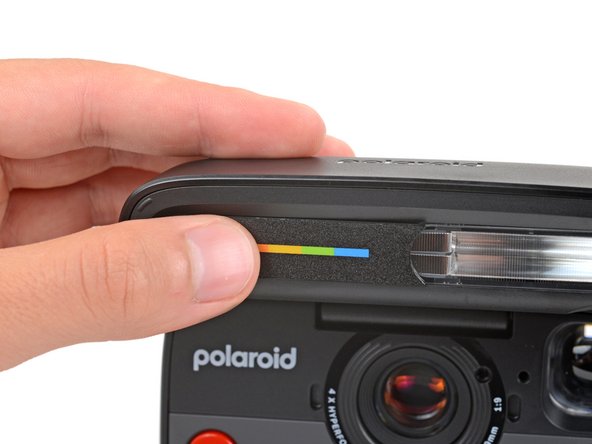
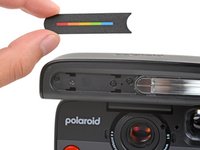
    • Slide the cover towards the flash to release the clips securing it.

    • Your pick might fall out—that's fine.

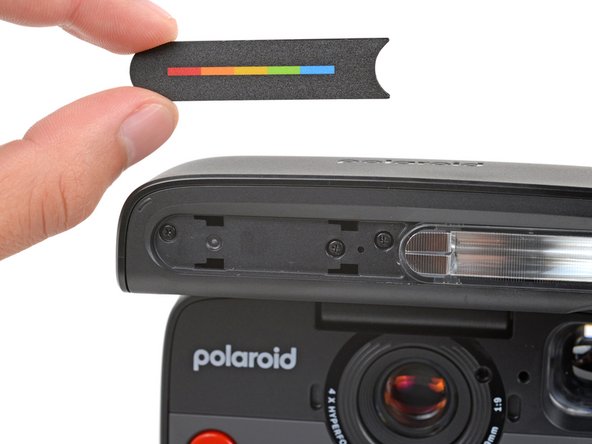
    • Pull the cover straight away from the camera and remove it.

  5. Polaroid Flip Display Cover Replacement, Remove the flash unit shell screws: 5 단계, 이미지 3개 중 1개 Polaroid Flip Display Cover Replacement, Remove the flash unit shell screws: 5 단계, 이미지 3개 중 2개 Polaroid Flip Display Cover Replacement, Remove the flash unit shell screws: 5 단계, 이미지 3개 중 3개
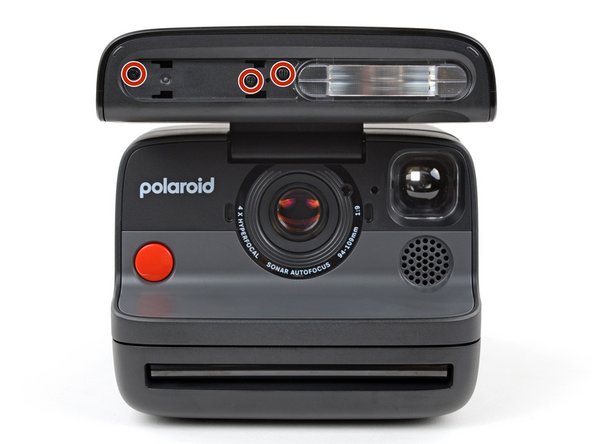
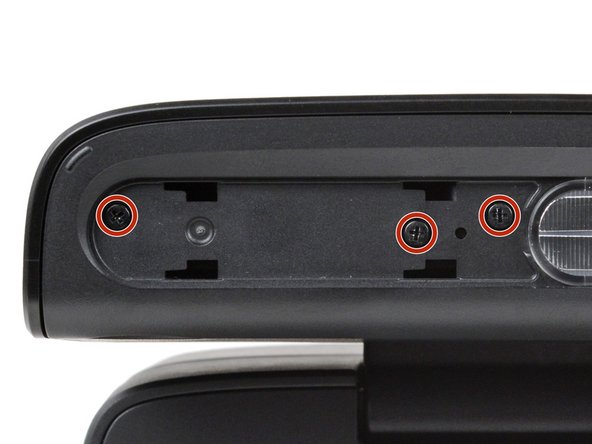
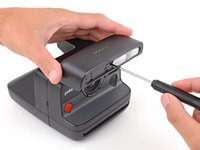
    • Hold the flash unit open with one hand.

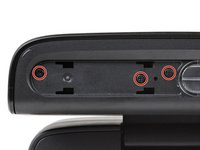
    • With your free hand, use a Phillips screwdriver to remove the three 5.9 mm‑long screws securing the flash unit shell.

  6. Polaroid Flip Display Cover Replacement, Remove the flash unit shell: 6 단계, 이미지 3개 중 1개 Polaroid Flip Display Cover Replacement, Remove the flash unit shell: 6 단계, 이미지 3개 중 2개 Polaroid Flip Display Cover Replacement, Remove the flash unit shell: 6 단계, 이미지 3개 중 3개
    • Fully close the flash unit for a better grip on the shell.

    • Secure the camera with one hand, and firmly grip the flash unit shell with the other.

    • Lift the right edge of the shell (the side closest to the charging port) to release the clips securing it.

    • You should feel and hear "clicks" as the clips release.

    • Pull the shell up and away from the camera to remove it.

    • During reassembly, put the shell in place and push down firmly to engage the clips.

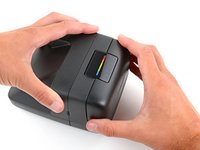
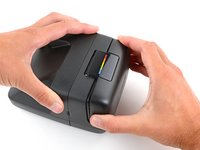
  7. Polaroid Flip Display Cover Replacement, Separate the adhesive: 7 단계, 이미지 3개 중 1개 Polaroid Flip Display Cover Replacement, Separate the adhesive: 7 단계, 이미지 3개 중 2개 Polaroid Flip Display Cover Replacement, Separate the adhesive: 7 단계, 이미지 3개 중 3개
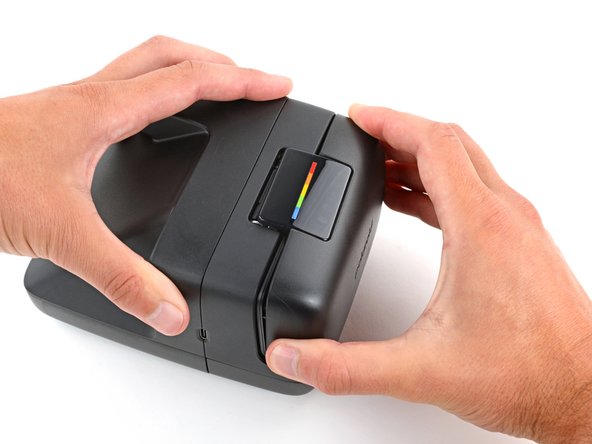
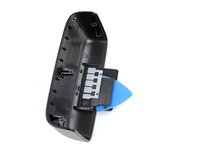
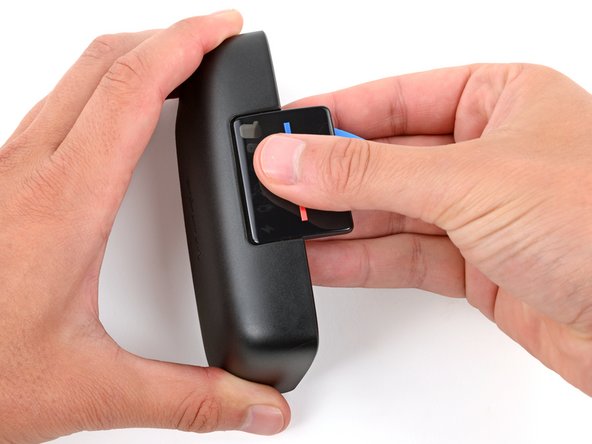
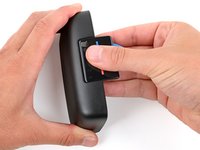
    • With one hand, hold the flip shell so the display cover is facing down.

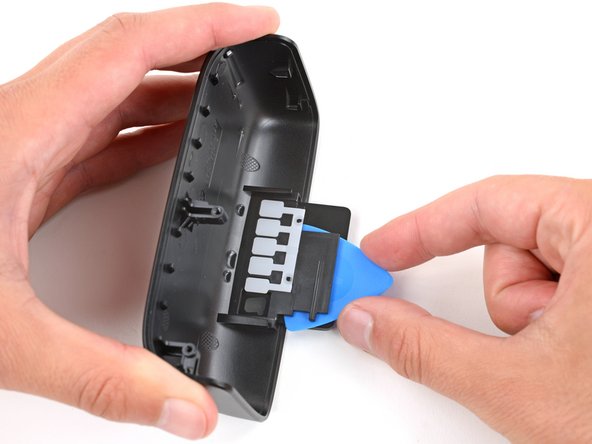
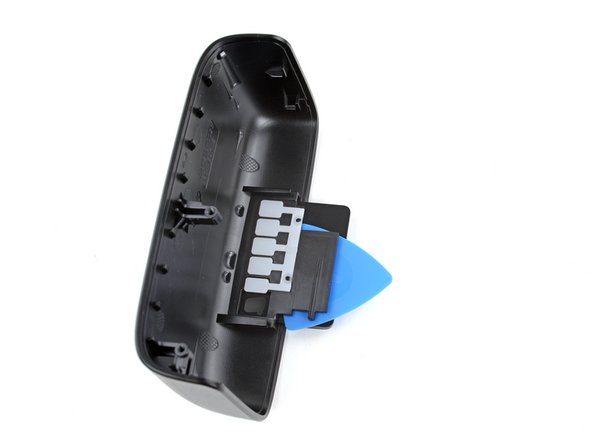
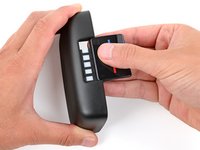
    • Use your free hand to slide the flat edge of an opening pick under the display cover, separating the adhesive that secures it.

    • Leave the pick inserted for the next step.

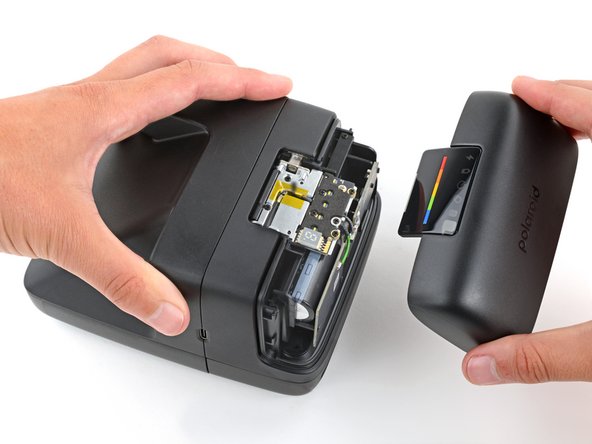
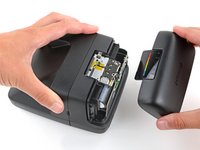
  8. Polaroid Flip Display Cover Replacement, Remove the display cover: 8 단계, 이미지 3개 중 1개 Polaroid Flip Display Cover Replacement, Remove the display cover: 8 단계, 이미지 3개 중 2개 Polaroid Flip Display Cover Replacement, Remove the display cover: 8 단계, 이미지 3개 중 3개
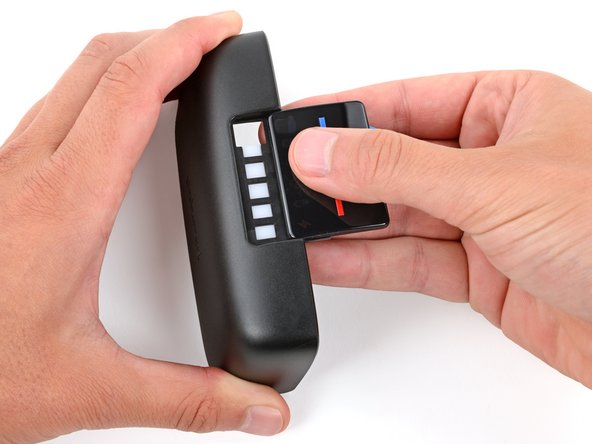
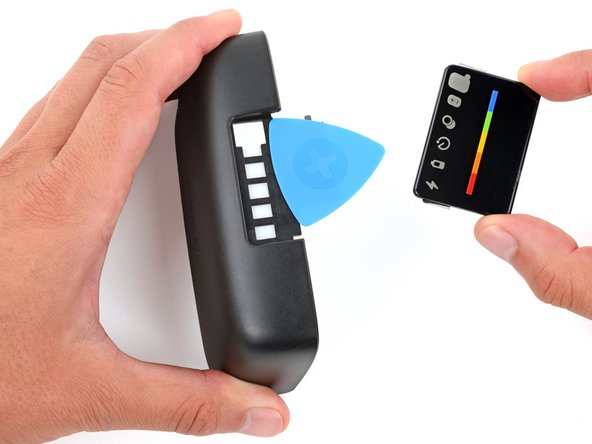
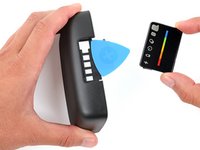
    • Flip the shell over and secure it with one hand.

    • Use your free hand to slide the display cover away from the shell and remove it.

결론

To reassemble your device, follow these instructions in reverse order.

Repair didn’t go as planned? Try some basic troubleshooting, or ask our Answers community for help.

작성자

2다른 기여자 명과 함께

Spencer Day

회원 가입일: 09/14/22

149,102 평판

안내서 995개를 작성함

iFixit iFixit 회원

Staff

123 회원들

안내서 23,605개를 작성함

0가이드 댓글

댓글 쓰기

조회 통계:

지난 24시간: 1

지난 7일: 5

지난 30일: 26

전체 시간: 149