주요 콘텐츠로 건너뛰기

Polaroid OneStep 2 Lens Replacement

필요한 것

  1. Polaroid OneStep 2 Lens Replacement, Lens: 1 단계, 이미지 3개 중 1개 Polaroid OneStep 2 Lens Replacement, Lens: 1 단계, 이미지 3개 중 2개 Polaroid OneStep 2 Lens Replacement, Lens: 1 단계, 이미지 3개 중 3개
    • Unscrew the four Phillips #0 5 mm screws on the base of the camera.

    • Remove the two pieces of the base.

  2. Polaroid OneStep 2 Lens Replacement: 2 단계, 이미지 3개 중 1개 Polaroid OneStep 2 Lens Replacement: 2 단계, 이미지 3개 중 2개 Polaroid OneStep 2 Lens Replacement: 2 단계, 이미지 3개 중 3개
    • Remove the four Phillips #0 5mm screws on the top of the inside base piece.

    • Remove the Phillips #0 5mm two screws on the bottom of the inside base piece nearer the strap.

  3. Polaroid OneStep 2 Lens Replacement: 3 단계, 이미지 1개 중 1개
    • Remove the black inside base piece.

  4. Polaroid OneStep 2 Lens Replacement: 4 단계, 이미지 2개 중 1개 Polaroid OneStep 2 Lens Replacement: 4 단계, 이미지 2개 중 2개
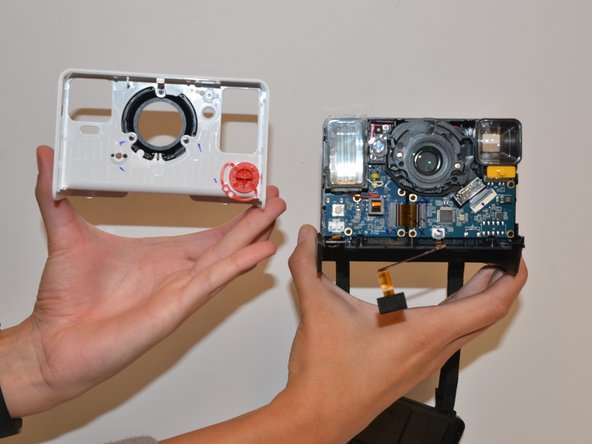
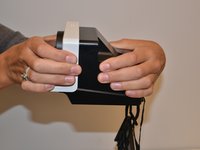
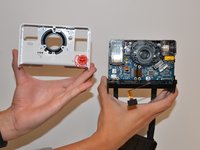
    • With force separate the white front piece from the back of the camera. You will use your hands and pull it apart.

  5. Polaroid OneStep 2 Lens Replacement: 5 단계, 이미지 3개 중 1개 Polaroid OneStep 2 Lens Replacement: 5 단계, 이미지 3개 중 2개 Polaroid OneStep 2 Lens Replacement: 5 단계, 이미지 3개 중 3개
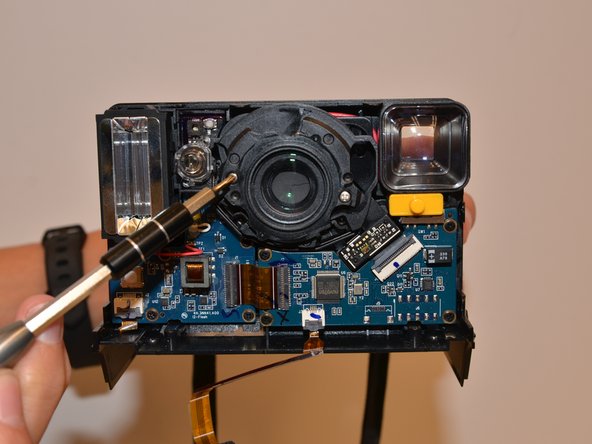
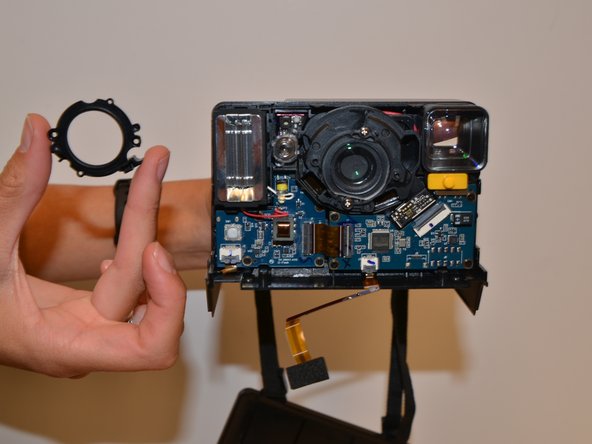
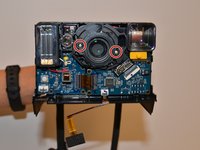
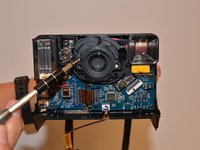
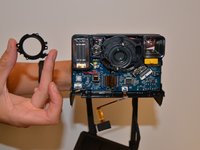
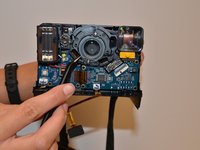
    • Remove the two Phillips #0 3mm screws on the black ring holding the lens in place and remove the ring.

  6. Polaroid OneStep 2 Lens Replacement: 6 단계, 이미지 2개 중 1개 Polaroid OneStep 2 Lens Replacement: 6 단계, 이미지 2개 중 2개
    이 단계에 사용된 도구:
    Tweezers
    $4.99
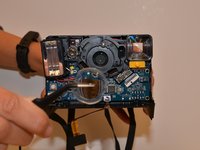
    • Remove the clear plastic lens with tweezers.

결론

To reassemble your device, follow these instructions in reverse order.

다른 2명이 해당 안내서를 완성하였습니다.

작성자

6다른 기여자 명과 함께

Abby Boucher

회원 가입일: 09/10/18

829 평판

안내서 5개를 작성함

1가이드 댓글

I followed this guide to a T, but it stops right before the replacement. I can even see the cracked lense in the last photo beneath the plastic lense you removed. How would one remove that internal lense and replace it?

JAD - 답글

댓글 쓰기

조회 통계:

지난 24시간: 0

지난 7일: 2

지난 30일: 33

전체 시간: 8,344