소개
The Power Mac G4 Uses the standard PCMCIA AirPort card found in Macs from 1999-2004.
*The Firewire 800 Model uses an AirPort Extreme Card found in iBook G4's And 1Ghz+ iMac G4's.*
필요한 것
-
-
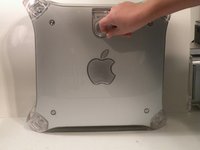
The Power Mac G4 MDD: the last, and the fastest G4-based Mac. This computer boasted up to a Dual 1.42GHz PowerPC G4 CPU (though I have a single 1.25GHz).
-
Two USB 1.1 Ports
-
Assorted Audio
-
Video (ADC & DVI)
-
Networking (RJ-45 Ethernet/56k Modem)
-
Some later model MDD's (such as the dual 1.42GHz) Have a FireWire 800 Port Here:
-
-
-
-
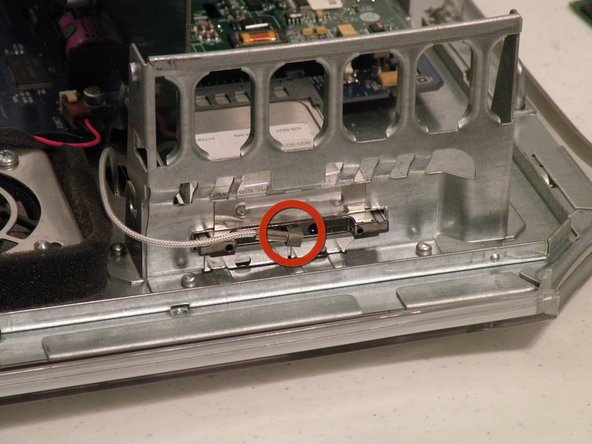
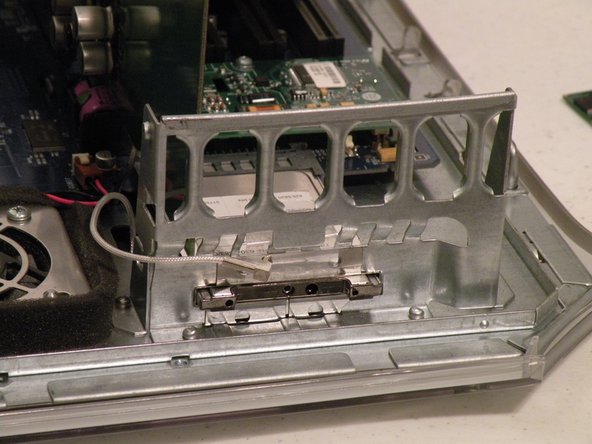
The AirPort card is located next to the graphics card.
-
If your computer has a FireWire 800 port between the FireWire 400 Ports and the Ethernet Ports then your computer uses an AirPort Extreme 802.11g Card (See Related Parts). If your computer has no firewire 800 port, then your computer uses an 802.11b AirPort PCMCIA Card (Also See Related Parts). Removal of both cards is pretty much the same.
-
First disconnect the antenna from the card, it may be helpful to use a spudger or flathead screwdriver.
-
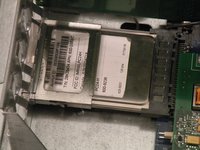
Now, grasp the plastic tab on the back of the card and pull it out of the computer.
-




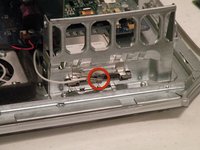
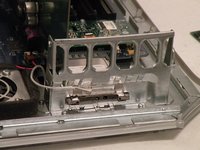

To reassemble your device, follow these instructions in reverse order.
다른 13명이 해당 안내서를 완성하였습니다.


팀

