주요 콘텐츠로 건너뛰기

PowerA Spectra Infinity Enhanced Vibration Motors Replacement

필요한 것

  1. PowerA Spectra Infinity Enhanced Vibration Motors Replacement, Motherboard: 1 단계, 이미지 2개 중 1개 PowerA Spectra Infinity Enhanced Vibration Motors Replacement, Motherboard: 1 단계, 이미지 2개 중 2개
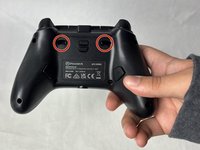
    • Flip the controller so the back is facing up.

  2. PowerA Spectra Infinity Enhanced Vibration Motors Replacement: 2 단계, 이미지 1개 중 1개
    • Remove the eight 10 mm screws from the back of the controller using a Phillips #0 screwdriver.

  3. PowerA Spectra Infinity Enhanced Vibration Motors Replacement: 3 단계, 이미지 2개 중 1개 PowerA Spectra Infinity Enhanced Vibration Motors Replacement: 3 단계, 이미지 2개 중 2개
    • Unlock the trigger locks before removing the backplate.

    • This will make taking the plate off easier.

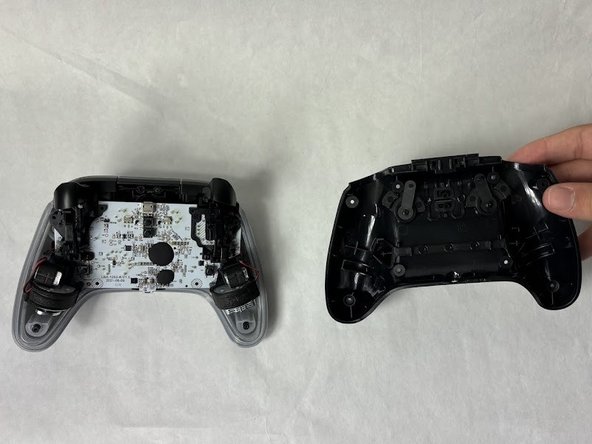
    • Use your fingers and carefully remove the backplate.

  4. PowerA Spectra Infinity Enhanced Vibration Motors Replacement: 4 단계, 이미지 1개 중 1개
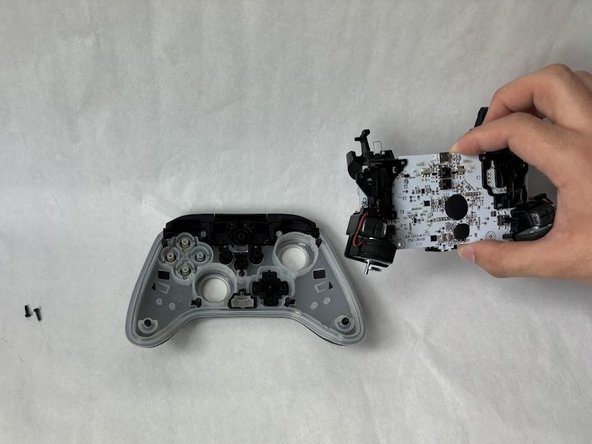
    • Remove the two 10 mm screws connecting the motherboard to the faceplate using a Phillips #0 screwdriver.

  5. PowerA Spectra Infinity Enhanced Vibration Motors Replacement: 5 단계, 이미지 2개 중 1개 PowerA Spectra Infinity Enhanced Vibration Motors Replacement: 5 단계, 이미지 2개 중 2개
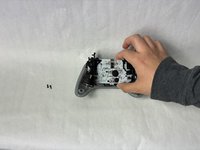
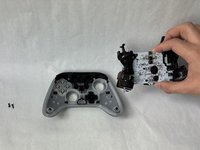
    • Use your hand to separate the motherboard from the face plate.

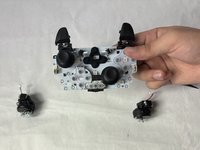
  6. PowerA Spectra Infinity Enhanced Vibration Motors Replacement, Vibration Motors: 6 단계, 이미지 2개 중 1개 PowerA Spectra Infinity Enhanced Vibration Motors Replacement, Vibration Motors: 6 단계, 이미지 2개 중 2개
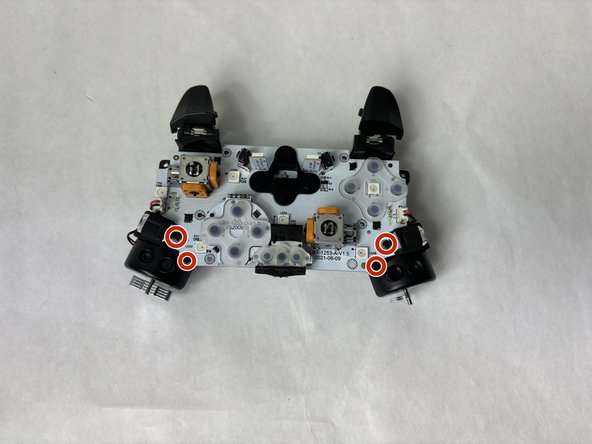
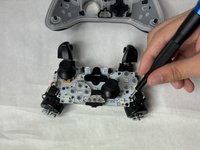
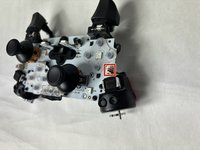
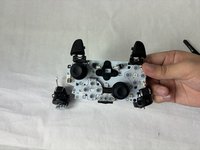
    • Remove the four 7.9 mm screws using a Phillips #0 screwdriver.

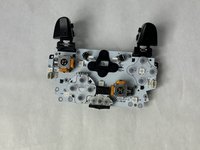
  7. PowerA Spectra Infinity Enhanced Vibration Motors Replacement: 7 단계, 이미지 2개 중 1개 PowerA Spectra Infinity Enhanced Vibration Motors Replacement: 7 단계, 이미지 2개 중 2개
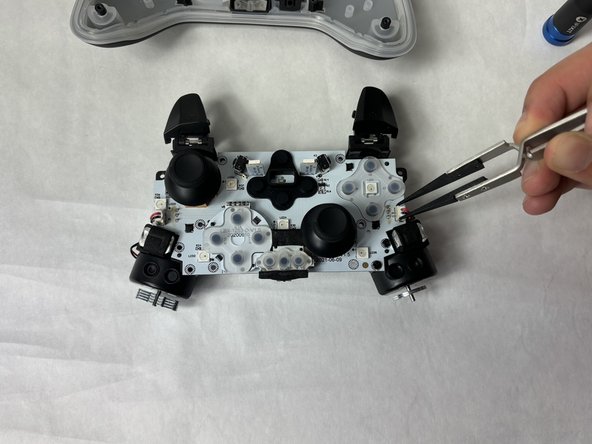
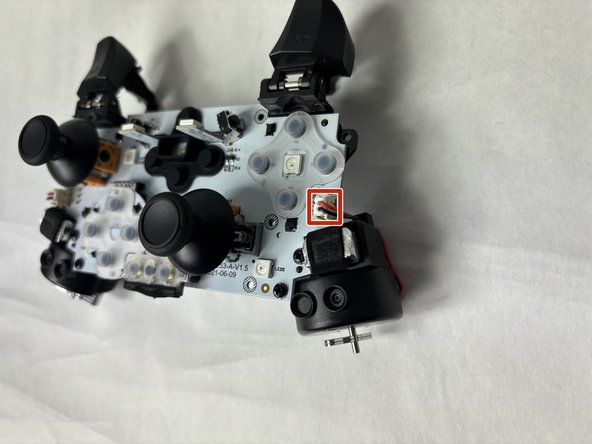
    • Use tweezers to unplug the small plug connecting the motors to the motherboard.

    • A firm grip may be necessary for this step.

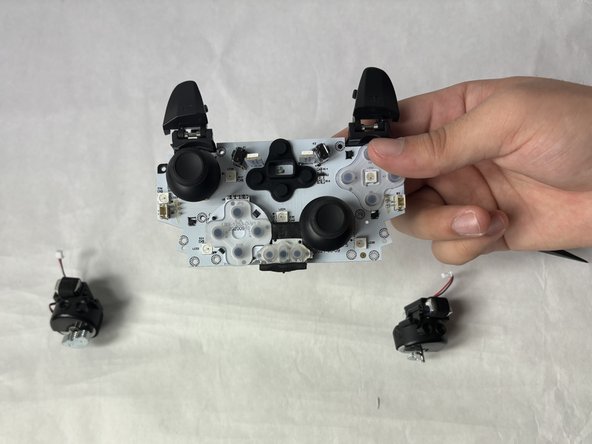
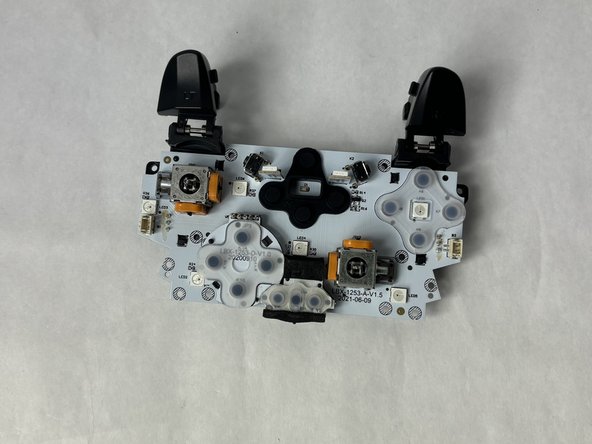
  8. PowerA Spectra Infinity Enhanced Vibration Motors Replacement: 8 단계, 이미지 3개 중 1개 PowerA Spectra Infinity Enhanced Vibration Motors Replacement: 8 단계, 이미지 3개 중 2개 PowerA Spectra Infinity Enhanced Vibration Motors Replacement: 8 단계, 이미지 3개 중 3개
    • Remove the completely freed vibration motor from the motherboard.

결론

To reassemble your device, follow these instructions in reverse order.

다른 2명이 해당 안내서를 완성하였습니다.

작성자

2다른 기여자 명과 함께

Kevyn Jorge

회원 가입일: 03/22/24

1,018 평판

안내서 6개를 작성함

UMass Dartmouth, Team 6-5, Botvin Spring 2024 UMass Dartmouth, Team 6-5, Botvin Spring 2024 회원

UMASSD-BOTVIN-S24S6G5

3 회원들

안내서 6개를 작성함

0가이드 댓글

댓글 쓰기

조회 통계:

지난 24시간: 0

지난 7일: 5

지난 30일: 25

전체 시간: 346