주요 콘텐츠로 건너뛰기

Projector - Vivitek D855ST DMD Chip Board Replacement
필요한 것

  1. Projector - Vivitek D855ST DMD Chip Board Replacement, Chip Board: 1 단계, 이미지 3개 중 1개 Projector - Vivitek D855ST DMD Chip Board Replacement, Chip Board: 1 단계, 이미지 3개 중 2개 Projector - Vivitek D855ST DMD Chip Board Replacement, Chip Board: 1 단계, 이미지 3개 중 3개
    • First grab a 00 Phillips screwdriver remove the lamp cover.

    • Then loosen the 3 captive screws holding the lamp in the projector with a standard Phillips screwdriver.

  2. Projector - Vivitek D855ST DMD Chip Board Replacement, Remove the housing: 2 단계, 이미지 2개 중 1개 Projector - Vivitek D855ST DMD Chip Board Replacement, Remove the housing: 2 단계, 이미지 2개 중 2개
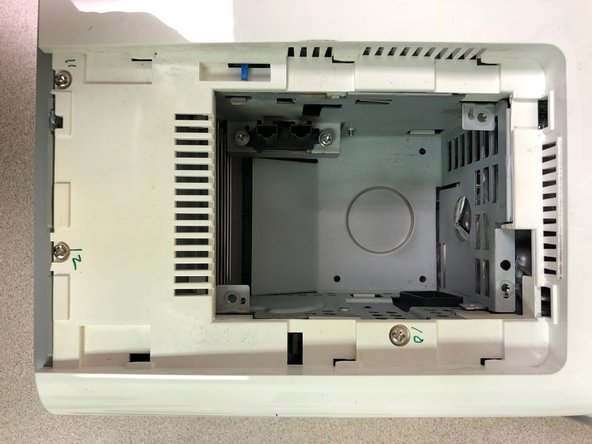
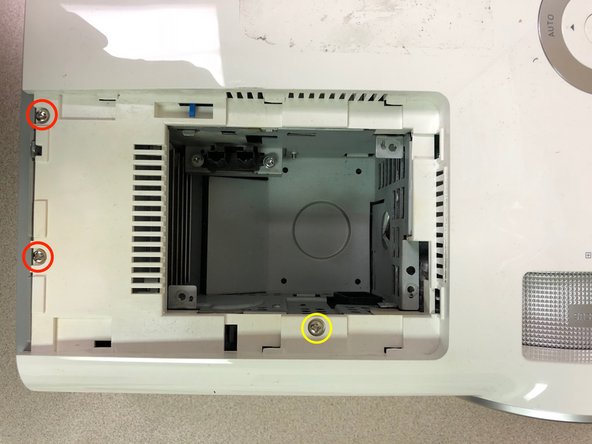
    • Remove the following 8 screws securing the bottom housing.

    • Remove 3 screws securing the top housing.

  3. Projector - Vivitek D855ST DMD Chip Board Replacement, Remove the top housing: 3 단계, 이미지 2개 중 1개 Projector - Vivitek D855ST DMD Chip Board Replacement, Remove the top housing: 3 단계, 이미지 2개 중 2개
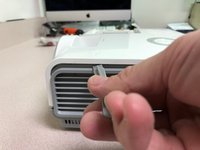
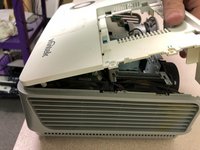
    • Use the flat end of a spudger to pry the top housing around the sides.

    • Slightly lift from the front and push it toward the rear of projector to free the mounting tabs.

  4. Projector - Vivitek D855ST DMD Chip Board Replacement, Remove top shield: 4 단계, 이미지 1개 중 1개
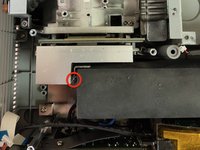
    • Remove the following 8 screws of various sizes on the top shield.

    • Remove the screw in red very last. It's tight and after removing the others, you can swivel the shield enough to loosen that screw without stripping it.

  5. Projector - Vivitek D855ST DMD Chip Board Replacement, Remove main board: 5 단계, 이미지 3개 중 1개 Projector - Vivitek D855ST DMD Chip Board Replacement, Remove main board: 5 단계, 이미지 3개 중 2개 Projector - Vivitek D855ST DMD Chip Board Replacement, Remove main board: 5 단계, 이미지 3개 중 3개
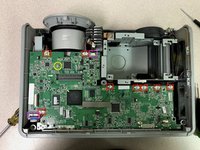
    • Remove one screw and the carefully disconnect 2 ribbon cables and 8 cable connectors from the main board.

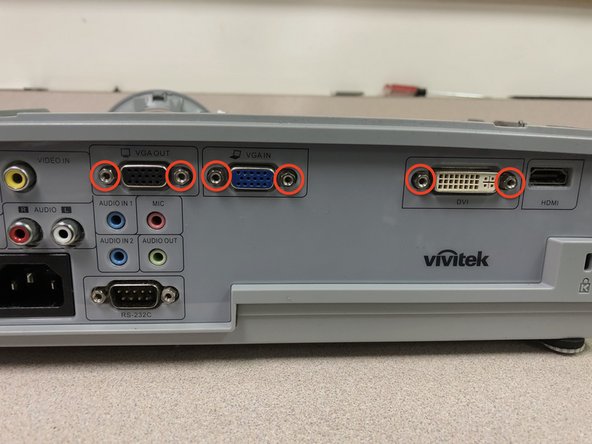
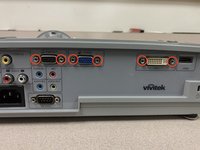
    • Remove the 6 video cable standoffs from the rear of the projector. Needle-nose pliers will loosen them enough then a Torx-8 driver fits perfect to loosen them the rest of the way

    • Carefully push the rear of the video ports inward to push the board enough forward and lift up.

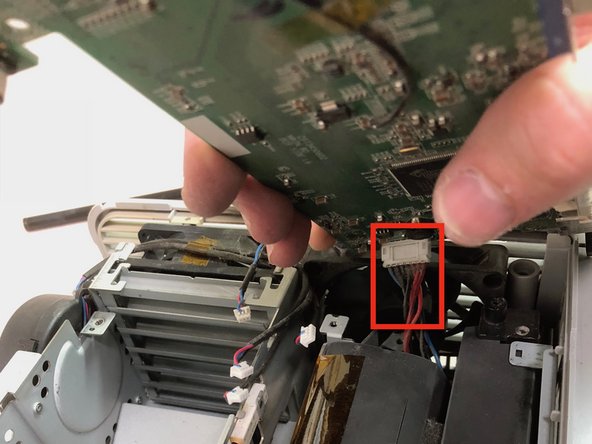
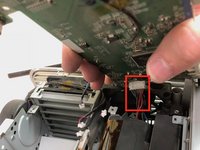
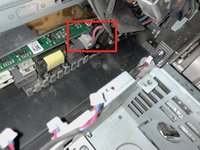
    • Lift up and disconnect the cable connector on the bottom of the board to the power supply.

  6. Projector - Vivitek D855ST DMD Chip Board Replacement, Remove power supply: 6 단계, 이미지 3개 중 1개 Projector - Vivitek D855ST DMD Chip Board Replacement, Remove power supply: 6 단계, 이미지 3개 중 2개 Projector - Vivitek D855ST DMD Chip Board Replacement, Remove power supply: 6 단계, 이미지 3개 중 3개
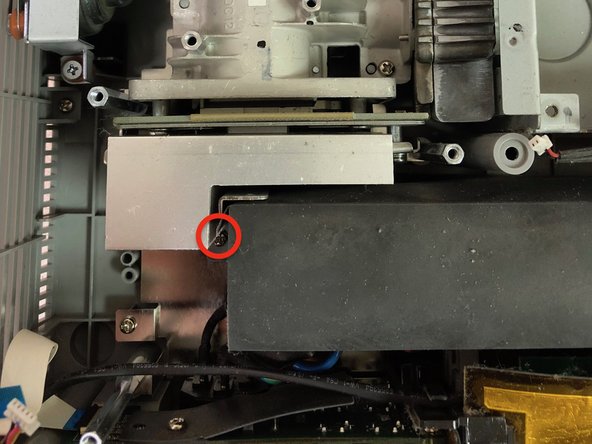
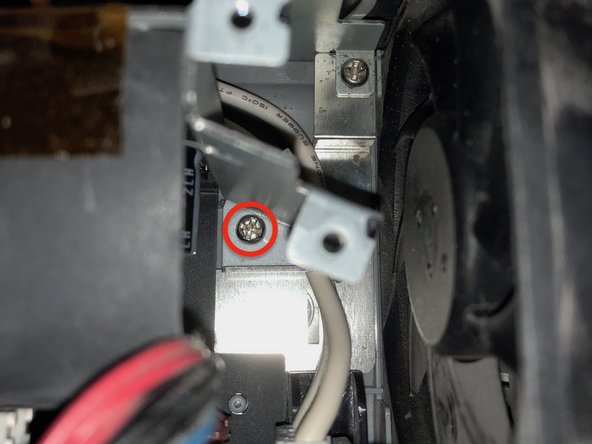
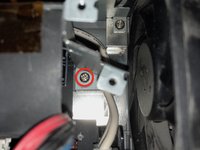
    • Remove 2 screws on the right and left sides toward the bottom securing the power supply to the chassis.

  7. Projector - Vivitek D855ST DMD Chip Board Replacement, Disconnect the power supply: 7 단계, 이미지 2개 중 1개 Projector - Vivitek D855ST DMD Chip Board Replacement, Disconnect the power supply: 7 단계, 이미지 2개 중 2개
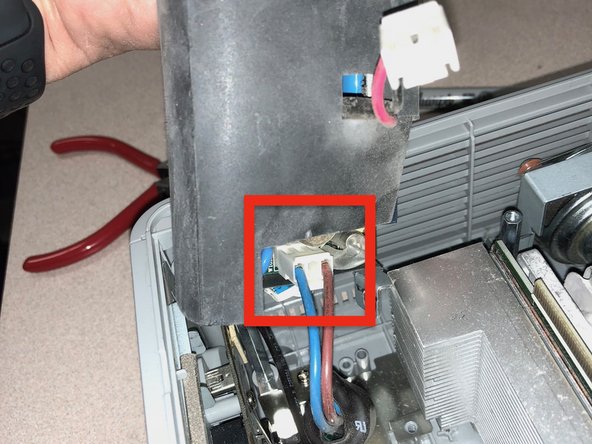
    • Disconnect the cable connectors from the left and right sides under the power supply

  8. Projector - Vivitek D855ST DMD Chip Board Replacement, Remove the lens unit: 8 단계, 이미지 1개 중 1개
    • Remove the following 3 identical screws to remove the lens unit.

  9. Projector - Vivitek D855ST DMD Chip Board Replacement, Remove the heatsink: 9 단계, 이미지 3개 중 1개 Projector - Vivitek D855ST DMD Chip Board Replacement, Remove the heatsink: 9 단계, 이미지 3개 중 2개 Projector - Vivitek D855ST DMD Chip Board Replacement, Remove the heatsink: 9 단계, 이미지 3개 중 3개
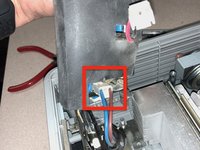
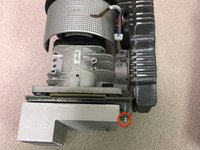
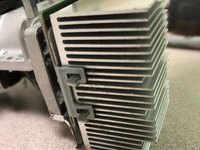
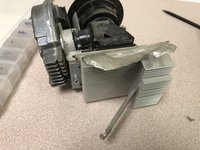
    • Remove one screw and the tension bar holding the heatsink to the DMD Board

    • Pull back the shielding tape from the heatsink to the lens unit.

  10. Projector - Vivitek D855ST DMD Chip Board Replacement, Access to DMD board: 10 단계, 이미지 3개 중 1개 Projector - Vivitek D855ST DMD Chip Board Replacement, Access to DMD board: 10 단계, 이미지 3개 중 2개 Projector - Vivitek D855ST DMD Chip Board Replacement, Access to DMD board: 10 단계, 이미지 3개 중 3개
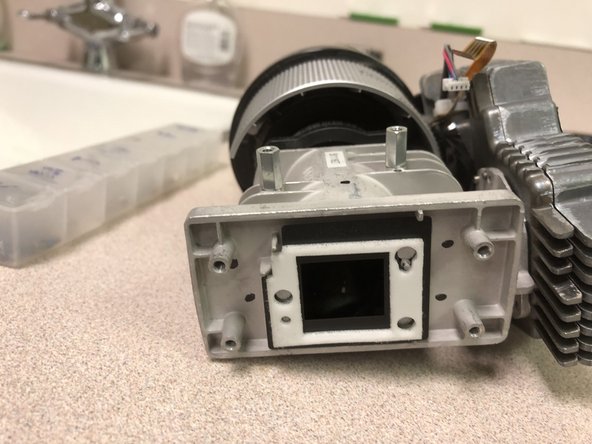
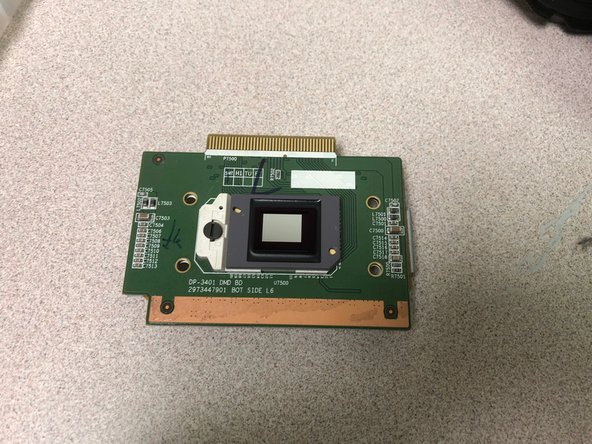
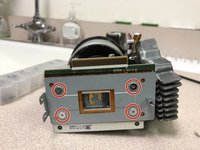
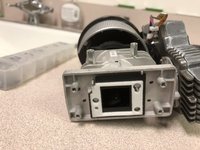
    • Remove 4 screws securing the DMD board to the lens unit

    • Pull it gently apart. It is held by thermal paste.

결론

To reassemble your device, follow these instructions in reverse order.

다른 2명이 해당 안내서를 완성하였습니다.

작성자

2다른 기여자 명과 함께

dustind

회원 가입일: 04/26/11

211 평판

안내서 1개를 작성함

0가이드 댓글

댓글 쓰기

조회 통계:

지난 24시간: 0

지난 7일: 5

지난 30일: 16

전체 시간: 1,340