주요 콘텐츠로 건너뛰기

Purple SmartVP Mount Replacement

필요한 것

  1. Purple SmartVP Mount Replacement, Mount: 1 단계, 이미지 3개 중 1개 Purple SmartVP Mount Replacement, Mount: 1 단계, 이미지 3개 중 2개 Purple SmartVP Mount Replacement, Mount: 1 단계, 이미지 3개 중 3개
    • Remove the top bar by removing the 5cm hex T10 screws on the back of the device as shown. Then gently pull off the top bar from the main component.

  2. Purple SmartVP Mount Replacement: 2 단계, 이미지 2개 중 1개 Purple SmartVP Mount Replacement: 2 단계, 이미지 2개 중 2개
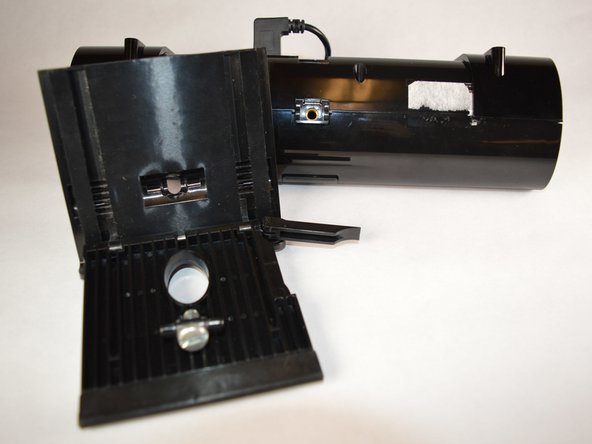
    • Locate and release the flap on the side of your device's mount. This will allow you to slide the adjustable portion of the mount.

  3. Purple SmartVP Mount Replacement: 3 단계, 이미지 2개 중 1개 Purple SmartVP Mount Replacement: 3 단계, 이미지 2개 중 2개
    • Using a #4.0 flathead screwdriver, unscrew your mount from the bottom and remove the 1.2cm screw.

결론

To reassemble your device, follow these instructions in reverse order.

작성자

2다른 기여자 명과 함께

Brian Maulucci

회원 가입일: 09/10/18

579 평판

안내서 4개를 작성함

0가이드 댓글

댓글 쓰기

조회 통계:

지난 24시간: 0

지난 7일: 0

지난 30일: 2

전체 시간: 188