주요 콘텐츠로 건너뛰기

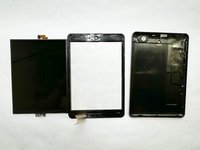
RCA 8 Apollo Screen Replacement

필요한 것

  1. RCA 8 Apollo Screen Replacement, Back Panel: 1 단계, 이미지 1개 중 1개
    • Before you begin, discharge your tablet battery below 25%. A charged lithium-ion battery can catch fire and/or explode if accidentally punctured.

    • Power off your tablet before beginning to disassemble.

  2. RCA 8 Apollo Screen Replacement: 2 단계, 이미지 2개 중 1개 RCA 8 Apollo Screen Replacement: 2 단계, 이미지 2개 중 2개
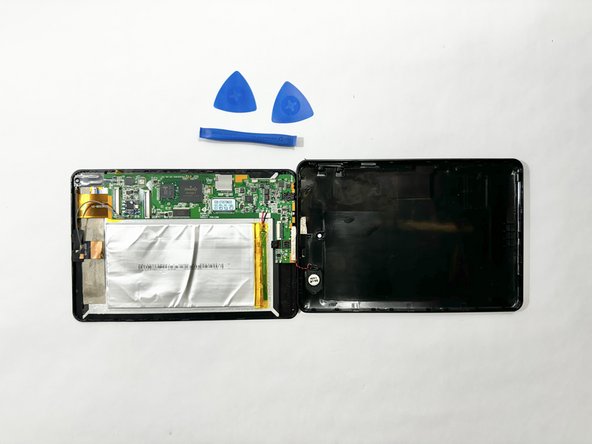
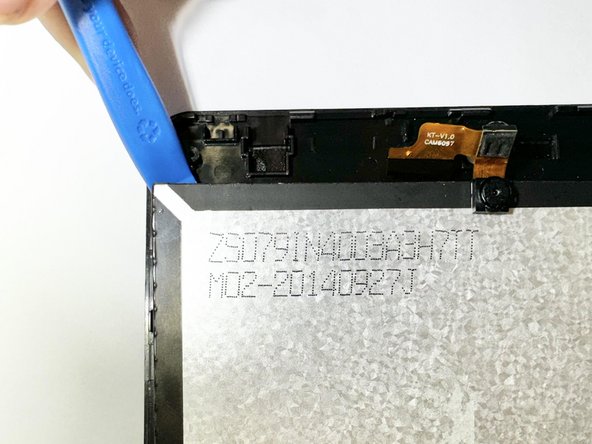
    • Insert an iFixit opening tool into the gap between the tablet and back panel.

    • Using a combination of iFixit opening tools and iFixit opening picks, pry the tablet upward around its perimeter to release it from the plastic rear case.

    • If inserted too far, an opening pick can damage your device. It is helpful to mark the edge with an opening pick, or opening tool at a depth that will not damage the inner contents of the tablet.

  3. RCA 8 Apollo Screen Replacement: 3 단계, 이미지 2개 중 1개 RCA 8 Apollo Screen Replacement: 3 단계, 이미지 2개 중 2개
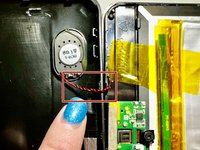
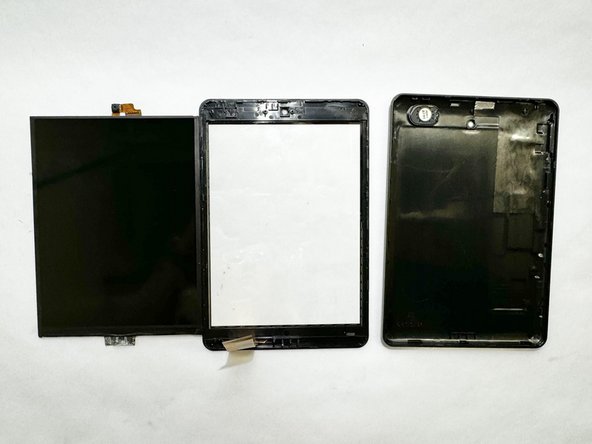
    • Disconnect the red and black speaker wires from the tablet.

    • The front and back of the tablet will be disconnected.

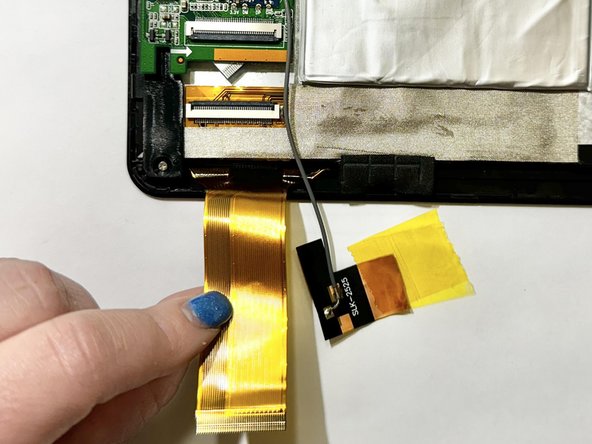
  4. RCA 8 Apollo Screen Replacement, Display Assembly: 4 단계, 이미지 3개 중 1개 RCA 8 Apollo Screen Replacement, Display Assembly: 4 단계, 이미지 3개 중 2개 RCA 8 Apollo Screen Replacement, Display Assembly: 4 단계, 이미지 3개 중 3개
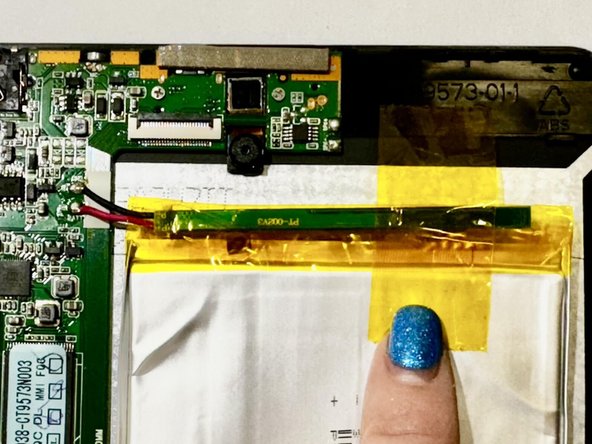
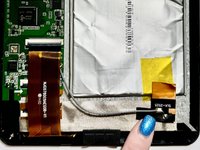
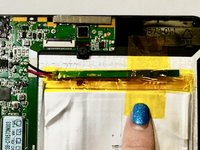
    • Release the gold and black tab from the battery that's attached to a gray wire. The gold tab is held down by an adhesive; pull it until the adhesive releases.

    • Remove the yellow tape that is around the battery.

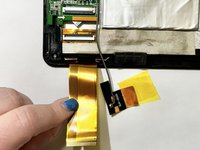
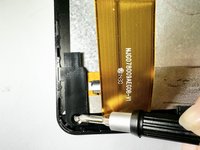
    • Unlock the ZIF socket and detach the display data interconnect cable from the front panel assembly.

    • If the connector is misaligned, the pins can bend, causing permanent damage.

  5. RCA 8 Apollo Screen Replacement: 5 단계, 이미지 1개 중 1개
    • Remove the three screws from the motherboard using a Phillips screwdriver.

  6. RCA 8 Apollo Screen Replacement: 6 단계, 이미지 1개 중 1개
    • Remove the battery and motherboard together from the tablet.

    • If the tablet needs a battery replacement, disconnect the battery and replace it with a new one.

    • The battery might be glued down; you will just need to slowly remove the battery as the adhesive releases.

  7. RCA 8 Apollo Screen Replacement, Screen: 7 단계, 이미지 3개 중 1개 RCA 8 Apollo Screen Replacement, Screen: 7 단계, 이미지 3개 중 2개 RCA 8 Apollo Screen Replacement, Screen: 7 단계, 이미지 3개 중 3개
    • Remove the screw from the bottom left of the tablet.

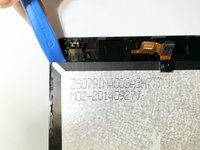
    • Place an opening tool under the screen.

    • Pry up the screen and it will unclip from the clips holding the screen down.

    • Avoid using too much force to prevent the glass from breaking.

결론

To reassemble your device, follow these instructions in reverse order.

작성자

1다른 기여자 명과 함께

McKenna Shipper

회원 가입일: 04/12/24

123 평판

안내서 1개를 작성함

Casper College, Team 1-1, Lareau Spring 2024 Casper College, Team 1-1, Lareau Spring 2024 회원

CASC-LAREAU-S24S1G1

3 회원들

안내서 4개를 작성함

0가이드 댓글

댓글 쓰기

조회 통계:

지난 24시간: 1

지난 7일: 4

지난 30일: 7

전체 시간: 115